
TAG
Tools tagged "extract"
38 tools
Tools that pull specific elements (text, audio, frames, embedded images) out of PDFs, videos, images, and archives.
All NoSend Tools that carry the "extract" tag. Everything runs inside the browser — your inputs never leave your device.
Tags:
Sort:
Per page:
All tools
38 / 38
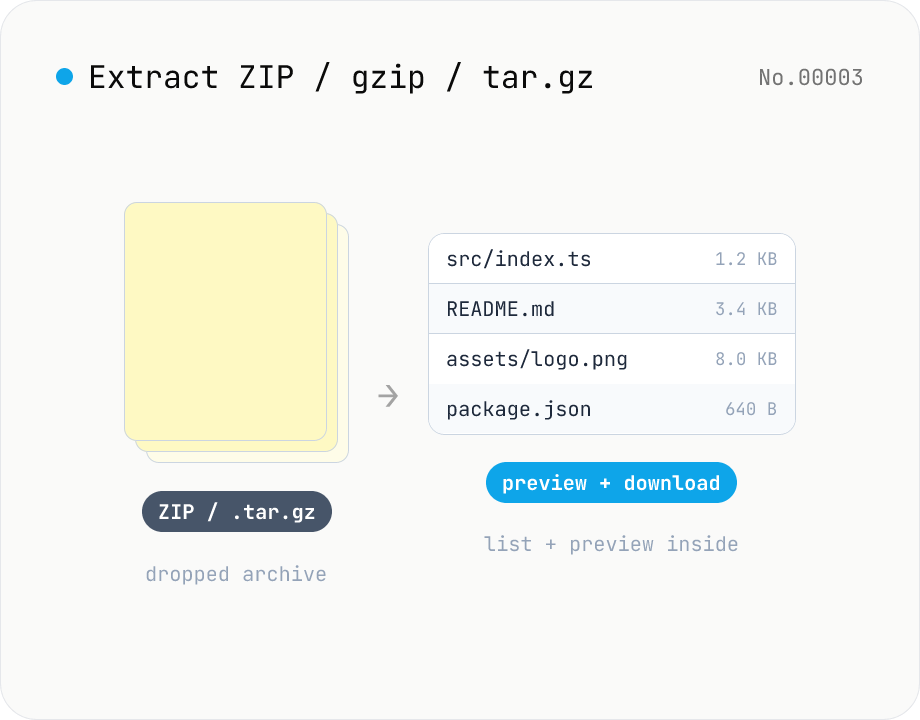
Archive extractor — open ZIP / gzip / tar / tar.gz in your browser
Drop a ZIP / gzip (.gz) / tar / tar.gz (.tgz) file and inspect it inside the browser: file listing, text and image preview, per-file download, and re-pack everything as a single ZIP. macOS and Windows do not open .gz / .tar.gz natively — this tool fills that gap without installing any app. Nothing is uploaded to a server.
developerextract
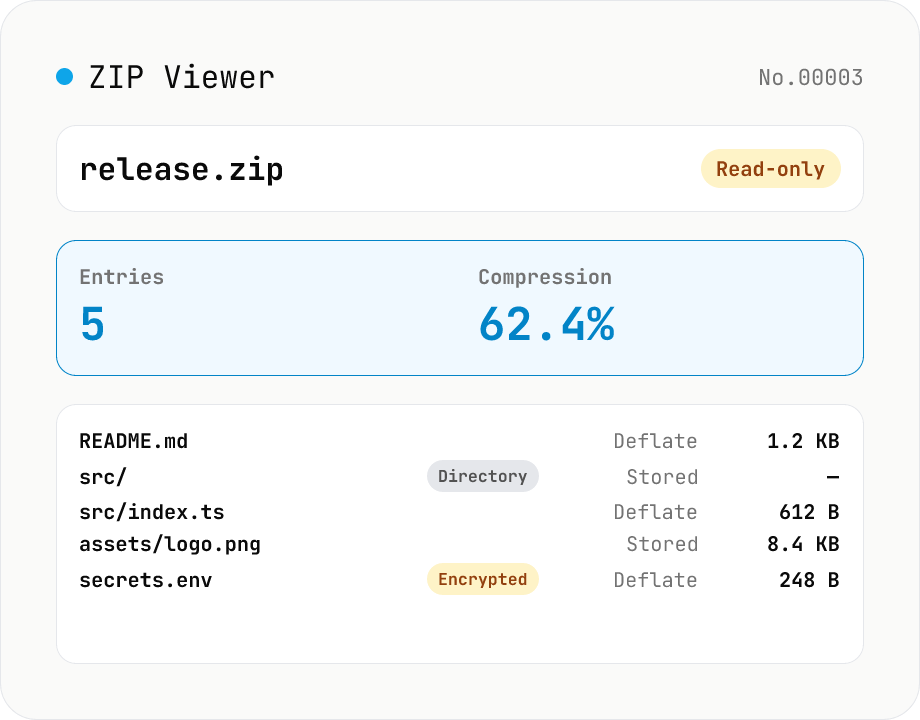
ZIP Archive Viewer
Drop a ZIP file to inspect its contents without extracting. See total entry count, archive size, compression ratio, archive comment, plus per-entry path, original / compressed size, compression method (Stored / Deflate / Deflate64 / BZIP2 / LZMA / Zstandard), last modified time, CRC32, encryption flag, and directory marker. Runs via a hand-rolled Central Directory parser — entry data is never decompressed and nothing is uploaded.
developerextract
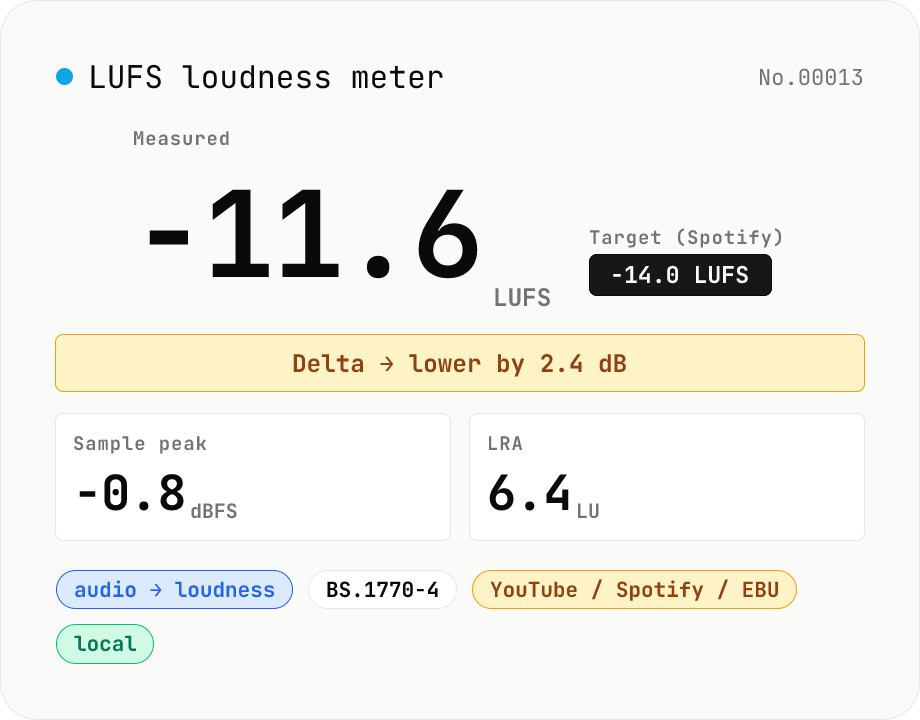
LUFS loudness meter — measure integrated loudness vs. streaming targets
Drop an audio file (MP3 / WAV / M4A / FLAC / OGG / Opus) to measure ITU-R BS.1770-4 Integrated Loudness (LUFS) / Loudness Range (LRA) / Sample Peak (dBFS) in your browser. Pick a streaming target (YouTube / Apple Music / Amazon Music: -14 LUFS, Spotify: -14 LUFS, Apple Podcasts: -16 LUFS, EBU R128 / broadcast: -23 LUFS) to see the delta in LU — telling you how many ±dB to push through audio-volume to match. Implements a K-weighting biquad, 400 ms square-window blocks, and absolute (-70 LUFS) + relative (-10 LU) gating, with ITU channel weights (L=R=C=1). Audio stays in your browser.
audioextract
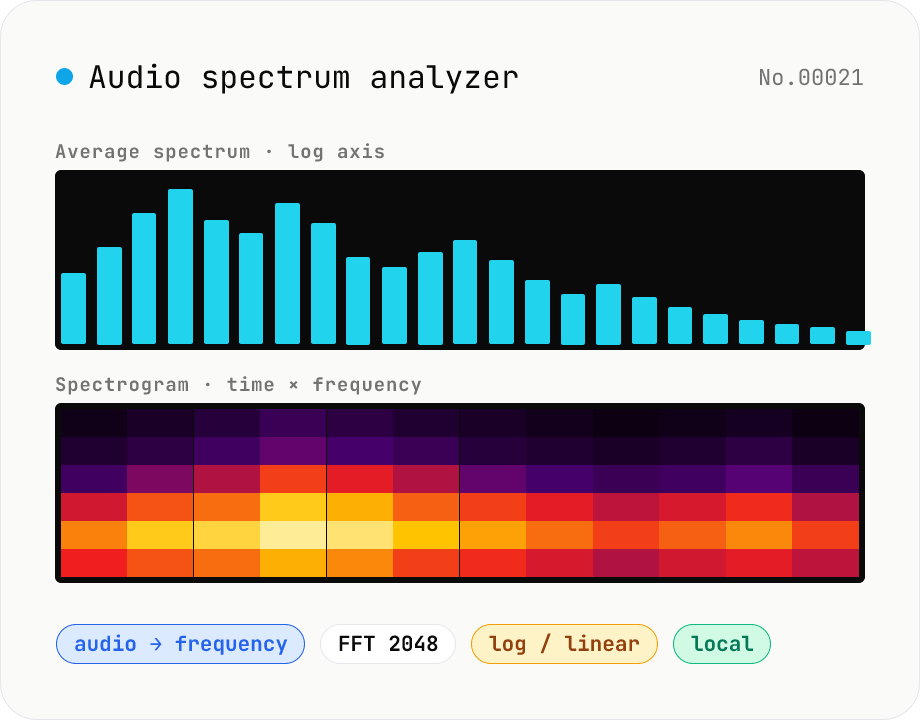
Audio spectrum analyzer — visualize frequency content
Drop an audio file (MP3 / WAV / M4A / FLAC / OGG / Opus) to run an in-browser FFT analysis and visualize its frequency content. A Mode toggle switches between the average spectrum (frequency vs. amplitude over the whole file) and a spectrogram (time × frequency × amplitude). Pick the FFT size (512 / 1024 / 2048 / 4096) and the frequency axis (linear / log). Useful for checking the low end before mastering, locating noise bands, inspecting an instrument's harmonic structure, or sanity-checking the S/N ratio of a lecture recording. Download the canvas as PNG, or export the average spectrum as CSV. Everything runs in your browser — no upload.
audioextract
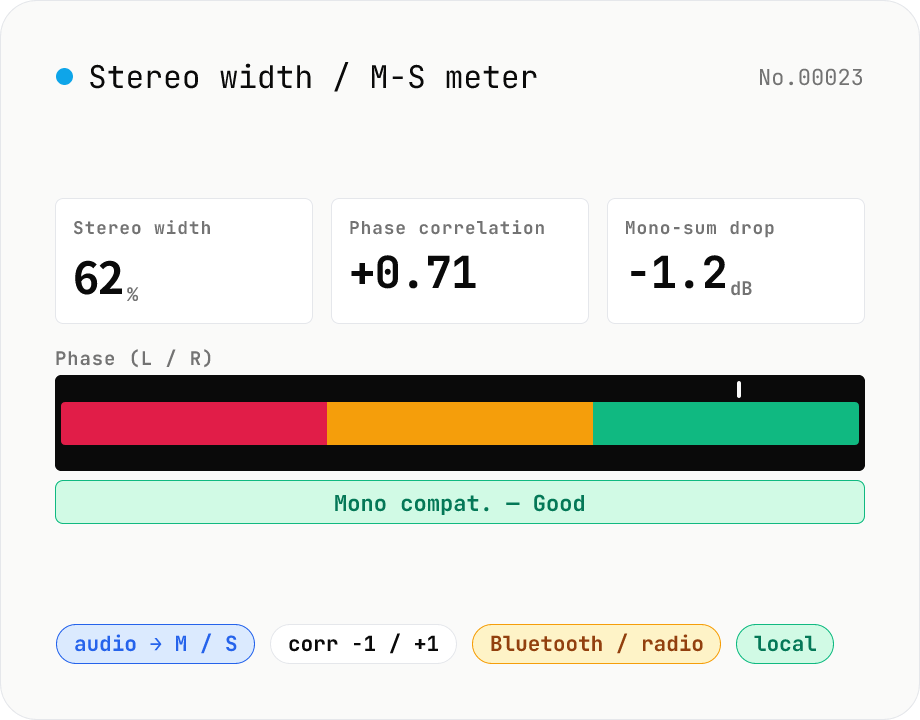
Stereo width / M-S analysis — phase correlation & mono compatibility check
Drop a stereo audio file (MP3 / WAV / M4A / FLAC / OGG / Opus) to run an in-browser M-S analysis (Mid = (L+R)/2, Side = (L-R)/2). We surface stereo width (%), phase correlation (-1 to +1), Side energy (dB), Mid energy (dB), and the level drop when summed to mono. Catches the dropouts and thin-sounding mixes that show up on Bluetooth speakers, Spotify Mobile, AM/FM radio and centre-channel TV downmixes before they reach listeners. Negative correlation triggers a phase-issue warning. Audio stays in your browser.
audioextract
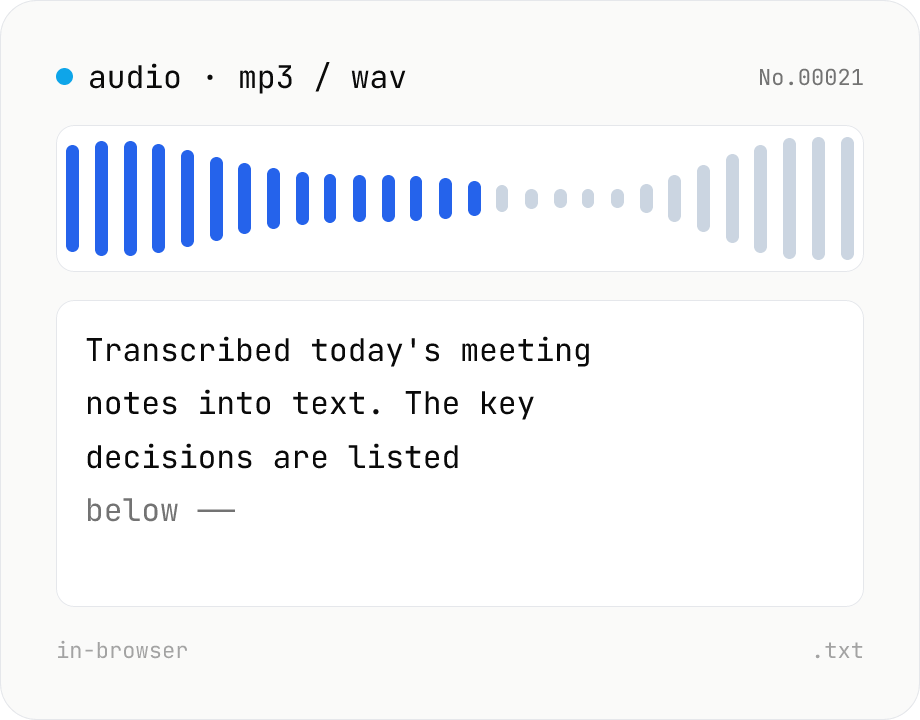
Audio file transcription — Whisper, multilingual
Upload an MP3 / WAV / M4A file and transcribe it with Whisper running inside your browser. Long files are chunked automatically. No audio or model data leaves your device. Performance and supported model size depend on your hardware (CPU / GPU / RAM).
audiotranscriptionAIextract
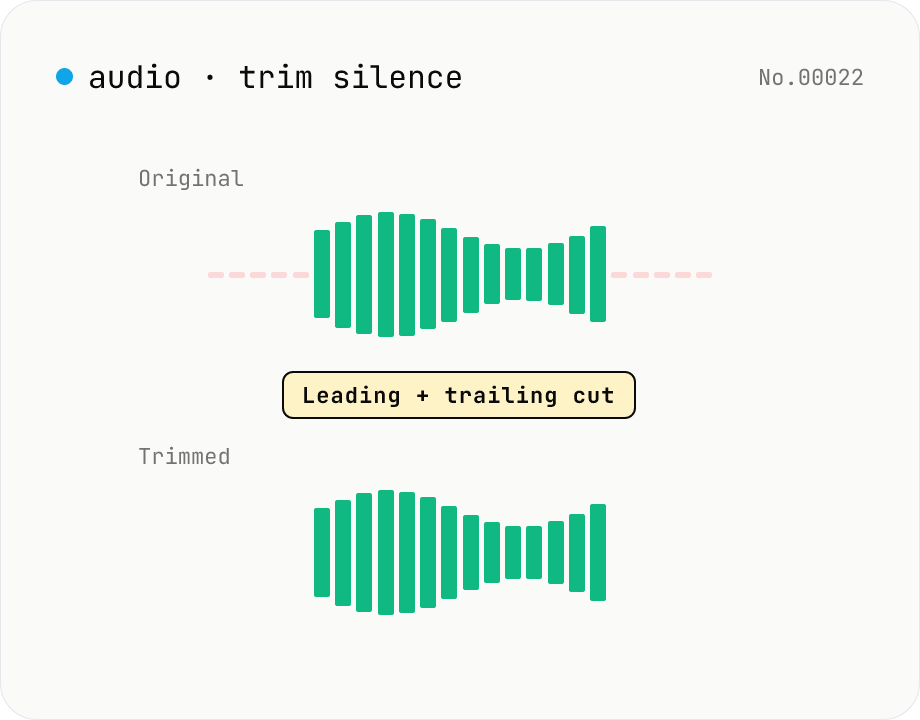
Trim silence from audio — auto-cut leading and trailing silence (ffmpeg.wasm)
Automatically trim the leading and trailing silence from MP3 / WAV / M4A / AAC / OGG / OPUS / FLAC files using ffmpeg.wasm's silenceremove filter. Great for removing dead air at the start of recordings, the awkward pause before a talk, or an unnecessarily long fade-out at the end of a podcast. Tweak the threshold (dB) and minimum silence length (seconds) and choose which side(s) to trim. Batch process and grab a single ZIP. Files never leave your device — every step runs in the browser.
audioextract
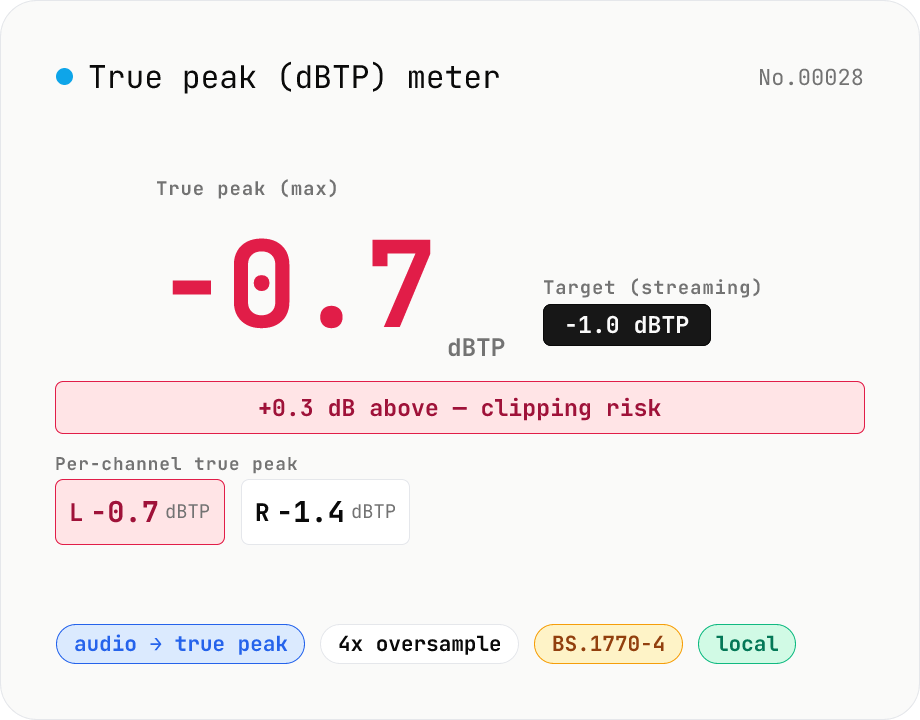
True Peak (dBTP) meter — detect inter-sample peaks via 4x oversampling
Drop an audio file (MP3 / WAV / M4A / FLAC / OGG / Opus) to measure True Peak (dBTP) using ITU-R BS.1770-4 Annex 2-compliant 4x oversampling (poly-phase FIR low-pass) to reveal inter-sample peaks invisible to sample-peak meters. Spots clipping that emerges after MP3 / AAC encoding so you can pull back the limiter before it shows up downstream. Compare against streaming targets (Spotify / Apple Music / EBU R128 = -1.0 dBTP, YouTube = -1.0 dBTP, broadcast = -2.0 dBTP) and see which channel is hottest at a glance. Audio stays in your browser.
audioextract
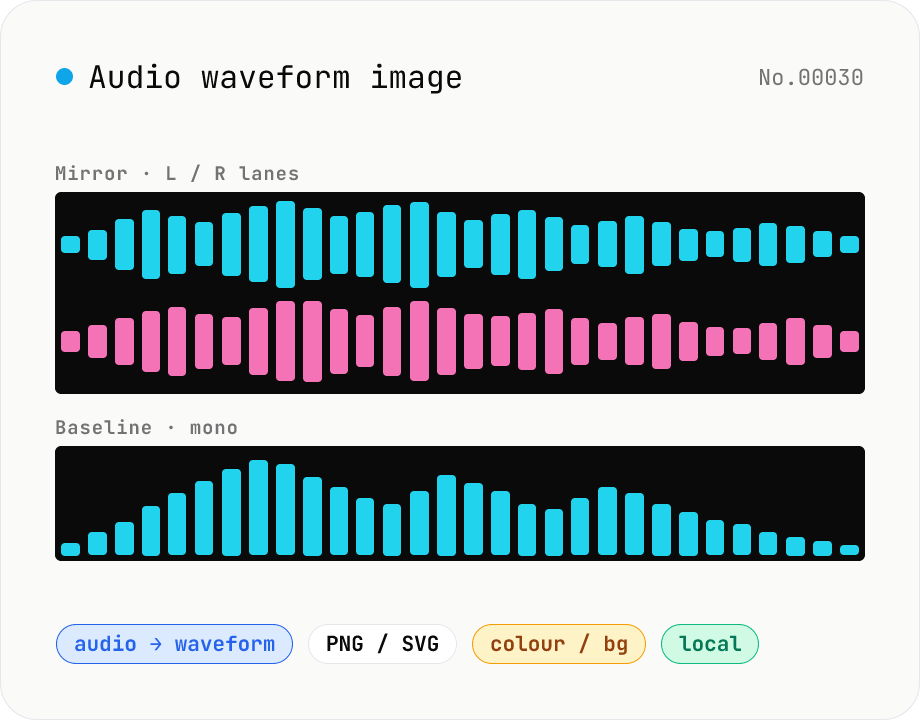
Audio waveform image — render waveform PNG / SVG in browser
Drop an audio file (MP3 / WAV / M4A / FLAC / OGG / Opus) to render its amplitude-over-time waveform on a Canvas and download as PNG or SVG. Mode toggle: mirror (top/bottom symmetrical, SoundCloud / Audacity style) or baseline (top-only, minimal). Options: stroke colour (HEX), background colour (HEX or transparent), canvas width (480 / 720 / 1080 / 1440 px), and whether stereo files render as two L/R lanes or are mixed to mono. Useful for podcast covers, thumbnails, broadcast OG images, zine layouts, or just sanity-checking the S/N of a lecture recording. Audio stays in your browser.
audioextract
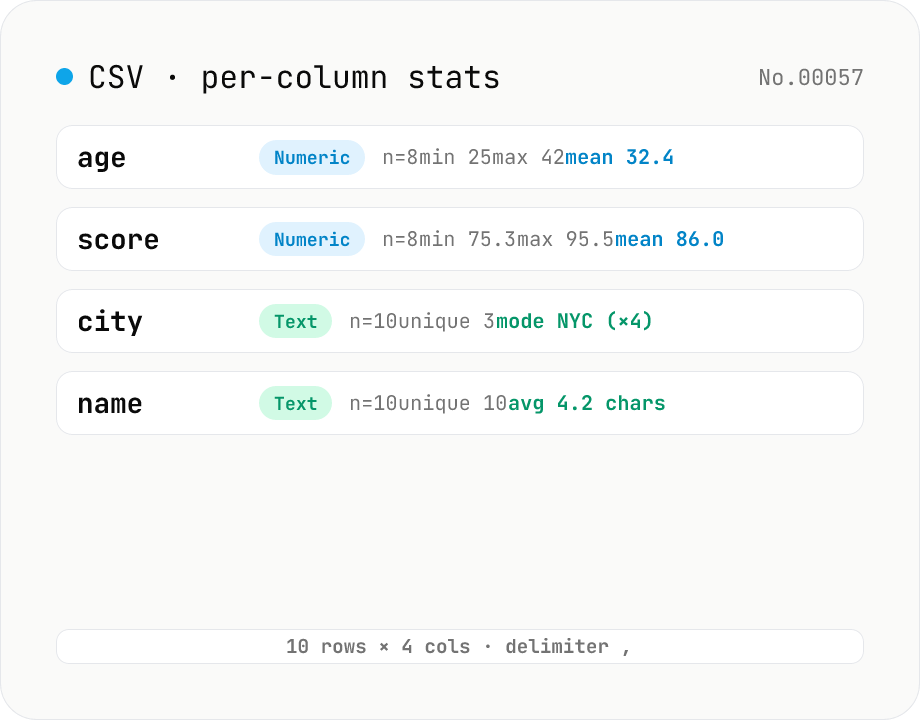
CSV stats — per-column count / unique / mean / median / stddev
Paste or drop a CSV and instantly see per-column row count, unique values, missing values, and inferred type. Numeric columns show min / max / mean / median / stddev / sum, text columns reveal the top mode and average length. RFC 4180-compliant parser (double-quote escapes), and the delimiter (comma / semicolon / tab / pipe) is auto-detected. Header row toggle plus empty / NULL / NA recognition as missing. Your raw data never leaves the browser.
developerextractcount
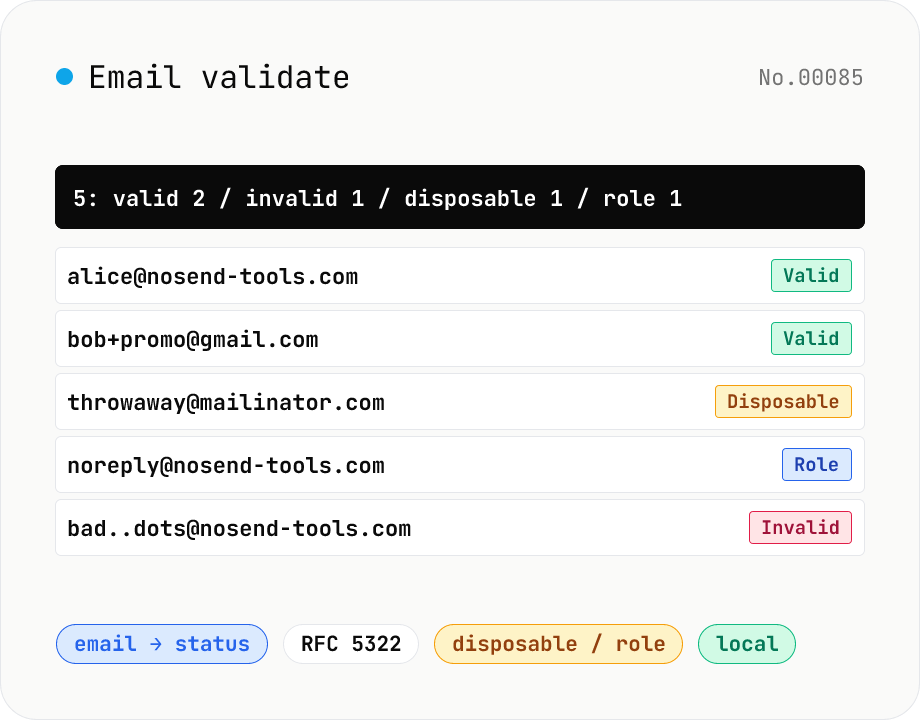
Email validate — RFC 5322 / disposable detection / role detection
Paste email addresses (one per line) to run RFC 5322-style syntax validation (local / domain / TLD / length limits), disposable-provider detection (mailinator / 10minutemail / guerrillamail and 100+ others built in), role-address detection (admin / support / postmaster / no-reply, etc.) and Gmail dot/+ tag normalisation — all in one pass. Results display as a table and export to CSV. Useful for sanitising lists before MailChimp / Stripe import, cleaning form-collected addresses, and predicting bounces before sending. Addresses stay in your browser — no upload.
developerextract
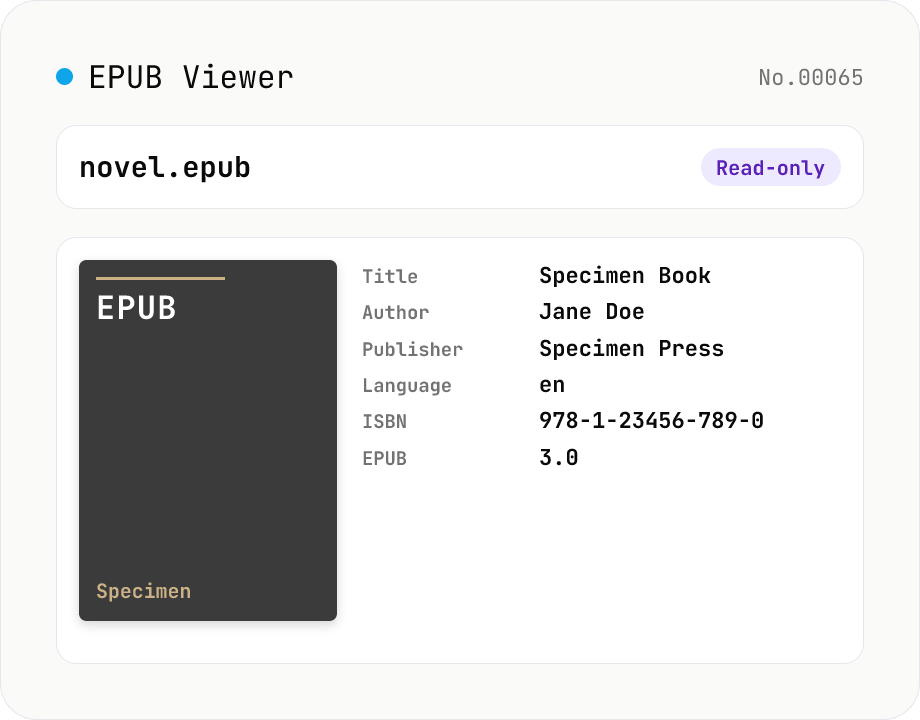
EPUB Metadata Viewer
Drop an EPUB file (.epub) to inspect its cover image and bibliographic data. Pulls dc:title / dc:creator (with role) / dc:language / dc:publisher / dc:identifier (ISBN etc.) / dc:date / dc:modified / dc:description / dc:subject (tags) / dc:rights from the OPF package, along with the reading order (spine), the manifest file list (id / href / media-type / properties), the EPUB version (2.0 / 3.0 / 3.1), and the container.xml rootfile pointer. EPUB is a ZIP container, so fflate unpacks it entirely in your browser — nothing is uploaded.
developerextract
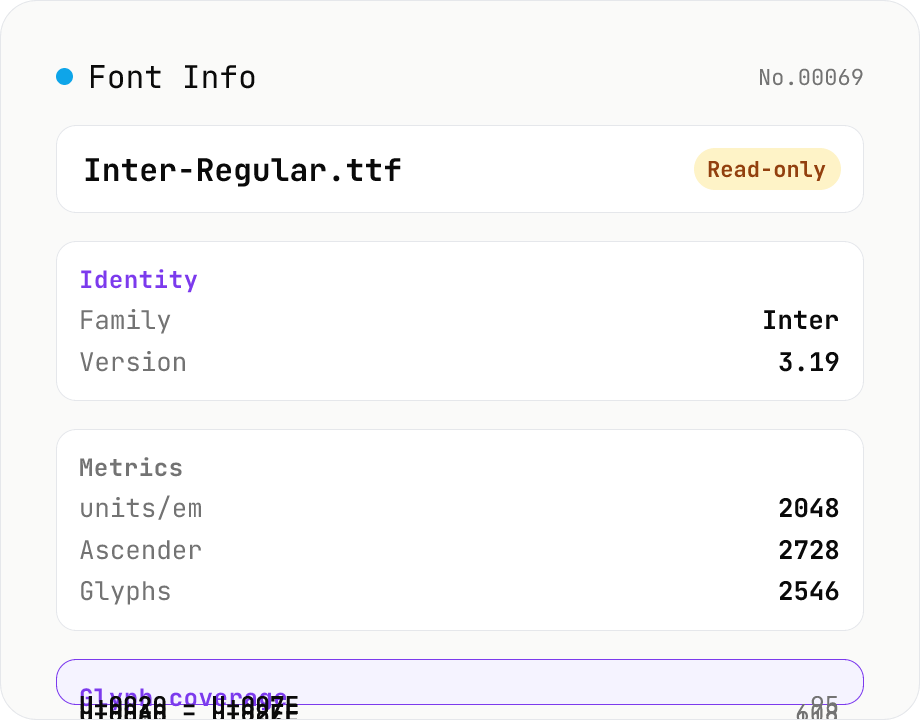
Font Info Viewer
Drop TTF / OTF / WOFF / WOFF2 font files to inspect name, family, version, copyright, license, designer, glyph count, and the Unicode ranges they cover. Read-only, runs entirely in your browser via opentype.js (MIT).
developerextracttext
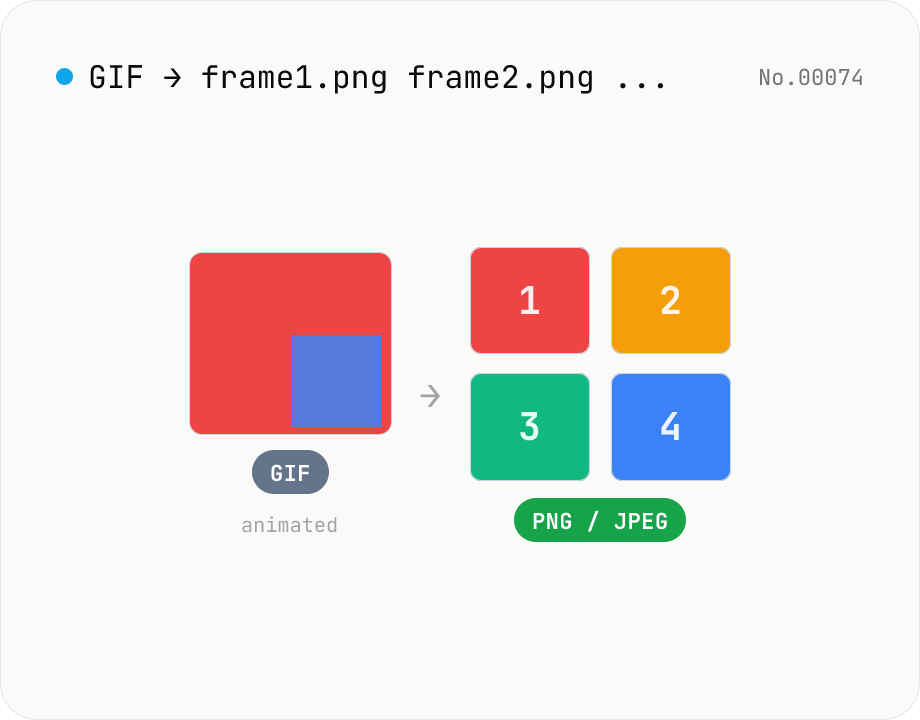
Extract frames from animated GIF / APNG to PNG / JPEG
Split an animated GIF or APNG into individual frames as PNG or JPEG images. Uses the browser-native ImageDecoder API — no extra library required. Handy when you need a thumbnail of a specific frame or when feeding still-image tools (image-resize, image-crop) that only see frame 1. Output PNG (lossless) or JPEG (with quality control), and grab everything as a ZIP. Files never leave your device — everything runs in the browser.
imageextract
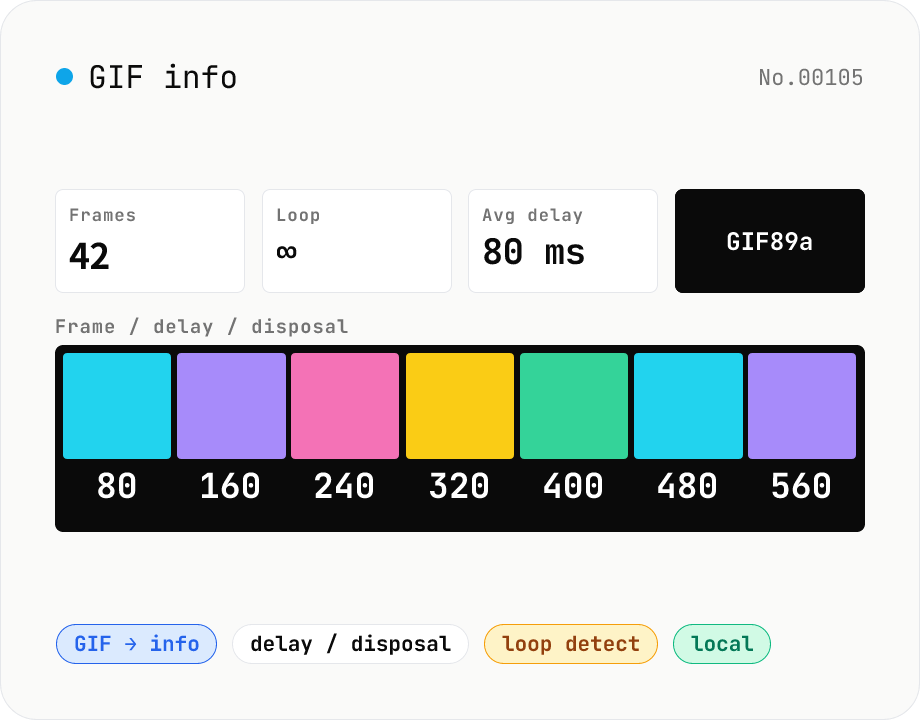
GIF info — visualise frame count / delays / disposal / loop count
Parse an animated GIF and surface the frame count, total duration, average FPS, loop count (Netscape Application Extension), per-frame delay (ms) and disposal method, dimensions, local / global colour tables, and GIF version (87a / 89a). Each frame is composited (respecting disposal) into a thumbnail for visual inspection. Handy for GIF optimisation, hunting down bloat (over-fine delays, too many frames), checking 'why doesn't it loop?', and pre-publish sanity checks. Drop multiple files at once. Everything runs in your browser.
imageextract
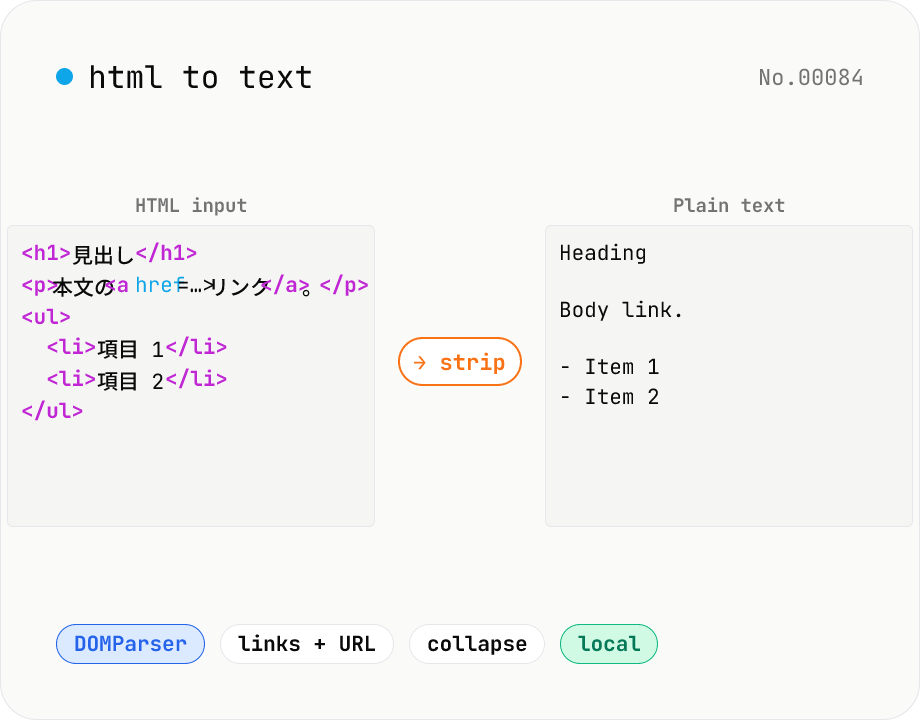
HTML to text — strip tags and keep only the visible text
Strip a chunk of HTML to its plain visible text. Removes script / style / noscript / comments; converts <p>, <h*>, <li>, <br>, etc. to line breaks; optionally pairs link text with its href. Toggles for collapsing whitespace, decoding HTML entities, and keeping list markers. Useful for cleaning scraped pages, NLP preprocessing, plain-text emails, or pasting articles into note apps. Everything runs in your browser.
developerextracttextMarkdown
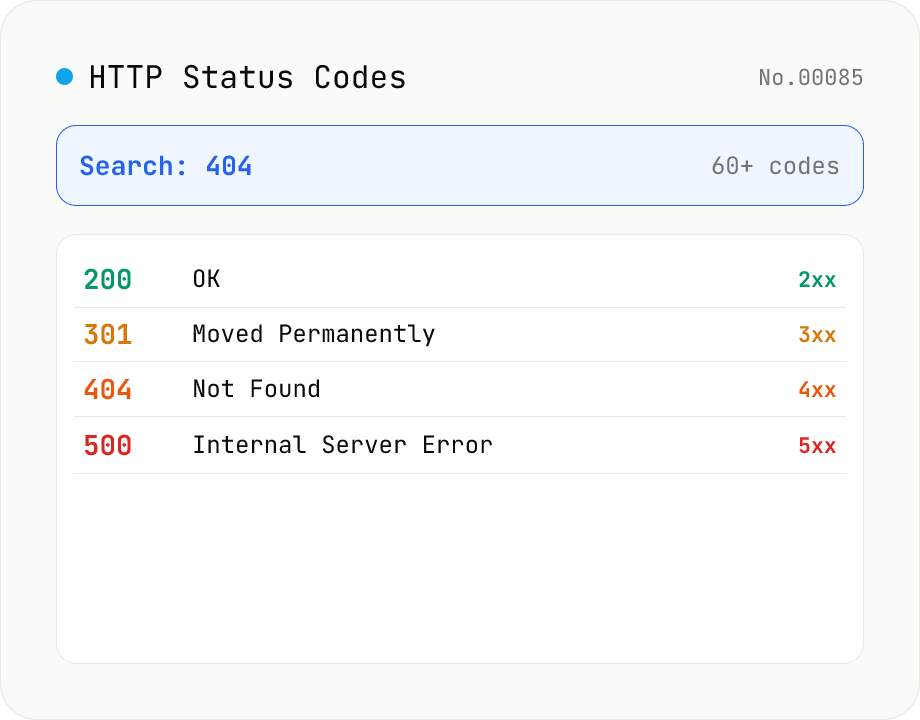
HTTP Status Code Lookup
Search HTTP status codes from 100 to 511 by code number, English reason phrase, or description. Filter by class (1xx informational / 2xx success / 3xx redirect / 4xx client error / 5xx server error). Instantly look up what 404 or 502 means. Pure static data — runs entirely in your browser.
developerextract
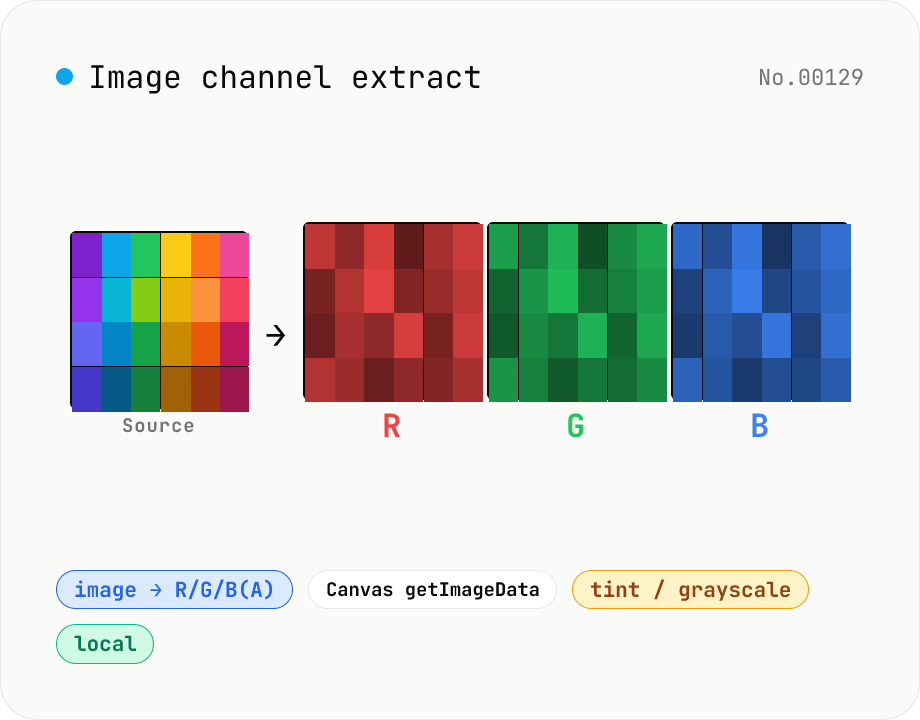
Image channel extract — split RGB(A) into per-channel PNGs
Drop an image (PNG / JPEG / WebP) to split it into individual R / G / B / A channel PNGs via Canvas getImageData. Mode toggle: grayscale (each channel's intensity as monochrome 0–255) or tint (R as red-only, G as green-only, B as blue-only, others zeroed). Alpha is exported automatically for RGBA inputs. Great for AI dataset preprocessing, RGB-instead-of-CMYK colour separation, contrast analysis, white-balance debugging, and compositing / mask creation. Batch multiple images with per-channel save + ZIP all. Runs entirely in your browser.
imageextract
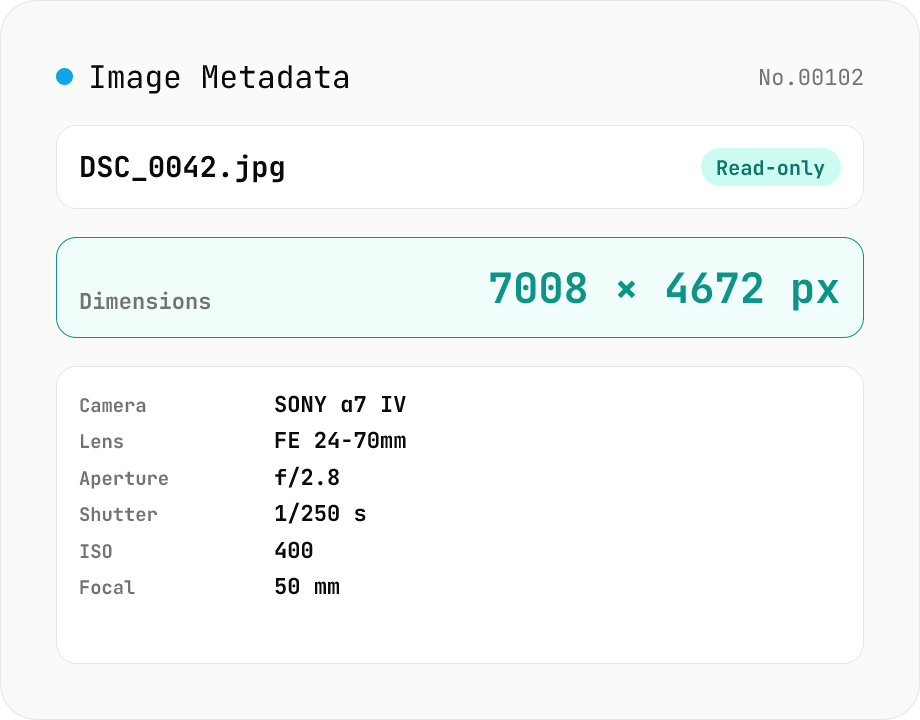
Image Metadata Viewer
Drop an image (JPEG / PNG / WebP / GIF / TIFF / HEIC / AVIF) to see its dimensions, file size, MIME type, aspect ratio, bit depth, color type, and DPI, plus extracted EXIF (capture time, camera make / model, lens, aperture, shutter speed, ISO, focal length, exposure compensation, orientation), GPS coordinates, ICC color profile, IPTC, and XMP. PNG headers (IHDR / pHYs) and JPEG markers (SOF / JFIF) are read by a small built-in parser; EXIF is parsed with exifr (MIT). Read-only — nothing is modified and the image never leaves your browser.
imageEXIFextract
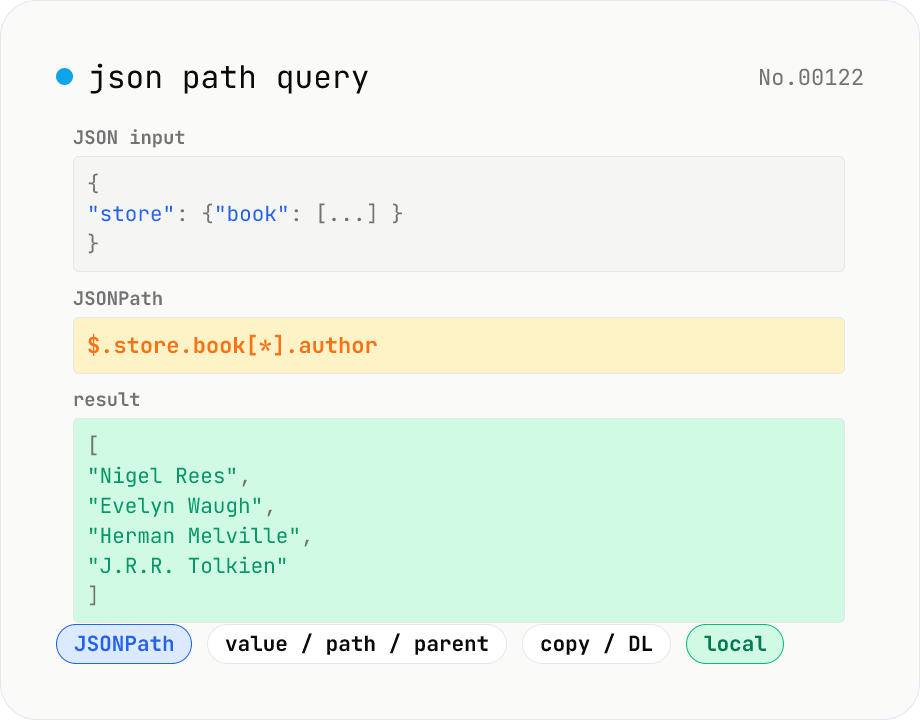
JSON Path query — query JSON trees with JSONPath
Run JSONPath queries (e.g. `$.store.book[*].author`) against JSON data and pull out exactly what you need. Powered by jsonpath-plus (MIT) inside the browser. Pick what to return — values, paths, or parent nodes. Great for slicing API responses, fishing specific fields out of logs, sanity-checking config files, or exploring JSON in DevTools. Filter expressions like `?(@.price < 10)`, recursive `$..`, and tag matches `[?(@.tag=='x')]` are all supported. Everything is evaluated locally — no upload.
developerJSONextract