
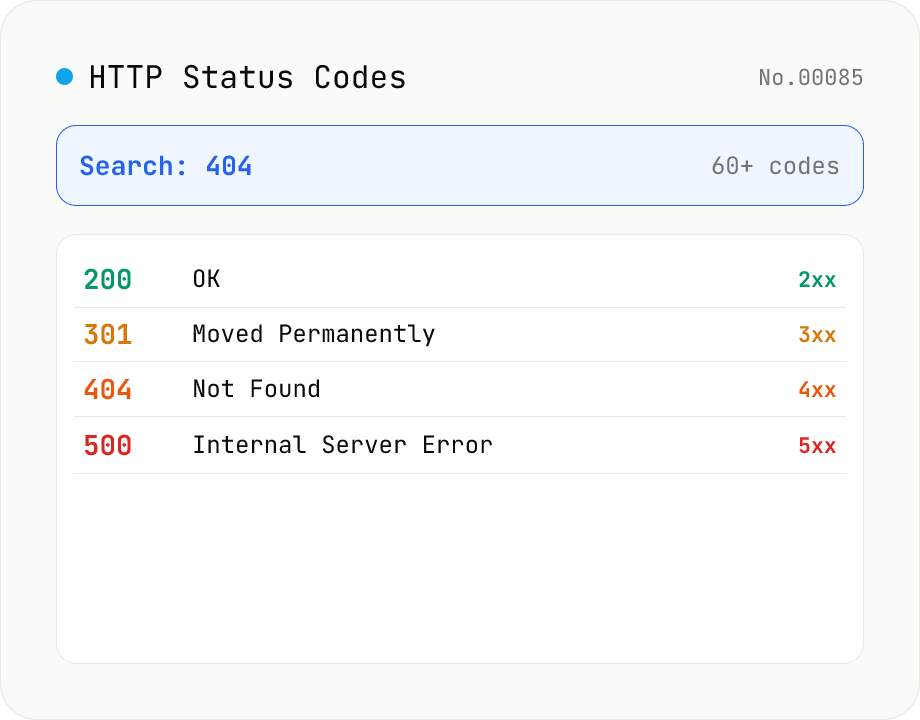
HTTP Status Code Lookup
Search HTTP status codes from 100 to 511 by code number, English reason phrase, or description. Filter by class (1xx informational / 2xx success / 3xx redirect / 4xx client error / 5xx server error). Instantly look up what 404 or 502 means. Pure static data — runs entirely in your browser.
How to use
Type a code number (e.g. 404), an English reason phrase (e.g. not found), or a keyword from the description (e.g. redirect, authentication, gateway) to filter the matching HTTP status codes. Use the Class selector to narrow to 1xx informational / 2xx success / 3xx redirect / 4xx client error / 5xx server error. Static data based on the IANA registry — runs entirely in your browser.
FAQ
- Where does the data come from?
- Static data based on the IANA HTTP Status Code Registry and RFC 9110 (and others), bundled into the tool. No external API — everything runs in your browser.
- What are the status code classes (1xx–5xx)?
- The first digit sets the category: 1xx informational (continue), 2xx success, 3xx redirection, 4xx client errors (the request was wrong), 5xx server errors. The leading digit tells you the rough meaning at a glance.
- What's the difference between 404 and 410?
- 404 Not Found means "not found right now" (for any reason), while 410 Gone explicitly says the resource is permanently removed. For SEO, 410 tends to be dropped from the index faster.
- When do I use 301 vs 302, or 307 vs 308?
- 301/308 are permanent, 302/307 are temporary. With 301/302 some clients change the method to GET, whereas 307/308 preserve the original HTTP method and body. Use 307/308 if you need to keep a POST.
- Is 418 I'm a teapot real?
- It comes from RFC 2324 (Hyper Text Coffee Pot Control Protocol), an April Fools' joke spec. It isn't used on the normal web, but is sometimes implemented as an API Easter egg.
- How does the search work?
- Partial match against the code number, the English reason phrase, and the Japanese/English descriptions, case-insensitive with NFKC normalization. Try "404", "not found", or 見つからない — they all work.
Related tools
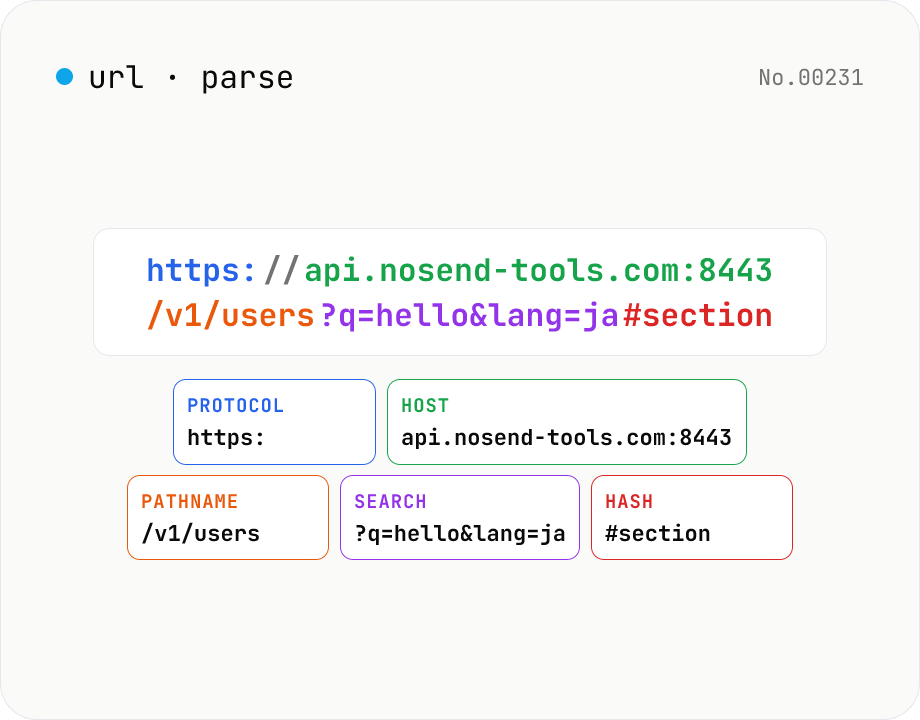
URL parse — host, path, query, fragment
Break a URL into protocol, host, port, path, query, hash, etc. with the browser's URL API. Query parameters are auto-expanded into a table (percent-decoded). Copy individual parts or download the whole breakdown as JSON. Runs entirely in your browser — your URL stays local.
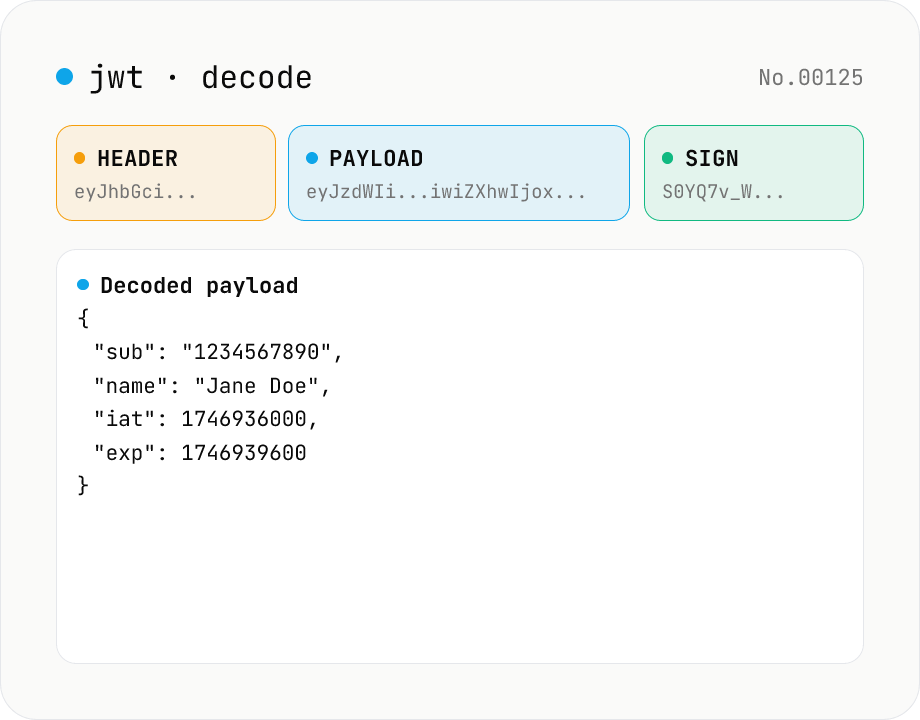
JWT decode — inspect header & payload
Paste a JWT and break it down into Header / Payload / Signature. Numeric claims like exp / iat / nbf are translated into human-readable timestamps. No signature verification — purely for inspection. Runs entirely in your browser.
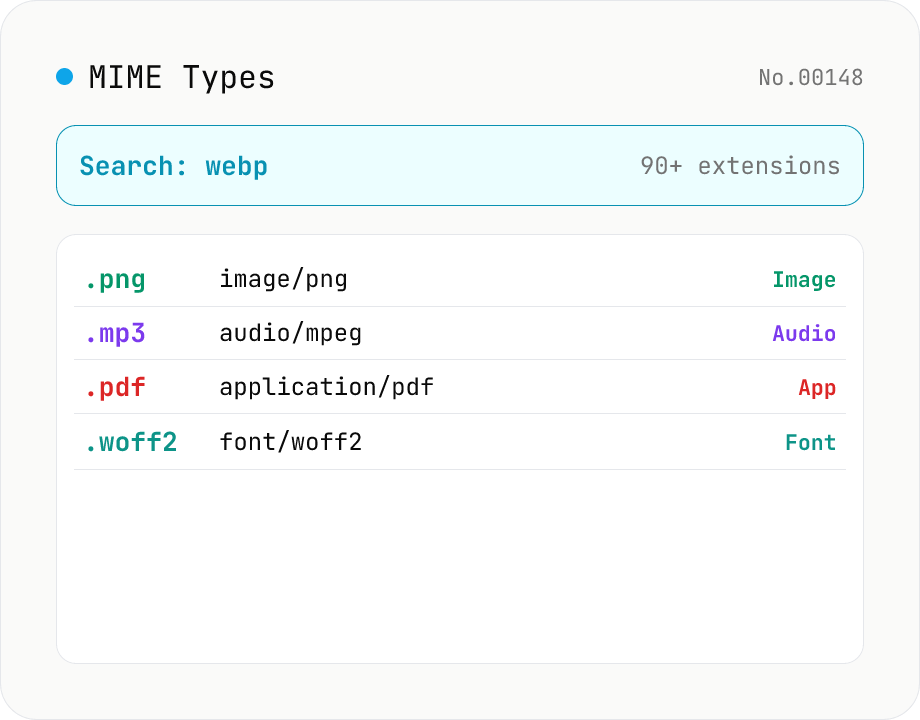
MIME Type / Extension Lookup
Look up a file extension's MIME type (Content-Type) or reverse-search which extensions map to a type. Search .webp or .pdf, or go from application/json back to extensions. Filter by category (image / audio / video / text / application / font / 3D). Pure static data — runs entirely in your browser.
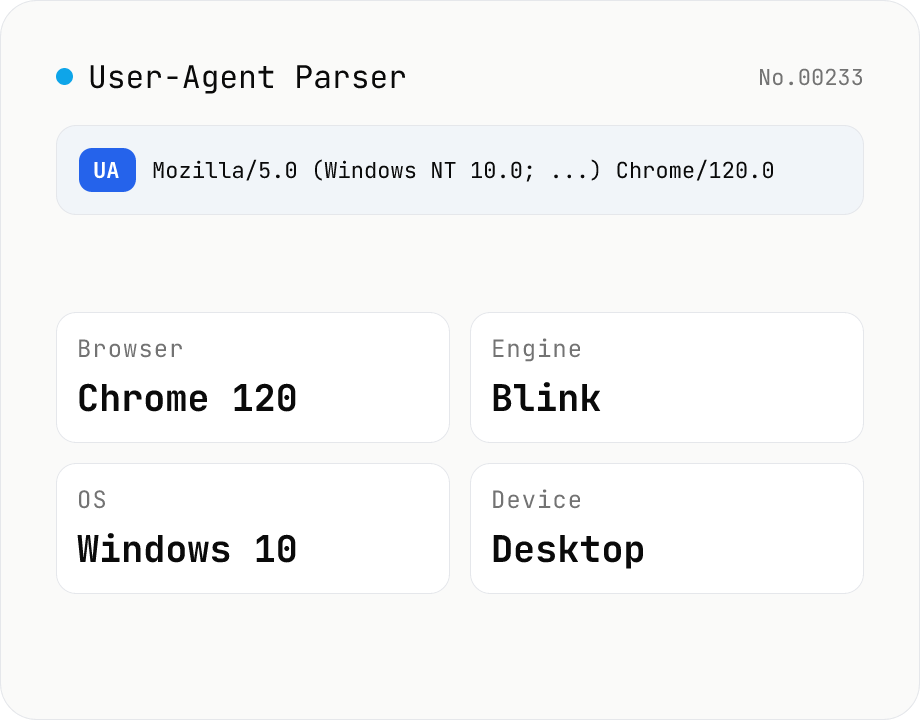
User-Agent Parser
Paste a User-Agent string to break it down into browser name and version, rendering engine, OS, device type (desktop / mobile / tablet) with vendor and model, and CPU architecture. Use the "This browser" button to inspect your own UA, or decode a UA pulled from server logs. Everything runs in your browser.