
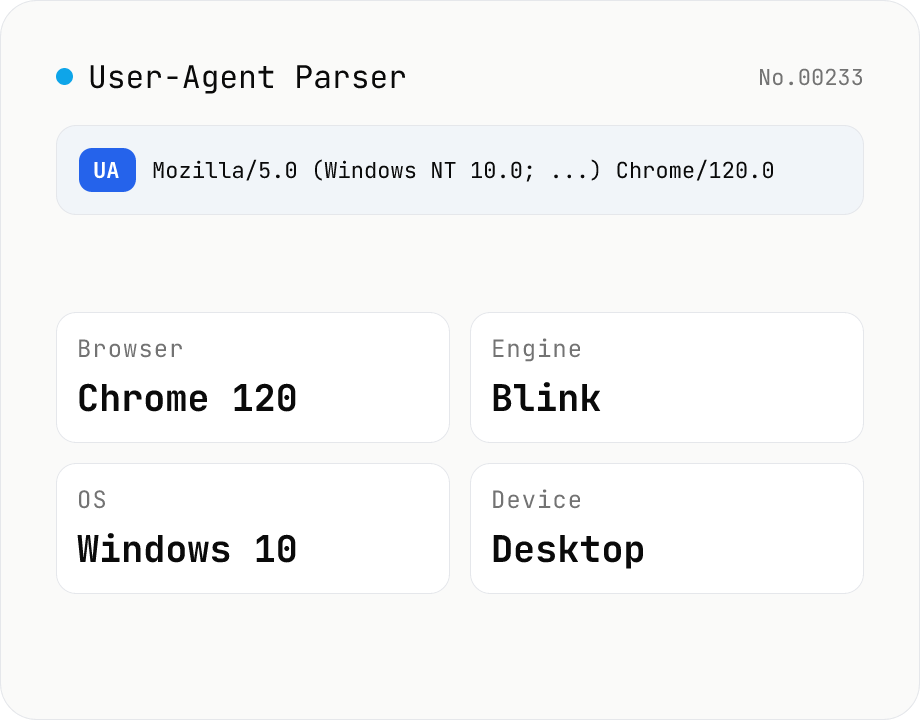
User-Agent Parser
Paste a User-Agent string to break it down into browser name and version, rendering engine, OS, device type (desktop / mobile / tablet) with vendor and model, and CPU architecture. Use the "This browser" button to inspect your own UA, or decode a UA pulled from server logs. Everything runs in your browser.
How to use
Paste a User-Agent string into the input and it is automatically broken down into browser, rendering engine, OS, device (type / vendor / model), and CPU architecture. Press the "This browser" button to load the User-Agent of the browser you are using right now. Copy a UA from an access log or analytics report and paste it here to quickly identify which environment a request came from. All parsing happens in your browser and nothing is uploaded.
FAQ
- Is the User-Agent I enter uploaded to a server?
- No. Parsing runs entirely in your browser with JavaScript, and neither the string you type nor the UA loaded by "This browser" leaves your device.
- What is a User-Agent (UA)?
- It is a self-describing string that a browser or app sends with each HTTP request. It includes the browser name, version, OS, and (on mobile) device hints, which servers use to tailor responses or for analytics.
- Why are the device model or vendor shown as "—"?
- Those fields are blank (—) when the User-Agent does not include that information. Desktop browsers usually omit a model name, an iPhone only identifies itself as "iPhone" (no generation or size), while Android devices often include a model number (e.g. SM-S918B).
- Is the detection always accurate?
- User-Agent detection is based on string pattern matching, so it is not 100% reliable. A UA is trivially spoofable, and brand-new browsers or devices may not match existing patterns. Never rely on the UA alone for authentication or access control.
- Why is the OS version or device vague in recent Chrome?
- For privacy, Chrome and other major browsers now simplify what they put in the User-Agent (UA Reduction). Detailed OS versions and device models are omitted; sites that genuinely need them request them individually through the User-Agent Client Hints API.
Related tools
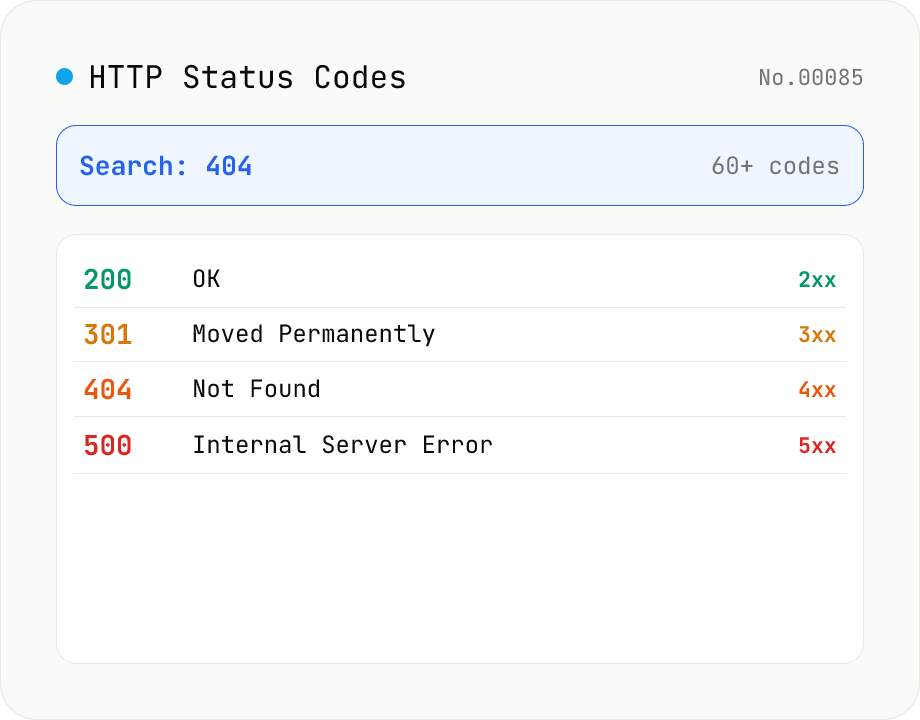
HTTP Status Code Lookup
Search HTTP status codes from 100 to 511 by code number, English reason phrase, or description. Filter by class (1xx informational / 2xx success / 3xx redirect / 4xx client error / 5xx server error). Instantly look up what 404 or 502 means. Pure static data — runs entirely in your browser.
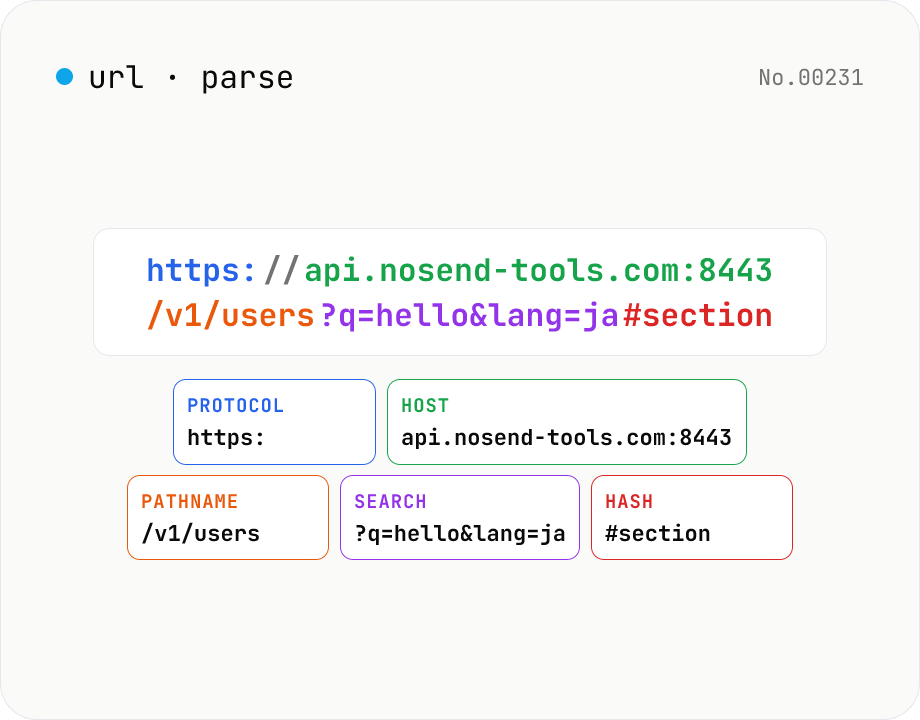
URL parse — host, path, query, fragment
Break a URL into protocol, host, port, path, query, hash, etc. with the browser's URL API. Query parameters are auto-expanded into a table (percent-decoded). Copy individual parts or download the whole breakdown as JSON. Runs entirely in your browser — your URL stays local.
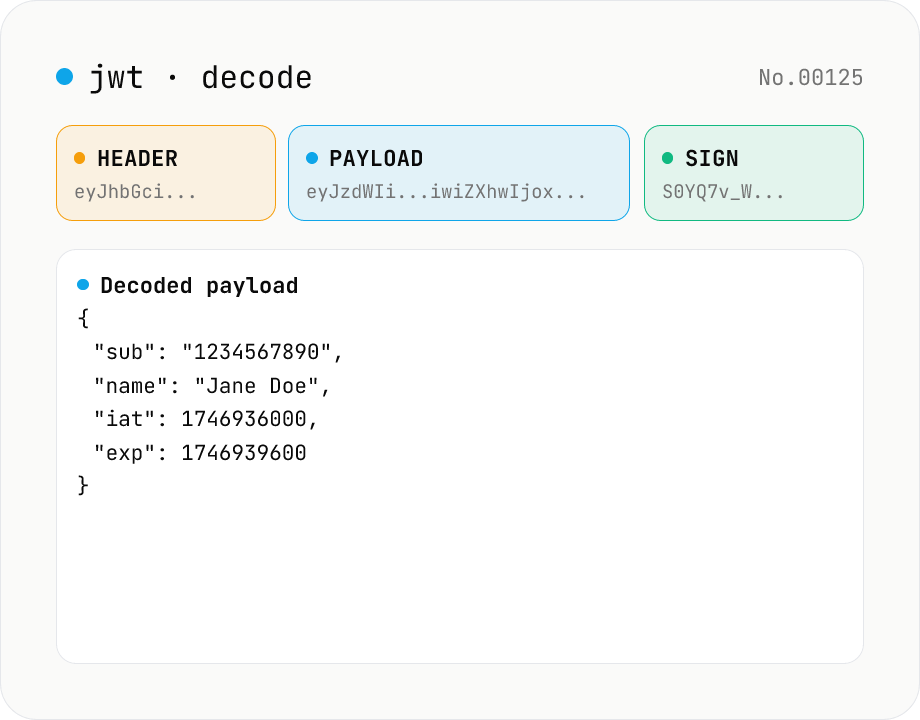
JWT decode — inspect header & payload
Paste a JWT and break it down into Header / Payload / Signature. Numeric claims like exp / iat / nbf are translated into human-readable timestamps. No signature verification — purely for inspection. Runs entirely in your browser.
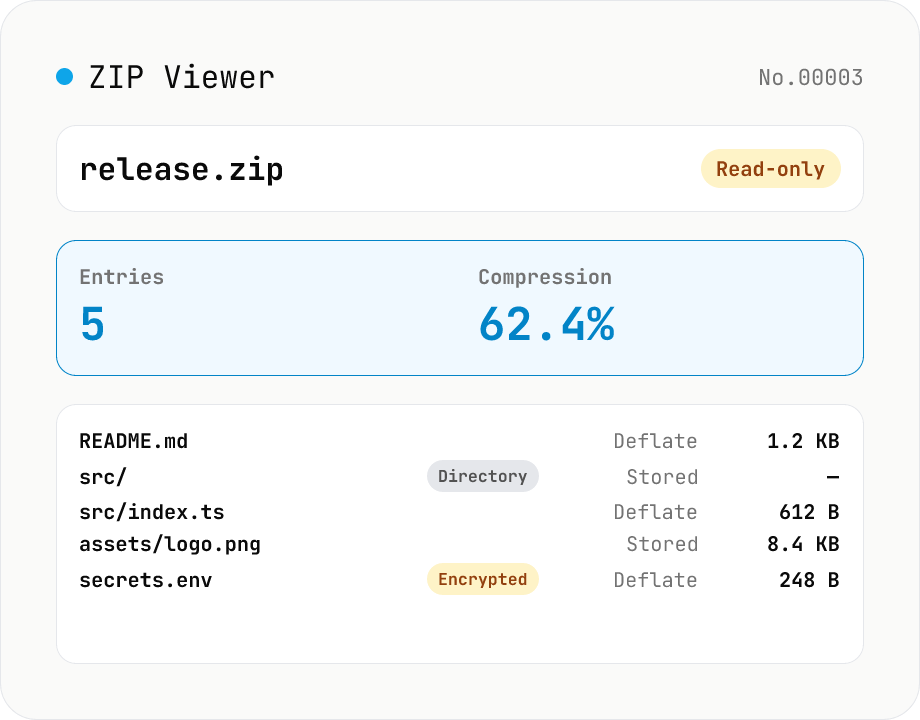
ZIP Archive Viewer
Drop a ZIP file to inspect its contents without extracting. See total entry count, archive size, compression ratio, archive comment, plus per-entry path, original / compressed size, compression method (Stored / Deflate / Deflate64 / BZIP2 / LZMA / Zstandard), last modified time, CRC32, encryption flag, and directory marker. Runs via a hand-rolled Central Directory parser — entry data is never decompressed and nothing is uploaded.