
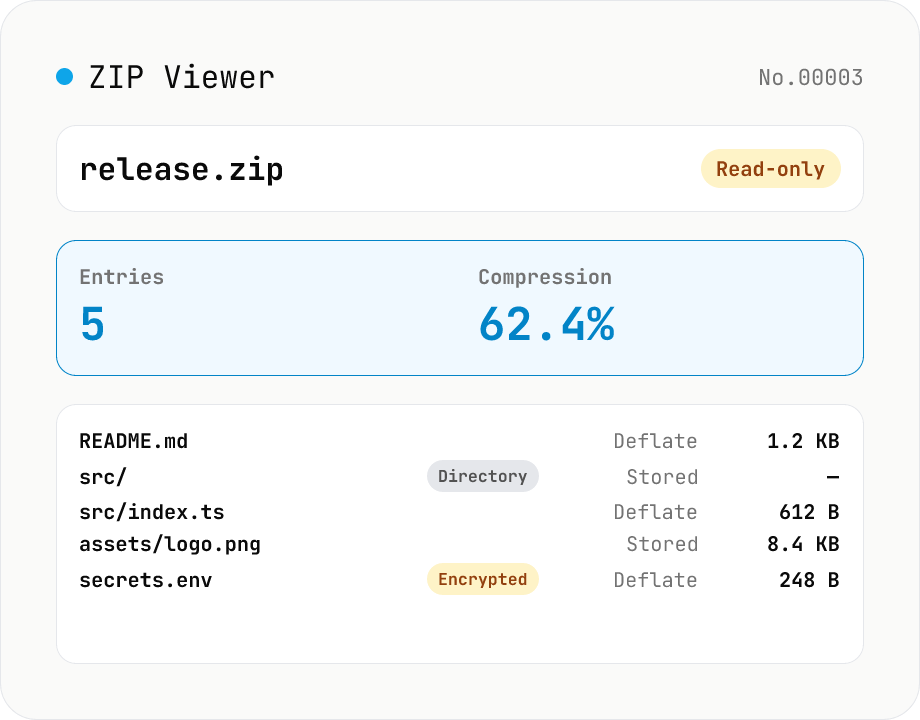
ZIP Archive Viewer
Drop a ZIP file to inspect its contents without extracting. See total entry count, archive size, compression ratio, archive comment, plus per-entry path, original / compressed size, compression method (Stored / Deflate / Deflate64 / BZIP2 / LZMA / Zstandard), last modified time, CRC32, encryption flag, and directory marker. Runs via a hand-rolled Central Directory parser — entry data is never decompressed and nothing is uploaded.
How to use
Drop a ZIP file (.zip) and a hand-rolled parser reads the Central Directory (the directory at the end of the archive) entirely in your browser to list the contents. The summary shows total entry count, total original / compressed size, compression ratio, archive comment, Zip64 detection, and whether any entries are encrypted; the entry table shows each path, compression method (Stored / Deflate / Deflate64 / BZIP2 / LZMA / Zstandard, etc.), original / compressed size, last modified time (both MS-DOS and Zip64 extended timestamps), CRC32, encryption flag, and directory marker. Entry bodies are never decompressed — encrypted archives can be inspected for their listing without a password. Read-only, nothing leaves your browser.
FAQ
- Is my ZIP uploaded?
- No. A pure-JS Central Directory reader runs inside your browser and the archive is never sent anywhere. Safe for internal / confidential archives.
- Can I extract the actual file contents?
- No — this tool is a listing / metadata viewer only. To extract files, use your OS archive utility (macOS Archive Utility, Windows Explorer, 7-Zip, Keka, etc). This tool is for quickly answering "what's in this archive?".
- Does it work on password-protected (encrypted) ZIPs?
- Yes. The Central Directory (file names, sizes, methods) is unencrypted in standard ZIPs, so the listing is readable without a password. Each encrypted entry is marked accordingly; entry bodies themselves are obviously unreadable (but this tool never reads them in the first place). Both legacy ZipCrypto and AES-256 (WinZip extension) are detected.
- Does Zip64 (archives bigger than 4 GB) work?
- Yes. The parser handles the Zip64 End of Central Directory Record + Locator + Extended Information extra field (0x0001), so archives with more than 4 GB or more than 65,535 entries report the correct sizes and offsets. The summary shows "Zip64: Yes" when the archive uses it.
- What about JAR / DOCX / XLSX / EPUB / IPA?
- Those are all ZIP containers, so renaming the extension to .zip lets you inspect them here (the extension check is intentionally narrow to keep the tool single-purpose). You'll see the format-specific directory layouts — docProps/ in Office files, META-INF/ in JARs, mimetype + META-INF/ + OEBPS/ in EPUB, etc.
Related tools
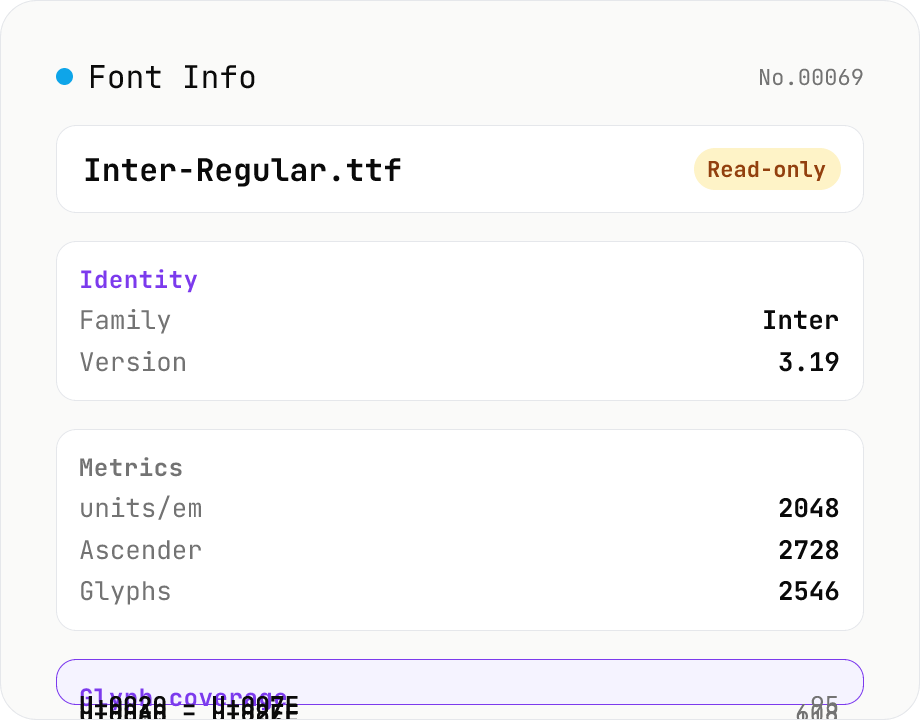
Font Info Viewer
Drop TTF / OTF / WOFF / WOFF2 font files to inspect name, family, version, copyright, license, designer, glyph count, and the Unicode ranges they cover. Read-only, runs entirely in your browser via opentype.js (MIT).
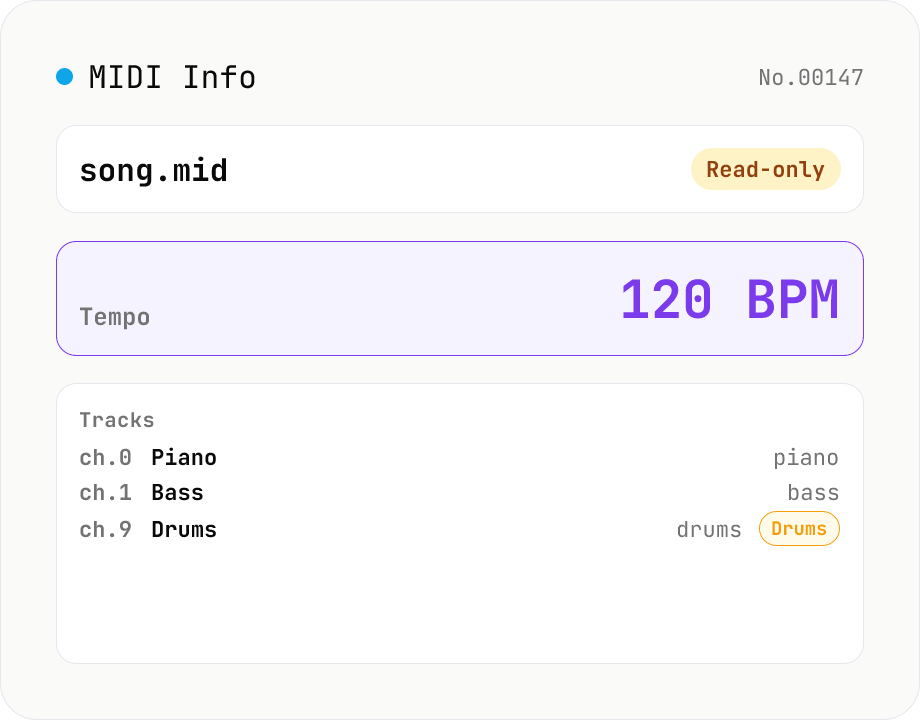
MIDI File Info Viewer
Drop a MIDI file (.mid / .midi) to inspect tempo, time signature, key signature, PPQ, track count, per-track instrument (GM family), note count, duration, channel, and copyright / text events. Read-only, runs entirely in your browser via @tonejs/midi (MIT).
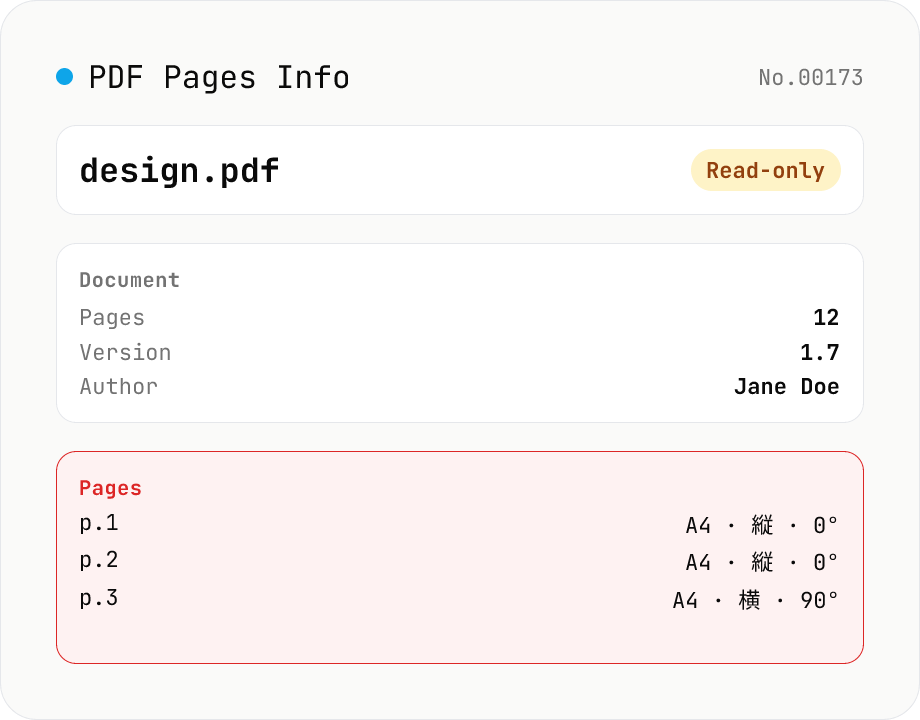
PDF Pages Info Viewer
Drop a PDF and inspect per-page dimensions (with A4 / Letter detection), aspect ratio, orientation, rotation, annotation count, text / image presence — plus document-level metadata (PDF version, title, author, producer). Read-only, runs entirely in your browser via pdfjs-dist.
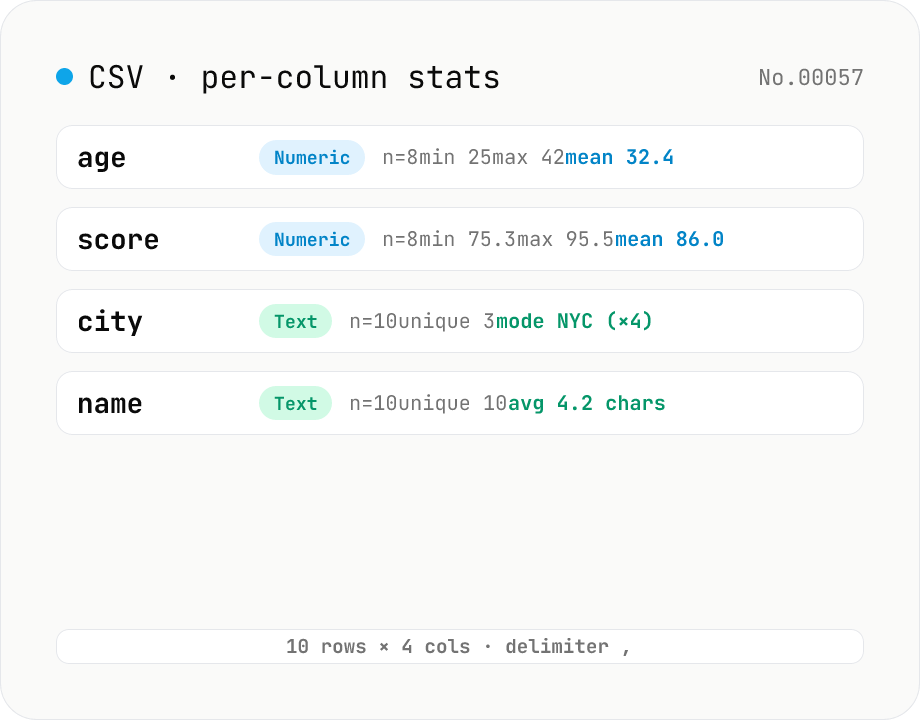
CSV stats — per-column count / unique / mean / median / stddev
Paste or drop a CSV and instantly see per-column row count, unique values, missing values, and inferred type. Numeric columns show min / max / mean / median / stddev / sum, text columns reveal the top mode and average length. RFC 4180-compliant parser (double-quote escapes), and the delimiter (comma / semicolon / tab / pipe) is auto-detected. Header row toggle plus empty / NULL / NA recognition as missing. Your raw data never leaves the browser.