
MIDI File Info Viewer
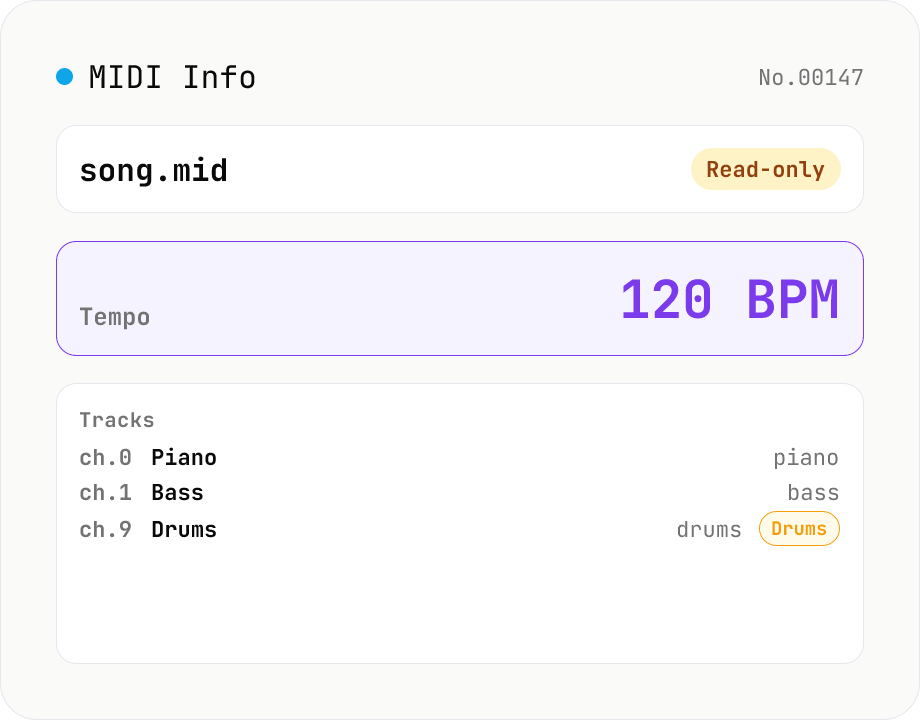
Drop a MIDI file (.mid / .midi) to inspect tempo, time signature, key signature, PPQ, track count, per-track instrument (GM family), note count, duration, channel, and copyright / text events. Read-only, runs entirely in your browser via @tonejs/midi (MIT).
How to use
Drop a MIDI file (.mid / .midi) and @tonejs/midi (MIT) parses it in your browser: header info (PPQ, total duration, tempo, time signature, key signature, total notes), per-track details (name, channel, GM instrument + family, percussion flag, note count, duration), and meta events (copyright, text events, markers). Read-only — nothing is written back. MIDI files never leave your device.
FAQ
- Is my MIDI file uploaded?
- No. @tonejs/midi (MIT) runs as JavaScript entirely in your browser. Sensitive sketches and unreleased demos stay on your device.
- Which MIDI versions / formats are supported?
- Standard MIDI File (SMF) format 0 / 1 / 2. Single-track, multi-track simultaneous, and sequential multi-track all parse. Program Change events are mapped to General MIDI (GM) instrument names.
- How are instrument names determined?
- MIDI Program Change events (0–127) are mapped to the General MIDI instrument table. Channel 10 (index 9) is GM-reserved for drums, so its track is auto-labelled as percussion.
- Why are multiple tempos shown?
- MIDI lets you change tempo any number of times mid-song via Tempo Change events. The tool lists every tempo change in order. Tracks with a single steady tempo show one row.
- Can I see individual note pitch / timing?
- No — this tool focuses on metadata summaries. For per-note editing use a DAW with a piano-roll view (Logic / Ableton / Cubase, etc). This tool is for quickly answering "what's in this file?".
Related tools
BPM tap — measure tempo by tapping along
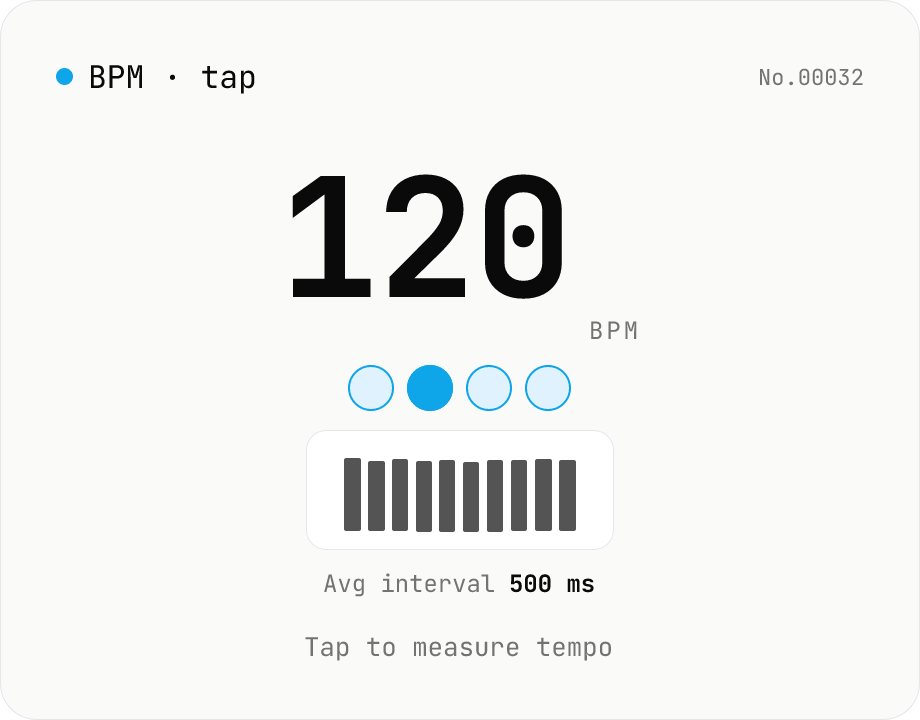
Tap a button (or press space) along with a song and the tool computes BPM from the recent inter-tap intervals using the median. Outlier-resistant median + IQR-based stability, up to 16 recent taps, with reset / history clear. Optional Web Audio metronome plays in sync with the detected BPM. All processing runs in your browser.
Audio metadata strip — ID3 / Vorbis / iTunes tags
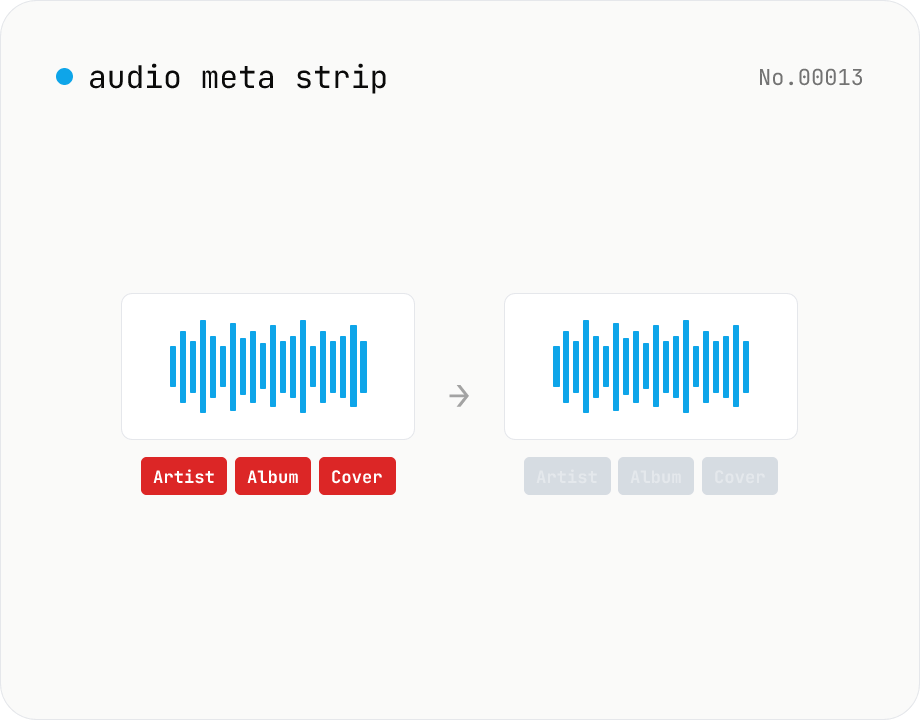
Drop ID3, Vorbis comment, iTunes and other tags from audio files using ffmpeg.wasm — entirely in your browser. Uses stream copy so the codec, quality and file extension are preserved. Supports batch processing and a single ZIP download.
Audio format convert — MP3 / WAV / M4A / OGG / FLAC
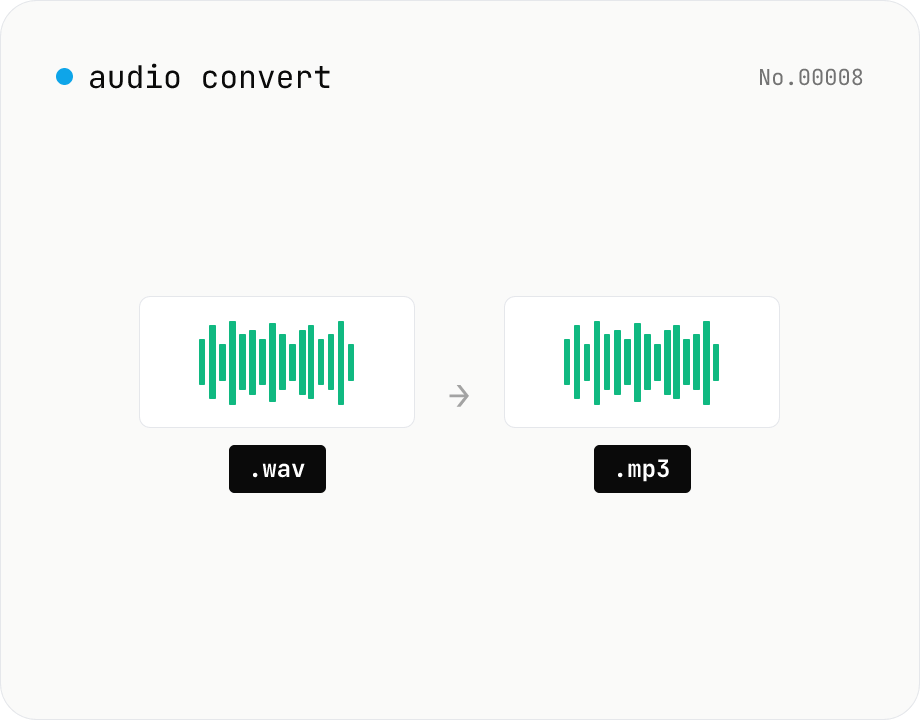
Convert audio files to mp3 / wav / m4a / ogg / flac. ffmpeg.wasm picks an encoder based on the chosen extension and re-encodes the file entirely in your browser. Supports batch processing and a single ZIP download.
Audio file transcription — Whisper, multilingual
Upload an MP3 / WAV / M4A file and transcribe it with Whisper running inside your browser. Long files are chunked automatically. No audio or model data leaves your device. Performance and supported model size depend on your hardware (CPU / GPU / RAM).