
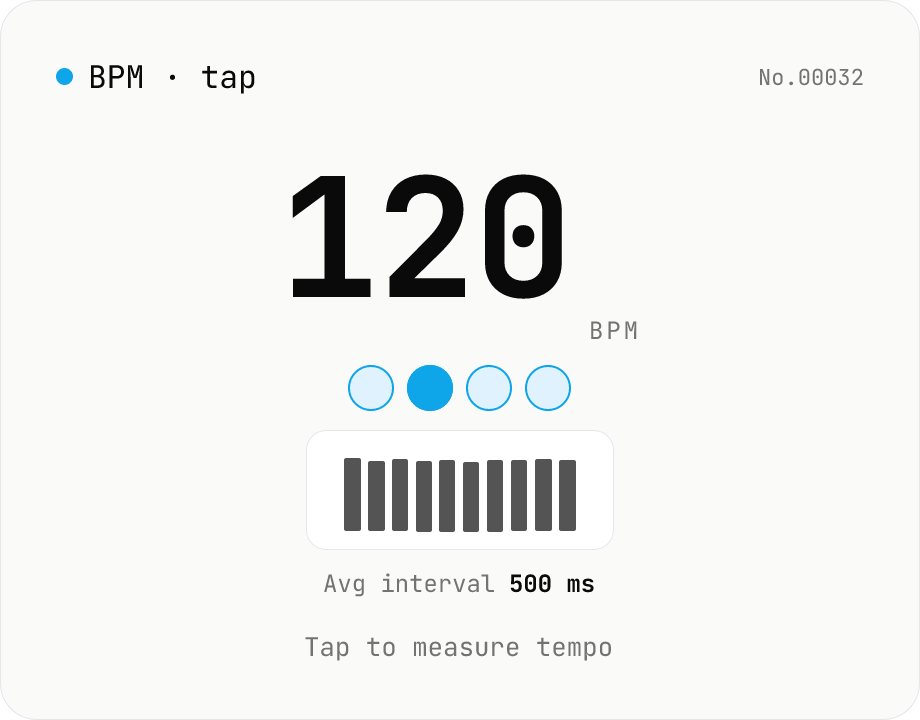
BPM tap — measure tempo by tapping along
Tap a button (or press space) along with a song and the tool computes BPM from the recent inter-tap intervals using the median. Outlier-resistant median + IQR-based stability, up to 16 recent taps, with reset / history clear. Optional Web Audio metronome plays in sync with the detected BPM. All processing runs in your browser.
How to use
Play the song (or imagine the rhythm) and tap the large button along with the beat. You can also press the space bar to tap. From the 2nd tap onward the tool measures intervals; at the 5th tap it locks in a BPM (beats per minute) reading. BPM is computed from the **median** of the last 16 tap intervals, so the occasional missed or early tap won't throw it off. Turn on the metronome to hear short ticks synchronised to the detected BPM (Web Audio, off by default). After a 2-second pause the tool treats the next tap as the start of a new session; press Reset to clear the history manually.
FAQ
- Are my taps uploaded?
- No. The tool doesn't use the microphone — it only uses tap timestamps (performance.now) and never sends data to a server.
- Why the median instead of the average?
- An average swings wildly on a single missed or early tap; the median is robust to outliers and matches human tapping. Stability is reported as IQR (interquartile range) divided by the median, so it widens when your tapping is uneven.
- How many taps before BPM locks in?
- The 5th tap locks the initial BPM, and after that it keeps updating from the median of the last 16 taps (15 intervals). The longer you tap, the more stable the reading.
- Metronome won't play
- iOS and some browsers don't allow AudioContext to start without a user gesture. The metronome here starts on the first tap after you've toggled it on. If it still won't play, check the silent switch and your volume.
- Space bar doesn't tap
- If another input on the page has focus, the browser captures the space bar. Click the tap button or an empty area to return focus to this tool.
- What happens if I stop tapping?
- After a 2-second gap the displayed BPM remains, but the next tap starts a fresh interval history. Press Reset if you want to start measuring from zero manually.
- How does this pair with midi-info?
- Use midi-info to read the BPM declared in a MIDI file's tempo events, then use this tool to measure your felt BPM by ear. The two numbers help you compare the score with how the song actually feels.
Related tools
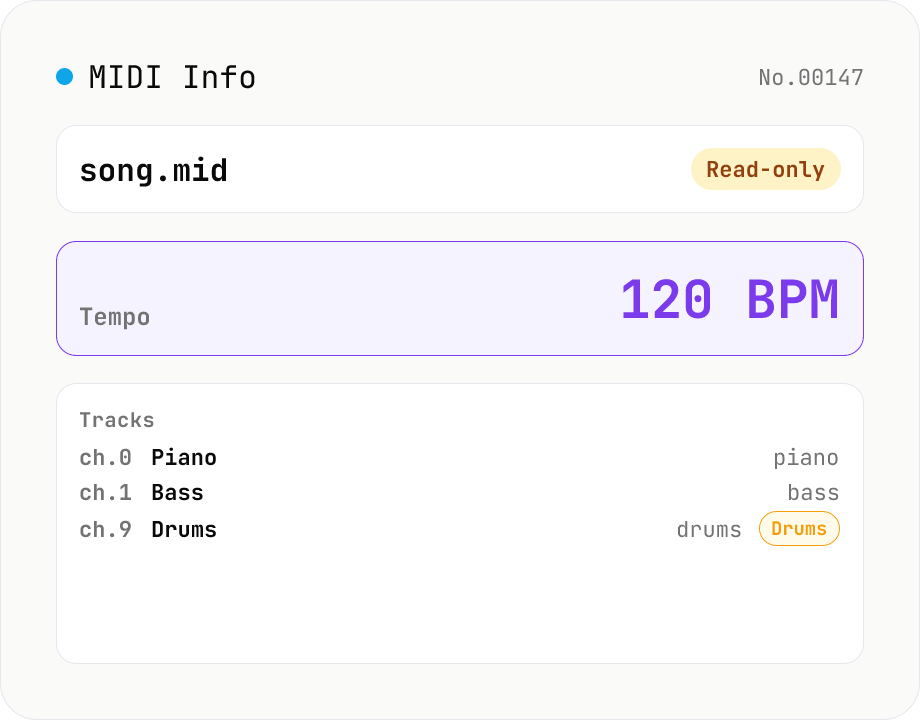
MIDI File Info Viewer
Drop a MIDI file (.mid / .midi) to inspect tempo, time signature, key signature, PPQ, track count, per-track instrument (GM family), note count, duration, channel, and copyright / text events. Read-only, runs entirely in your browser via @tonejs/midi (MIT).
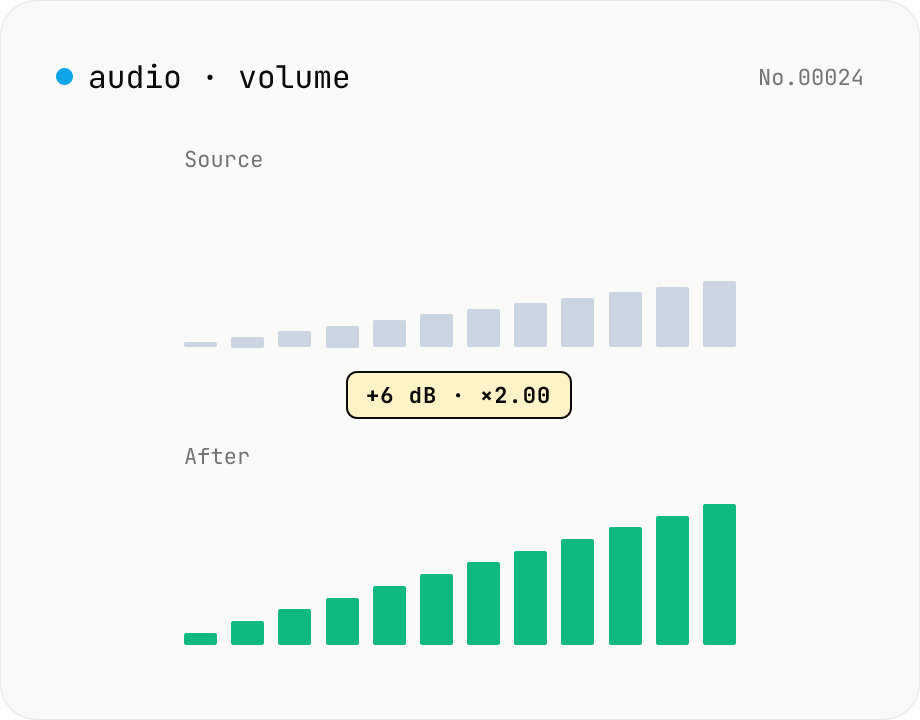
Audio volume — adjust by dB or linear multiplier
Adjust the loudness of audio files in bulk via ffmpeg.wasm's volume filter. Use the dB slider (-30 to +30 dB) or the linear multiplier (×0.03 to ×31.6). +6 dB ≈ 2x, -6 dB ≈ half. To avoid clipping, try negative values first and compare. Supports batch processing and a single ZIP download. Runs entirely in your browser — audio never leaves your device.
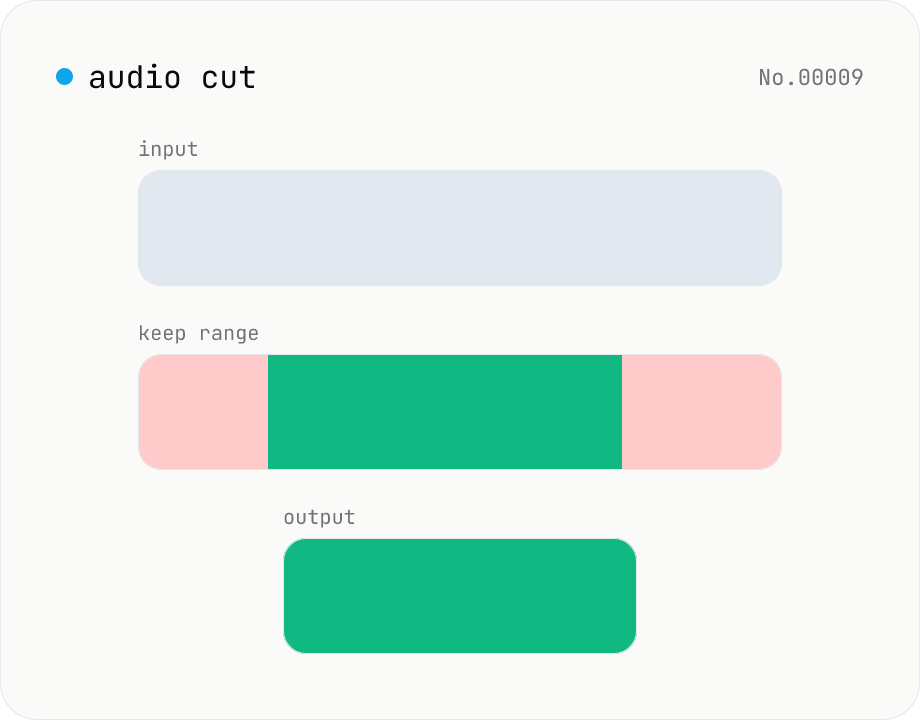
Audio cut — trim a range with no re-encoding
Trim an audio file to a chosen range with ffmpeg.wasm stream copy — no re-encoding, original codec and extension preserved. Cut points snap to the nearest keyframe. Supports batch processing and a single ZIP download.
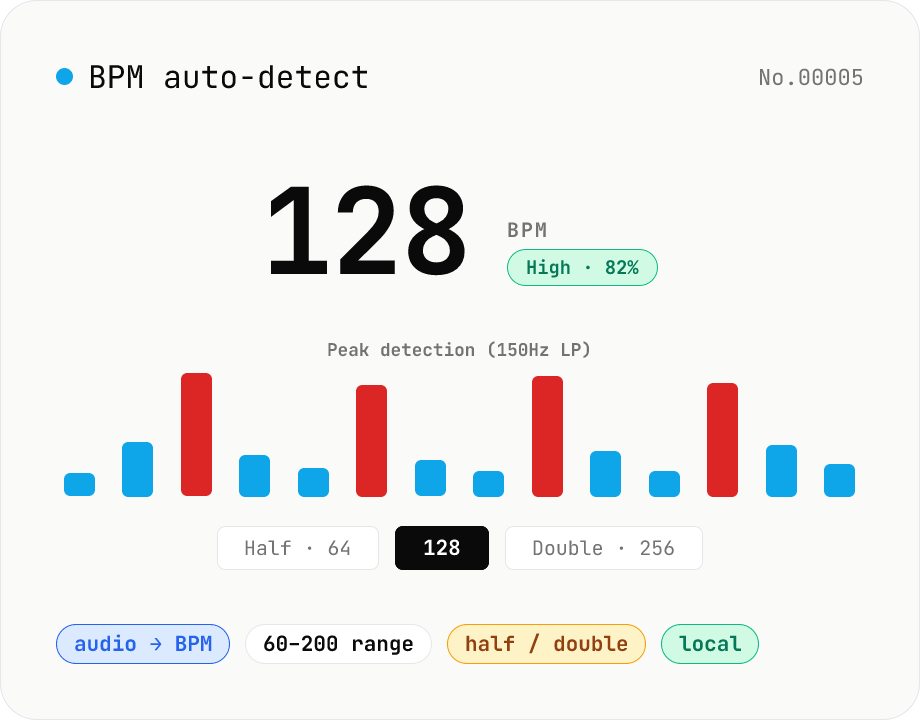
BPM auto-detect — estimate the tempo of an audio file
Drop an audio file (MP3 / WAV / M4A / FLAC / OGG) and we estimate the BPM in-browser using a low-pass filter + peak picker + histogram. Great for finding the tempo of a DJ partner track, checking sample packs, matching dance / running cadence, or grabbing a source BPM before running bpm-time-stretch. Half-tempo and double-tempo candidates are also shown so you can override 4-on-the-floor misreads (60 vs. 120). Everything stays in your browser.