
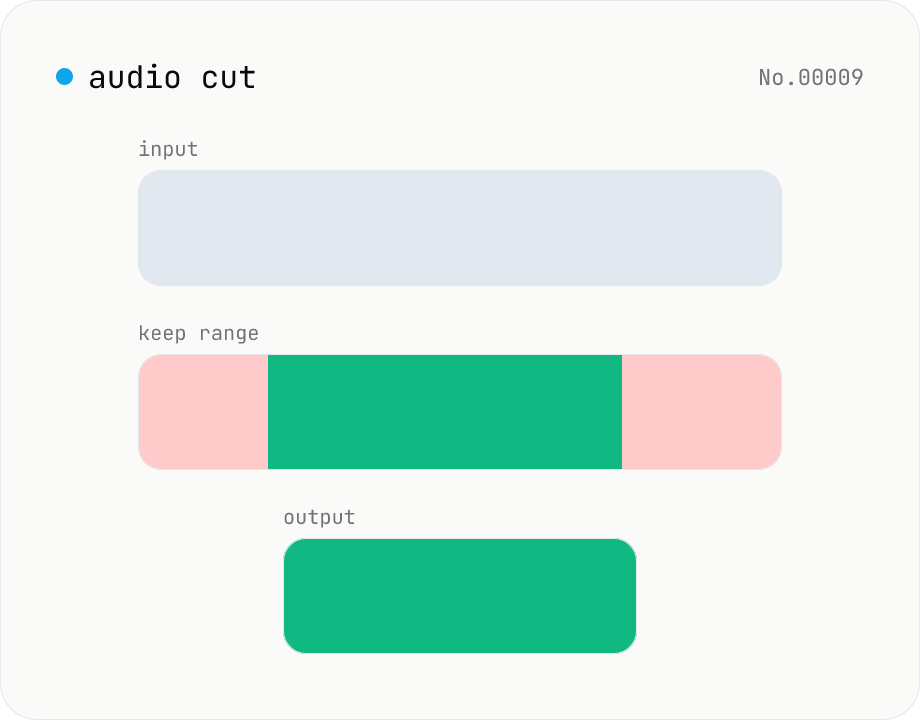
Audio cut — trim a range with no re-encoding
Trim an audio file to a chosen range with ffmpeg.wasm stream copy — no re-encoding, original codec and extension preserved. Cut points snap to the nearest keyframe. Supports batch processing and a single ZIP download.
How to use
Drop audio files. After parsing, start / end seconds appear per file — enter the range to keep. Click Cut — ffmpeg.wasm uses stream copy to extract the range. No re-encoding, original extension preserved. Batch processing and a ZIP download are supported.
FAQ
- Is audio uploaded?
- No. ffmpeg.wasm runs inside your browser; audio never leaves your device.
- Why does the start shift slightly?
- Stream copy snaps to frame boundaries for formats that have them. For sample-accurate cuts you need to re-encode.
- Is WAV exact?
- Yes. PCM-based formats like WAV cut effectively per-sample. MP3 / AAC snap to frame boundaries.
- Does the extension change?
- No, the original extension is preserved.
Related tools
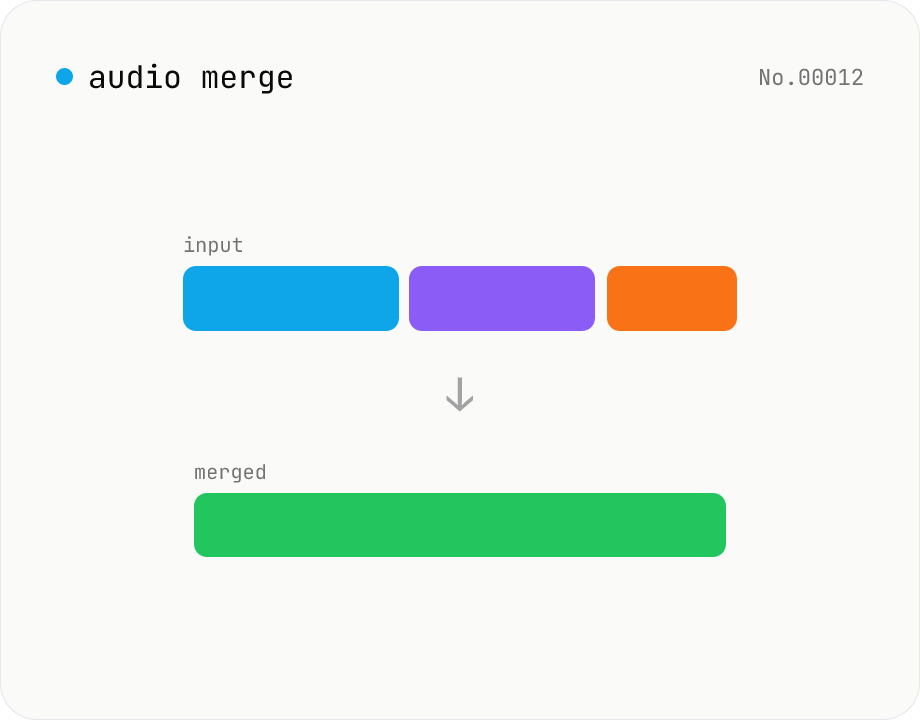
Audio merge — concat multiple files into one
Concatenate multiple audio files via the ffmpeg.wasm concat demuxer. Reorder by drag. Stream copy keeps codec untouched, but all inputs must share the same codec and sample rate.
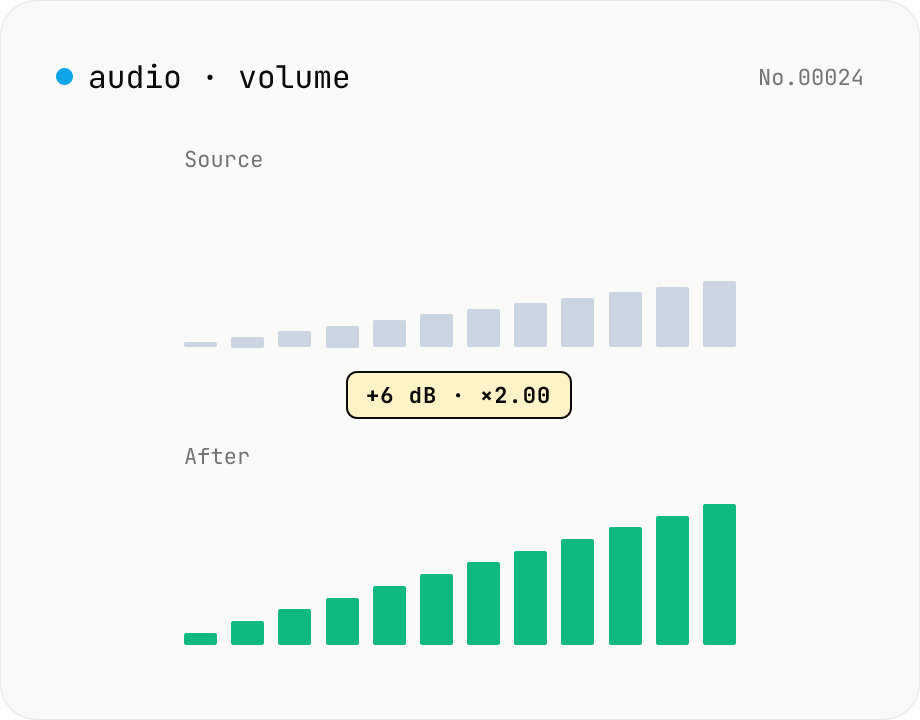
Audio volume — adjust by dB or linear multiplier
Adjust the loudness of audio files in bulk via ffmpeg.wasm's volume filter. Use the dB slider (-30 to +30 dB) or the linear multiplier (×0.03 to ×31.6). +6 dB ≈ 2x, -6 dB ≈ half. To avoid clipping, try negative values first and compare. Supports batch processing and a single ZIP download. Runs entirely in your browser — audio never leaves your device.
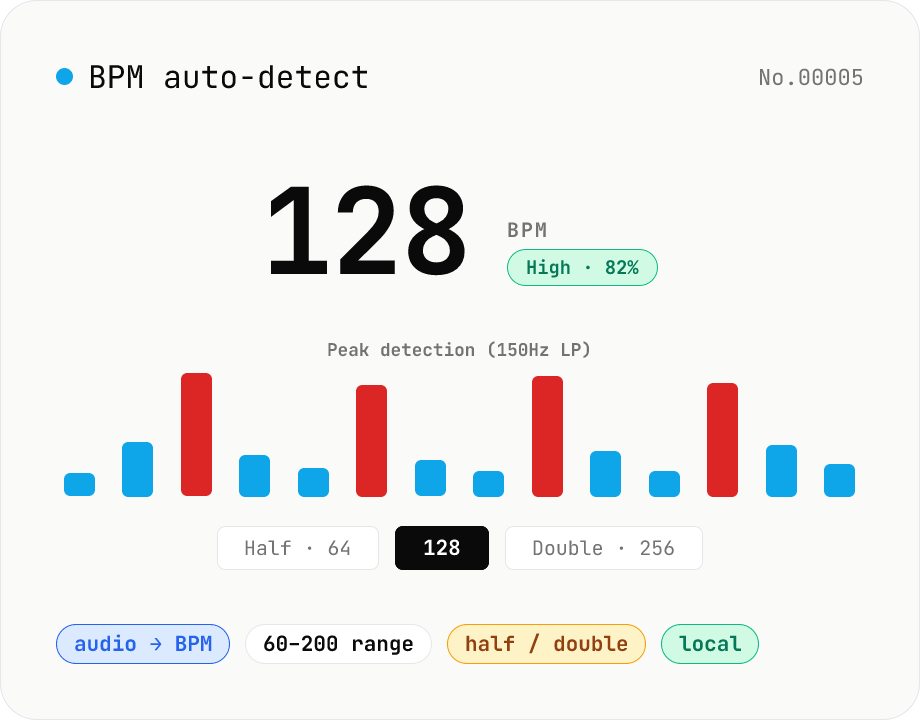
BPM auto-detect — estimate the tempo of an audio file
Drop an audio file (MP3 / WAV / M4A / FLAC / OGG) and we estimate the BPM in-browser using a low-pass filter + peak picker + histogram. Great for finding the tempo of a DJ partner track, checking sample packs, matching dance / running cadence, or grabbing a source BPM before running bpm-time-stretch. Half-tempo and double-tempo candidates are also shown so you can override 4-on-the-floor misreads (60 vs. 120). Everything stays in your browser.
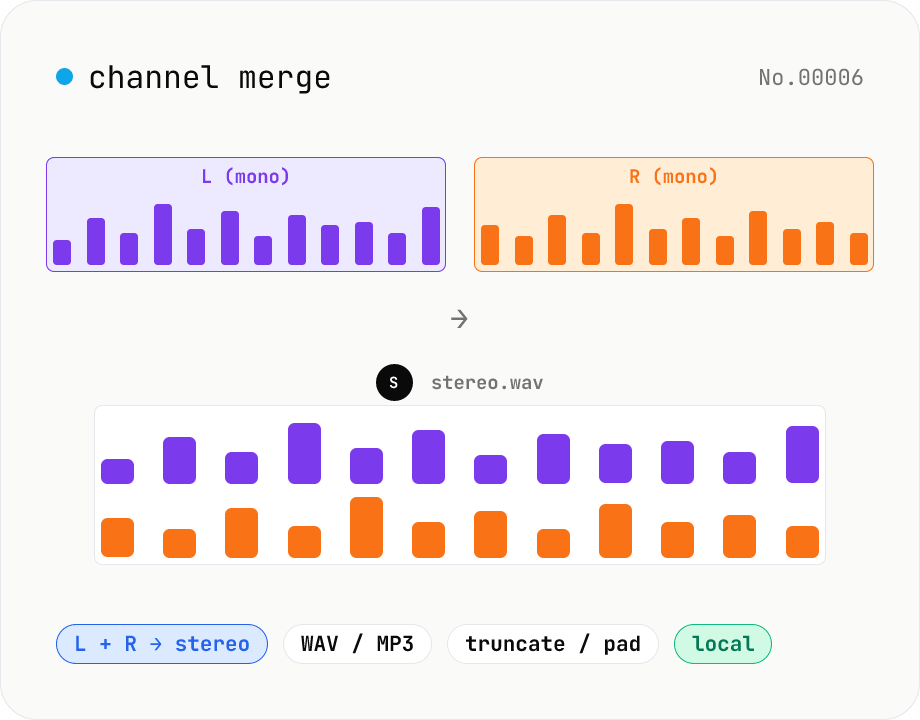
Audio channel merge — two mono files into a stereo L + R
Combine two mono audio files (MP3 / WAV / M4A / FLAC / OGG) into one stereo file. The first file becomes the left channel, the second becomes the right; we interleave them and output one stereo WAV / MP3. Useful for putting two-mic interview takes into a single L/R file, faking stereo from a mono source, or reversing audio-channel-split. When lengths differ, truncate to the shorter file or pad the shorter one with silence — your choice. Everything stays in your browser.