
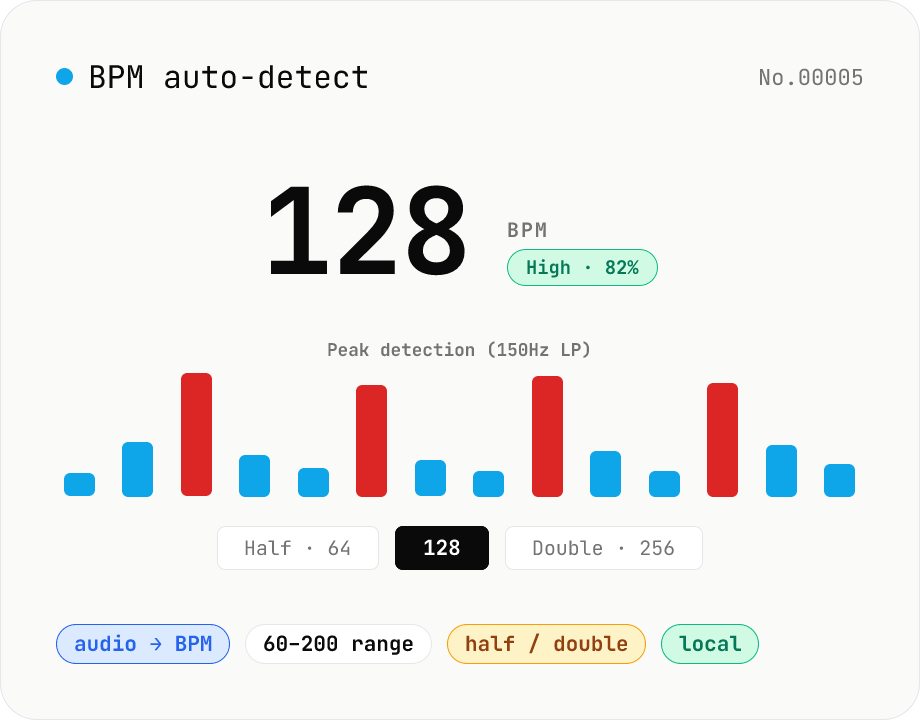
BPM auto-detect — estimate the tempo of an audio file
Drop an audio file (MP3 / WAV / M4A / FLAC / OGG) and we estimate the BPM in-browser using a low-pass filter + peak picker + histogram. Great for finding the tempo of a DJ partner track, checking sample packs, matching dance / running cadence, or grabbing a source BPM before running bpm-time-stretch. Half-tempo and double-tempo candidates are also shown so you can override 4-on-the-floor misreads (60 vs. 120). Everything stays in your browser.
How to use
Drop or pick one or more audio files (MP3 / WAV / M4A, etc.). Detection starts automatically — about 1–2 seconds for short clips, 3–5 seconds for a 3-minute song. You'll see the estimated BPM, a confidence score, a candidate list, and half / double tempo options. Copy the BPM and feed it straight into bpm-time-stretch / audio-tempo-shift. If the result is misjudged at half or double tempo (e.g. four-on-the-floor reads as 60 BPM when it's really 120), pick the alternate option to switch.
FAQ
- How accurate is it?
- For tracks with a clear four-on-the-floor kick (house / techno / EDM / hip-hop), accuracy is usually within ±1 BPM. Acoustic / classical / odd-meter / vocal-led music can struggle. Counting the half/double misreads, it's still right for most material.
- Why offer half / double tempo candidates?
- Peak-interval BPM estimation can't always distinguish quarter notes from eighth notes. A 120 BPM kick being read as 60 BPM (every two beats) is a common error. Pick whichever option matches your perception.
- How is confidence computed?
- From the share of the top candidate in the histogram plus the gap between #1 and #2. A clearly dominant peak yields high confidence; flat distributions yield low confidence.
- How long should the audio be?
- 30+ seconds gives stable results. Under 10 seconds means too few peaks and low confidence. Over 10 minutes you'll get the average BPM — not ideal for songs with tempo changes.
- Is anything uploaded?
- No. Detection runs entirely in your browser via the Web Audio API (OfflineAudioContext).
Related tools
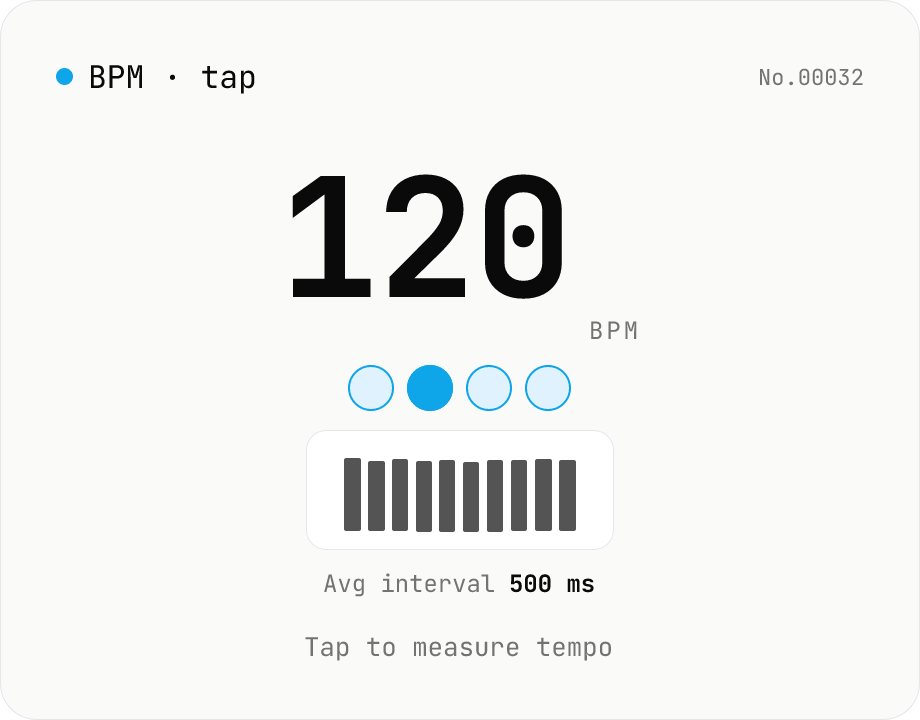
BPM tap — measure tempo by tapping along
Tap a button (or press space) along with a song and the tool computes BPM from the recent inter-tap intervals using the median. Outlier-resistant median + IQR-based stability, up to 16 recent taps, with reset / history clear. Optional Web Audio metronome plays in sync with the detected BPM. All processing runs in your browser.
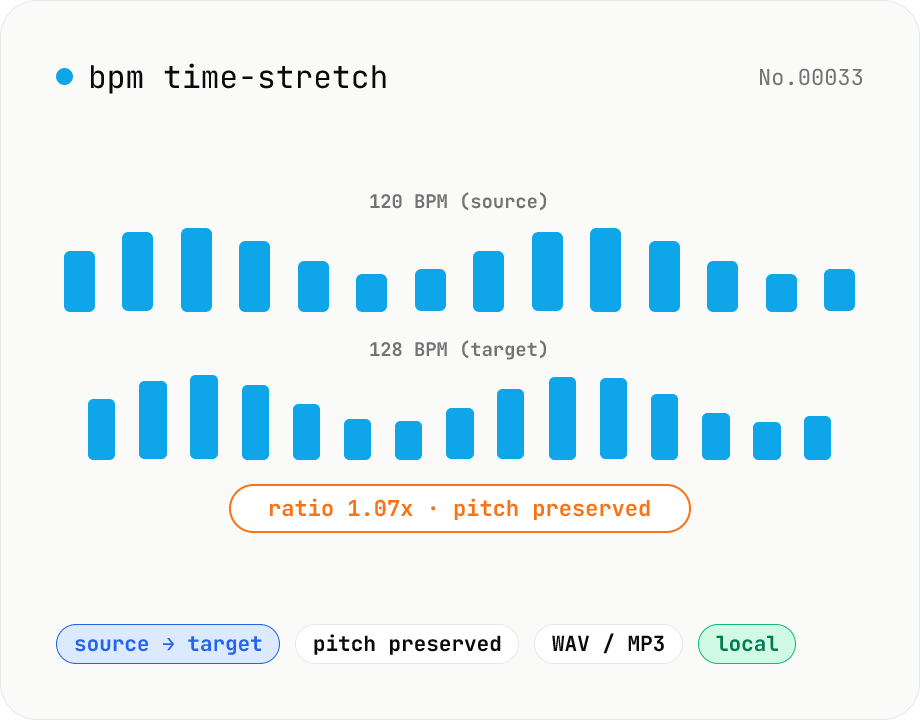
BPM time-stretch — match a target BPM from your source
Enter the source BPM and target BPM, and soundtouchjs (SoundTouch) re-times the audio by `tempo = target / current`. Pitch is preserved, so it's perfect for DJ-style beat matching, music practice at a specific tempo, podcast pacing alignment, or dance rehearsals. Batch multiple files toward a single target. Output to WAV / MP3 — your audio never leaves the browser.
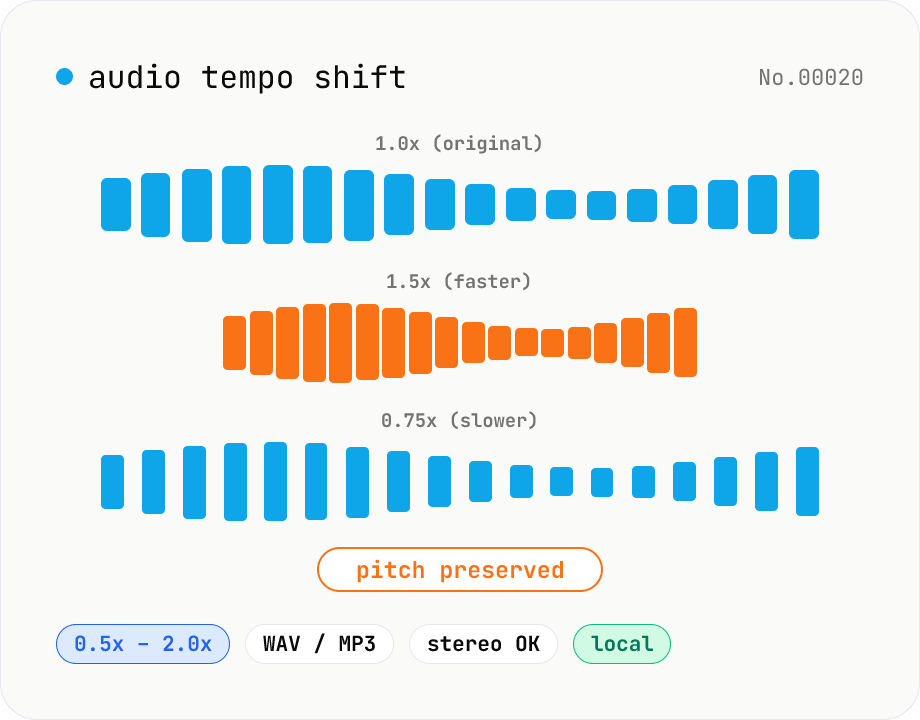
Audio tempo shift — change speed while keeping pitch
Stretch or compress audio files (MP3 / WAV / M4A / AAC / FLAC / OGG / Opus) by tempo (playback speed) without affecting pitch. Powered by soundtouchjs (SoundTouch library time-stretching) running on Web Audio API samples, from 0.5x (half speed) to 2.0x (double). Great for slowing down language-learning clips, transcribing tricky musical phrases, refining narration timing, or producing a 2x podcast cut. Export to WAV or MP3 with batch support. Your audio stays inside your browser — nothing is uploaded.
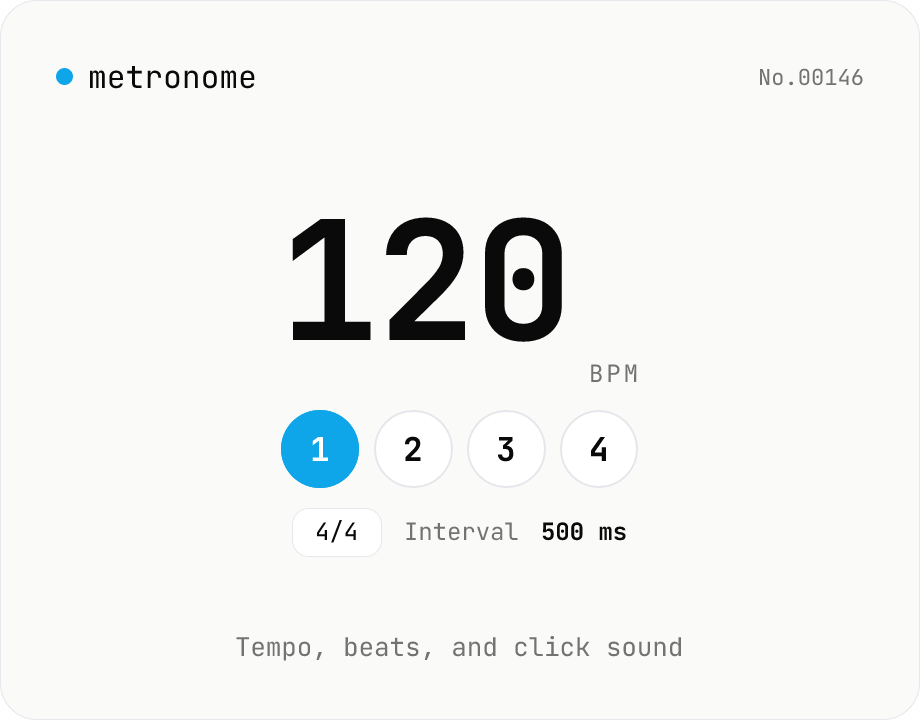
Metronome — BPM, time signature, and click sound
Web Audio API metronome with BPM (30–300), time signature (1–12 beats), and click sound (click / woodblock / cowbell). First beat is accented with a higher pitch, and the current beat is highlighted live. Look-ahead scheduling keeps timing accurate to under 1 ms drift, with volume / mute control. Pair with bpm-tap to play back a tapped tempo. Everything is synthesized in your browser — nothing uploaded.