
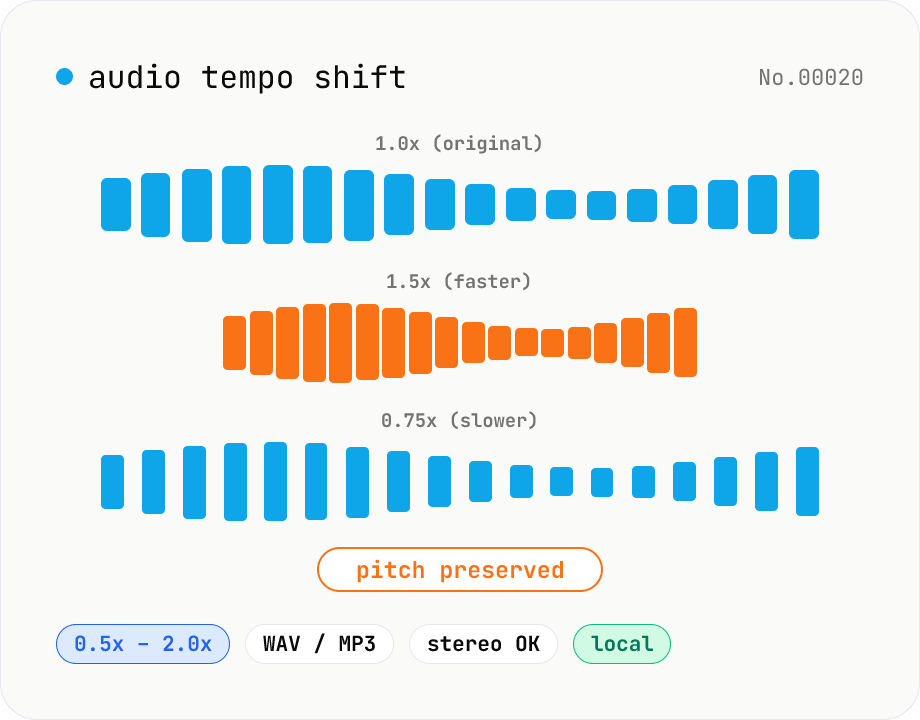
Audio tempo shift — change speed while keeping pitch
Stretch or compress audio files (MP3 / WAV / M4A / AAC / FLAC / OGG / Opus) by tempo (playback speed) without affecting pitch. Powered by soundtouchjs (SoundTouch library time-stretching) running on Web Audio API samples, from 0.5x (half speed) to 2.0x (double). Great for slowing down language-learning clips, transcribing tricky musical phrases, refining narration timing, or producing a 2x podcast cut. Export to WAV or MP3 with batch support. Your audio stays inside your browser — nothing is uploaded.
How to use
Drop or pick one or more audio files (MP3 / WAV / M4A / AAC / FLAC / OGG / Opus). Set the tempo with the slider (0.5x to 2.0x). 1.0x is the original speed. Pick the output format (WAV or MP3). For MP3, choose a bitrate. Click Shift tempo. soundtouchjs processes everything in the browser. Long clips take proportionally longer. Save files individually or grab the whole batch as a ZIP.
FAQ
- Does pitch stay the same?
- Yes. soundtouchjs decouples tempo and pitch, so playback speed changes while the pitch is preserved.
- What if I crank the slider all the way?
- You can go as far as 0.5x or 2.0x, but artifacts (warble, smearing) become obvious past about ±25%. Keep within 0.8x–1.25x for natural quality.
- WAV vs MP3?
- Pick WAV for DAW work or lossless preservation. Pick MP3 for sharing. MP3 is lossy; repeated re-encodes will progressively degrade quality.
- I want to change pitch too.
- This tool is tempo-only. Use the audio-pitch-shift tool for pitch. To change both at once (a simple fast/slow), you can also rewrite the WAV sample rate after export.
- Is anything uploaded?
- No. soundtouchjs and the Web Audio API run entirely inside your browser.
Related tools
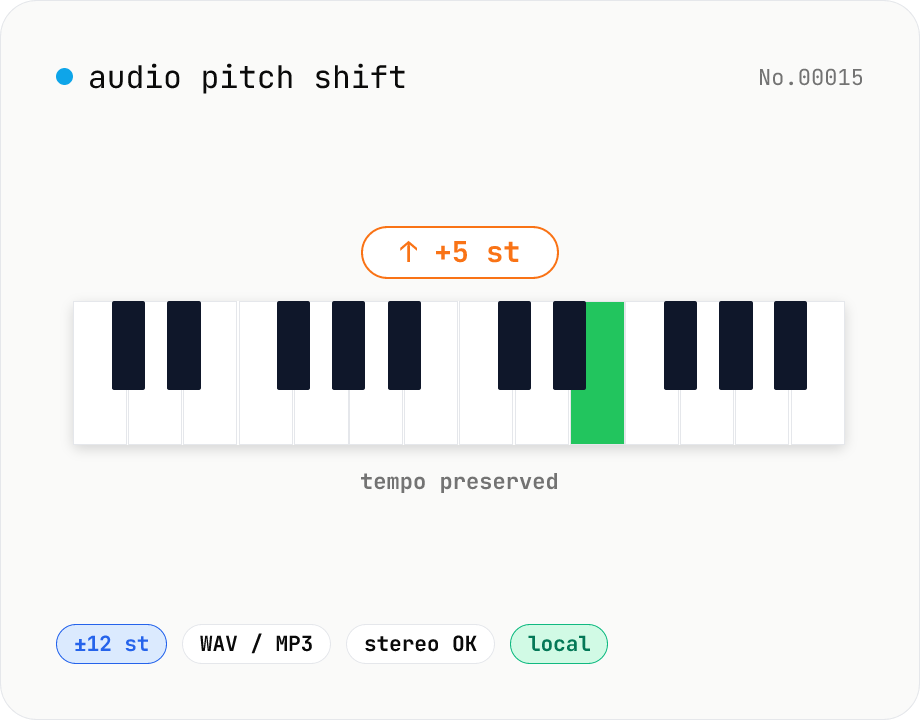
Audio pitch shift — change key in semitones while keeping tempo
Pitch-shift audio files (MP3 / WAV / M4A / AAC / FLAC / OGG / Opus) by semitones (±12 = one octave) without changing playback speed. Powered by soundtouchjs (SoundTouch library) running on Web Audio API samples. Great for karaoke key changes, matching keys across language-learning clips, tweaking narration tone for videos, or stylized voice effects. Export to WAV or MP3 with batch support. Your audio stays inside your browser — nothing is uploaded.
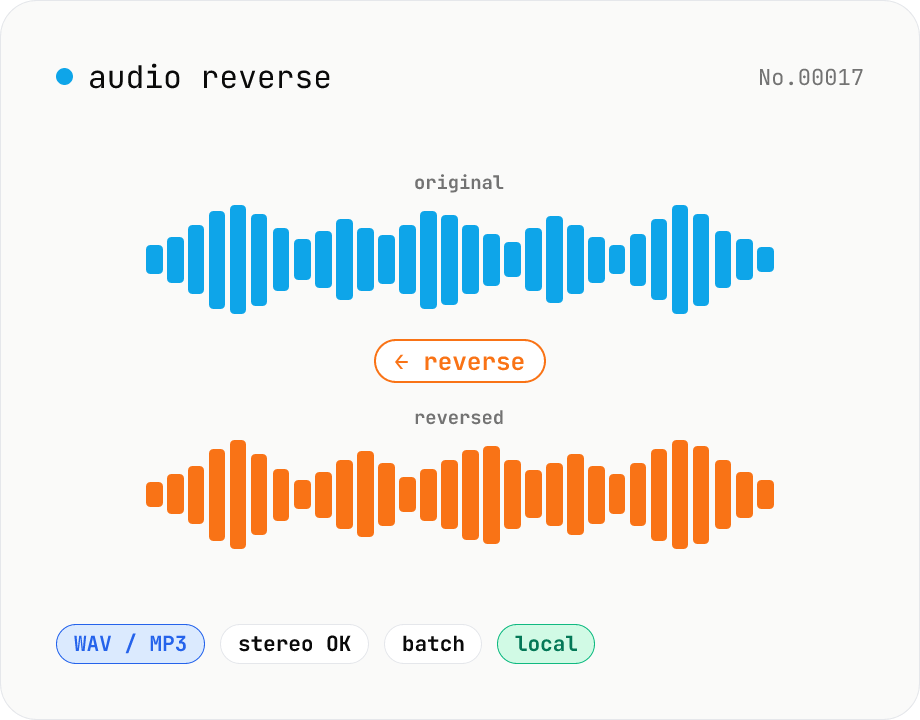
Audio reverse — flip audio backwards to WAV / MP3
Reverse audio files (MP3 / WAV / M4A / AAC / FLAC / OGG / Opus) entirely in the browser and export to WAV or MP3. Great for ASMR, music production, social media, or sound design. Web Audio API decodes the file, samples are flipped per channel (stereo handled correctly), then re-encoded. Batch multiple files and grab them as a ZIP. Your audio never leaves your device.
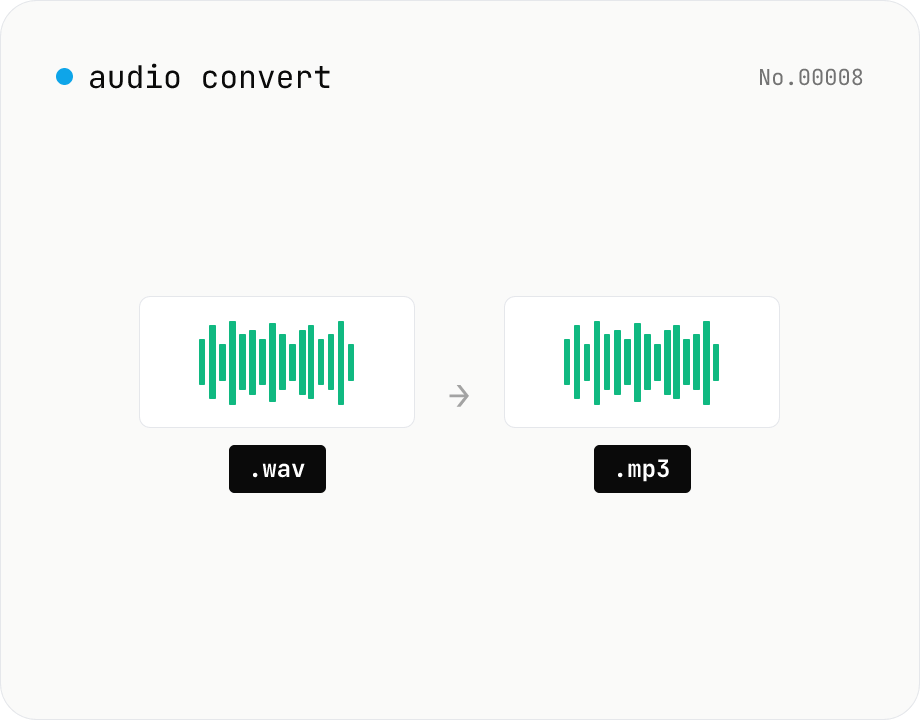
Audio format convert — MP3 / WAV / M4A / OGG / FLAC
Convert audio files to mp3 / wav / m4a / ogg / flac. ffmpeg.wasm picks an encoder based on the chosen extension and re-encodes the file entirely in your browser. Supports batch processing and a single ZIP download.
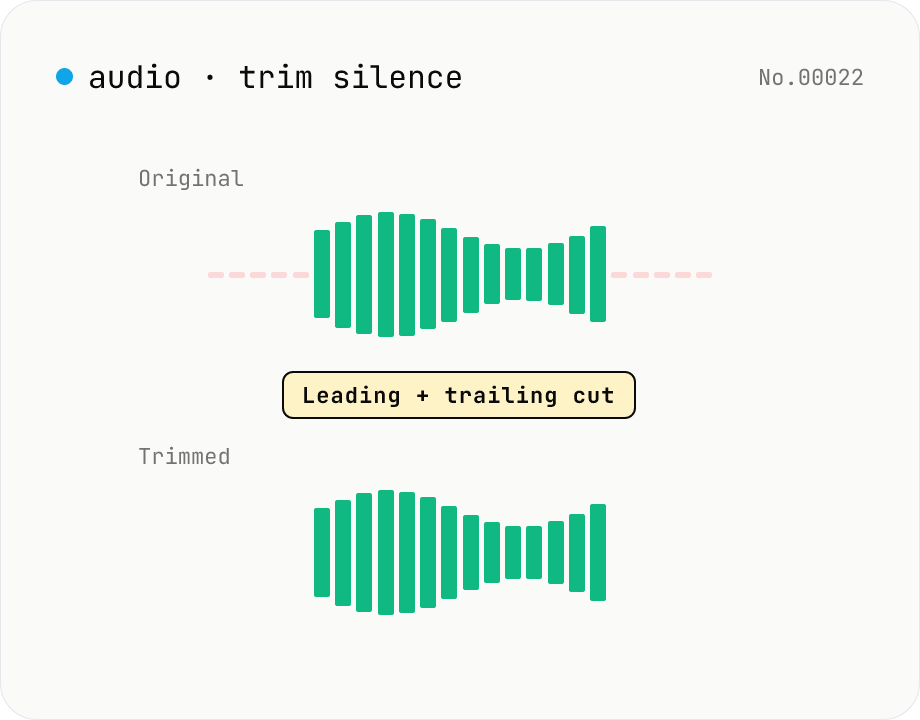
Trim silence from audio — auto-cut leading and trailing silence (ffmpeg.wasm)
Automatically trim the leading and trailing silence from MP3 / WAV / M4A / AAC / OGG / OPUS / FLAC files using ffmpeg.wasm's silenceremove filter. Great for removing dead air at the start of recordings, the awkward pause before a talk, or an unnecessarily long fade-out at the end of a podcast. Tweak the threshold (dB) and minimum silence length (seconds) and choose which side(s) to trim. Batch process and grab a single ZIP. Files never leave your device — every step runs in the browser.