
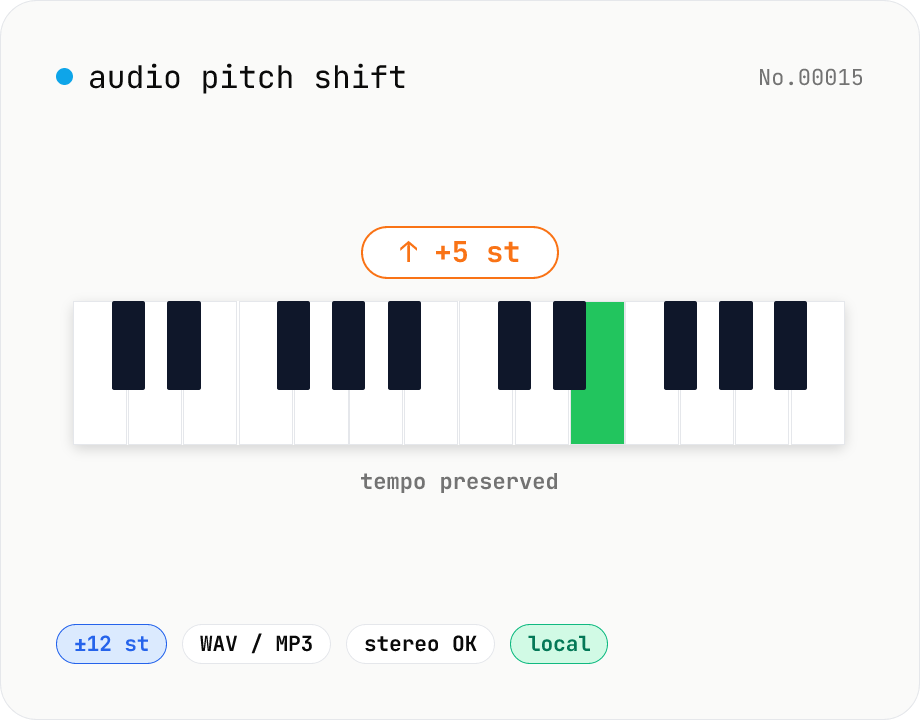
Audio pitch shift — change key in semitones while keeping tempo
Pitch-shift audio files (MP3 / WAV / M4A / AAC / FLAC / OGG / Opus) by semitones (±12 = one octave) without changing playback speed. Powered by soundtouchjs (SoundTouch library) running on Web Audio API samples. Great for karaoke key changes, matching keys across language-learning clips, tweaking narration tone for videos, or stylized voice effects. Export to WAV or MP3 with batch support. Your audio stays inside your browser — nothing is uploaded.
How to use
Drop or pick one or more audio files (MP3 / WAV / M4A / AAC / FLAC / OGG / Opus). Set the pitch in semitones (-12 to +12). +1 = a semitone up, +12 = one octave up. Pick the output format (WAV or MP3). For MP3, choose a bitrate. Click Shift pitch. soundtouchjs processes everything in the browser. Long clips take proportionally longer. Save files individually or grab the whole batch as a ZIP.
FAQ
- Does tempo stay the same?
- Yes. soundtouchjs (the SoundTouch library) decouples pitch and tempo, so duration is unchanged while only the pitch moves.
- What if I crank the slider all the way?
- We cap the range at ±12 semitones (one octave). Even at the cap the artifacts (harmonic distortion, smearing) can be obvious. For natural results, keep within ±3 semitones.
- WAV vs MP3?
- Pick WAV for DAW work or lossless preservation. Pick MP3 for sharing. MP3 is lossy; repeated re-encodes will progressively degrade quality.
- I want to change tempo too (time-stretching).
- This tool is pitch-only. Tempo-only changes are planned for a separate tool. You can change tempo via Web Audio playbackRate, but that shifts pitch too.
- Is anything uploaded?
- No. soundtouchjs and the Web Audio API run entirely inside your browser.
Related tools
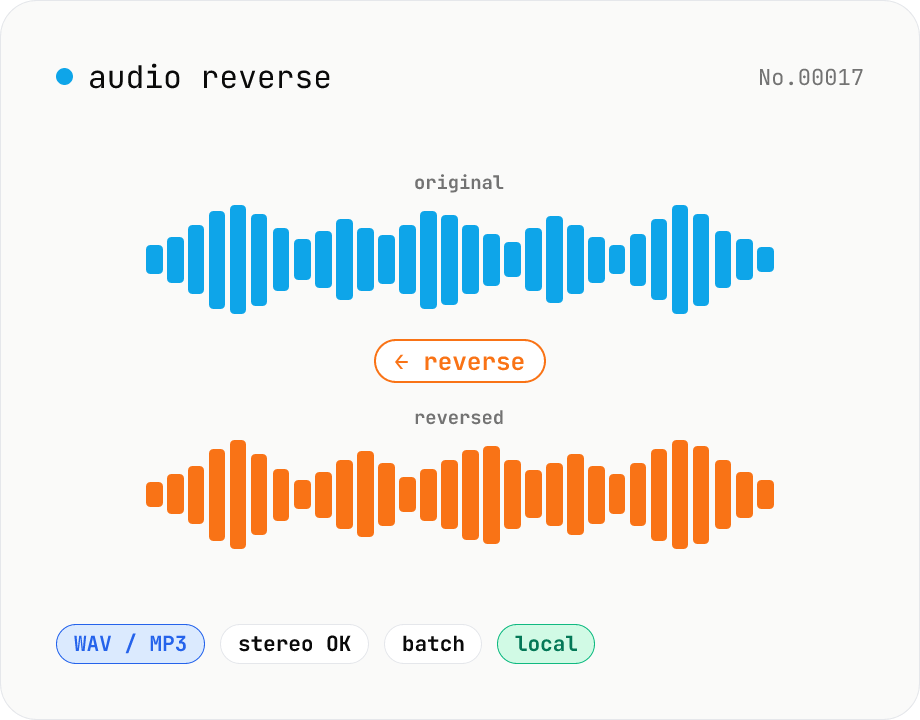
Audio reverse — flip audio backwards to WAV / MP3
Reverse audio files (MP3 / WAV / M4A / AAC / FLAC / OGG / Opus) entirely in the browser and export to WAV or MP3. Great for ASMR, music production, social media, or sound design. Web Audio API decodes the file, samples are flipped per channel (stereo handled correctly), then re-encoded. Batch multiple files and grab them as a ZIP. Your audio never leaves your device.
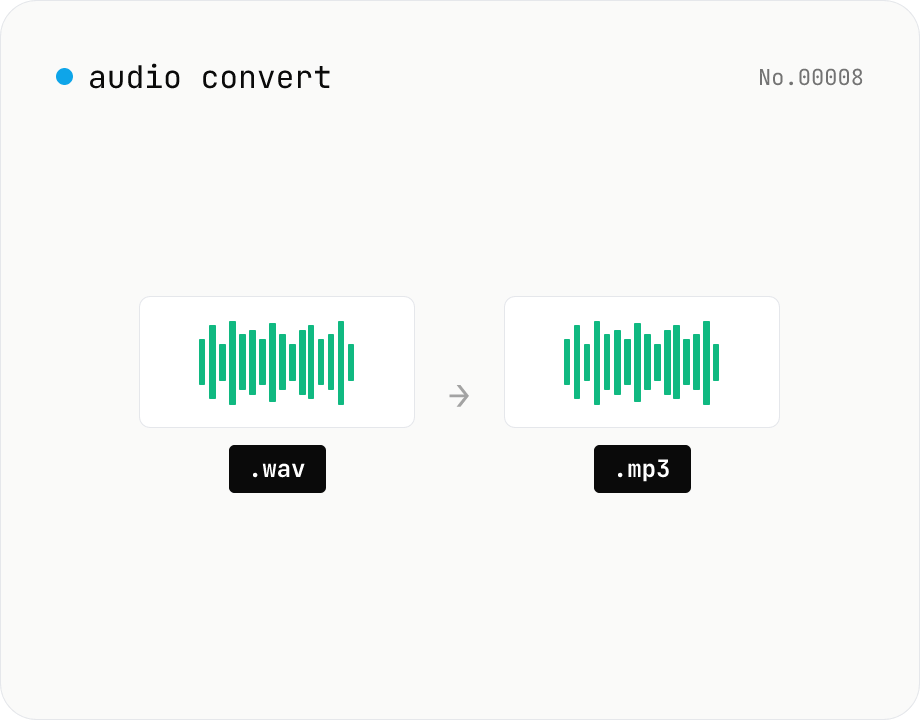
Audio format convert — MP3 / WAV / M4A / OGG / FLAC
Convert audio files to mp3 / wav / m4a / ogg / flac. ffmpeg.wasm picks an encoder based on the chosen extension and re-encodes the file entirely in your browser. Supports batch processing and a single ZIP download.
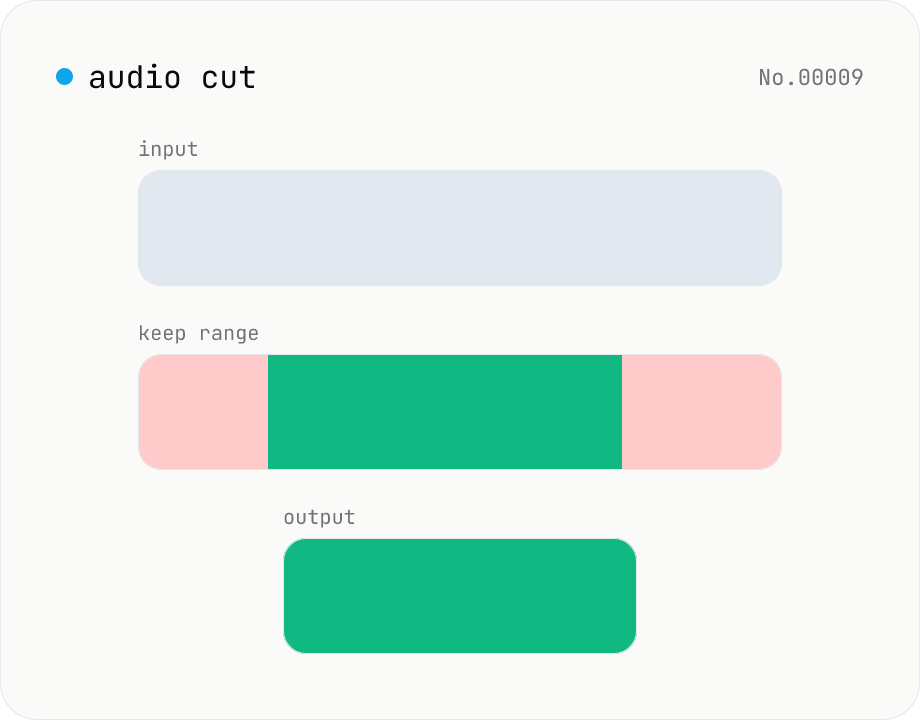
Audio cut — trim a range with no re-encoding
Trim an audio file to a chosen range with ffmpeg.wasm stream copy — no re-encoding, original codec and extension preserved. Cut points snap to the nearest keyframe. Supports batch processing and a single ZIP download.
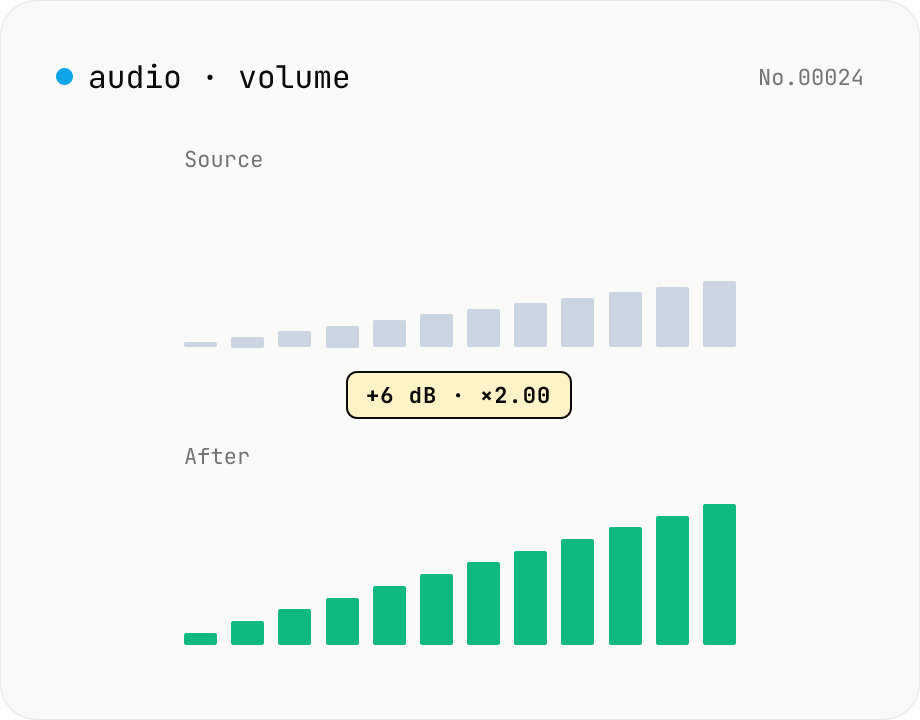
Audio volume — adjust by dB or linear multiplier
Adjust the loudness of audio files in bulk via ffmpeg.wasm's volume filter. Use the dB slider (-30 to +30 dB) or the linear multiplier (×0.03 to ×31.6). +6 dB ≈ 2x, -6 dB ≈ half. To avoid clipping, try negative values first and compare. Supports batch processing and a single ZIP download. Runs entirely in your browser — audio never leaves your device.