
Search
Search all registered tools across categories by name, description, or tag.
Tags:
Sort:
Per page:
All tools
253 / 253
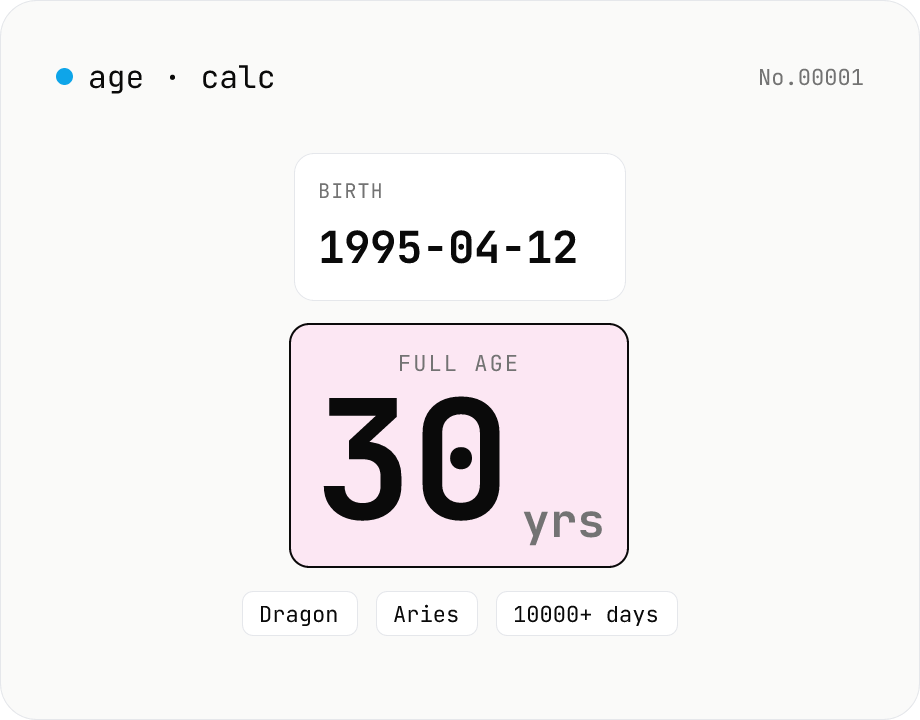
Age calculator — from birthday to years, zodiac & day count
Enter a birth date and a reference date to get the full age in years, days lived, Eastern zodiac (12 animals), and Western zodiac. Change the reference date to compute the age at any past or future point. Everything runs inside your browser — your birthday never leaves the page.
timecalculator
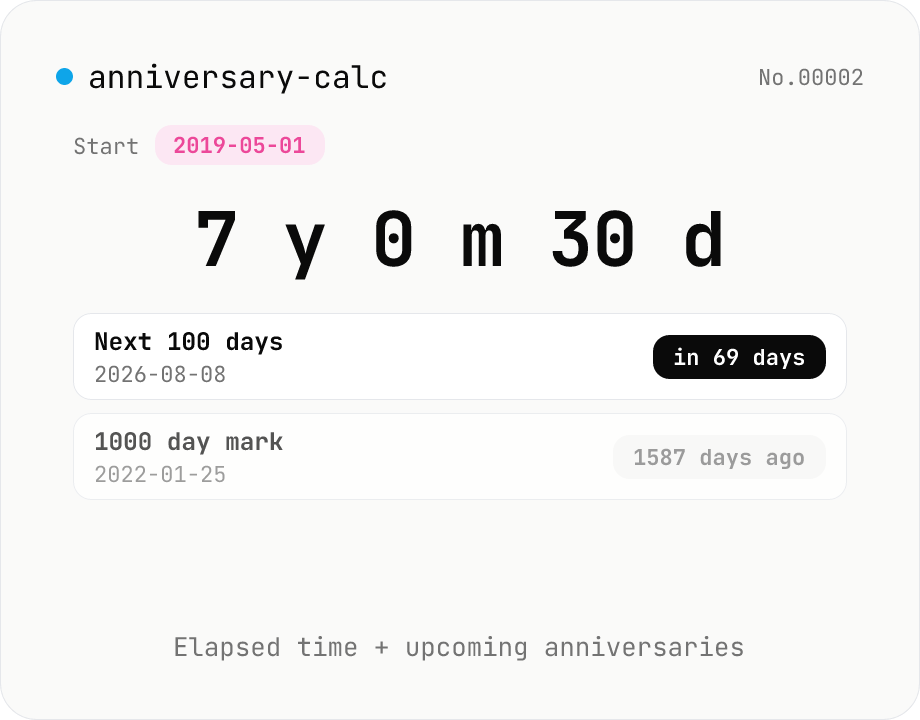
Anniversary counter — years/months/days/hours since a date
Type a start date (relationship, wedding, business launch, fan-club anniversary) and instantly see the elapsed time as 『Y years M months D days』, weeks, days, hours, minutes, and seconds. Upcoming milestones (100, 200, 1000 days, 1/5/10 year marks…) are computed with their own countdowns. Updates every second; copy any value in one click. Where age-calc is birthday-specific, this tool fits any anniversary. Everything runs in your browser.
timecalculator
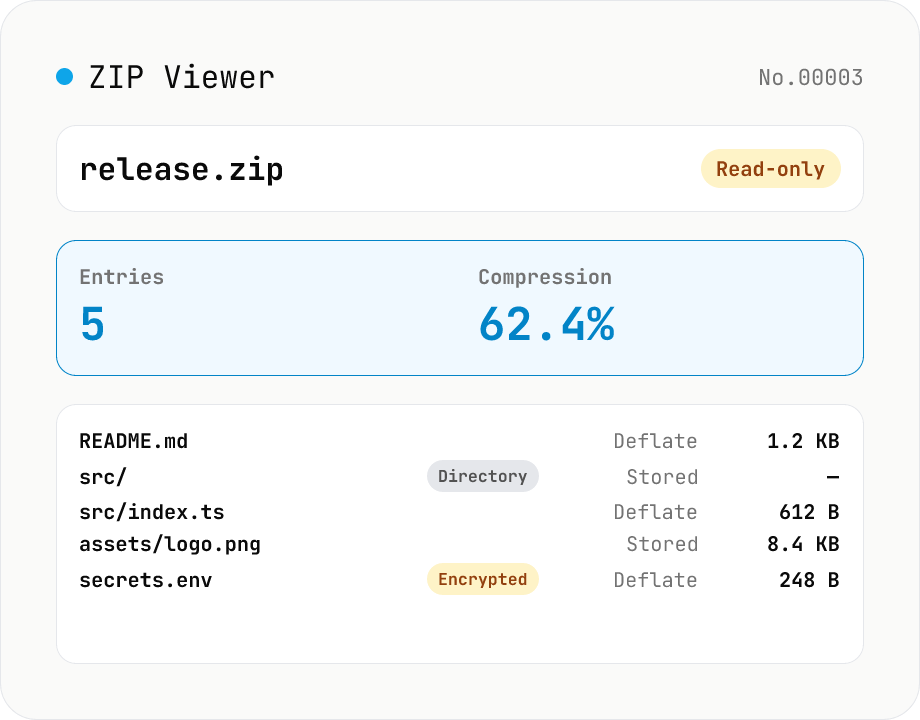
ZIP Archive Viewer
Drop a ZIP file to inspect its contents without extracting. See total entry count, archive size, compression ratio, archive comment, plus per-entry path, original / compressed size, compression method (Stored / Deflate / Deflate64 / BZIP2 / LZMA / Zstandard), last modified time, CRC32, encryption flag, and directory marker. Runs via a hand-rolled Central Directory parser — entry data is never decompressed and nothing is uploaded.
developerextract
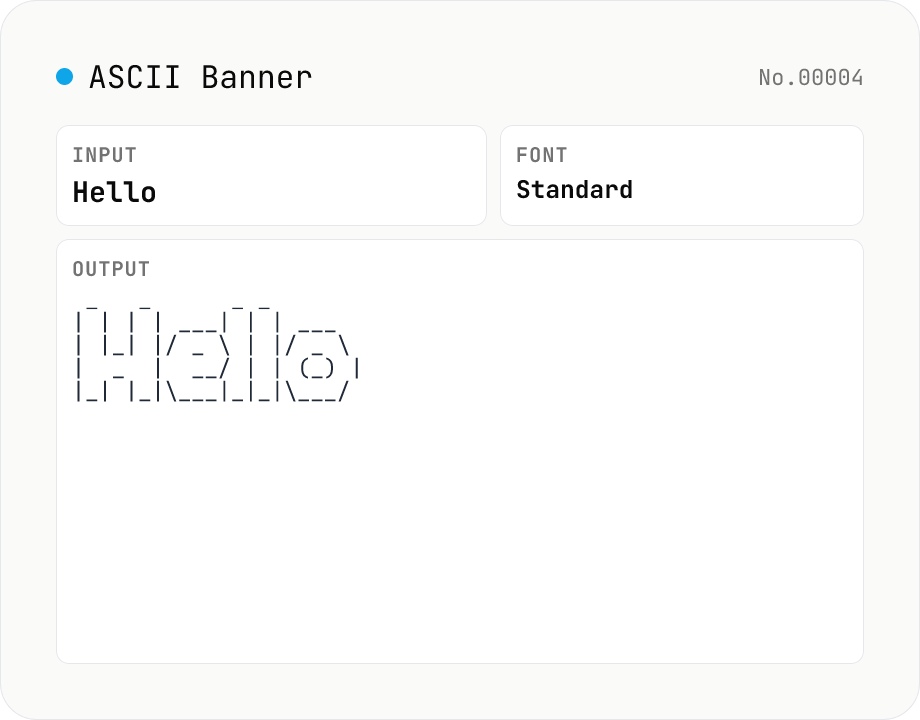
ASCII Art Text — figlet-style banners in multiple fonts
Convert plain text into figlet-style ASCII art banners (e.g. Hello → █▀▀█ ▀▀█ █░░ █░░ █▀▀█). Runs figlet (MIT) entirely in your browser with 10+ popular fonts (Standard / Big / Slant / Block / Ghost / Banner3-D …). Newlines and multi-line input are supported. The result is rendered in a monospaced view; copy it to clipboard or download as a .txt file. Common uses: section headers in source code, separator lines in CI logs, README titles, terminal MOTDs.
developer
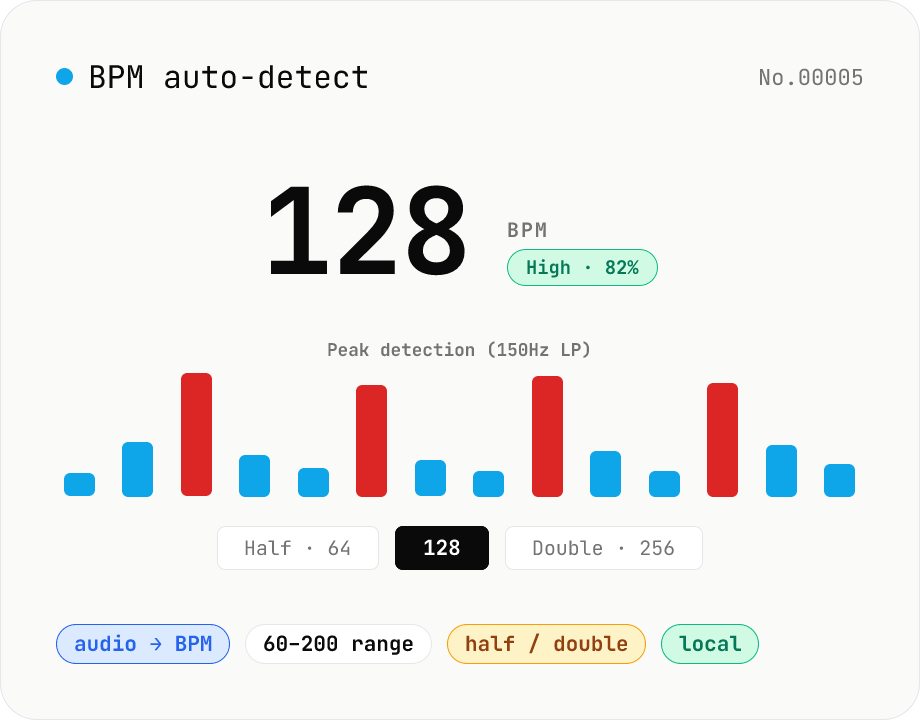
BPM auto-detect — estimate the tempo of an audio file
Drop an audio file (MP3 / WAV / M4A / FLAC / OGG) and we estimate the BPM in-browser using a low-pass filter + peak picker + histogram. Great for finding the tempo of a DJ partner track, checking sample packs, matching dance / running cadence, or grabbing a source BPM before running bpm-time-stretch. Half-tempo and double-tempo candidates are also shown so you can override 4-on-the-floor misreads (60 vs. 120). Everything stays in your browser.
audiotempo
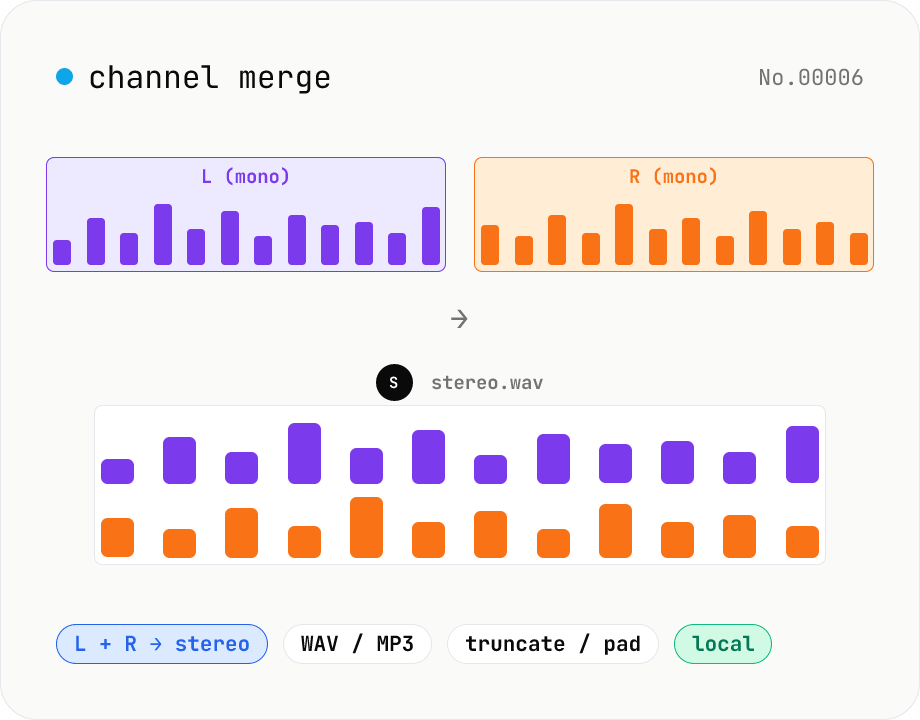
Audio channel merge — two mono files into a stereo L + R
Combine two mono audio files (MP3 / WAV / M4A / FLAC / OGG) into one stereo file. The first file becomes the left channel, the second becomes the right; we interleave them and output one stereo WAV / MP3. Useful for putting two-mic interview takes into a single L/R file, faking stereo from a mono source, or reversing audio-channel-split. When lengths differ, truncate to the shorter file or pad the shorter one with silence — your choice. Everything stays in your browser.
audiomerge
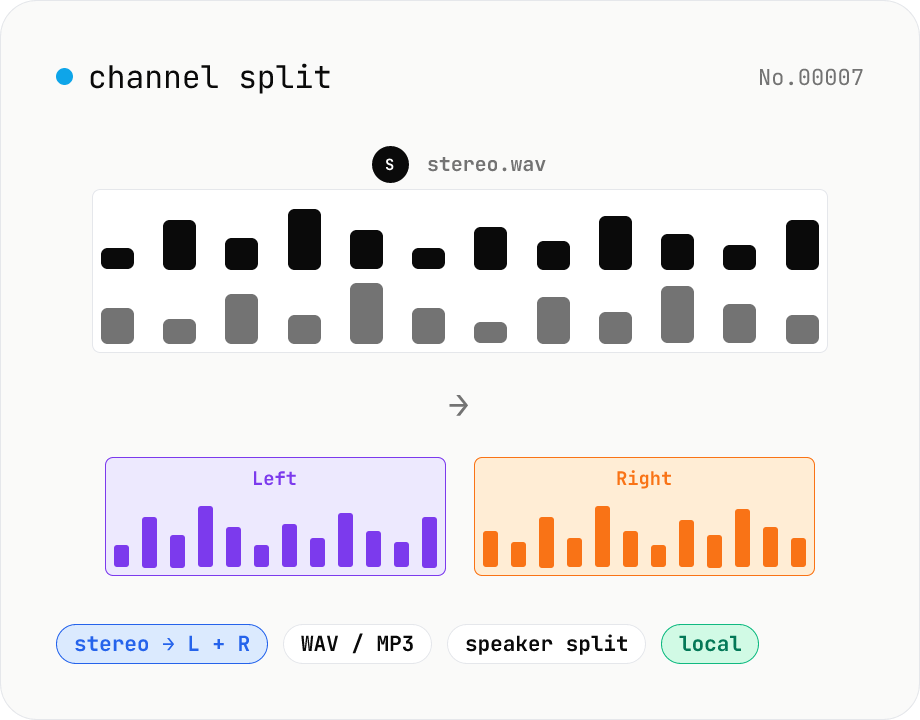
Audio channel split — stereo to two mono files
Split a stereo audio file (MP3 / WAV / M4A / FLAC / OGG) into separate left and right mono WAV / MP3 files. Useful for interview / dictation / Zoom recordings captured with one speaker per channel, isolating noise on one side, or pulling a single channel into your DAW. Mono input passes through as a single file. Everything stays in your browser.
audio
Audio format convert — MP3 / WAV / M4A / OGG / FLAC
Convert audio files to mp3 / wav / m4a / ogg / flac. ffmpeg.wasm picks an encoder based on the chosen extension and re-encodes the file entirely in your browser. Supports batch processing and a single ZIP download.
audioconversion
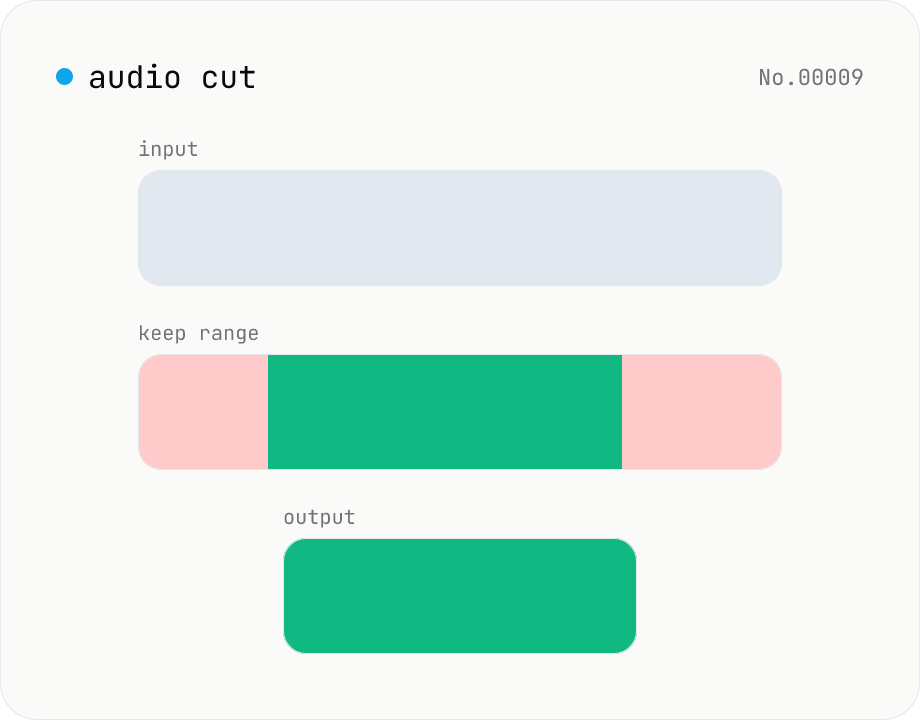
Audio cut — trim a range with no re-encoding
Trim an audio file to a chosen range with ffmpeg.wasm stream copy — no re-encoding, original codec and extension preserved. Cut points snap to the nearest keyframe. Supports batch processing and a single ZIP download.
audiosplit
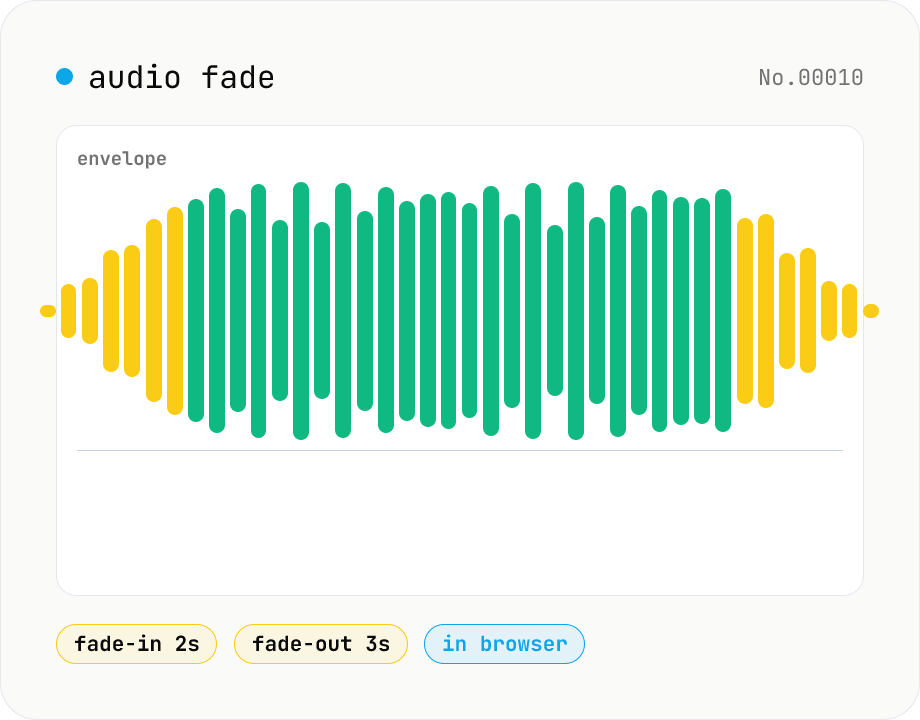
Audio fade — apply fade-in / fade-out in seconds
Add fade-in at the start and fade-out at the end of audio files. ffmpeg.wasm's afade filter handles MP3 / WAV / M4A / OGG / FLAC. Supports batch processing and a single ZIP download. Audio files never leave your device.
audio
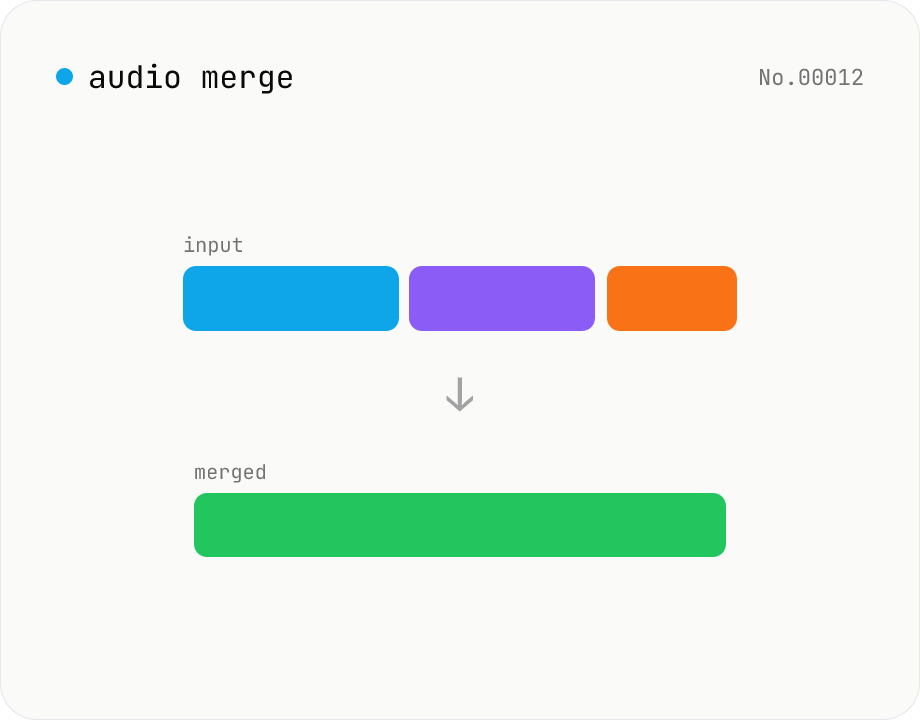
Audio merge — concat multiple files into one
Concatenate multiple audio files via the ffmpeg.wasm concat demuxer. Reorder by drag. Stream copy keeps codec untouched, but all inputs must share the same codec and sample rate.
audiomerge
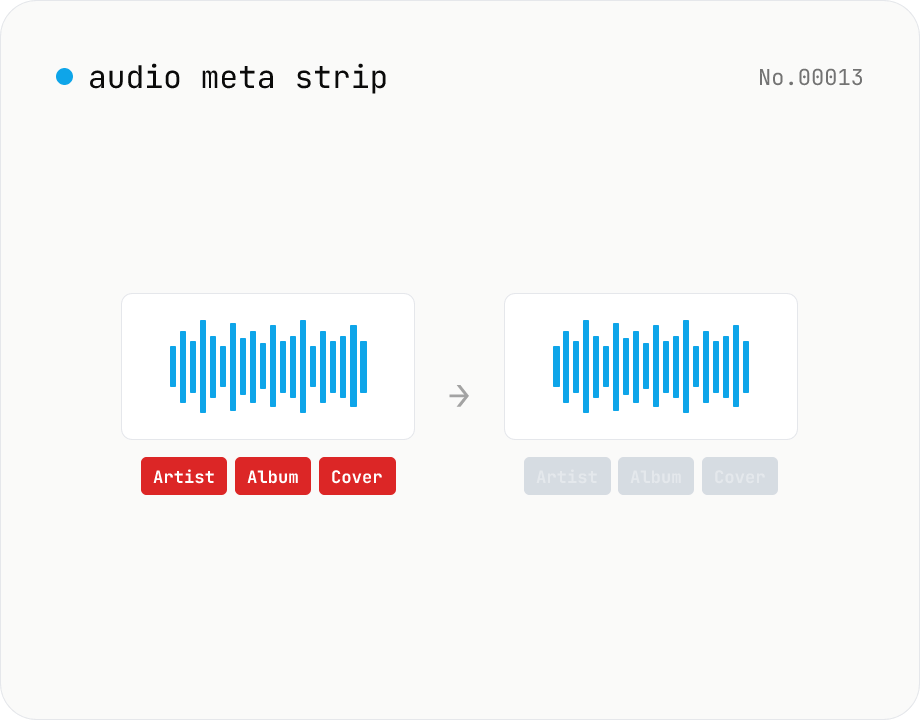
Audio metadata strip — ID3 / Vorbis / iTunes tags
Drop ID3, Vorbis comment, iTunes and other tags from audio files using ffmpeg.wasm — entirely in your browser. Uses stream copy so the codec, quality and file extension are preserved. Supports batch processing and a single ZIP download.
audioEXIF
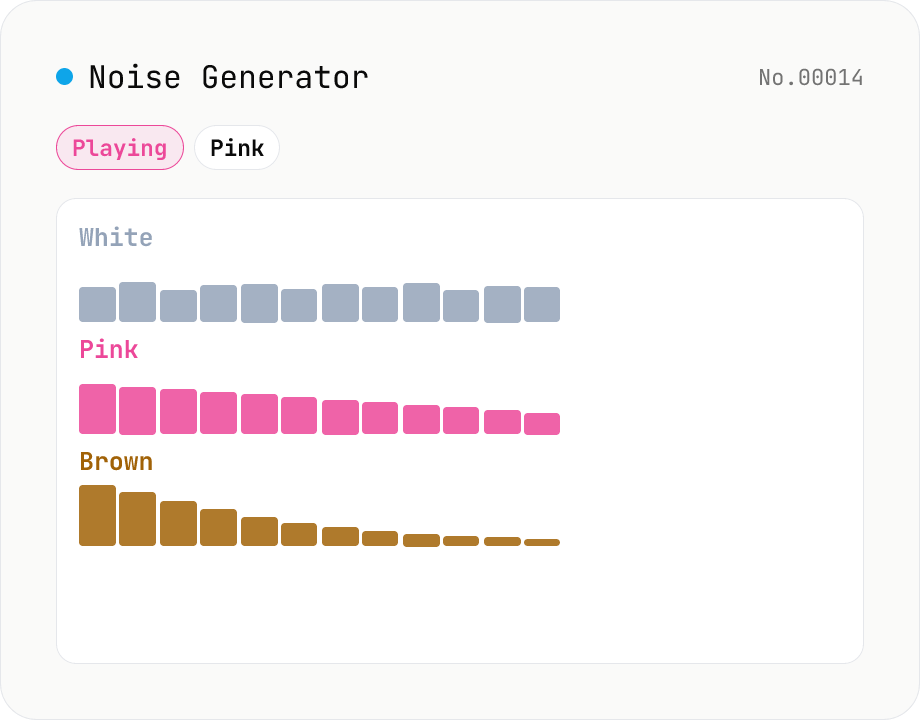
Noise Generator (White / Pink / Brown)
Synthesise white, pink and brown (red) noise in your browser with live playback and WAV download. **White** has flat energy across frequency (sounds bright). **Pink** has flat energy per octave (1/f spectrum, close to many natural sounds). **Brown** falls off at -6 dB/octave for a deep, ocean-like sound. Useful as a focus-aid masking track, infant sleep aid, tinnitus relief, or as a test signal for audio equipment. Download any duration from 0.5 s to 60 s as 44.1 kHz / 16-bit / mono WAV. Runs entirely in your browser — nothing is uploaded.
generate
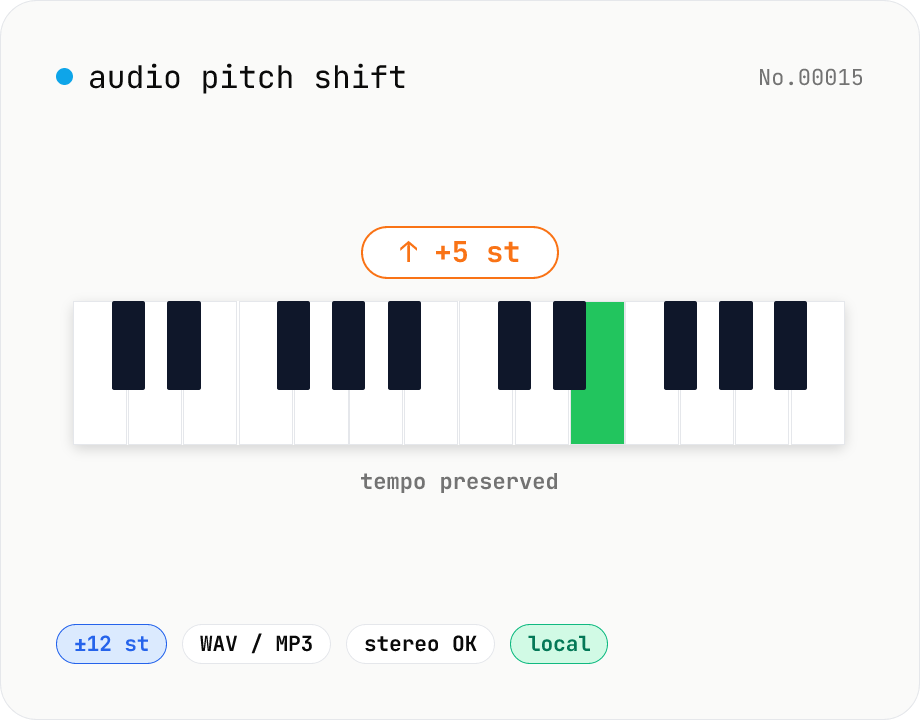
Audio pitch shift — change key in semitones while keeping tempo
Pitch-shift audio files (MP3 / WAV / M4A / AAC / FLAC / OGG / Opus) by semitones (±12 = one octave) without changing playback speed. Powered by soundtouchjs (SoundTouch library) running on Web Audio API samples. Great for karaoke key changes, matching keys across language-learning clips, tweaking narration tone for videos, or stylized voice effects. Export to WAV or MP3 with batch support. Your audio stays inside your browser — nothing is uploaded.
audio
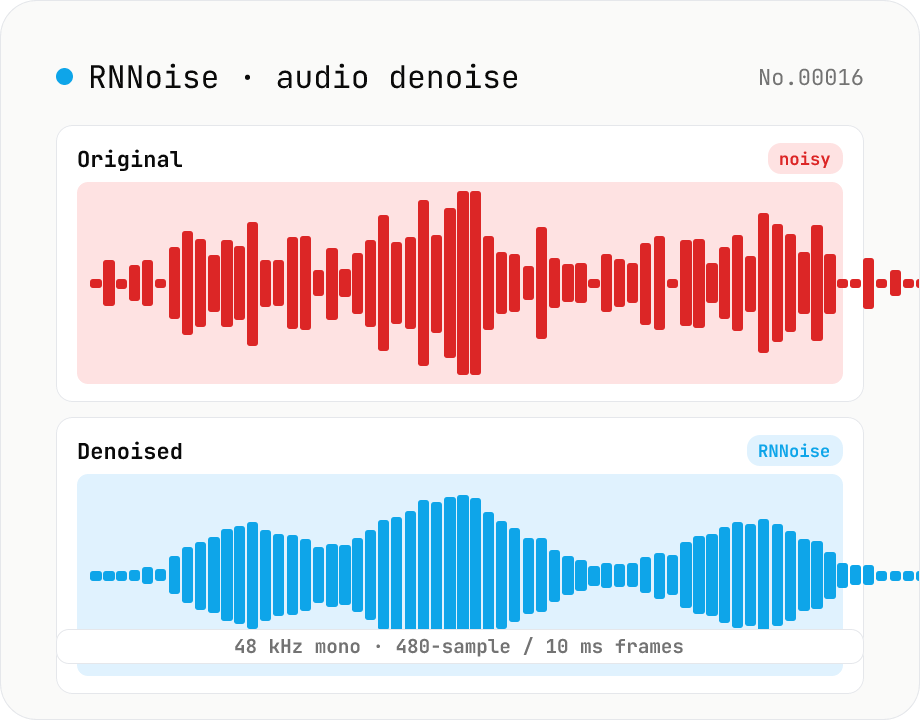
Noise reduction — RNNoise (ML) suppresses hiss / fan / keyboard noise
Upload an audio file and the tool uses RNNoise (Xiph.org, BSD-3-Clause) — a small neural network trained on noisy speech — to suppress fan noise, keyboard clatter, white noise, and breath sounds, returning a denoised WAV. Audio is resampled to 48 kHz mono with the Web Audio API and fed through the WebAssembly RNNoise model in 10 ms / 480-sample frames, alongside a voice activity (VAD) estimate. The model preserves speech while cleaning up the background, making it ideal for post-production of Zoom recordings, podcast raws, livestream clips, and meeting captures. Audio never leaves the browser.
audio
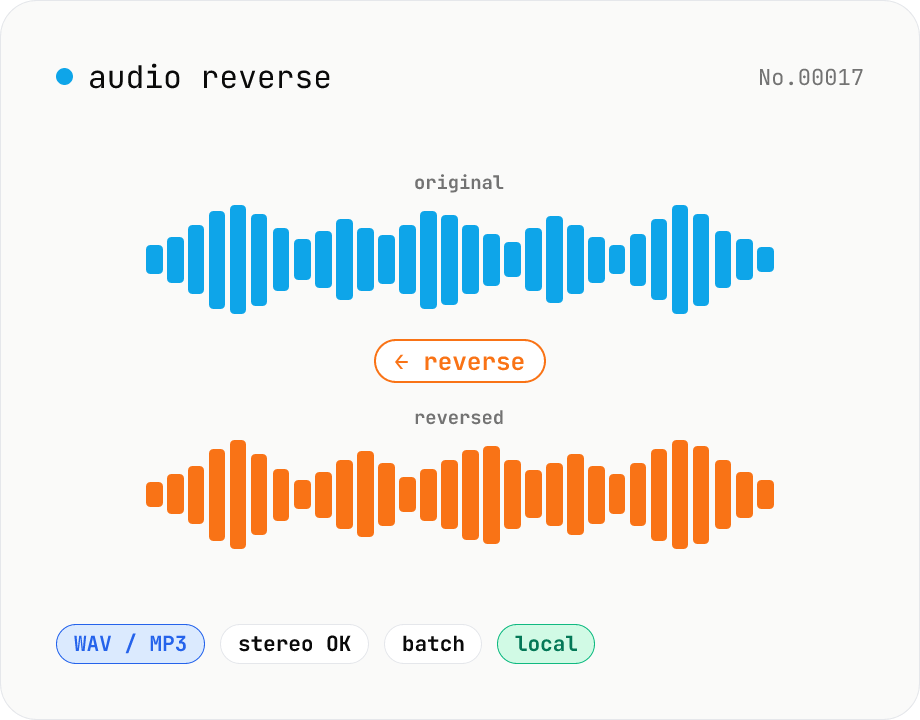
Audio reverse — flip audio backwards to WAV / MP3
Reverse audio files (MP3 / WAV / M4A / AAC / FLAC / OGG / Opus) entirely in the browser and export to WAV or MP3. Great for ASMR, music production, social media, or sound design. Web Audio API decodes the file, samples are flipped per channel (stereo handled correctly), then re-encoded. Batch multiple files and grab them as a ZIP. Your audio never leaves your device.
audioreverse
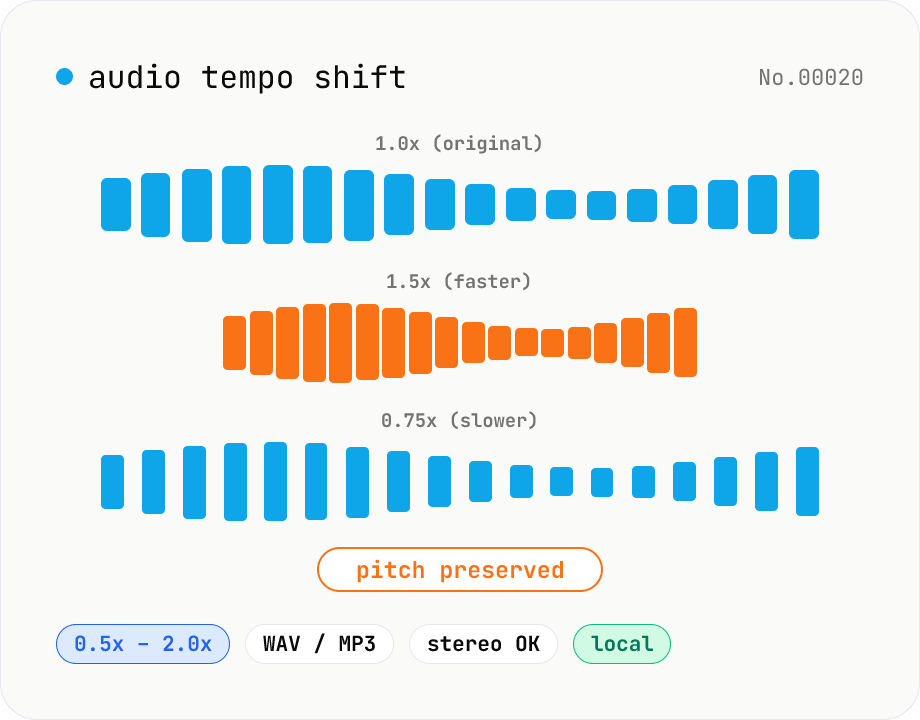
Audio tempo shift — change speed while keeping pitch
Stretch or compress audio files (MP3 / WAV / M4A / AAC / FLAC / OGG / Opus) by tempo (playback speed) without affecting pitch. Powered by soundtouchjs (SoundTouch library time-stretching) running on Web Audio API samples, from 0.5x (half speed) to 2.0x (double). Great for slowing down language-learning clips, transcribing tricky musical phrases, refining narration timing, or producing a 2x podcast cut. Export to WAV or MP3 with batch support. Your audio stays inside your browser — nothing is uploaded.
audio
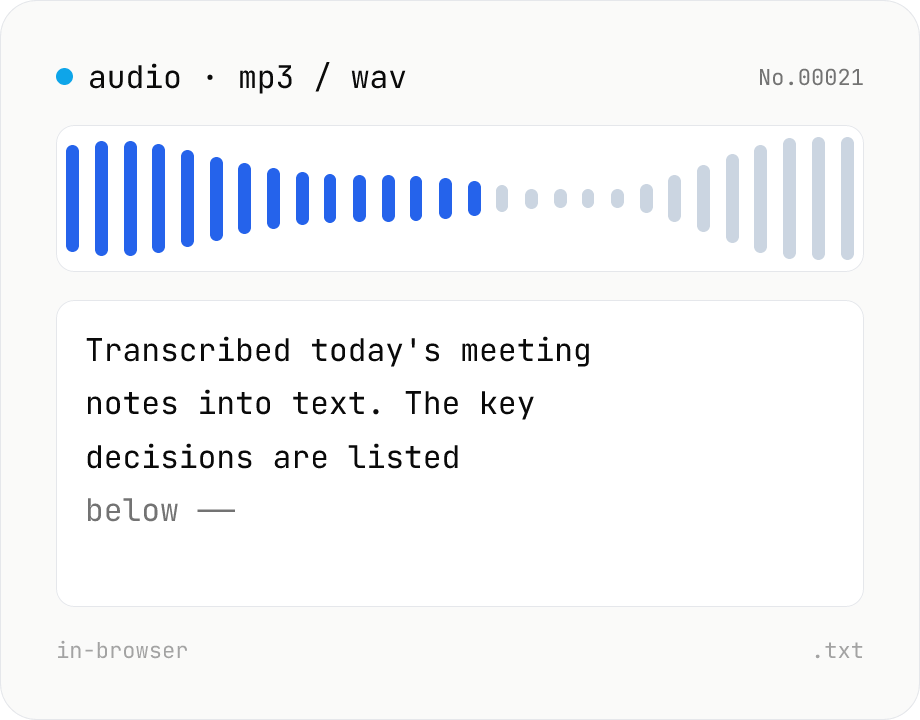
Audio file transcription — Whisper, multilingual
Upload an MP3 / WAV / M4A file and transcribe it with Whisper running inside your browser. Long files are chunked automatically. No audio or model data leaves your device. Performance and supported model size depend on your hardware (CPU / GPU / RAM).
audiotranscriptionAIextract
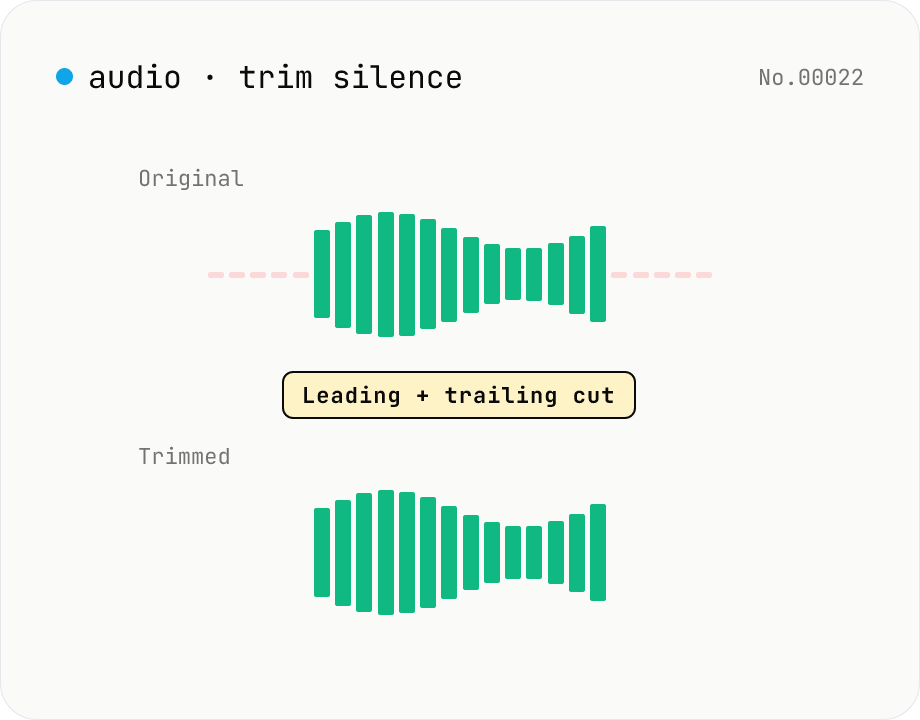
Trim silence from audio — auto-cut leading and trailing silence (ffmpeg.wasm)
Automatically trim the leading and trailing silence from MP3 / WAV / M4A / AAC / OGG / OPUS / FLAC files using ffmpeg.wasm's silenceremove filter. Great for removing dead air at the start of recordings, the awkward pause before a talk, or an unnecessarily long fade-out at the end of a podcast. Tweak the threshold (dB) and minimum silence length (seconds) and choose which side(s) to trim. Batch process and grab a single ZIP. Files never leave your device — every step runs in the browser.
audioextract
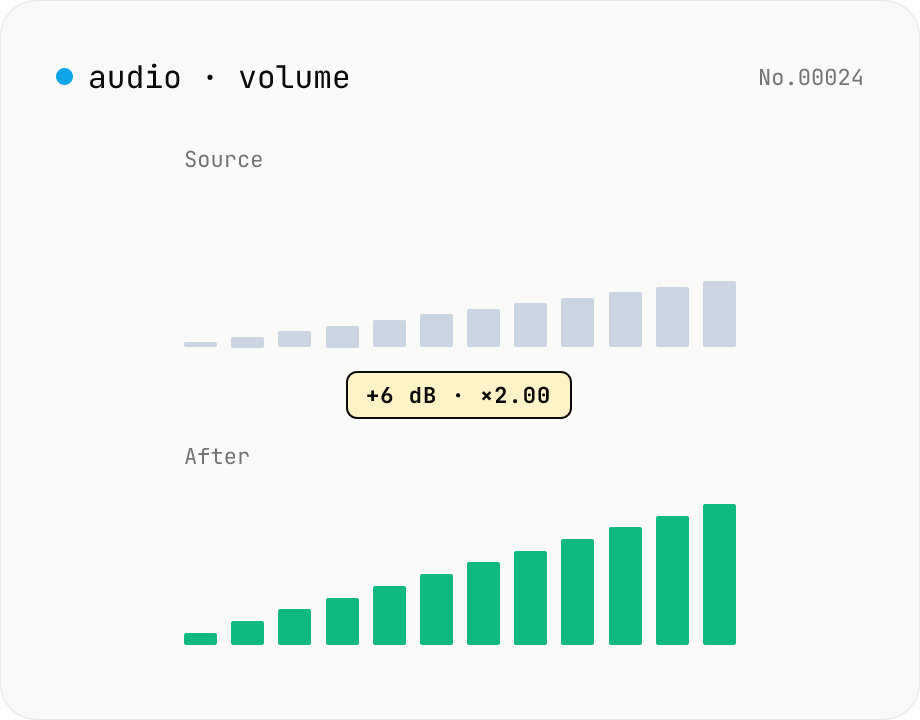
Audio volume — adjust by dB or linear multiplier
Adjust the loudness of audio files in bulk via ffmpeg.wasm's volume filter. Use the dB slider (-30 to +30 dB) or the linear multiplier (×0.03 to ×31.6). +6 dB ≈ 2x, -6 dB ≈ half. To avoid clipping, try negative values first and compare. Supports batch processing and a single ZIP download. Runs entirely in your browser — audio never leaves your device.
audio