
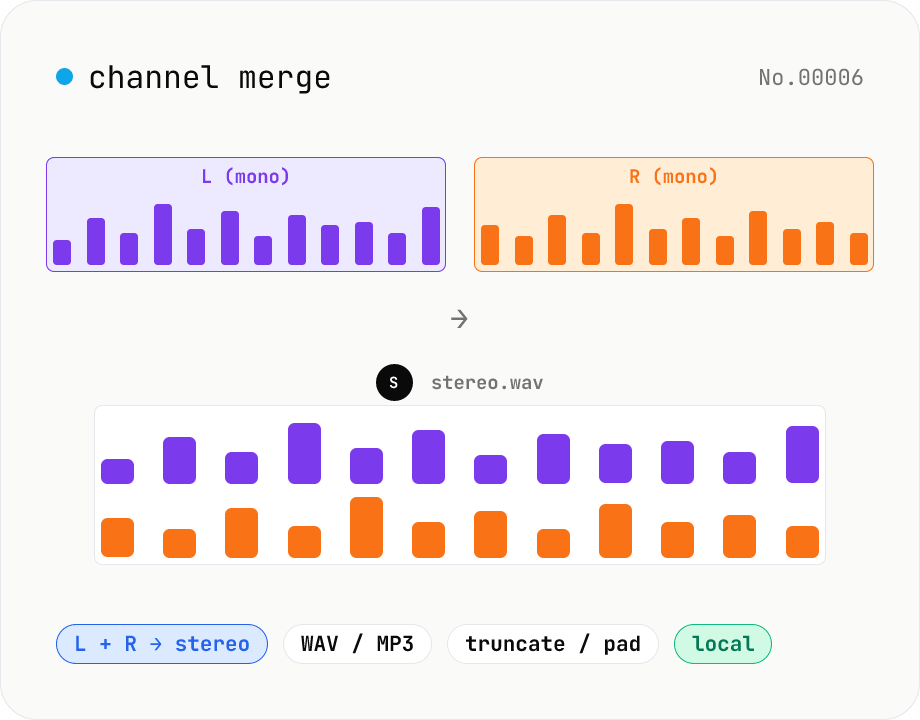
Audio channel merge — two mono files into a stereo L + R
Combine two mono audio files (MP3 / WAV / M4A / FLAC / OGG) into one stereo file. The first file becomes the left channel, the second becomes the right; we interleave them and output one stereo WAV / MP3. Useful for putting two-mic interview takes into a single L/R file, faking stereo from a mono source, or reversing audio-channel-split. When lengths differ, truncate to the shorter file or pad the shorter one with silence — your choice. Everything stays in your browser.
How to use
Pick one audio file (MP3 / WAV / M4A, etc.) for the L (left) channel. Pick a different audio file for the R (right) channel. Choose the output format (WAV / MP3) and bitrate for MP3. Pick the length-matching mode (truncate to shorter, or pad the shorter with silence). Click Merge — we interleave the two channels and give you a single stereo file.
FAQ
- What if I feed a stereo file?
- We take only its first (left) channel. Feeding the same stereo file to both slots will put its left channel in both L and R — usually not what you want. Use audio-channel-split to break stereo material apart first.
- What if the sample rates differ?
- We use the L file's sample rate and linearly resample R to match. Precision is enough for most use; for higher quality, conform both files first with audio-convert.
- What if the lengths differ?
- In 'truncate' mode we cut both files at the shorter end. In 'pad' mode we extend the shorter with zero samples (silence) to match the longer. Default is truncate.
- What's the output filename?
- We use the L file's base name and append `-stereo.wav` (or `.mp3`). Example: dropping `voice-a.mp3` into L produces `voice-a-stereo.wav`.
- Is anything uploaded?
- No. Decoding runs via the Web Audio API and MP3 encoding uses a JS port of LAME (lamejs) — all local.
Related tools
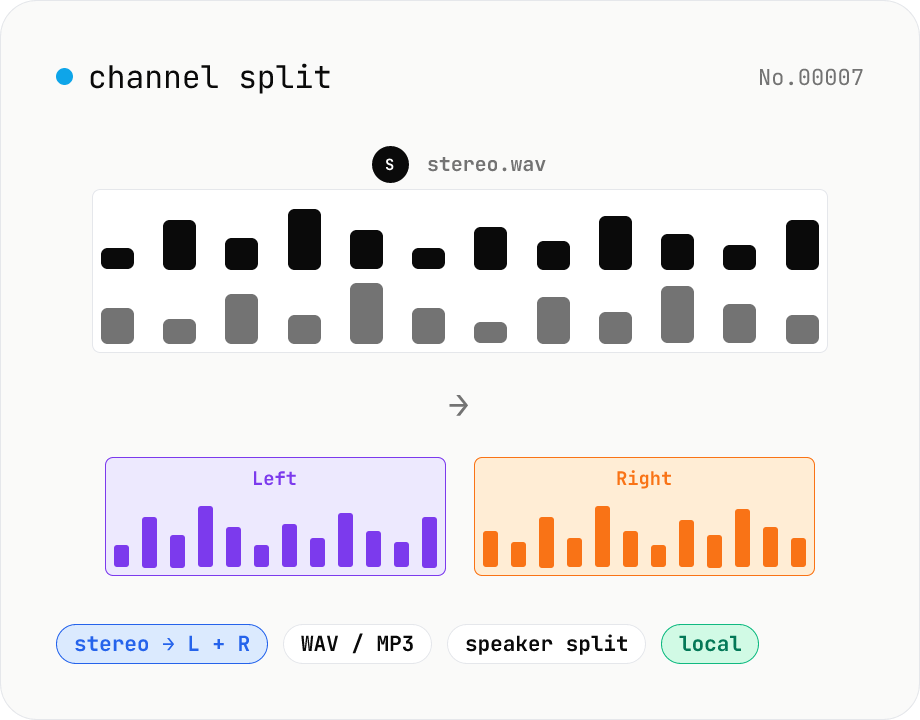
Audio channel split — stereo to two mono files
Split a stereo audio file (MP3 / WAV / M4A / FLAC / OGG) into separate left and right mono WAV / MP3 files. Useful for interview / dictation / Zoom recordings captured with one speaker per channel, isolating noise on one side, or pulling a single channel into your DAW. Mono input passes through as a single file. Everything stays in your browser.
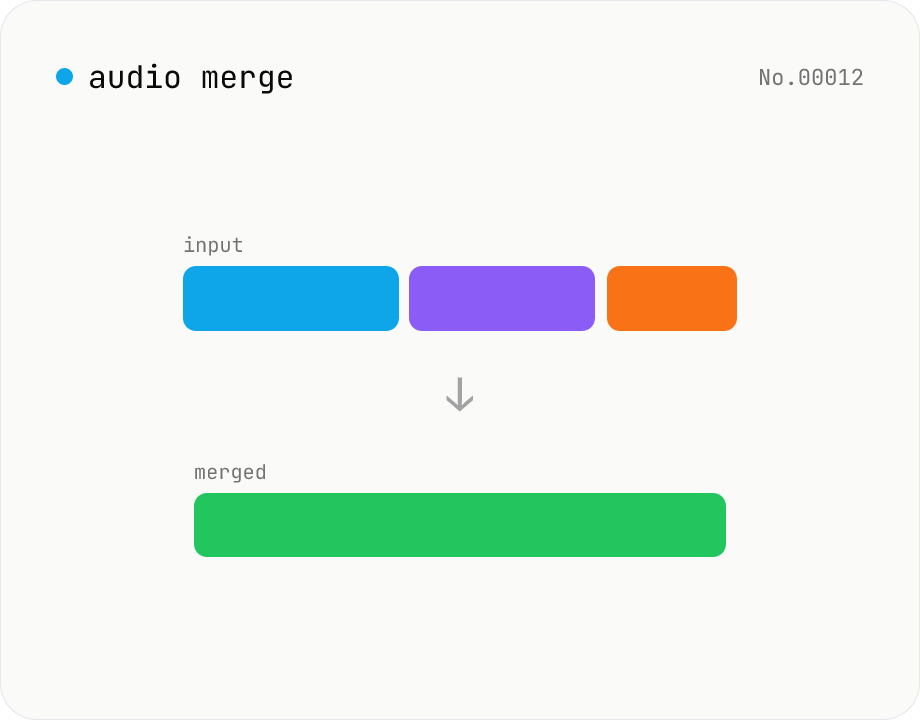
Audio merge — concat multiple files into one
Concatenate multiple audio files via the ffmpeg.wasm concat demuxer. Reorder by drag. Stream copy keeps codec untouched, but all inputs must share the same codec and sample rate.
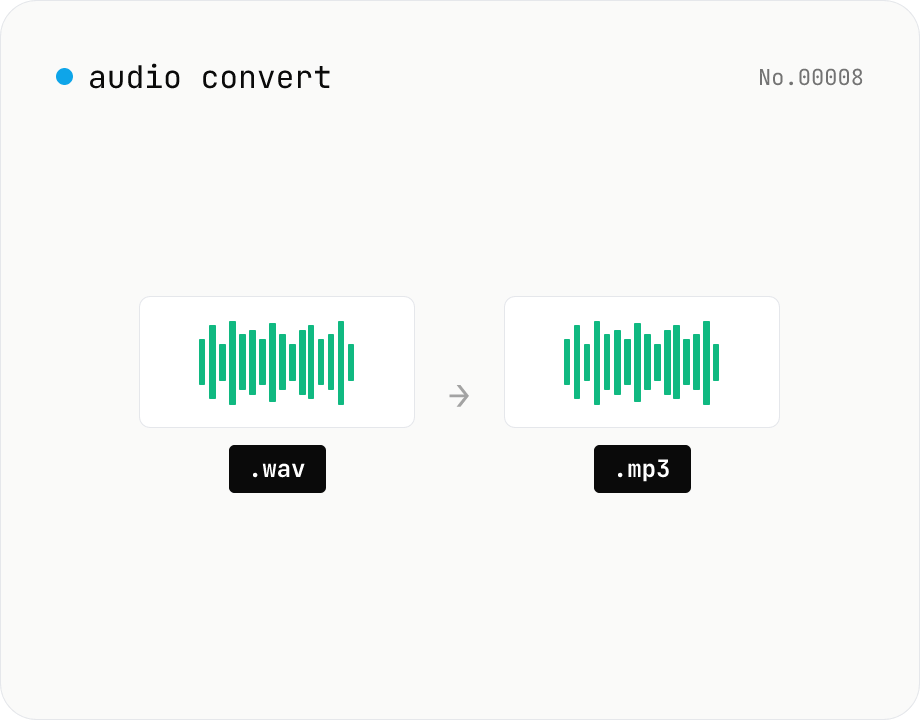
Audio format convert — MP3 / WAV / M4A / OGG / FLAC
Convert audio files to mp3 / wav / m4a / ogg / flac. ffmpeg.wasm picks an encoder based on the chosen extension and re-encodes the file entirely in your browser. Supports batch processing and a single ZIP download.
Voice recorder — record mic to MP3 / WAV
Record from your mic and download as MP3 / WAV. Everything runs in your browser.