
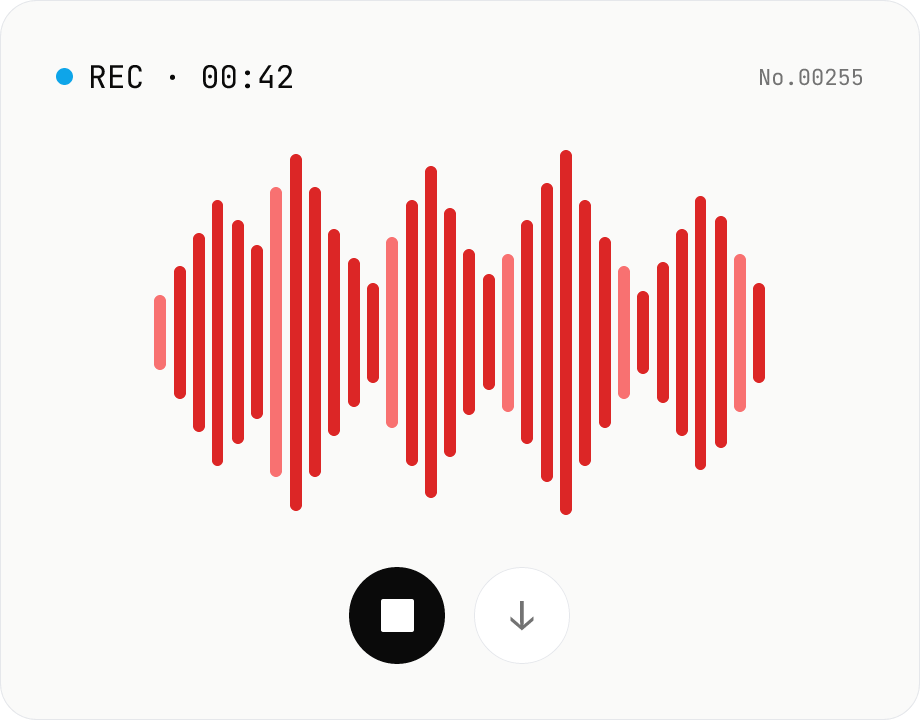
Voice recorder — record mic to MP3 / WAV
Record from your mic and download as MP3 / WAV. Everything runs in your browser.
How to use
Click Record and grant microphone permission when prompted. Elapsed time and a live level meter are shown while recording. When you stop, the audio is encoded to MP3 and WAV in your browser and the download buttons appear. Bitrate, channels (mono / stereo) and echo cancellation / noise suppression / auto gain control toggles are available in the settings panel.
FAQ
- Is the recording uploaded anywhere?
- No. Capture and encoding both happen in your browser. The file only leaves your device if you download it and share it yourself.
- How long can I record?
- As long as your device has memory. Audio is buffered in RAM during the session, so multi-hour recordings may run out of memory.
- Does stereo always work?
- If the microphone only outputs mono, the tool falls back to mono automatically — it checks the actual channel count via MediaStreamTrack.getSettings().channelCount.
- Should I pick MP3 or WAV?
- Use MP3 for sharing (smaller file) and WAV for further editing (lossless).
Related tools
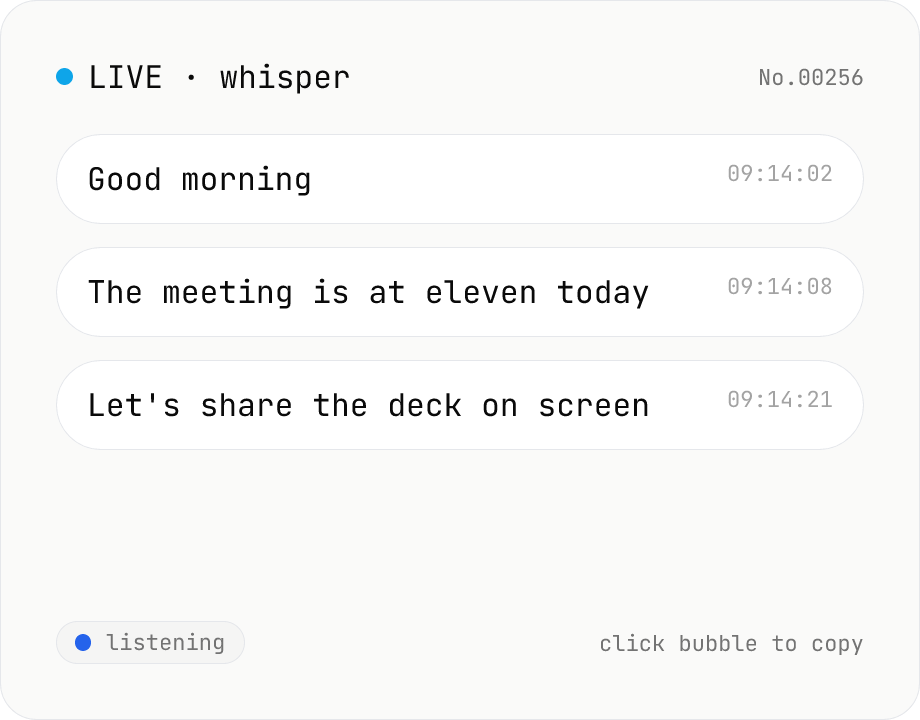
Real-time transcription — live mic with Whisper
Live transcribe your mic with Whisper running inside your browser. Segments split on silence, displayed as chat bubbles, click to copy. No audio or model data leaves your device. Performance and supported model size depend on your hardware (CPU / GPU / RAM).
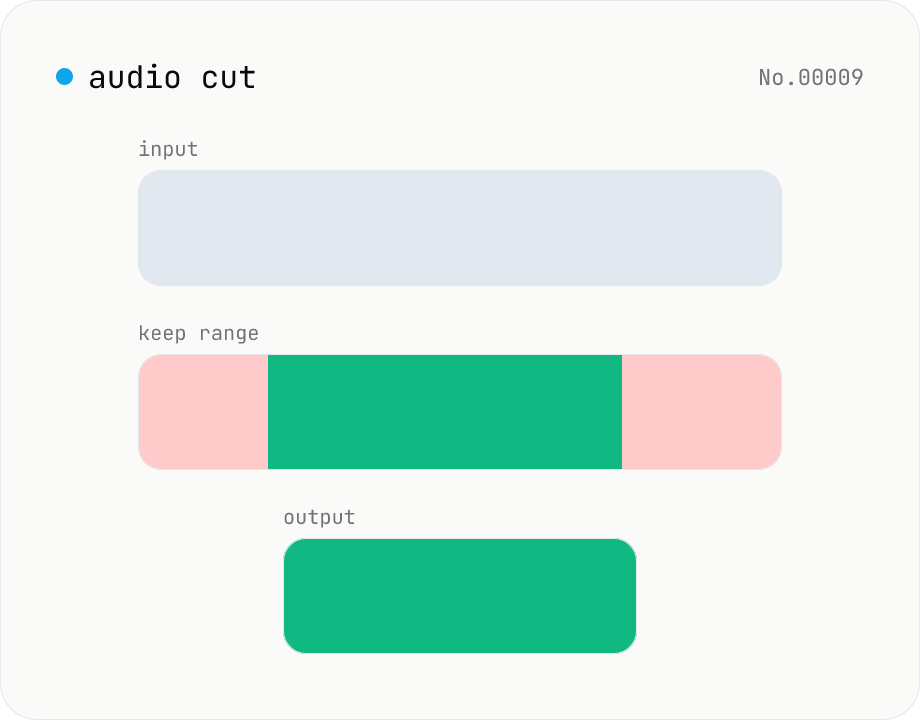
Audio cut — trim a range with no re-encoding
Trim an audio file to a chosen range with ffmpeg.wasm stream copy — no re-encoding, original codec and extension preserved. Cut points snap to the nearest keyframe. Supports batch processing and a single ZIP download.
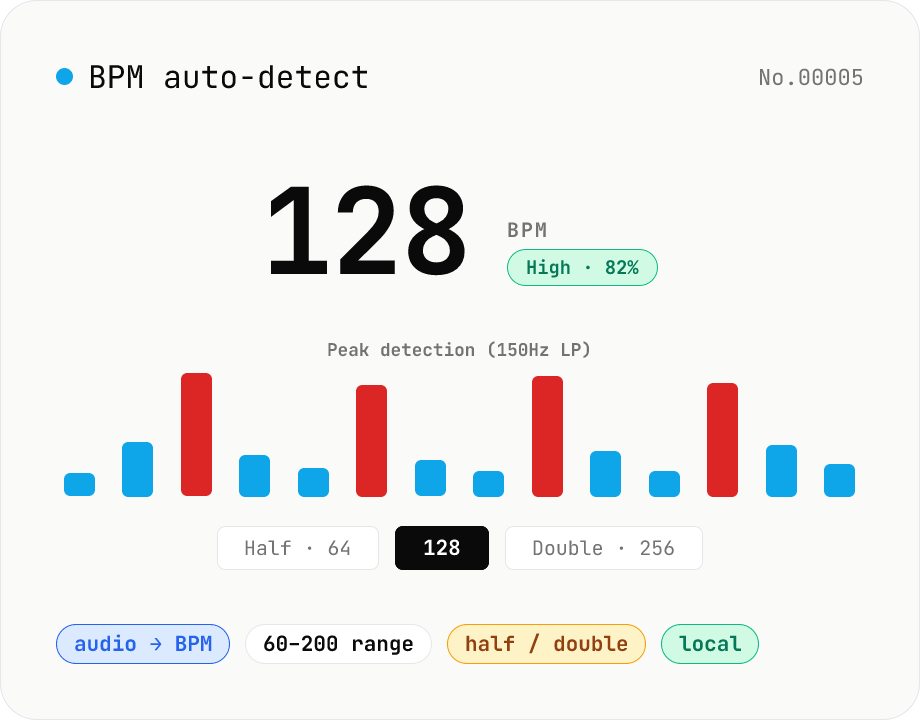
BPM auto-detect — estimate the tempo of an audio file
Drop an audio file (MP3 / WAV / M4A / FLAC / OGG) and we estimate the BPM in-browser using a low-pass filter + peak picker + histogram. Great for finding the tempo of a DJ partner track, checking sample packs, matching dance / running cadence, or grabbing a source BPM before running bpm-time-stretch. Half-tempo and double-tempo candidates are also shown so you can override 4-on-the-floor misreads (60 vs. 120). Everything stays in your browser.
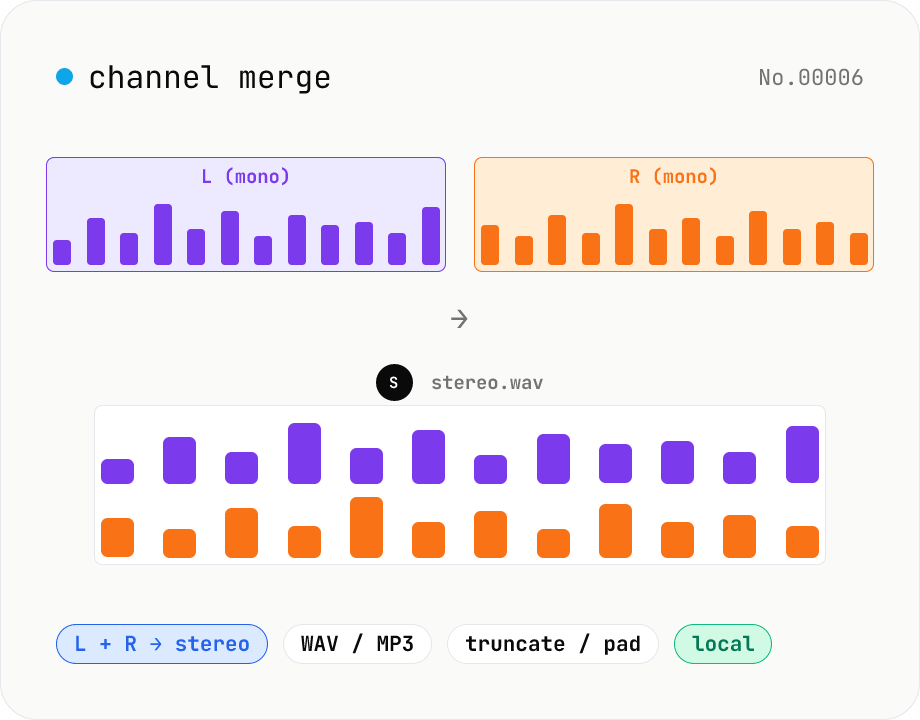
Audio channel merge — two mono files into a stereo L + R
Combine two mono audio files (MP3 / WAV / M4A / FLAC / OGG) into one stereo file. The first file becomes the left channel, the second becomes the right; we interleave them and output one stereo WAV / MP3. Useful for putting two-mic interview takes into a single L/R file, faking stereo from a mono source, or reversing audio-channel-split. When lengths differ, truncate to the shorter file or pad the shorter one with silence — your choice. Everything stays in your browser.