
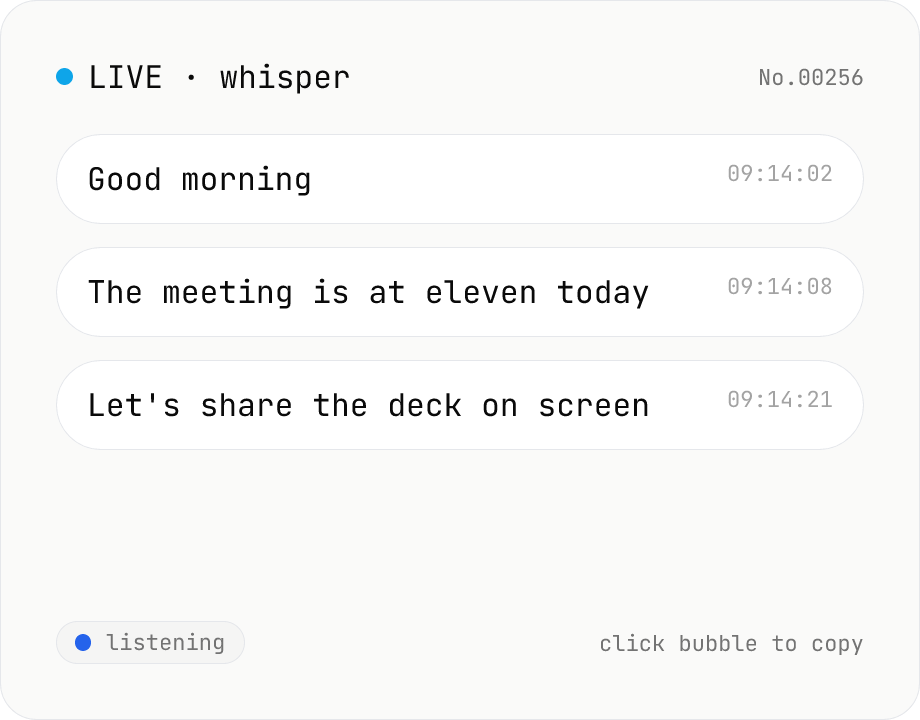
Real-time transcription — live mic with Whisper
Live transcribe your mic with Whisper running inside your browser. Segments split on silence, displayed as chat bubbles, click to copy. No audio or model data leaves your device. Performance and supported model size depend on your hardware (CPU / GPU / RAM).
How to use
Choose a model (tiny / base / small / turbo) and language, then click Start and grant microphone access. The audio is analysed in real time, broken into chat bubbles at silence boundaries. Click a bubble to copy its text, or use Copy all for the full transcript. The model downloads once on first use, so the first run takes a little longer.
FAQ
- Is my audio or the transcript uploaded?
- No. The Whisper model runs inside your browser via transformers.js + ONNX Runtime Web. Audio, model weights and output text all stay on your device.
- Why is the first run slow?
- The model file (tens to hundreds of MB) is downloaded and cached. Subsequent runs are fast.
- Which model should I pick?
- tiny / base for speed, small / turbo for accuracy. Turbo benefits significantly from WebGPU. Larger models may be disabled on low-spec devices.
- Why is accuracy low?
- Smaller models have inherent limits, and microphone quality, background noise and speech rate all matter. Try a larger model or adjust VAD sensitivity.
- What languages work?
- Whichever you pick in the Language selector. Set the language explicitly for the best results.
Related tools
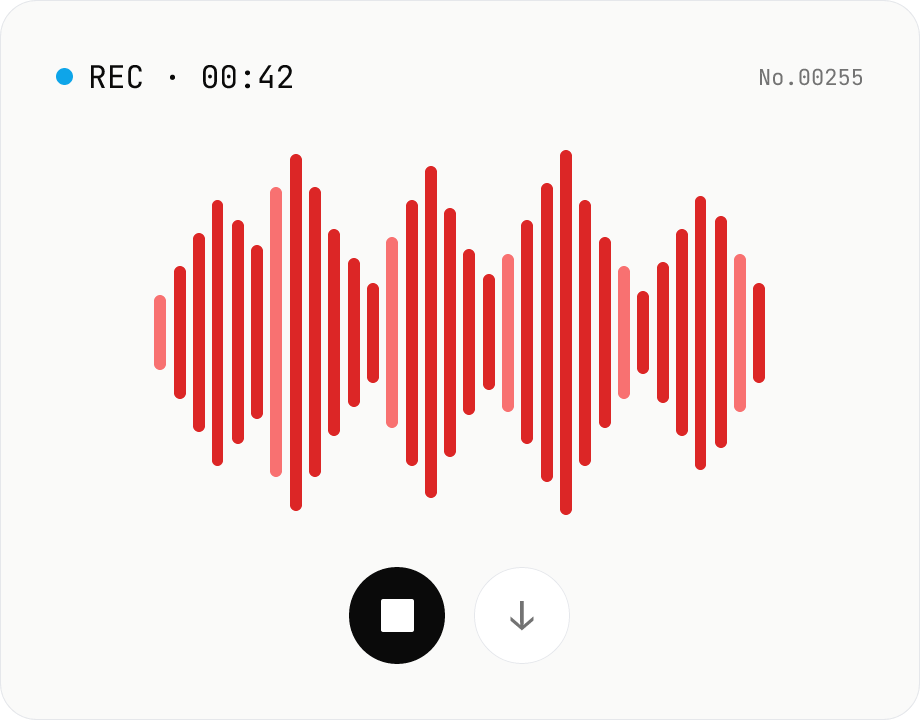
Voice recorder — record mic to MP3 / WAV
Record from your mic and download as MP3 / WAV. Everything runs in your browser.
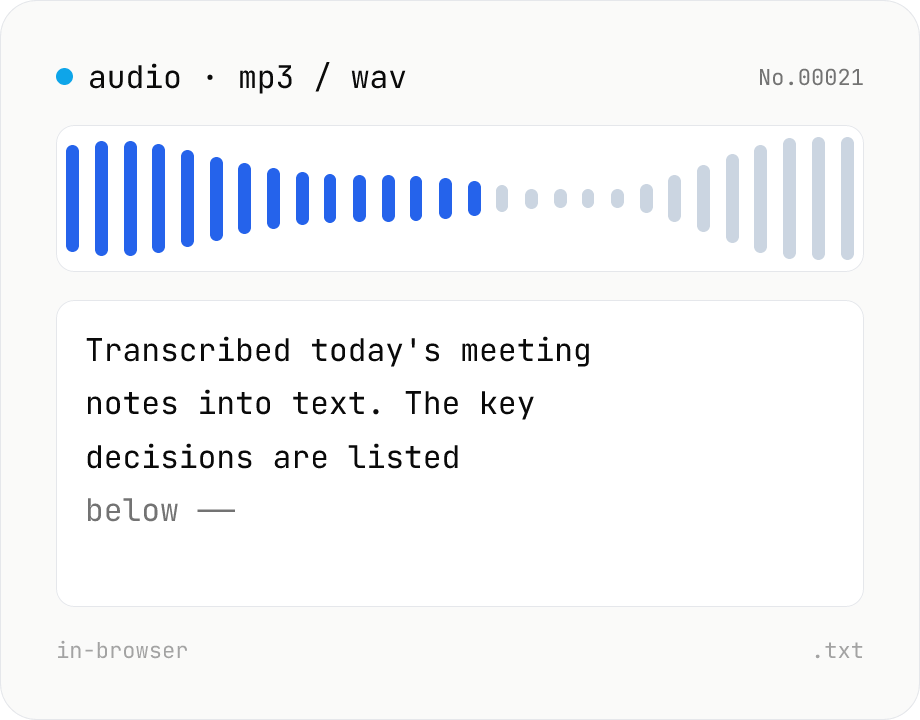
Audio file transcription — Whisper, multilingual
Upload an MP3 / WAV / M4A file and transcribe it with Whisper running inside your browser. Long files are chunked automatically. No audio or model data leaves your device. Performance and supported model size depend on your hardware (CPU / GPU / RAM).
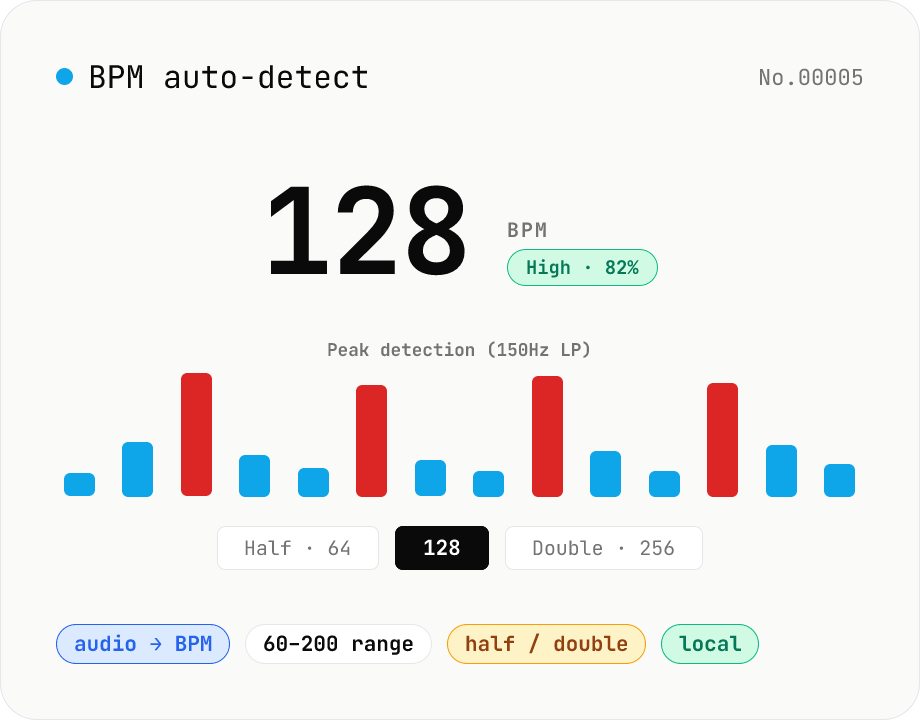
BPM auto-detect — estimate the tempo of an audio file
Drop an audio file (MP3 / WAV / M4A / FLAC / OGG) and we estimate the BPM in-browser using a low-pass filter + peak picker + histogram. Great for finding the tempo of a DJ partner track, checking sample packs, matching dance / running cadence, or grabbing a source BPM before running bpm-time-stretch. Half-tempo and double-tempo candidates are also shown so you can override 4-on-the-floor misreads (60 vs. 120). Everything stays in your browser.
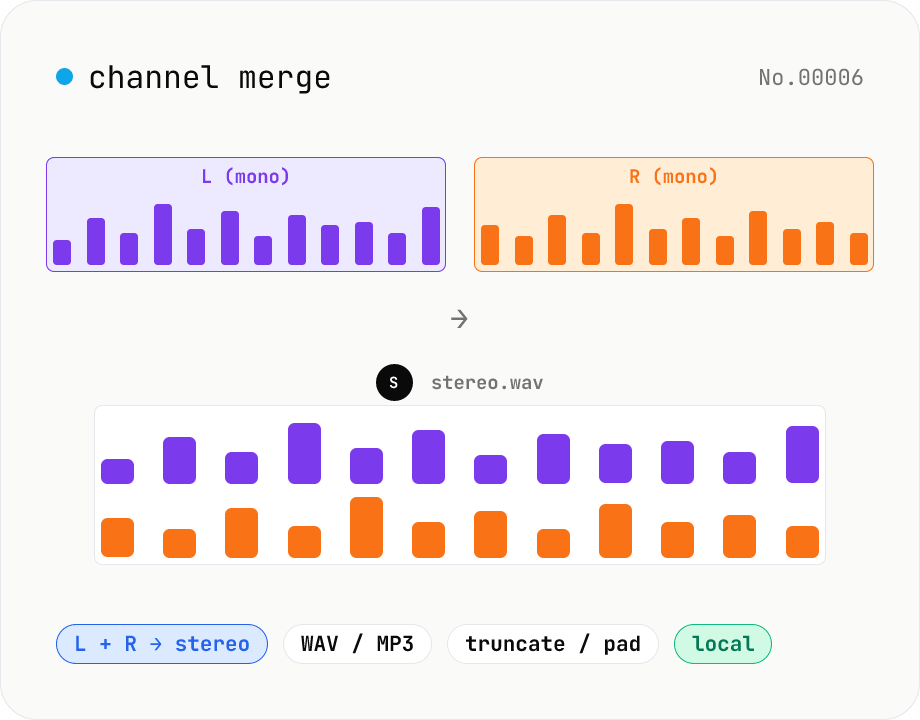
Audio channel merge — two mono files into a stereo L + R
Combine two mono audio files (MP3 / WAV / M4A / FLAC / OGG) into one stereo file. The first file becomes the left channel, the second becomes the right; we interleave them and output one stereo WAV / MP3. Useful for putting two-mic interview takes into a single L/R file, faking stereo from a mono source, or reversing audio-channel-split. When lengths differ, truncate to the shorter file or pad the shorter one with silence — your choice. Everything stays in your browser.