
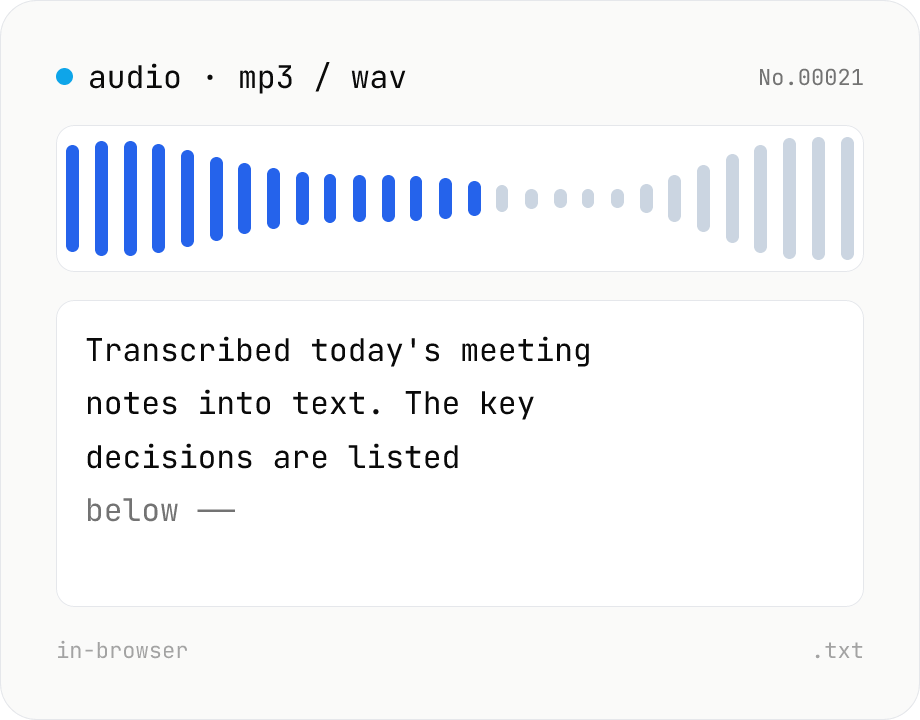
Audio file transcription — Whisper, multilingual
Upload an MP3 / WAV / M4A file and transcribe it with Whisper running inside your browser. Long files are chunked automatically. No audio or model data leaves your device. Performance and supported model size depend on your hardware (CPU / GPU / RAM).
How to use
Pick a model and language, then drop or choose audio files (MP3 / WAV / M4A, etc.) — batch processing is supported. Click Transcribe; long files are split into chunks automatically. When done, copy the text or save it as .txt. The model downloads once on first run.
FAQ
- Is my audio uploaded?
- No. The Whisper model runs in your browser, so audio, weights and output never leave your device.
- How long can a file be?
- Limited only by your memory. The file is decoded in ~30-second chunks, so memory stays bounded per chunk. Multi-hour files work in practice.
- It's slow — what should I try?
- Use a smaller model (tiny / base) or a browser with WebGPU support. The turbo model is significantly faster on WebGPU.
- Does it support M4A / OGG?
- Anything your browser's AudioContext can decode (MP3 / WAV / M4A / OGG / FLAC, etc.).
- What output format do I get?
- Plain text. For timestamped SRT / VTT output, the real-time transcription tool is a better fit.
Related tools
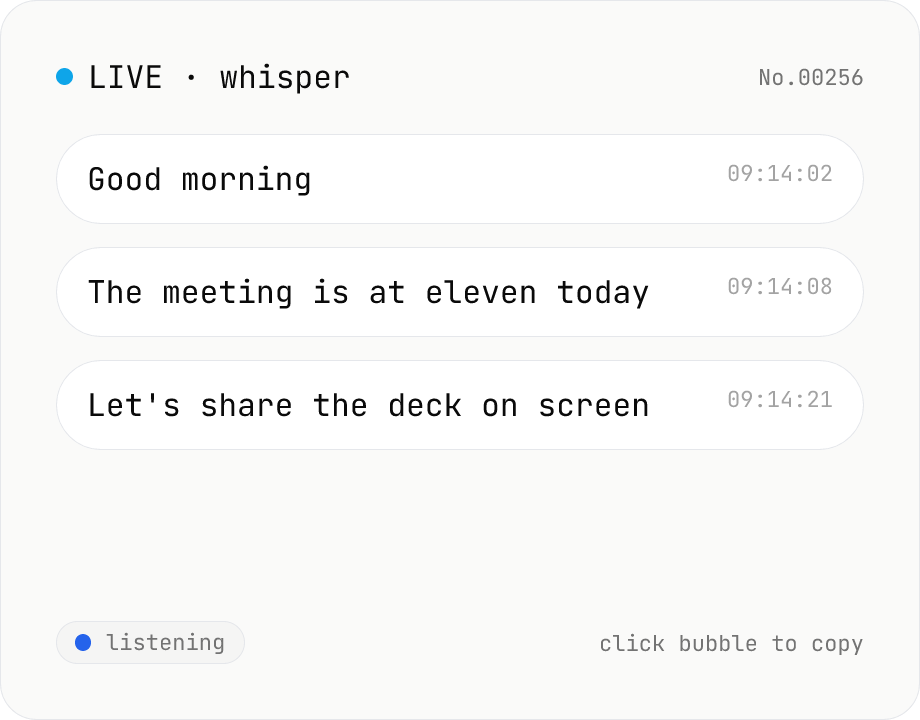
Real-time transcription — live mic with Whisper
Live transcribe your mic with Whisper running inside your browser. Segments split on silence, displayed as chat bubbles, click to copy. No audio or model data leaves your device. Performance and supported model size depend on your hardware (CPU / GPU / RAM).
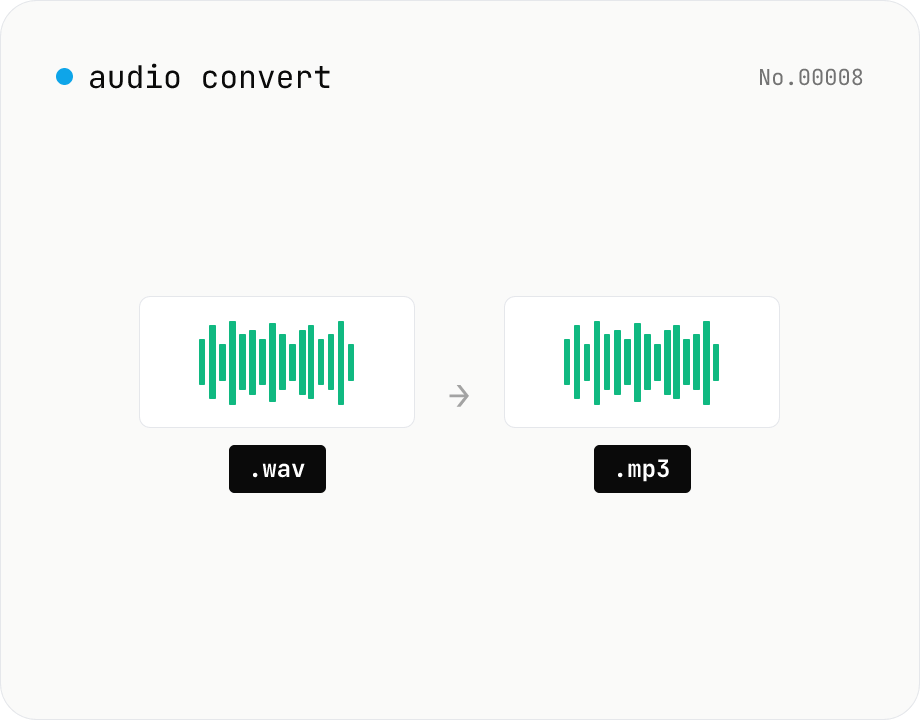
Audio format convert — MP3 / WAV / M4A / OGG / FLAC
Convert audio files to mp3 / wav / m4a / ogg / flac. ffmpeg.wasm picks an encoder based on the chosen extension and re-encodes the file entirely in your browser. Supports batch processing and a single ZIP download.
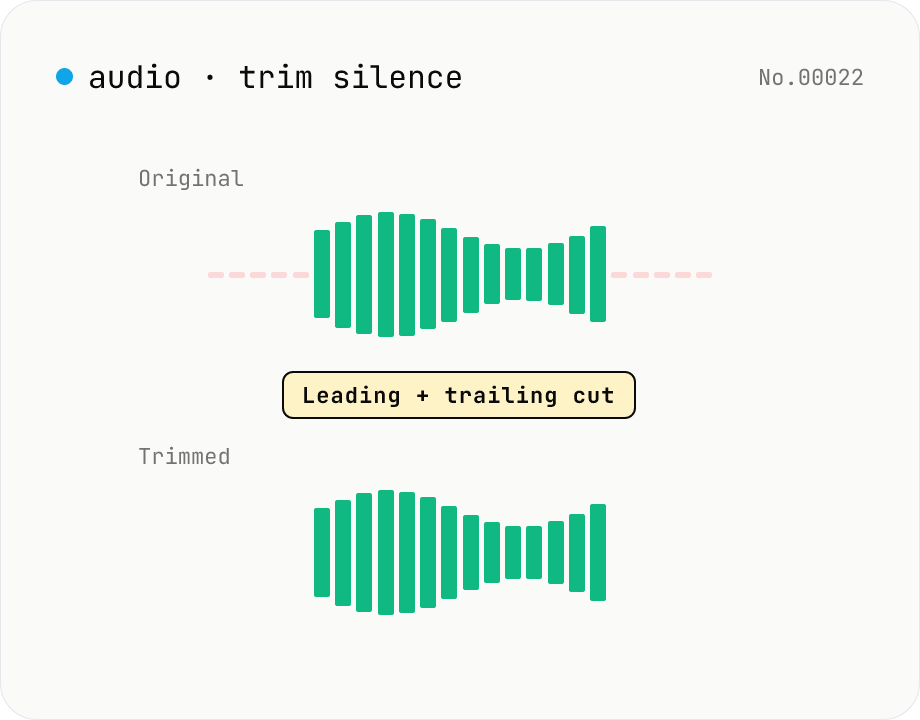
Trim silence from audio — auto-cut leading and trailing silence (ffmpeg.wasm)
Automatically trim the leading and trailing silence from MP3 / WAV / M4A / AAC / OGG / OPUS / FLAC files using ffmpeg.wasm's silenceremove filter. Great for removing dead air at the start of recordings, the awkward pause before a talk, or an unnecessarily long fade-out at the end of a podcast. Tweak the threshold (dB) and minimum silence length (seconds) and choose which side(s) to trim. Batch process and grab a single ZIP. Files never leave your device — every step runs in the browser.
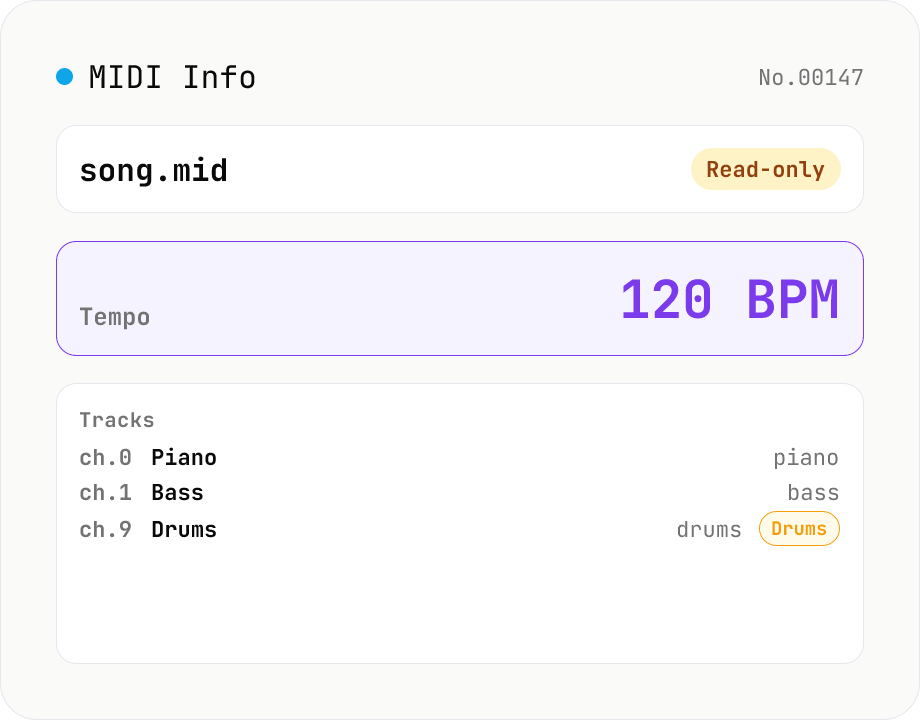
MIDI File Info Viewer
Drop a MIDI file (.mid / .midi) to inspect tempo, time signature, key signature, PPQ, track count, per-track instrument (GM family), note count, duration, channel, and copyright / text events. Read-only, runs entirely in your browser via @tonejs/midi (MIT).