
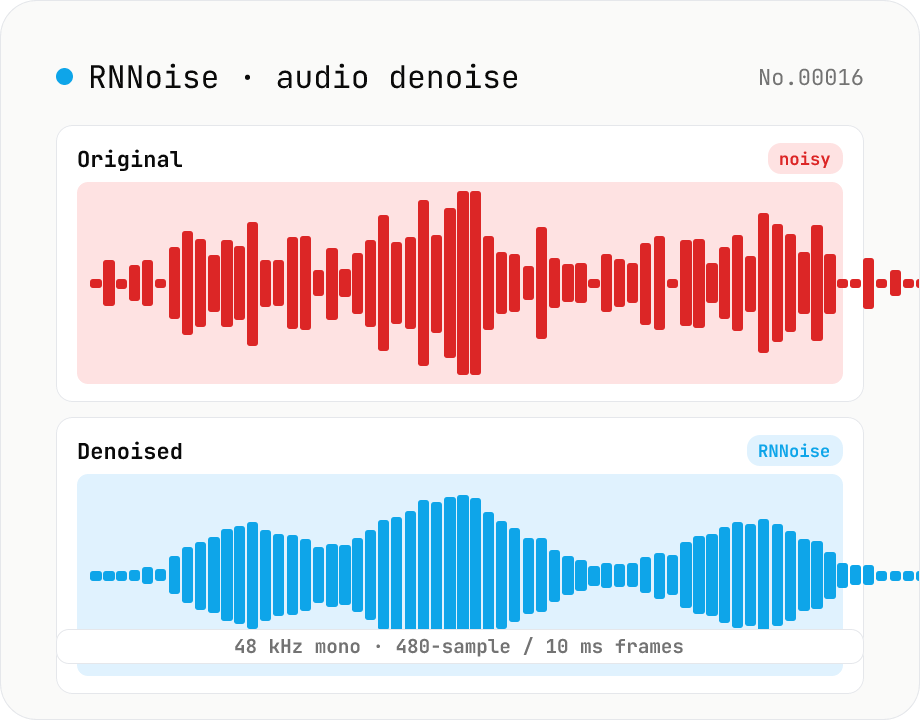
Noise reduction — RNNoise (ML) suppresses hiss / fan / keyboard noise
Upload an audio file and the tool uses RNNoise (Xiph.org, BSD-3-Clause) — a small neural network trained on noisy speech — to suppress fan noise, keyboard clatter, white noise, and breath sounds, returning a denoised WAV. Audio is resampled to 48 kHz mono with the Web Audio API and fed through the WebAssembly RNNoise model in 10 ms / 480-sample frames, alongside a voice activity (VAD) estimate. The model preserves speech while cleaning up the background, making it ideal for post-production of Zoom recordings, podcast raws, livestream clips, and meeting captures. Audio never leaves the browser.
How to use
Pick an audio file and click Run noise reduction. The tool loads the RNNoise WebAssembly model (~100 KB), resamples your audio to 48 kHz mono, and runs RNNoise inference every 10 ms (= 480 samples). When it's done, listen to the original vs. denoised side by side, and download the cleaned audio as 16-bit / 48 kHz / mono WAV. Great for Zoom recordings, podcast raws, livestream rips, and meeting captures.
FAQ
- What kinds of noise get removed?
- RNNoise excels at stationary or near-stationary background noise: fan hum, PC noise, white hiss, keyboard clatter. Sudden one-off sounds (sneezes, doorbells, phone rings) and music backgrounds are largely unaffected. Speech is preserved because the model learned to recognize and keep voice content.
- Which audio formats are supported?
- MP3 / WAV / M4A (AAC) / OGG / FLAC — anything the browser's `decodeAudioData` can decode. The output is always 16-bit / 48 kHz / mono WAV. Stereo inputs are downmixed to mono before processing.
- What is RNNoise? How is it different from a low-pass filter or spectral subtraction?
- RNNoise is a small noise-suppression library (~85 KB weights) developed by Jean-Marc Valin at Xiph.org / Mozilla. It combines DSP (BFCC features, critical band gating) with a small GRU neural network that estimates per-band gains. Compared to classical spectral gating, it preserves speech more naturally while still suppressing strong noise. BSD-3-Clause.
- Why is everything resampled to 48 kHz?
- The RNNoise model was trained specifically on 48 kHz mono with 10 ms (480-sample) frames. Other rates degrade the result significantly, so this tool resamples every input to 48 kHz mono before inference.
- What do VAD avg / max mean?
- VAD = Voice Activity Detection probability (0–1). RNNoise reports a per-frame estimate of whether speech is present. High averages suggest a speech-heavy file; low averages mean lots of silence or music. The denoising is applied regardless — VAD is purely informational.
- How long does it take?
- Inference processes a minute of audio in a few to ~10 seconds on most devices. There is a one-time 1–2 s startup to download and initialize the WASM (~200 KB) plus the RNNoise model (~85 KB); subsequent runs in the same tab reuse the loaded module.
- Is my audio uploaded?
- No. The WebAssembly RNNoise model is bundled with the tool, and audio never leaves the browser. Processing runs in a Web Worker so the UI stays responsive.
Related tools
Voice recorder — record mic to MP3 / WAV
Record from your mic and download as MP3 / WAV. Everything runs in your browser.
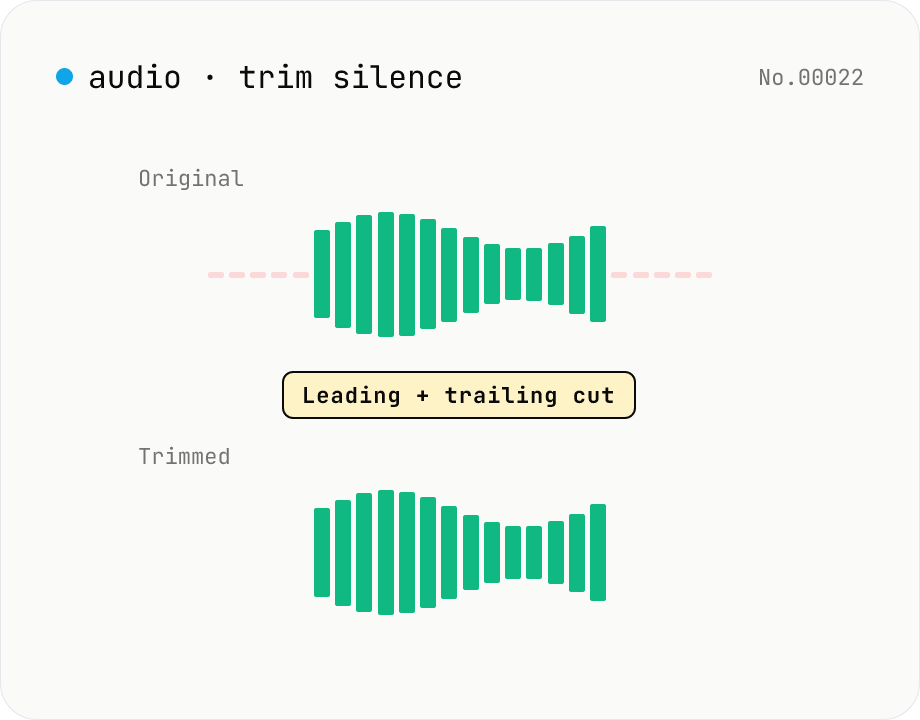
Trim silence from audio — auto-cut leading and trailing silence (ffmpeg.wasm)
Automatically trim the leading and trailing silence from MP3 / WAV / M4A / AAC / OGG / OPUS / FLAC files using ffmpeg.wasm's silenceremove filter. Great for removing dead air at the start of recordings, the awkward pause before a talk, or an unnecessarily long fade-out at the end of a podcast. Tweak the threshold (dB) and minimum silence length (seconds) and choose which side(s) to trim. Batch process and grab a single ZIP. Files never leave your device — every step runs in the browser.
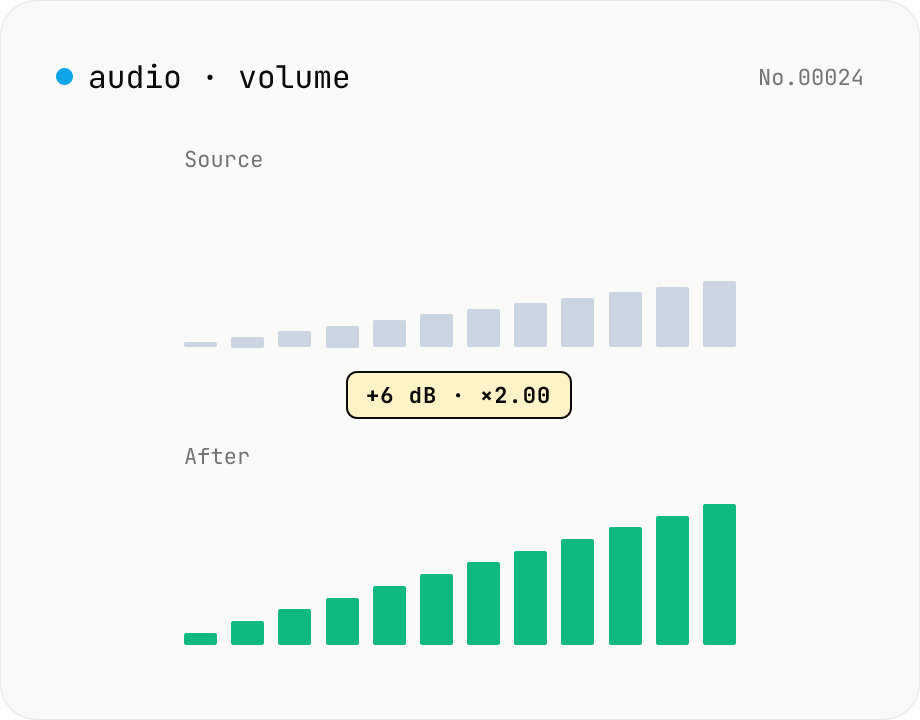
Audio volume — adjust by dB or linear multiplier
Adjust the loudness of audio files in bulk via ffmpeg.wasm's volume filter. Use the dB slider (-30 to +30 dB) or the linear multiplier (×0.03 to ×31.6). +6 dB ≈ 2x, -6 dB ≈ half. To avoid clipping, try negative values first and compare. Supports batch processing and a single ZIP download. Runs entirely in your browser — audio never leaves your device.
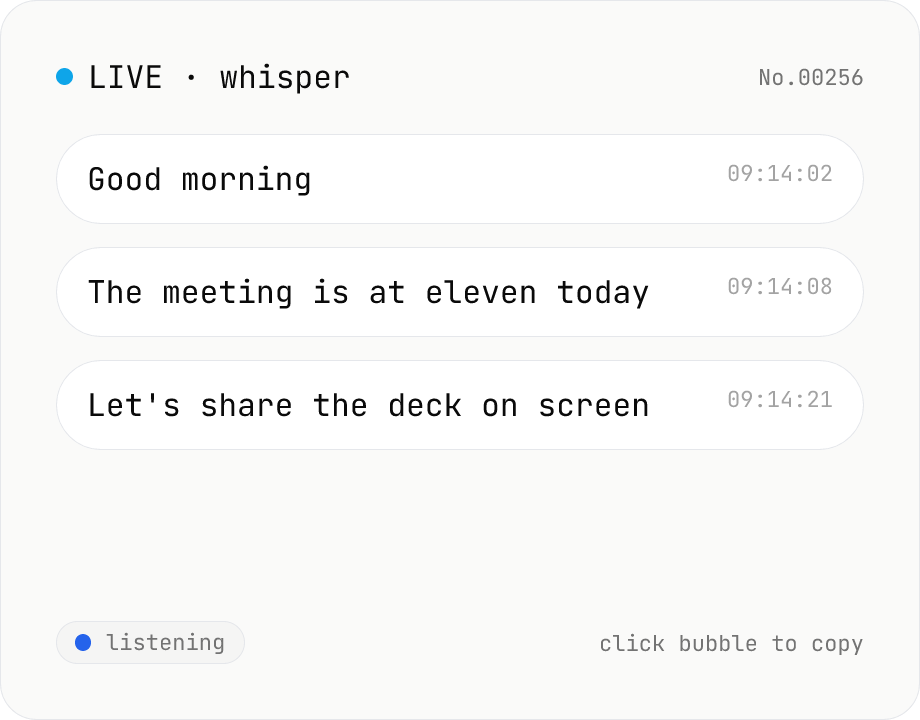
Real-time transcription — live mic with Whisper
Live transcribe your mic with Whisper running inside your browser. Segments split on silence, displayed as chat bubbles, click to copy. No audio or model data leaves your device. Performance and supported model size depend on your hardware (CPU / GPU / RAM).