
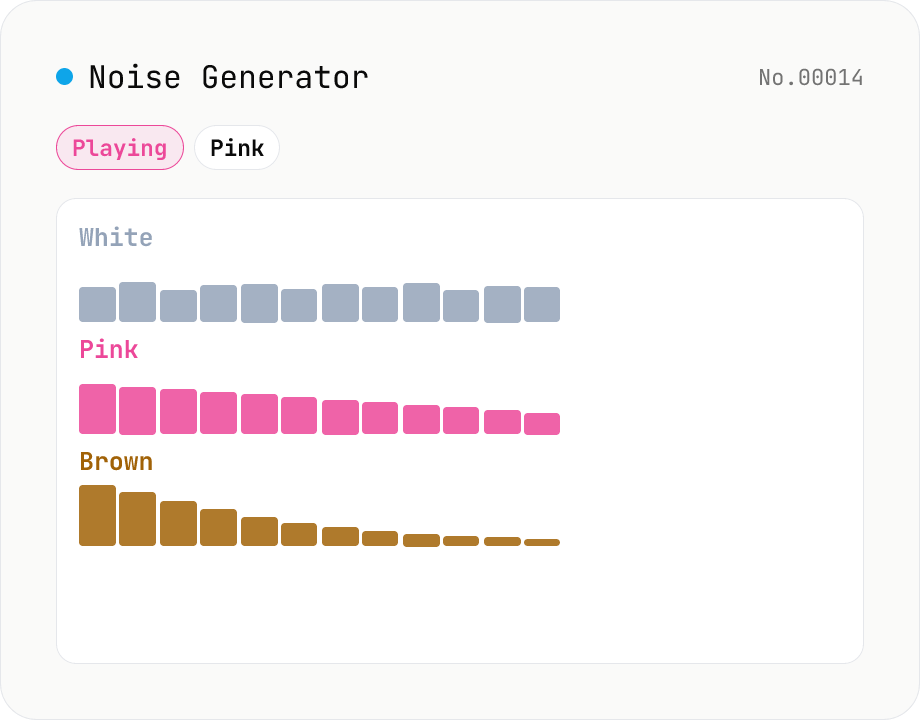
Noise Generator (White / Pink / Brown)
Synthesise white, pink and brown (red) noise in your browser with live playback and WAV download. **White** has flat energy across frequency (sounds bright). **Pink** has flat energy per octave (1/f spectrum, close to many natural sounds). **Brown** falls off at -6 dB/octave for a deep, ocean-like sound. Useful as a focus-aid masking track, infant sleep aid, tinnitus relief, or as a test signal for audio equipment. Download any duration from 0.5 s to 60 s as 44.1 kHz / 16-bit / mono WAV. Runs entirely in your browser — nothing is uploaded.
How to use
1) Pick a noise type (White / Pink / Brown) with the radio. 2) Press Play to start looped playback (adjust volume; you can switch type while playing). 3) Enter a duration in seconds and download the WAV. Use 60 s for ambient background loops, 1–10 s for equipment tests.
FAQ
- White / pink / brown — what's the difference?
- White has flat energy across every Hz (sounds bright as 'shhh'). Pink has flat energy per octave (1/f spectrum, like rain, leaves, waterfalls). Brown rolls off at -6 dB/oct, sounding deep like ocean rumble. For focus / masking, pink and brown are usually easier on the ears than white.
- How is pink noise implemented?
- Paul Kellet's refined 7-stage IIR filter that approximates a 1/f spectrum. It's cheaper than Voss-McCartney and known to be accurate within the audible band.
- And brown noise?
- A leaky integrator of white noise. A perfect integrator would drift in gain over time, so a small leak (0.995) keeps the signal bounded inside [-1, 1].
- What format is the downloaded WAV?
- 44.1 kHz / 16-bit / mono PCM in a standard RIFF/WAVE container. ~88 KB per second (60 s ≈ 5.2 MB). Plays in any music app, white-noise machine or DAW.
- How does live playback work?
- A 4-second buffer of noise is generated and looped via the Web Audio API. Switching type swaps in a fresh buffer instantly. Browsers require a user gesture before the AudioContext can play sound, so the first Play click is what unlocks audio.
- Is my input uploaded?
- No. Noise generation and WAV encoding all run inside your browser; nothing is sent over the network.
Related tools
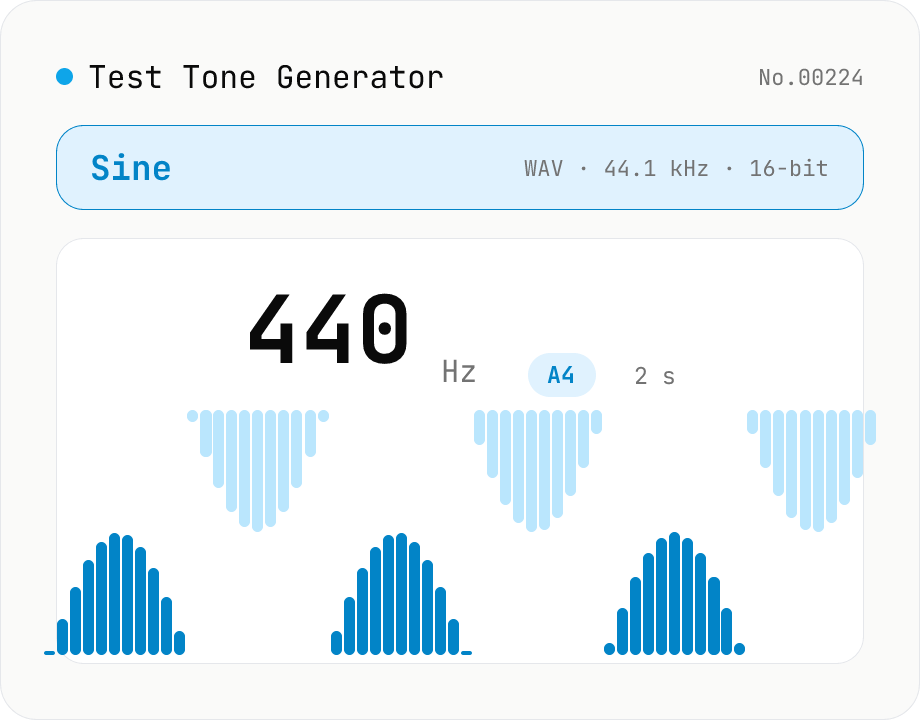
Test Tone Generator
Generate test tones at any frequency from 20 Hz to 20 kHz using the Web Audio API. Choose sine / square / triangle / sawtooth, presets like A4 (440 Hz) / 1 kHz / 10 kHz, and see the matching note name and cents offset live. Built-in fade in/out avoids click noise. Download as WAV (44.1 kHz / 16-bit / mono). Useful for instrument tuning, speaker channel checks, hearing tests, and reference signals. Everything is synthesized in your browser — nothing uploaded.
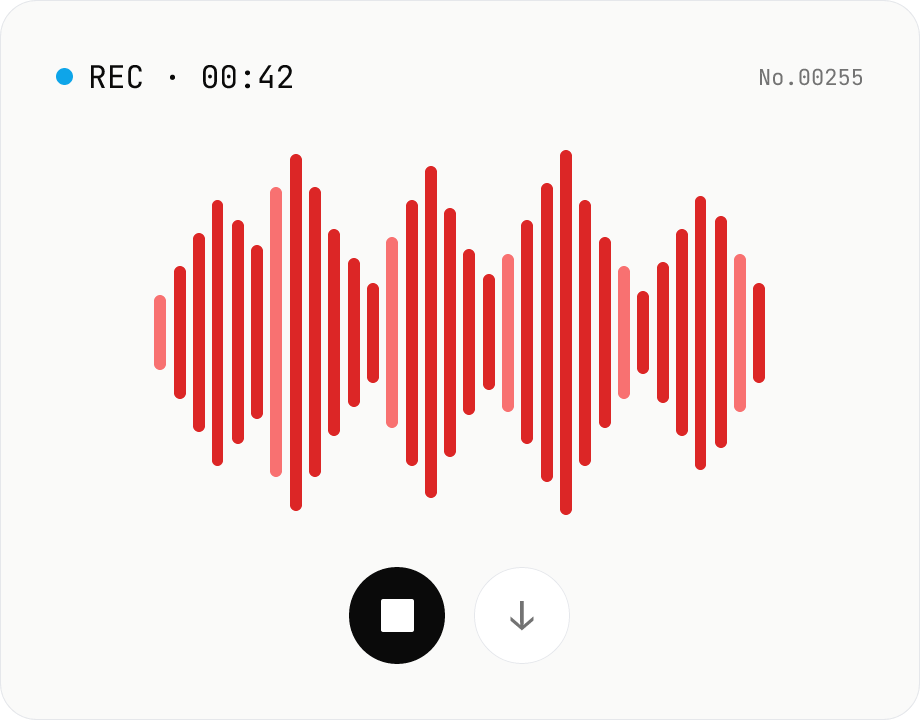
Voice recorder — record mic to MP3 / WAV
Record from your mic and download as MP3 / WAV. Everything runs in your browser.
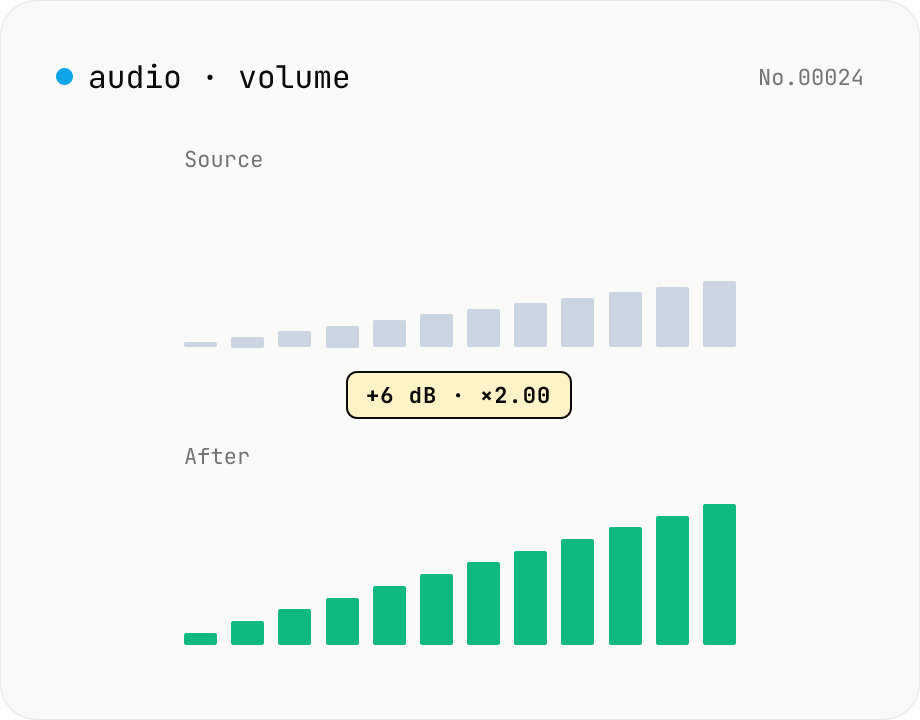
Audio volume — adjust by dB or linear multiplier
Adjust the loudness of audio files in bulk via ffmpeg.wasm's volume filter. Use the dB slider (-30 to +30 dB) or the linear multiplier (×0.03 to ×31.6). +6 dB ≈ 2x, -6 dB ≈ half. To avoid clipping, try negative values first and compare. Supports batch processing and a single ZIP download. Runs entirely in your browser — audio never leaves your device.
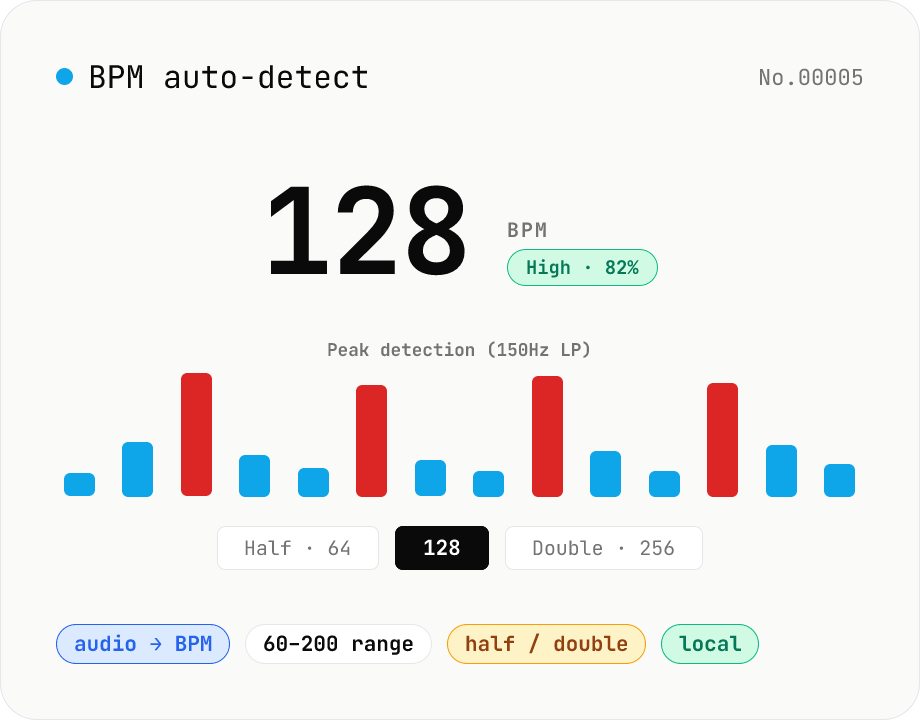
BPM auto-detect — estimate the tempo of an audio file
Drop an audio file (MP3 / WAV / M4A / FLAC / OGG) and we estimate the BPM in-browser using a low-pass filter + peak picker + histogram. Great for finding the tempo of a DJ partner track, checking sample packs, matching dance / running cadence, or grabbing a source BPM before running bpm-time-stretch. Half-tempo and double-tempo candidates are also shown so you can override 4-on-the-floor misreads (60 vs. 120). Everything stays in your browser.