
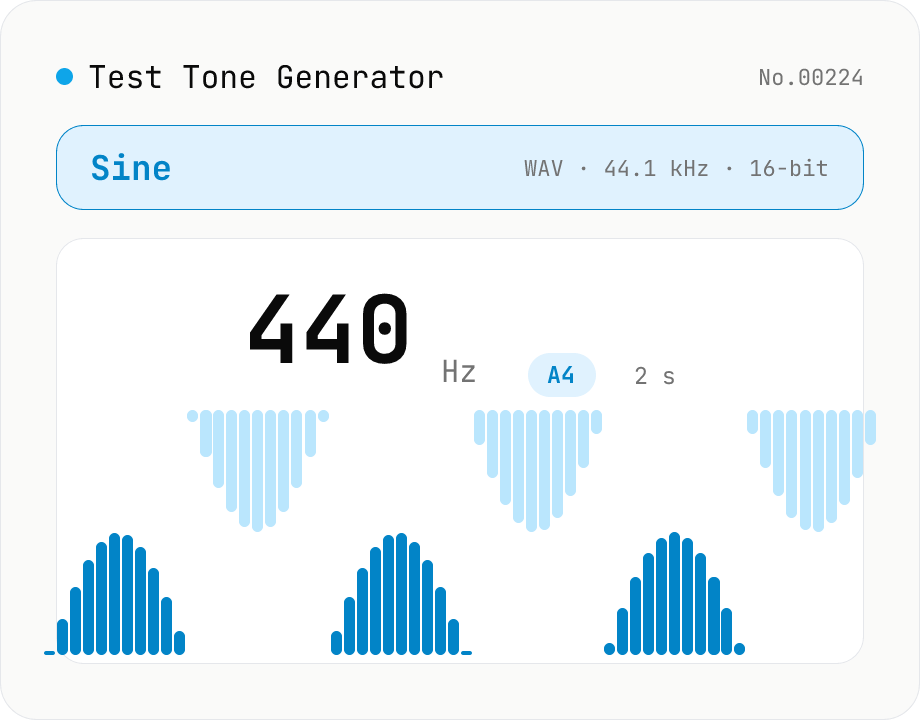
Test Tone Generator
Generate test tones at any frequency from 20 Hz to 20 kHz using the Web Audio API. Choose sine / square / triangle / sawtooth, presets like A4 (440 Hz) / 1 kHz / 10 kHz, and see the matching note name and cents offset live. Built-in fade in/out avoids click noise. Download as WAV (44.1 kHz / 16-bit / mono). Useful for instrument tuning, speaker channel checks, hearing tests, and reference signals. Everything is synthesized in your browser — nothing uploaded.
How to use
Pick a waveform (sine / square / triangle / sawtooth), enter a frequency (Hz) via the number field or slider, then press Play. The Presets row gives one-click access to A4 = 440 Hz / 432 Hz, C4, C5, 1 kHz, 10 kHz. Adjust duration, volume, and fade in / out as needed, then save the tone as a 44.1 kHz / 16-bit mono WAV. For tuning use sine + a longer duration (5–10 s); for speaker or hearing checks use 1 kHz sine + short (1–2 s); for synth timbre comparison hold the frequency fixed and switch between the four waveforms.
FAQ
- What is the reference for the note name?
- A4 = 440 Hz, with each semitone = 2^(1/12). The cents value shown is the offset from the nearest semitone. If you prefer the 432 Hz convention (used in some classical and historical contexts) pick the "A4 (432Hz)" preset — the note label will read A4 with about −32 cents.
- Do I really need fade in / out?
- Yes, it's a good idea. Hard starts and stops can produce a clicking (clipping) noise in speakers and headphones. A 20 ms (0.02 s) fade is enough to eliminate the click without changing the perceived pitch or noticeably distorting the waveform.
- Can I hear 20 kHz?
- Almost certainly not. Typical adult hearing tops out at 15–17 kHz, and most consumer speakers / headphones roll off near 20 kHz. For hearing tests, try 12 / 14 / 16 / 18 kHz in steps to see where you stop hearing the tone.
- Square / sawtooth at high frequencies sound strange — why?
- Harmonics above the Nyquist frequency (half the sample rate = 22.05 kHz) fold back as aliasing into the audible range. This tool uses simple analytic generation without anti-aliasing (it's optimised for test signal use). Pick sine if you need clean high frequencies.
- What WAV format is exported?
- Uncompressed mono WAV, 44.1 kHz sample rate, 16-bit little-endian PCM, with a minimal 44-byte RIFF header. It is readable by virtually every DAW and player. Post-process elsewhere if you need stereo / 24-bit.
Related tools
Voice recorder — record mic to MP3 / WAV
Record from your mic and download as MP3 / WAV. Everything runs in your browser.
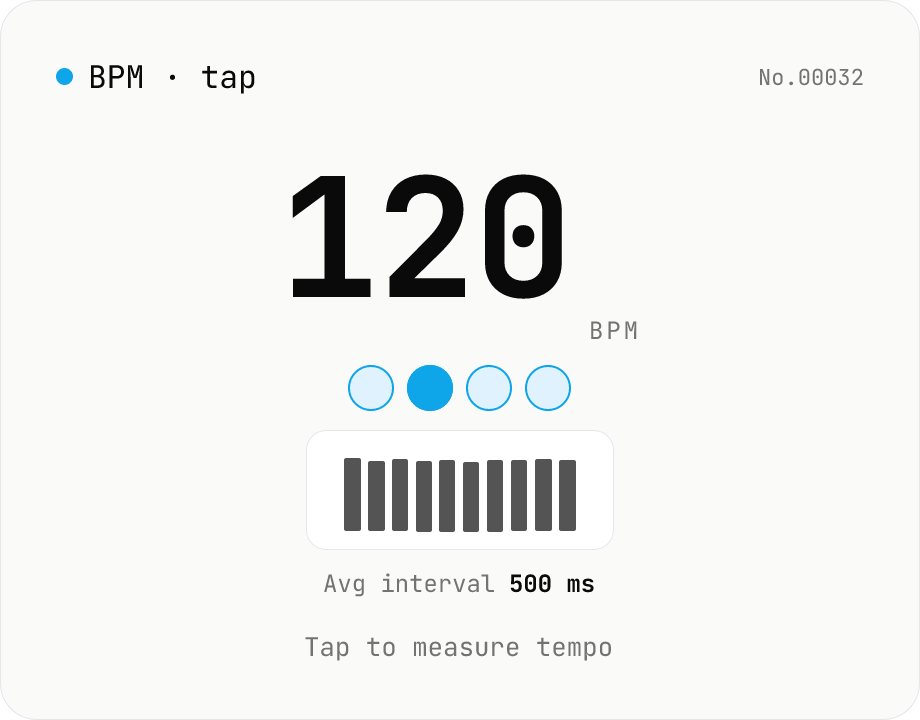
BPM tap — measure tempo by tapping along
Tap a button (or press space) along with a song and the tool computes BPM from the recent inter-tap intervals using the median. Outlier-resistant median + IQR-based stability, up to 16 recent taps, with reset / history clear. Optional Web Audio metronome plays in sync with the detected BPM. All processing runs in your browser.
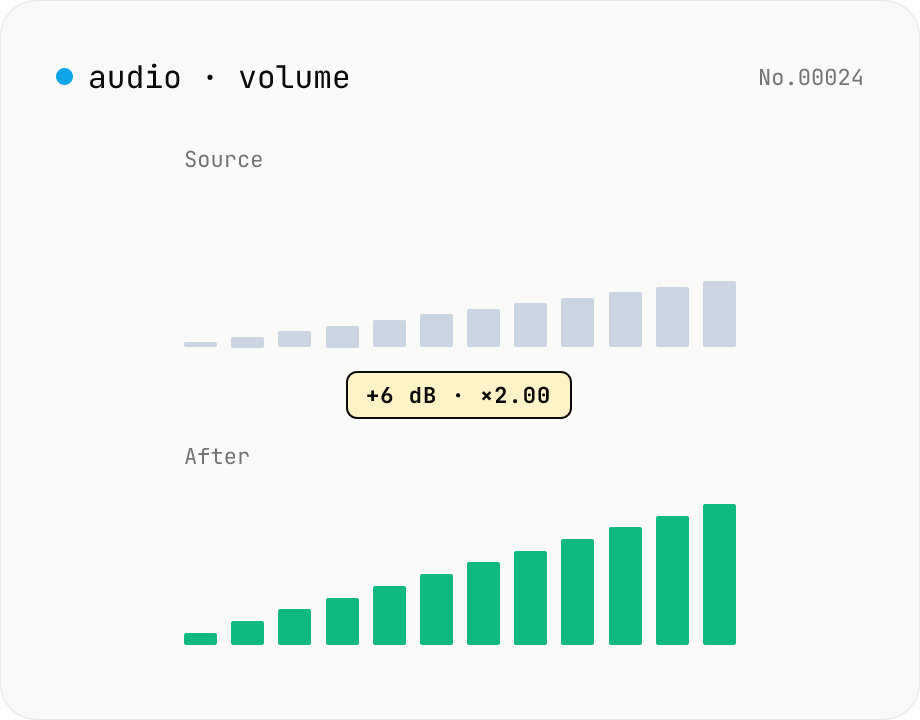
Audio volume — adjust by dB or linear multiplier
Adjust the loudness of audio files in bulk via ffmpeg.wasm's volume filter. Use the dB slider (-30 to +30 dB) or the linear multiplier (×0.03 to ×31.6). +6 dB ≈ 2x, -6 dB ≈ half. To avoid clipping, try negative values first and compare. Supports batch processing and a single ZIP download. Runs entirely in your browser — audio never leaves your device.
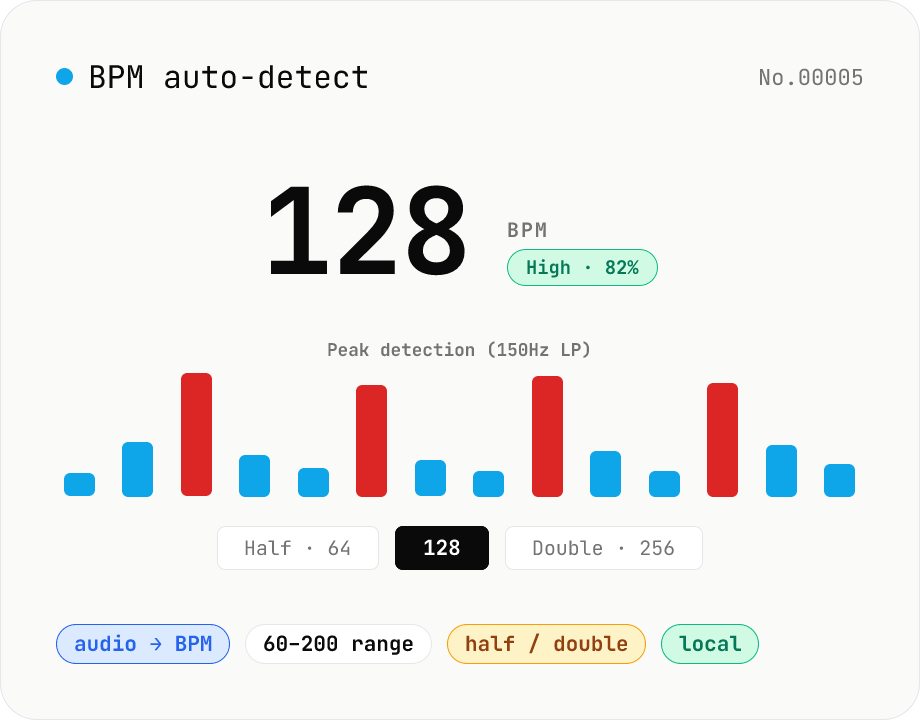
BPM auto-detect — estimate the tempo of an audio file
Drop an audio file (MP3 / WAV / M4A / FLAC / OGG) and we estimate the BPM in-browser using a low-pass filter + peak picker + histogram. Great for finding the tempo of a DJ partner track, checking sample packs, matching dance / running cadence, or grabbing a source BPM before running bpm-time-stretch. Half-tempo and double-tempo candidates are also shown so you can override 4-on-the-floor misreads (60 vs. 120). Everything stays in your browser.