
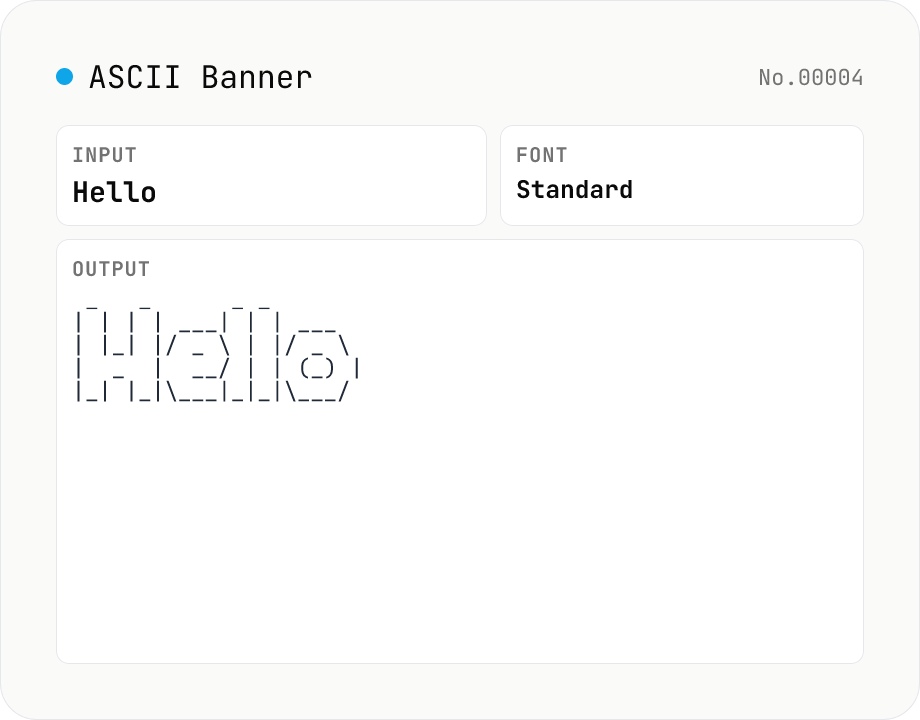
ASCII Art Text — figlet-style banners in multiple fonts
Convert plain text into figlet-style ASCII art banners (e.g. Hello → █▀▀█ ▀▀█ █░░ █░░ █▀▀█). Runs figlet (MIT) entirely in your browser with 10+ popular fonts (Standard / Big / Slant / Block / Ghost / Banner3-D …). Newlines and multi-line input are supported. The result is rendered in a monospaced view; copy it to clipboard or download as a .txt file. Common uses: section headers in source code, separator lines in CI logs, README titles, terminal MOTDs.
How to use
Type 1–50 characters of text, pick a font, and press Render to generate a figlet-style ASCII art banner. 16 fonts are available (Standard / Big / Slant / Block / Ghost / Larry 3D / Star Wars …). Multi-line input is supported — each line is rendered as its own banner and stacked vertically. The result is shown in a monospaced view; copy it to clipboard or download as a .txt file.
FAQ
- What about Japanese characters or emoji?
- figlet fonts only cover ASCII (and most of Latin-1). Non-Latin characters are usually substituted with whitespace or, in strict fonts, fail to render. Use this tool with English alphanumerics and ASCII punctuation.
- Why is the input limited to 50 characters?
- Each glyph takes 5–10 columns (up to ~30 columns in some 3D fonts). Above 50 input characters the single-line output exceeds several thousand columns and becomes impractical to display or copy.
- Why is the first render slow?
- figlet fonts are dynamically imported on first selection (a few KB to tens of KB each). After the first use the font is cached, so subsequent renders are instant.
- Can I use more fonts?
- The figlet package bundles 660+ fonts; we expose 16 that look good at small sizes. If you need others, run figlet locally or fetch additional `.flf` files directly.
- Is my input uploaded?
- No. Both the input string and the font data are processed entirely inside your browser. Nothing is sent to a server.
Related tools
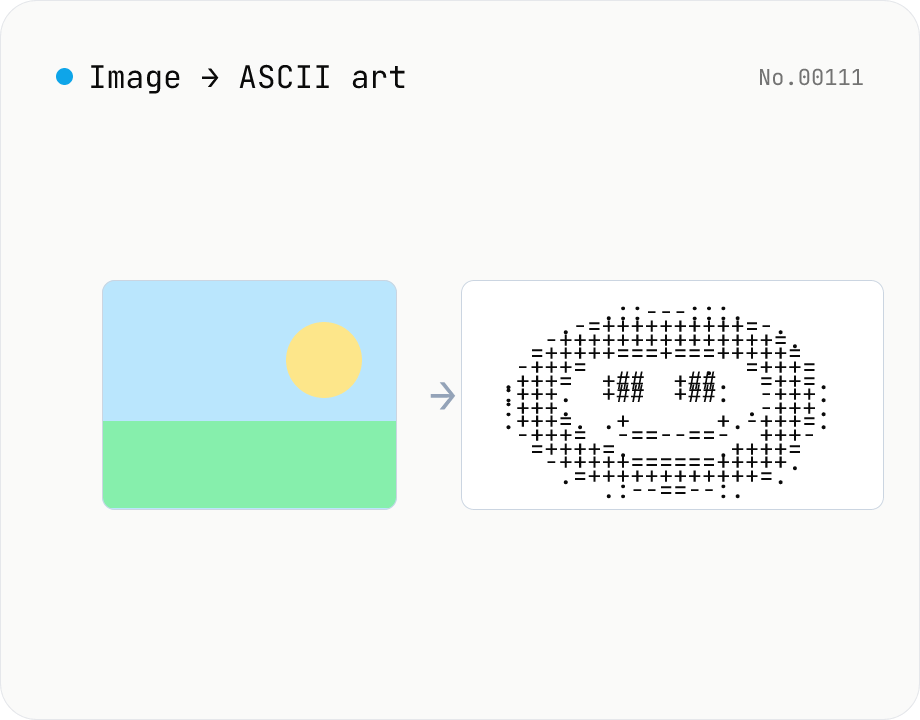
Image to ASCII art — render photos as text characters
Convert JPEG / PNG / WebP images into ASCII art entirely in the browser. Map each pixel's luminance to a character ramp, tweak the output width, choose a charset (detailed / standard / simple / blocks), or invert the mapping — all with a live preview. Copy the result or download it as a .txt file. Your image never leaves the browser.
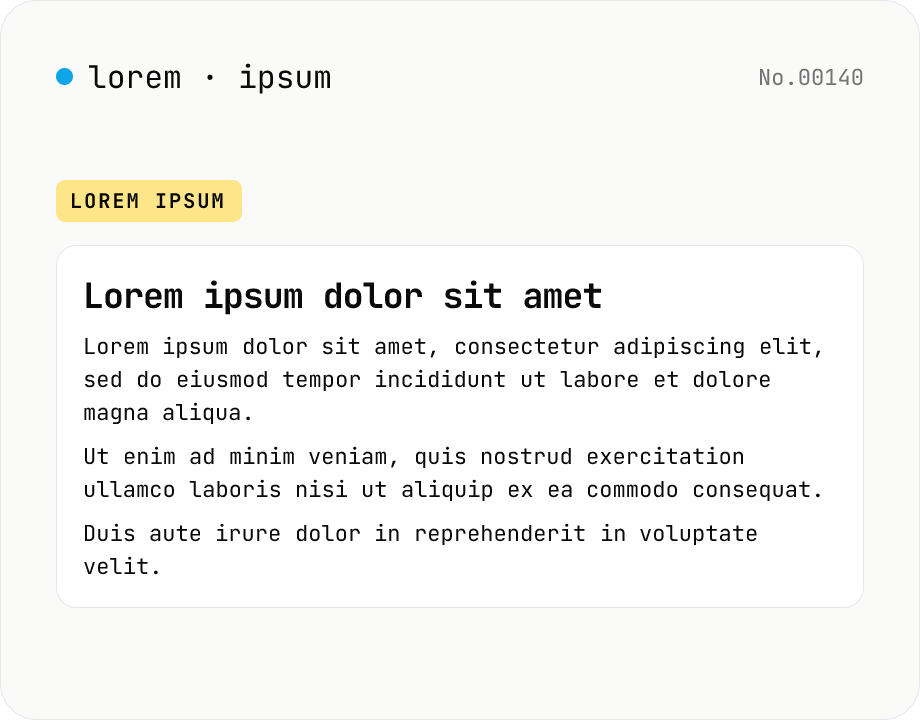
Lorem Ipsum generator — paragraphs of dummy text
Generate placeholder text for mockups, wireframes, and tests entirely inside your browser. Supports English Lorem ipsum and a Japanese variant. Pick the number of paragraphs and sentences per paragraph, then copy or download in one click — no API calls.
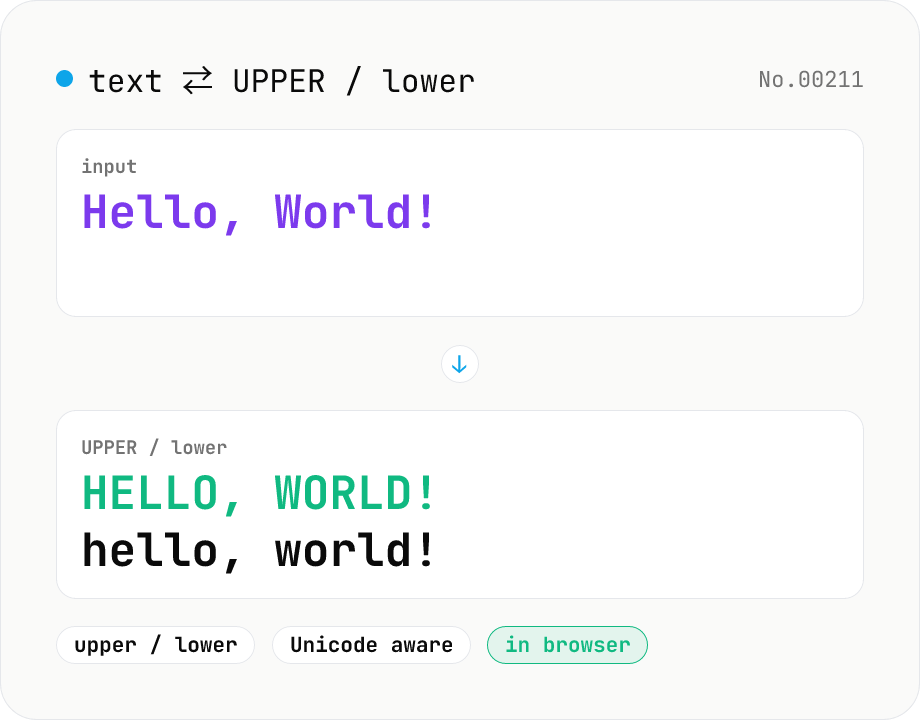
Text case — UPPERCASE / lowercase toggle
Convert text to all UPPERCASE or all lowercase, with a mode toggle. Unicode-aware so non-Latin scripts (Greek, Cyrillic, etc.) are handled correctly. Japanese, symbols, and digits pass through unchanged. Runs entirely in your browser.
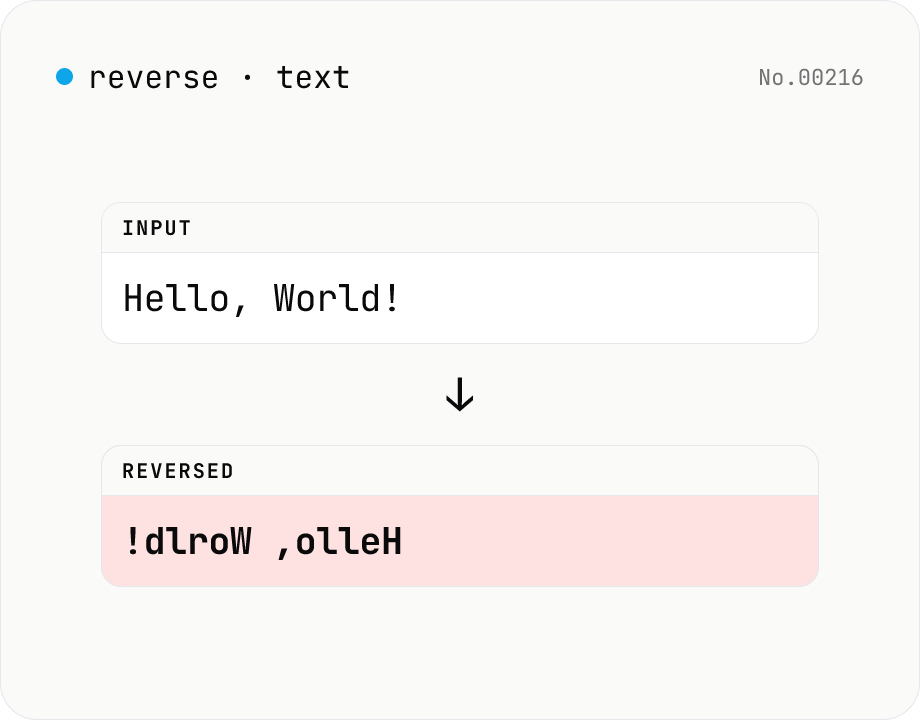
Text reverse — by char, word, or line
Reverse text by character, word, or line. Uses Intl.Segmenter so emoji and combined sequences stay intact. Handy for flipping CSV rows, building mirror strings for tests, or reading content end-to-end. Runs entirely in your browser.