
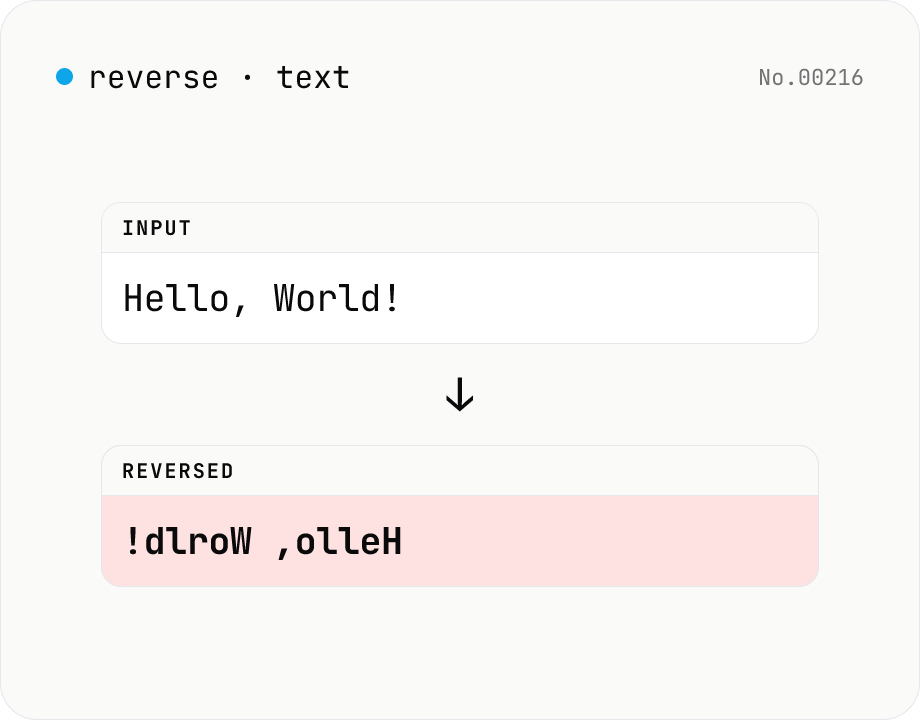
Text reverse — by char, word, or line
Reverse text by character, word, or line. Uses Intl.Segmenter so emoji and combined sequences stay intact. Handy for flipping CSV rows, building mirror strings for tests, or reading content end-to-end. Runs entirely in your browser.
How to use
Pick a unit (Characters, Words, or Lines), paste your text, and press Reverse. Character-mode uses Intl.Segmenter to split by grapheme, so emoji (👋) and combined sequences stay intact (a naive split('') would corrupt them). Word-mode flips the order of whitespace-separated words while keeping each word's letters in place. Line-mode flips the order of lines while keeping each line's content. Copy or Download to take the result with you. Handy for reversing CSV rows, building mirror strings for tests, and palindrome checks.
FAQ
- Is the text uploaded?
- No. Reversing happens entirely in your browser's JavaScript engine, so even sensitive strings stay local.
- Are emoji and combined sequences handled?
- Yes. Character-mode uses Intl.Segmenter to walk graphemes, so 👨👩👧 is reversed as a single unit. A naive split('') would have torn the surrogate pair apart.
- How are words defined?
- Anything separated by whitespace (spaces, tabs, newlines). For languages without explicit word separators (like Japanese), the whole sentence may be treated as one word — use character-mode in that case.
- Does line-mode handle CRLF?
- Yes. Both CRLF and LF are accepted; output uses LF (\n).
Related tools
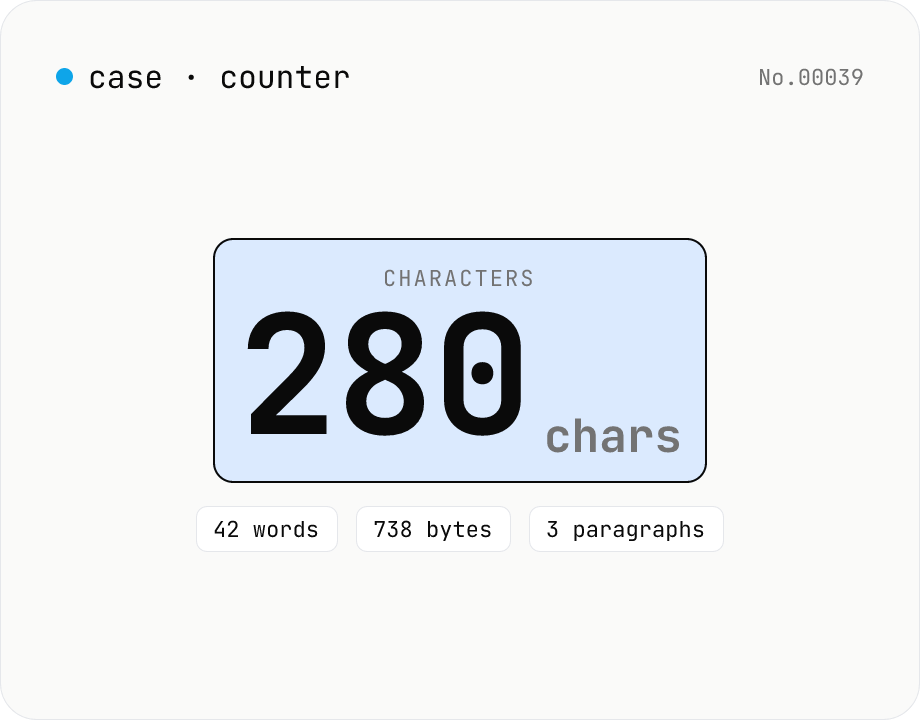
Character counter — chars / bytes / lines / words
Count characters, words, lines, paragraphs, and UTF-8 byte size in real time. Toggle whether whitespace and newlines are included. Progress bars show your text against common limits (tweets, 400-character genkō, etc.) — everything stays in your browser.
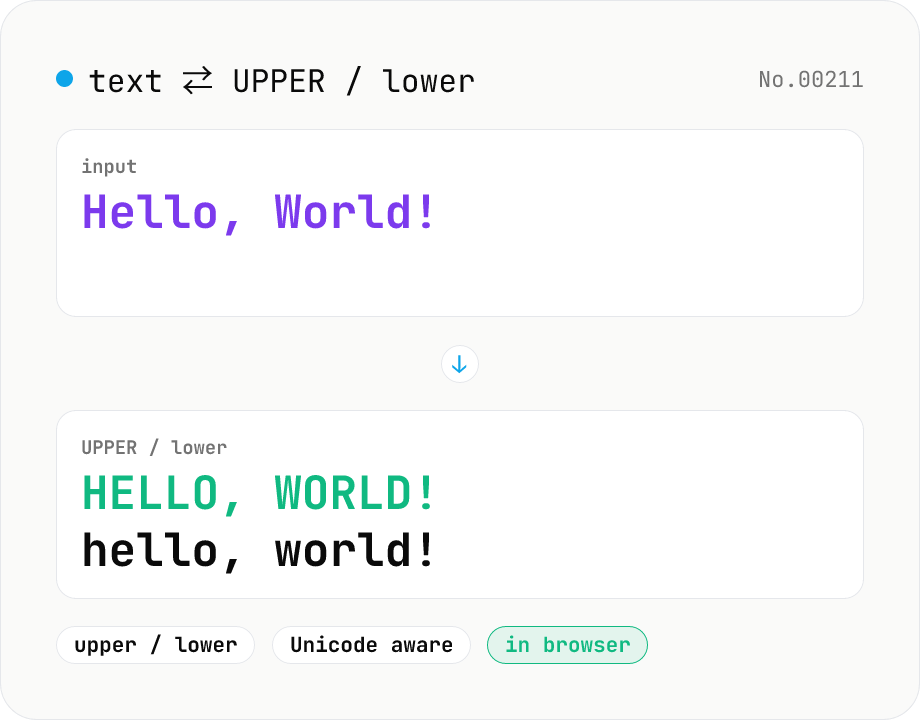
Text case — UPPERCASE / lowercase toggle
Convert text to all UPPERCASE or all lowercase, with a mode toggle. Unicode-aware so non-Latin scripts (Greek, Cyrillic, etc.) are handled correctly. Japanese, symbols, and digits pass through unchanged. Runs entirely in your browser.
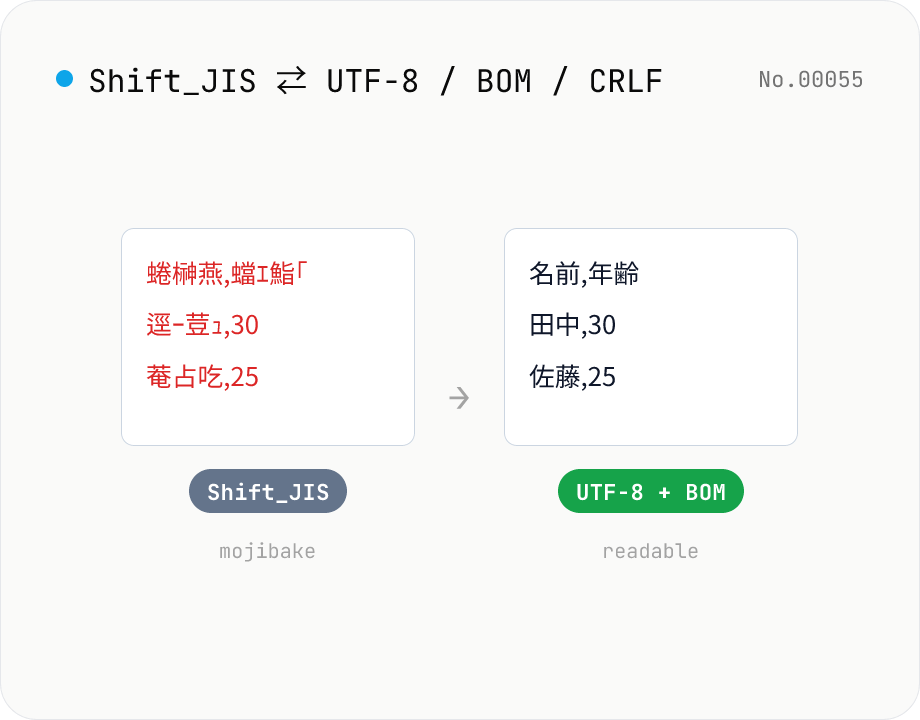
CSV / text encoding converter — Shift_JIS ↔ UTF-8 / BOM / newlines
Re-encode CSV and text files between Shift_JIS (CP932), UTF-8, UTF-16LE and EUC-JP — fix Excel's mojibake on UTF-8, hand UTF-8 text to legacy systems that need Shift_JIS, or add BOM so Excel reads UTF-8 correctly. Add / remove BOM, swap newlines (CRLF / LF / CR), and auto-detect the input encoding. Batch convert and grab the result as a ZIP. Files never leave your device — everything runs in the browser.
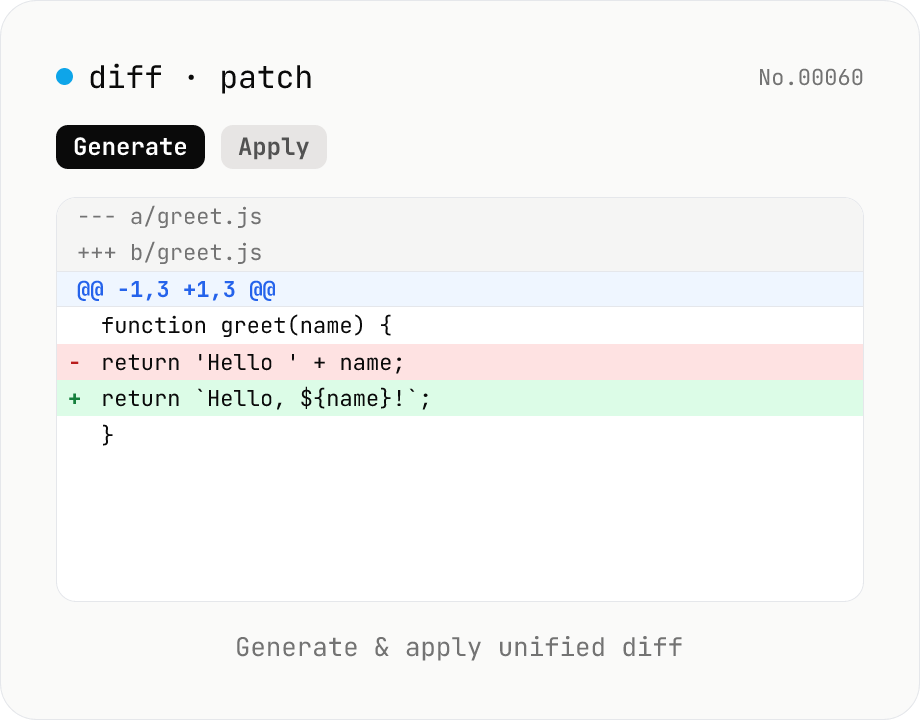
diff / patch — generate and apply unified diff
Produce a unified diff (.patch / .diff) from two texts and apply a unified diff back to the original text. Same format as Git and GNU patch (--- / +++ / @@ hunks), with adjustable context lines and file name. All processing runs in your browser.