
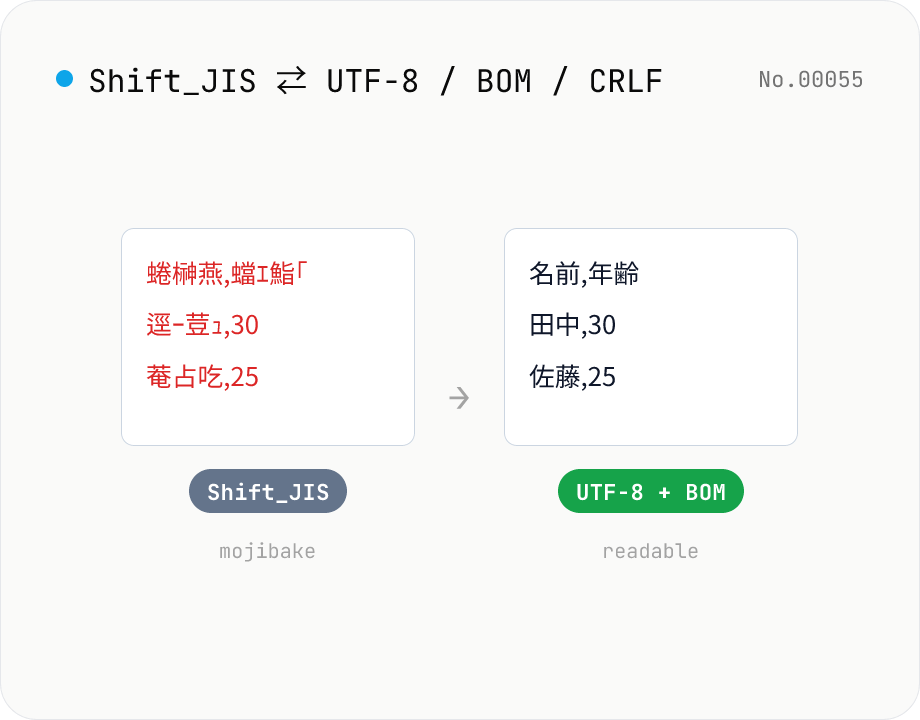
CSV / text encoding converter — Shift_JIS ↔ UTF-8 / BOM / newlines
Re-encode CSV and text files between Shift_JIS (CP932), UTF-8, UTF-16LE and EUC-JP — fix Excel's mojibake on UTF-8, hand UTF-8 text to legacy systems that need Shift_JIS, or add BOM so Excel reads UTF-8 correctly. Add / remove BOM, swap newlines (CRLF / LF / CR), and auto-detect the input encoding. Batch convert and grab the result as a ZIP. Files never leave your device — everything runs in the browser.
How to use
Drop or pick CSV / text files (batch supported). Auto-detect input encoding is usually fine — pick an explicit one if you see mojibake. Choose the output encoding (UTF-8 / Shift_JIS / UTF-16LE / EUC-JP), optionally toggle the BOM and pick a newline style, then Convert. Download individually or as a ZIP.
FAQ
- Are files uploaded?
- No. Encoding detection, decoding and re-encoding all happen inside the browser using the encoding-japanese library and the built-in TextDecoder.
- How do I fix UTF-8 CSVs that mojibake in Excel?
- Excel under Japanese locales can't read UTF-8 without BOM. Either output UTF-8 with the BOM option turned ON, or output Shift_JIS.
- Shift_JIS CSV needs to go into a web app
- Output UTF-8 with BOM turned OFF — most web tools and programming languages will pick it up straight away.
- Why does newline conversion matter?
- Windows uses CRLF, macOS / Linux use LF. Older apps may fail to recognise lines if newlines don't match — normalising helps.
- Auto-detect picks the wrong encoding
- Detection can be wrong for short or mixed-encoding files. Pick the encoding explicitly with the Input radio buttons.
Related tools
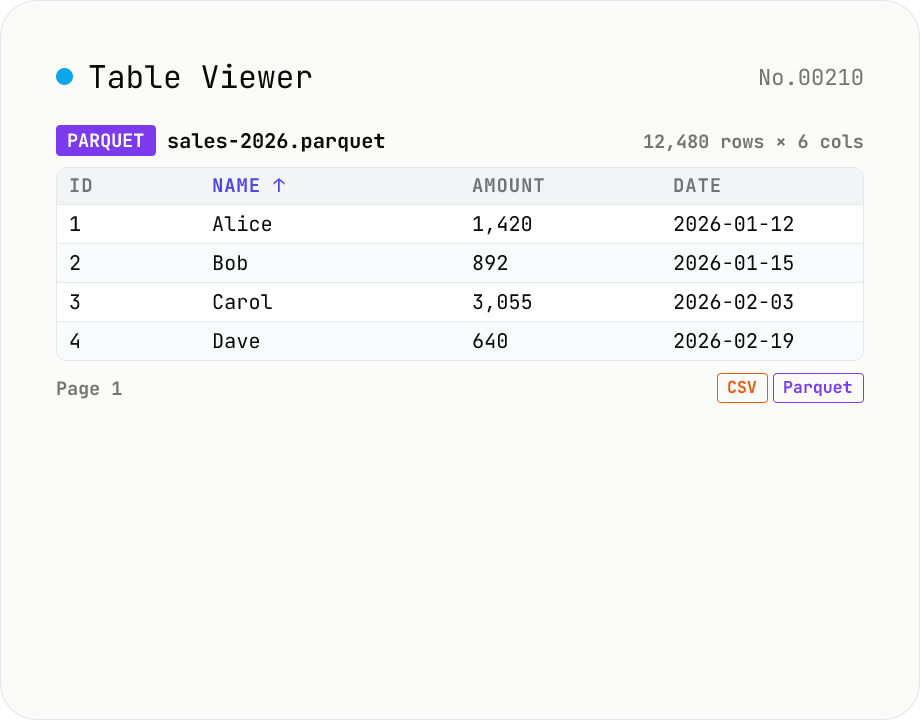
Table Viewer — open Parquet / CSV / TSV / JSON Lines in the browser
Drop a Parquet / CSV / TSV / PSV / JSON Lines file and explore it in a tabular grid. Format is auto-detected by extension. Parquet uses hyparquet (MIT, pure-JS, ~220KB, no WASM); CSV / TSV use a built-in RFC 4180 parser; JSON Lines is parsed one JSON-per-line. Click a header to sort ascending / descending, type in the search box to filter across every column, and page through 100 / 500 / 1000 rows or load all. Download the parsed data as CSV or Parquet — so this doubles as a CSV ↔ Parquet converter. Files stay inside your browser; nothing is uploaded.
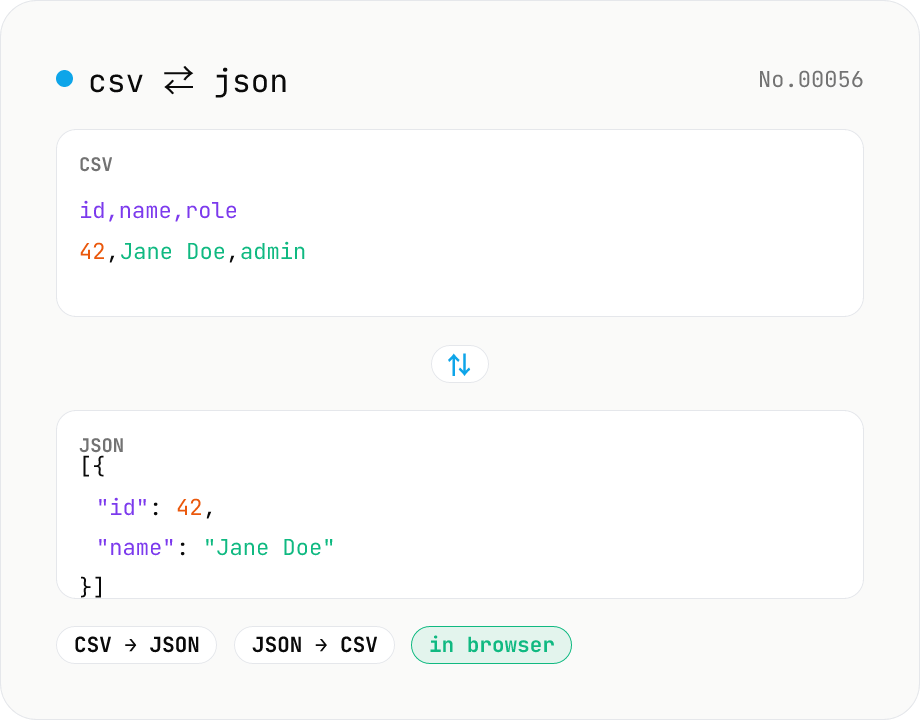
CSV ⇄ JSON converter — delimiter & header auto
Convert CSV to JSON or JSON to CSV in your browser. Pick the delimiter (comma / tab / semicolon), toggle the header row, and choose the JSON indent. Handles quoted fields with embedded commas, quotes, and newlines.
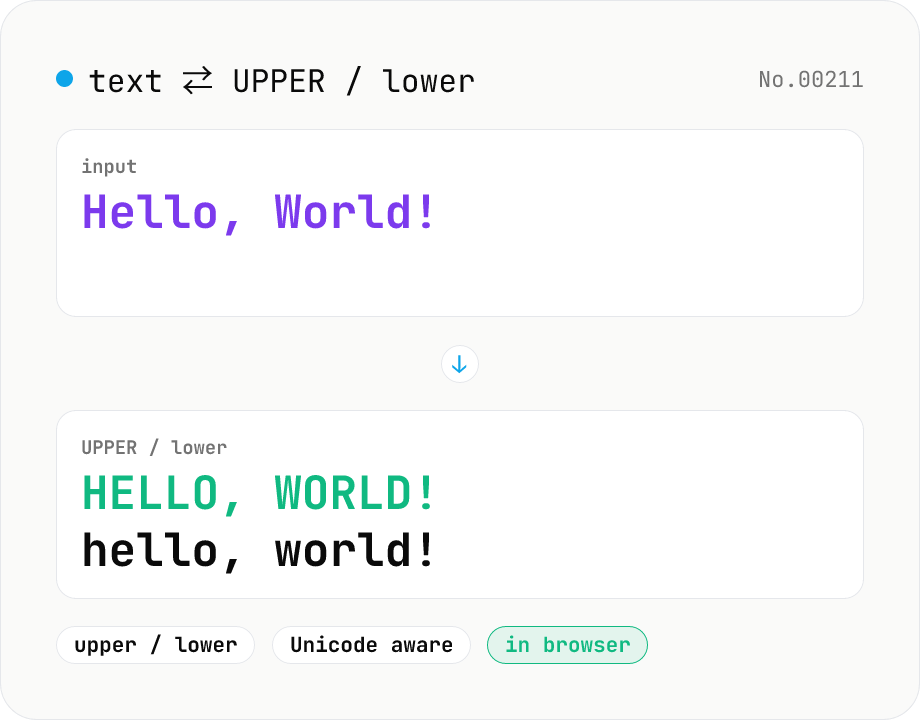
Text case — UPPERCASE / lowercase toggle
Convert text to all UPPERCASE or all lowercase, with a mode toggle. Unicode-aware so non-Latin scripts (Greek, Cyrillic, etc.) are handled correctly. Japanese, symbols, and digits pass through unchanged. Runs entirely in your browser.
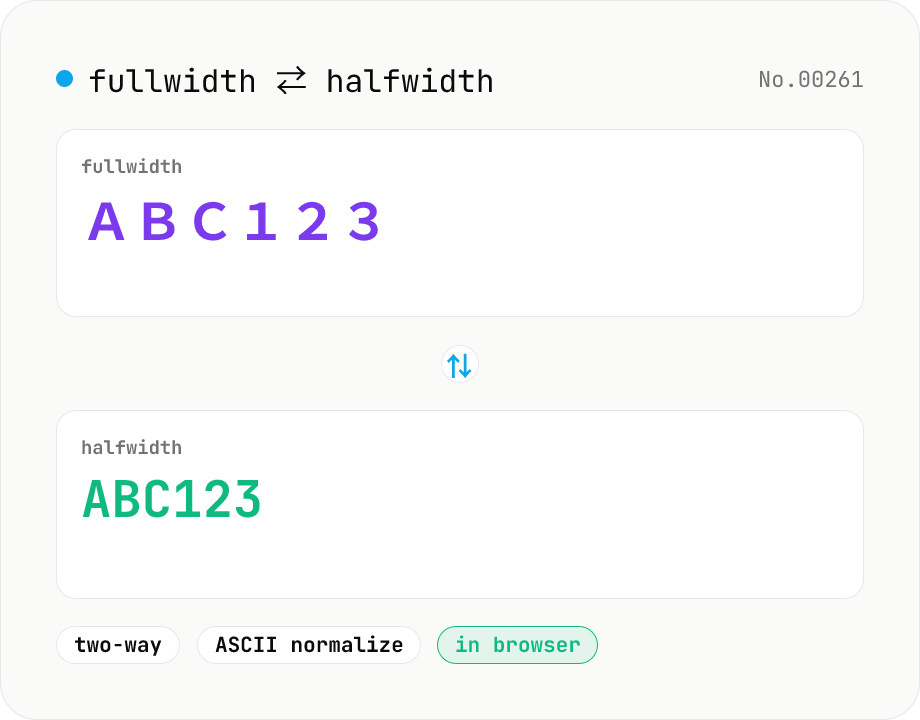
Fullwidth ⇄ Halfwidth converter — alphanumerics, kana, symbols
Convert between fullwidth ASCII (letters, digits, symbols) and halfwidth ASCII with a single mode toggle. Covers U+FF01–U+FF5E ⇄ U+0021–U+007E, plus the ideographic space U+3000 ⇄ ASCII space U+0020. Hiragana, katakana, and kanji are kept untouched. Runs entirely in your browser.