
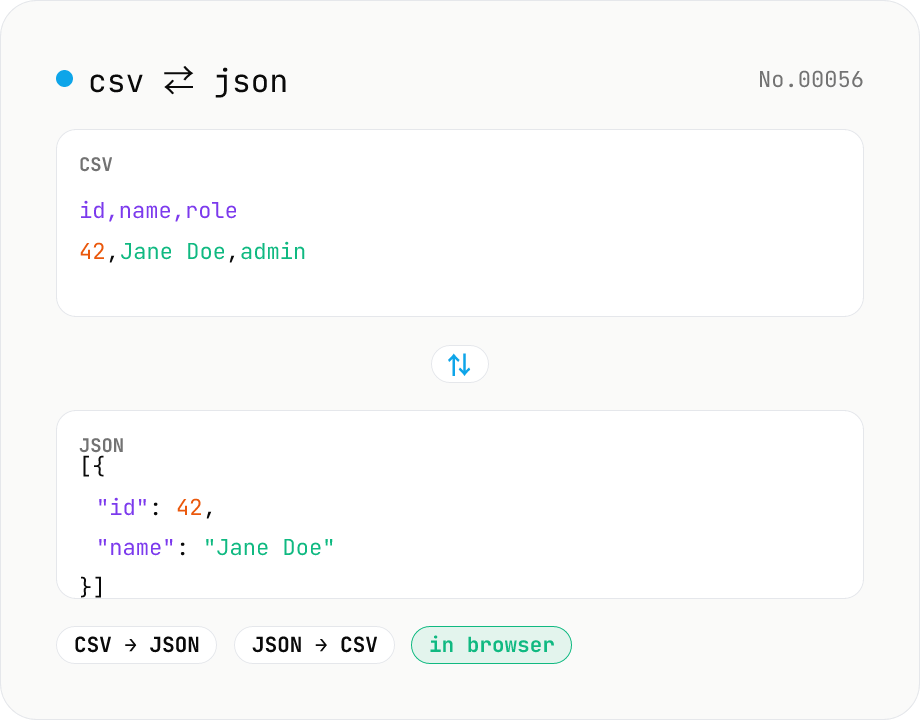
CSV ⇄ JSON converter — delimiter & header auto
Convert CSV to JSON or JSON to CSV in your browser. Pick the delimiter (comma / tab / semicolon), toggle the header row, and choose the JSON indent. Handles quoted fields with embedded commas, quotes, and newlines.
How to use
Pick a direction (CSV → JSON or JSON → CSV), paste your data, then choose the delimiter (comma / tab / semicolon), whether the CSV has a header row, and the JSON indent (2 / 4) before pressing Run. The CSV parser understands quoted fields with embedded commas, line breaks, and escaped quotes (`""`). JSON → CSV emits the union of every object's keys as columns and automatically quotes values containing the delimiter or newlines. Copy the result or download it as .csv / .json.
FAQ
- Is my input uploaded anywhere?
- No. Conversion runs in your browser via local JavaScript — nothing leaves your device.
- Can it handle commas or line breaks inside quoted fields?
- Yes. Fields wrapped in double quotes (`"Sato, Hanako"`) may contain commas and newlines; escape a literal double quote inside a field as `""`.
- Which delimiters are supported?
- Comma (`,`), tab (`\t`), and semicolon (`;`). Pick the tab option for TSV input/output.
- What if my CSV has no header?
- Uncheck "Has header row". CSV → JSON then names the keys `column1`, `column2`, …. For JSON → CSV, unchecking it emits only data rows (no header line).
- How are columns ordered when converting JSON → CSV?
- We walk the array in order and record each key the first time it appears, from left to right. Keys missing from a given row become empty strings in that row.
- Why merge CSV→JSON and JSON→CSV into one tool?
- They are two directions of the same concept. A direction toggle lets you handle both in a single UI, and the delimiter / header options apply consistently to either direction.
Related tools
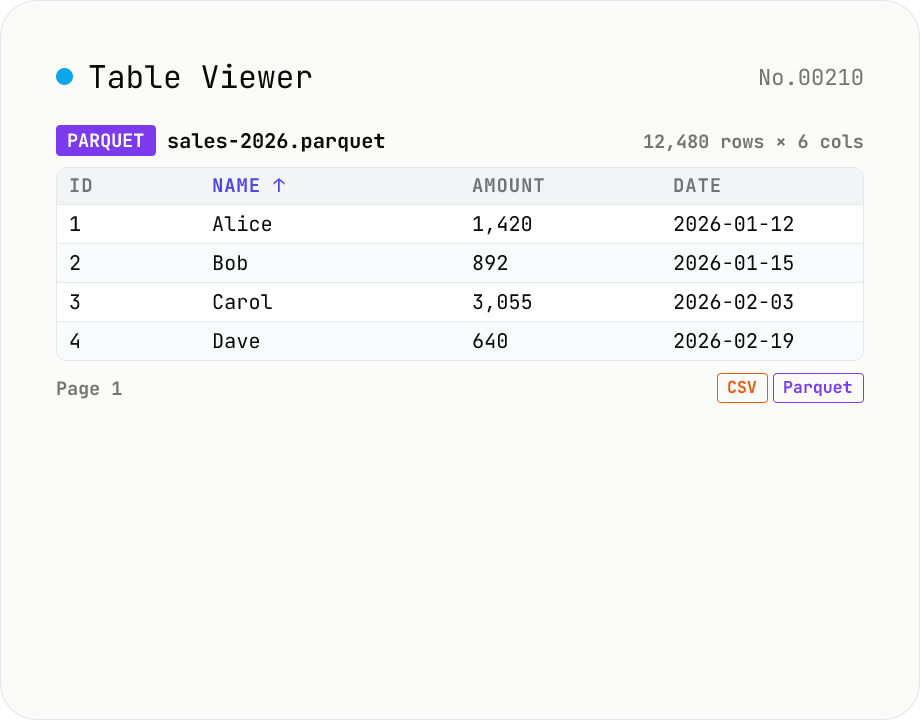
Table Viewer — open Parquet / CSV / TSV / JSON Lines in the browser
Drop a Parquet / CSV / TSV / PSV / JSON Lines file and explore it in a tabular grid. Format is auto-detected by extension. Parquet uses hyparquet (MIT, pure-JS, ~220KB, no WASM); CSV / TSV use a built-in RFC 4180 parser; JSON Lines is parsed one JSON-per-line. Click a header to sort ascending / descending, type in the search box to filter across every column, and page through 100 / 500 / 1000 rows or load all. Download the parsed data as CSV or Parquet — so this doubles as a CSV ↔ Parquet converter. Files stay inside your browser; nothing is uploaded.
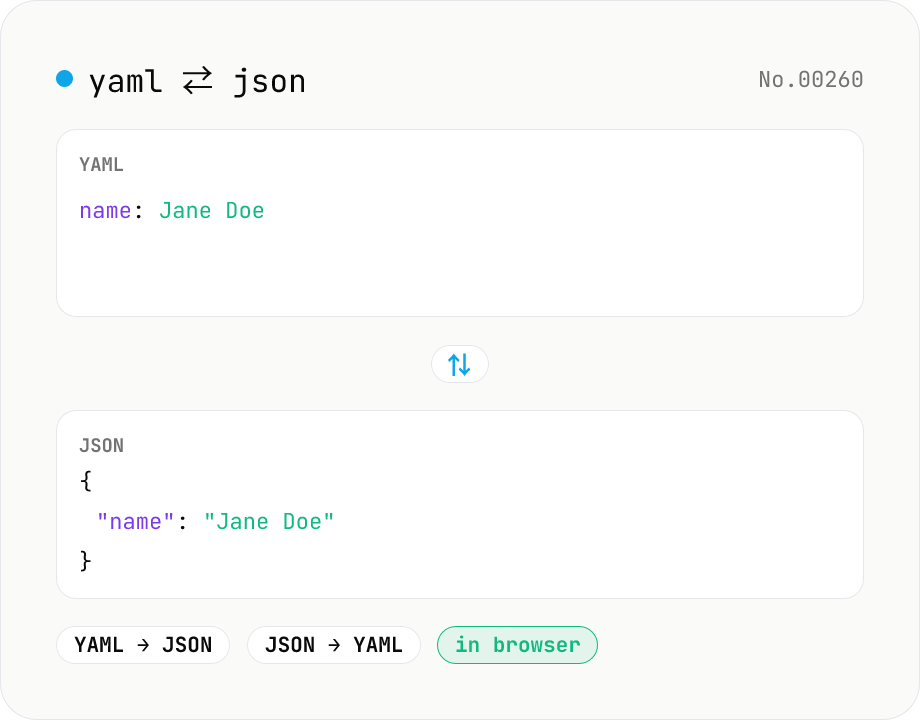
YAML ⇄ JSON converter — indent preserved
Convert YAML to JSON or JSON to YAML. Choose indent (2 / 4 / tab) and try the sample button. Powered by eemeli/yaml — runs entirely in your browser.
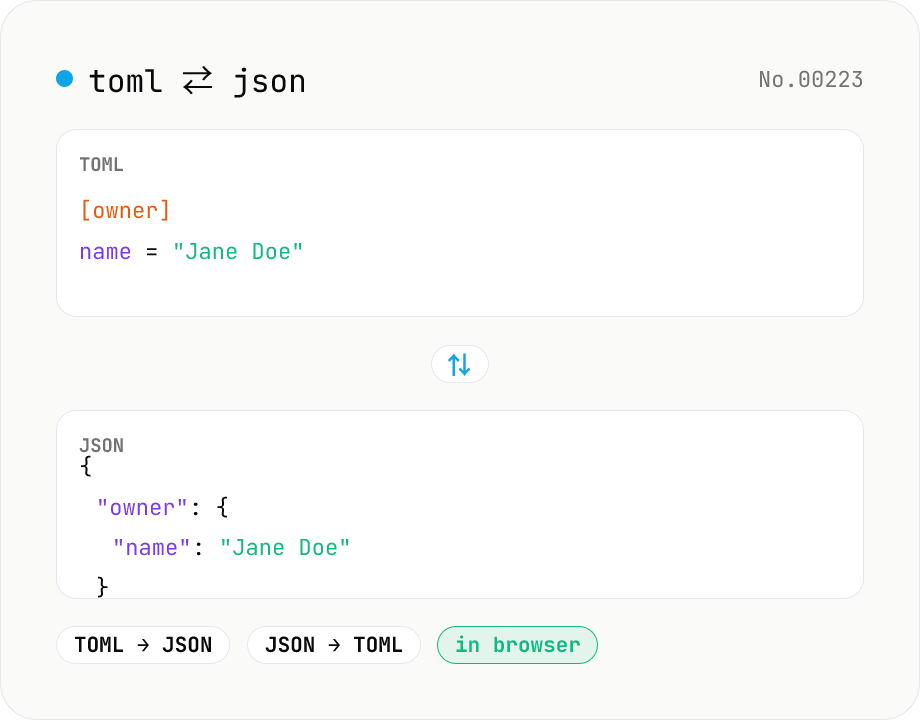
TOML ⇄ JSON converter — Cargo.toml / pyproject.toml
Convert TOML to JSON or JSON to TOML. Switch direction, choose JSON indent (2 / 4 / tab), and try the sample button. Powered by smol-toml — runs entirely in your browser.
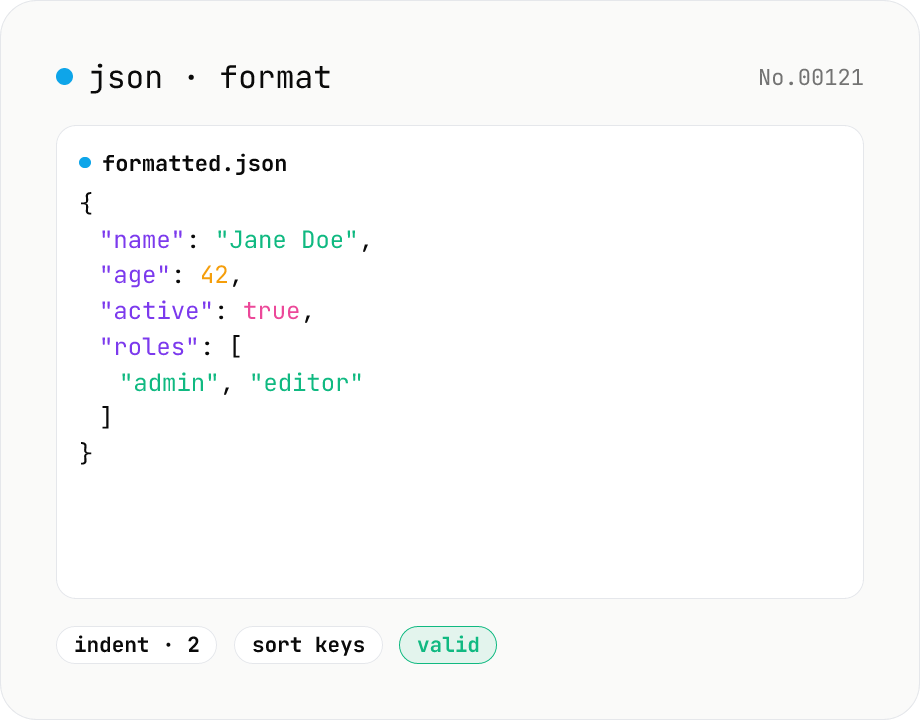
JSON format & validate — indent, minify, error pointer
Format, minify, and validate JSON entirely in your browser. Errors show the line and column. Your data never leaves your device.