
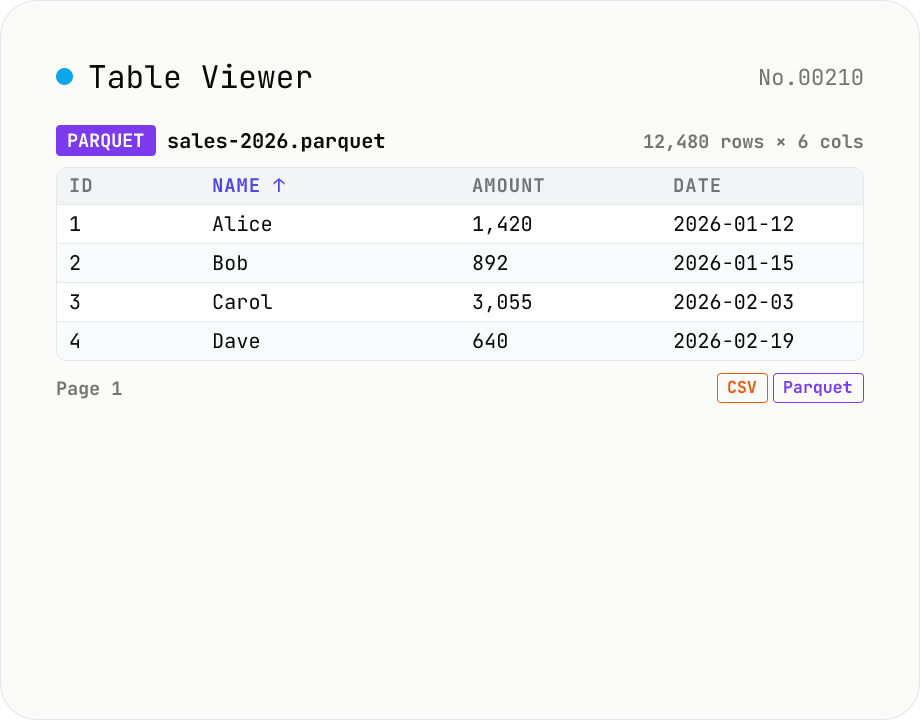
Table Viewer — open Parquet / CSV / TSV / JSON Lines in the browser
Drop a Parquet / CSV / TSV / PSV / JSON Lines file and explore it in a tabular grid. Format is auto-detected by extension. Parquet uses hyparquet (MIT, pure-JS, ~220KB, no WASM); CSV / TSV use a built-in RFC 4180 parser; JSON Lines is parsed one JSON-per-line. Click a header to sort ascending / descending, type in the search box to filter across every column, and page through 100 / 500 / 1000 rows or load all. Download the parsed data as CSV or Parquet — so this doubles as a CSV ↔ Parquet converter. Files stay inside your browser; nothing is uploaded.
How to use
1) Drop a .parquet / .csv / .tsv / .psv / .jsonl file. Format is auto-detected by extension. 2) Click a column header to sort (toggle asc/desc), type in the search box to filter rows, switch page size (100 / 500 / 1000 / All) at the bottom. 3) Use Download to save as CSV or Parquet. 4) Click Reset to load a different file.
FAQ
- What's Parquet?
- Apache Parquet is a columnar binary format widely used in big-data analytics, data lakes, and ML datasets (e.g. Hugging Face datasets). Compared with CSV, it's typically 1/3-1/10 the size and supports column-wise queries. This tool uses hyparquet (MIT, ~220KB pure-JS) to parse Parquet directly in the browser — no WASM or external APIs needed.
- How do I convert CSV ↔ Parquet?
- Drop the file, then click 'Download Parquet' (saves as Parquet) or 'Download CSV' (saves as CSV). Load a CSV → save as Parquet for CSV→Parquet conversion, and vice-versa. Type inference (number / boolean / string) is automatic and maps to Parquet INT64 / DOUBLE / BOOLEAN / STRING.
- Which formats are supported?
- (1) **.parquet / .pq** — Apache Parquet via hyparquet. Snappy / Gzip compression, Plain / Dictionary / RLE encoding; nested types (List / Struct) are stringified to JSON. (2) **.csv** — RFC 4180, comma-separated, double-quote escaping, CR/LF/CRLF line endings. (3) **.tsv / .tab** — Tab-separated. (4) **.psv** — Pipe-separated. (5) **.jsonl / .ndjson** — One JSON object per line; column names are the union of keys across rows.
- How big a file can it handle?
- Up to your browser's heap limit. Practical limits in Chrome / Firefox: CSV ~100MB / 1M rows, Parquet ~500MB / 5M rows (compression helps). Beyond that the browser may freeze — use DuckDB / pandas / polars server-side.
- Can it read Shift_JIS CSV?
- It assumes UTF-8 input. Shift_JIS / EUC-JP files will show mojibake; convert with the csv-encoding-convert tool first. UTF-8 with BOM is handled automatically (the BOM is stripped).
- How are nested Parquet types (List / Struct / Map) rendered?
- As JSON-stringified cells (e.g. `[1,2,3]`, `{"a":1}`) because the table view is one value per cell. Full structural expansion is a possible future feature.
- How does type inference work?
- For CSV / TSV / PSV / JSONL: cells matching `true/false` → boolean, numeric pattern → number, empty / `null` / `NULL` → null, anything else → string. Quote leading-zero values (`"01"`) in CSV to preserve them as strings. Parquet keeps its original schema types.
- Why are long cells truncated?
- Cells are clipped to the column width for layout reasons; hover to see the full value via `title`. A full-expansion UI is planned.
- Is anything uploaded?
- No. Parsing and exporting all happens in your browser (hyparquet + a built-in CSV parser). Safe for internal / confidential / very large data.
Related tools
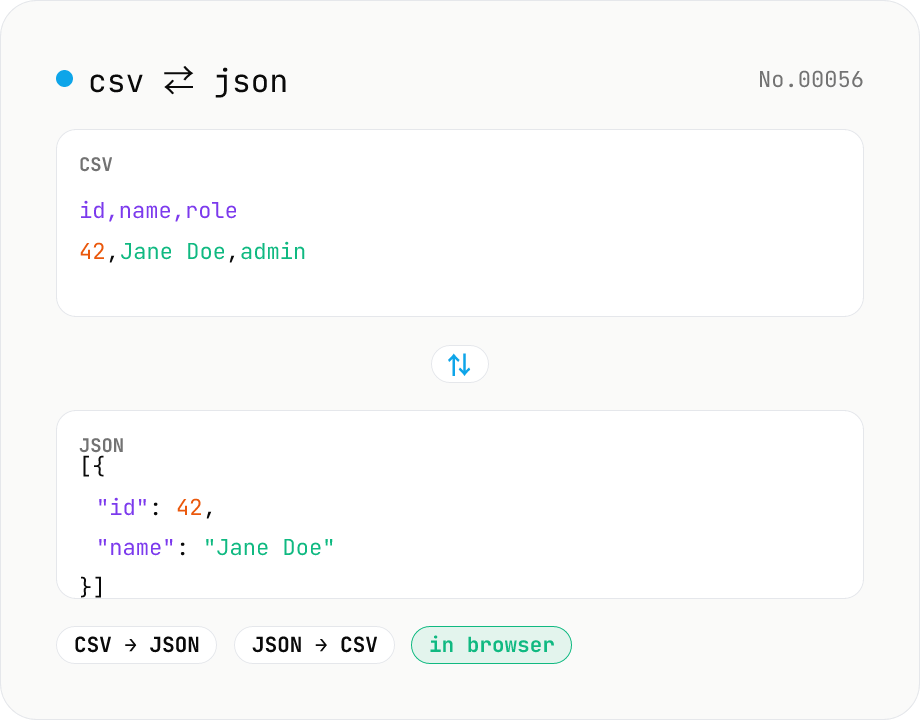
CSV ⇄ JSON converter — delimiter & header auto
Convert CSV to JSON or JSON to CSV in your browser. Pick the delimiter (comma / tab / semicolon), toggle the header row, and choose the JSON indent. Handles quoted fields with embedded commas, quotes, and newlines.
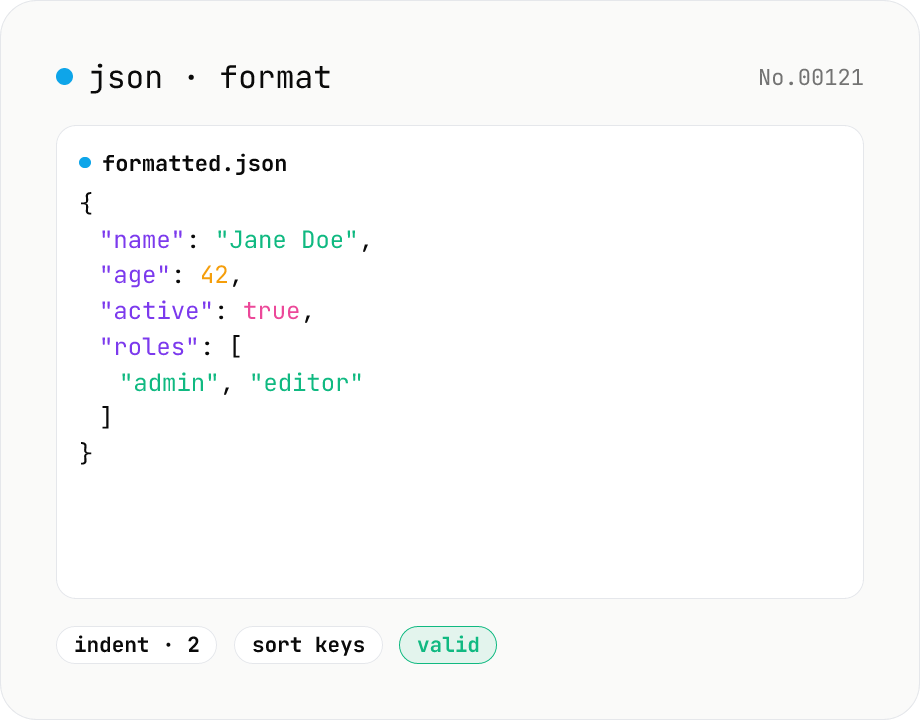
JSON format & validate — indent, minify, error pointer
Format, minify, and validate JSON entirely in your browser. Errors show the line and column. Your data never leaves your device.
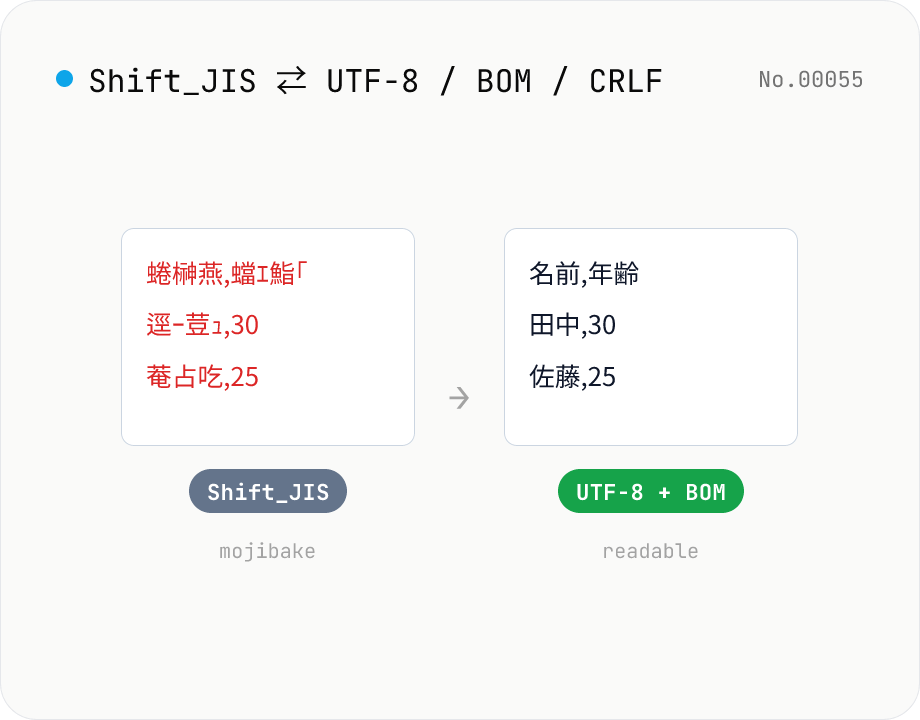
CSV / text encoding converter — Shift_JIS ↔ UTF-8 / BOM / newlines
Re-encode CSV and text files between Shift_JIS (CP932), UTF-8, UTF-16LE and EUC-JP — fix Excel's mojibake on UTF-8, hand UTF-8 text to legacy systems that need Shift_JIS, or add BOM so Excel reads UTF-8 correctly. Add / remove BOM, swap newlines (CRLF / LF / CR), and auto-detect the input encoding. Batch convert and grab the result as a ZIP. Files never leave your device — everything runs in the browser.
XML Formatter — pretty / minify XML in one click
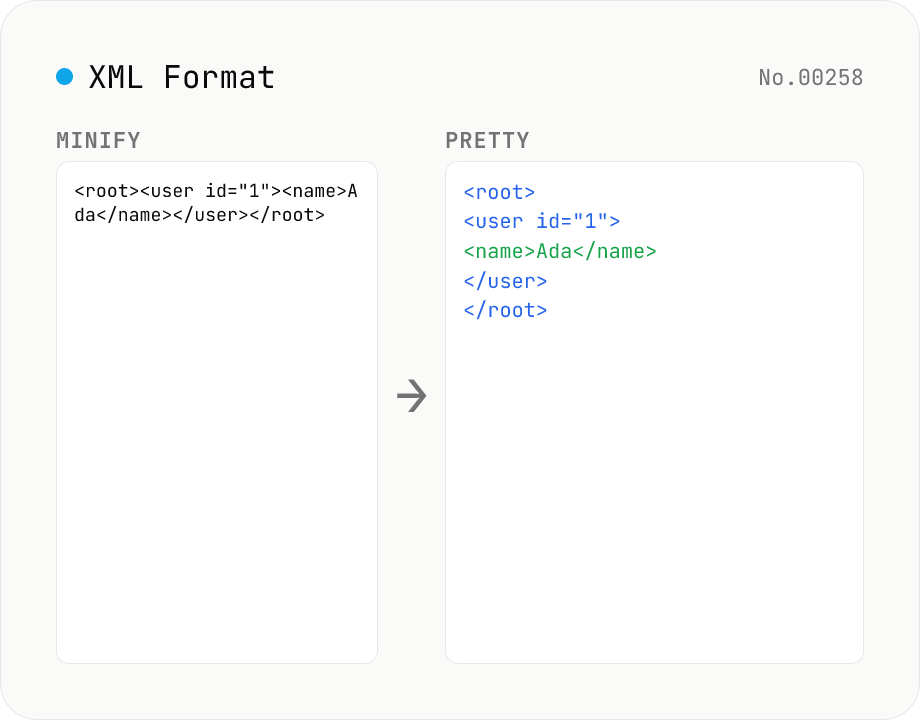
Format XML with two modes: pretty (indent 2/4/tabs, line breaks, aligned attributes) and minify (strip whitespace into a single line). Built on fast-xml-parser with a hand-rolled indenter. Preserves CDATA, comments, processing instructions (`<?xml ... ?>`), DOCTYPE, self-closing tags, attribute order, and XML namespaces (xmlns:foo). For XML ↔ JSON, use xml-json-convert. For HTML, use a dedicated HTML formatter — XML parsers reject unclosed tags like HTML's `<br>`. Runs entirely in your browser.