
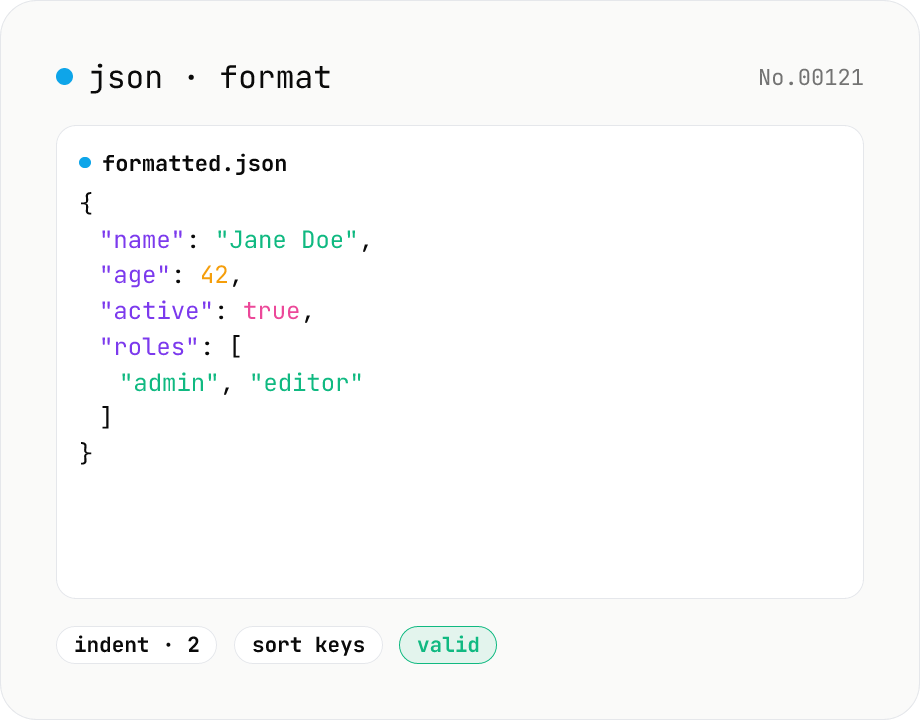
JSON format & validate — indent, minify, error pointer
Format, minify, and validate JSON entirely in your browser. Errors show the line and column. Your data never leaves your device.
JSON stays inside your browser
How to use
Paste JSON into the textarea and click Format or Minify. Pick an indent size (2 spaces / 4 spaces / Tab) and optionally sort keys alphabetically. If parsing fails, the line and column of the error are shown so you can jump straight to the problem. Copy the formatted output with one click, or download it as a .json file. Use the Sample button to try the tool quickly.
FAQ
- Is my JSON uploaded anywhere?
- No. Formatting and validation run entirely in your browser — nothing is sent to any server.
- Does it handle large JSON?
- It uses native JSON.parse / JSON.stringify, so files up to several MB typically work fine. Very large files (tens of MB+) may freeze the page; split them into smaller chunks first.
- Does it support JSON5 or JSON with comments?
- No — only standard JSON (RFC 8259). Comments and trailing commas are rejected.
- What does 'Sort keys alphabetically' do?
- It recursively sorts object keys in ascending alphabetical order. Useful for diffing or producing canonical strings. Array order is preserved.
Related tools
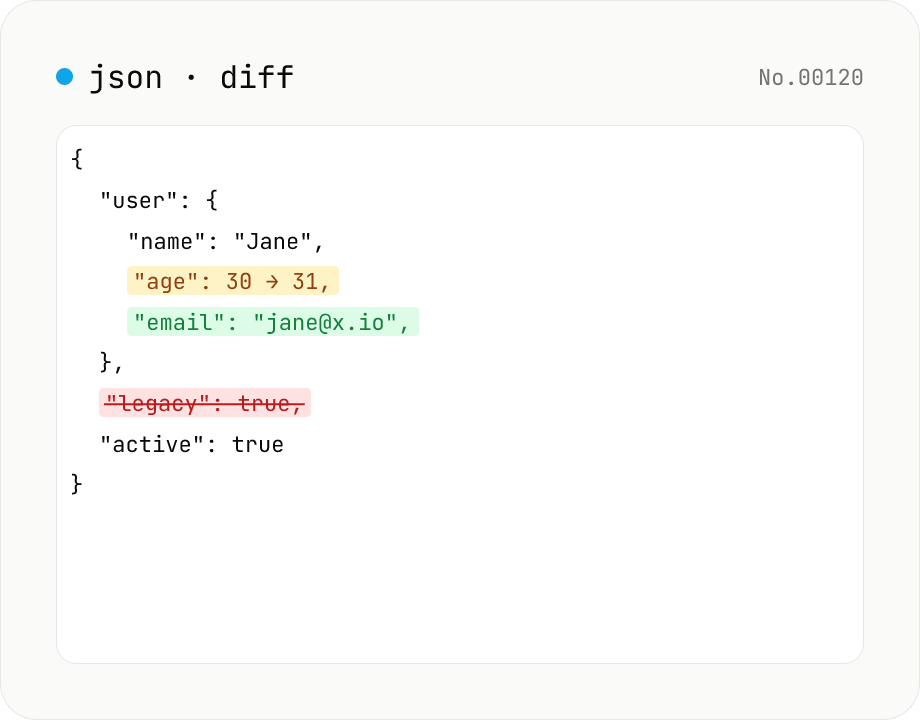
JSON diff — structural compare of two documents
Compare two JSON documents structurally. Walks nested objects and arrays recursively and highlights added / removed / modified / moved entries. Runs entirely in your browser.
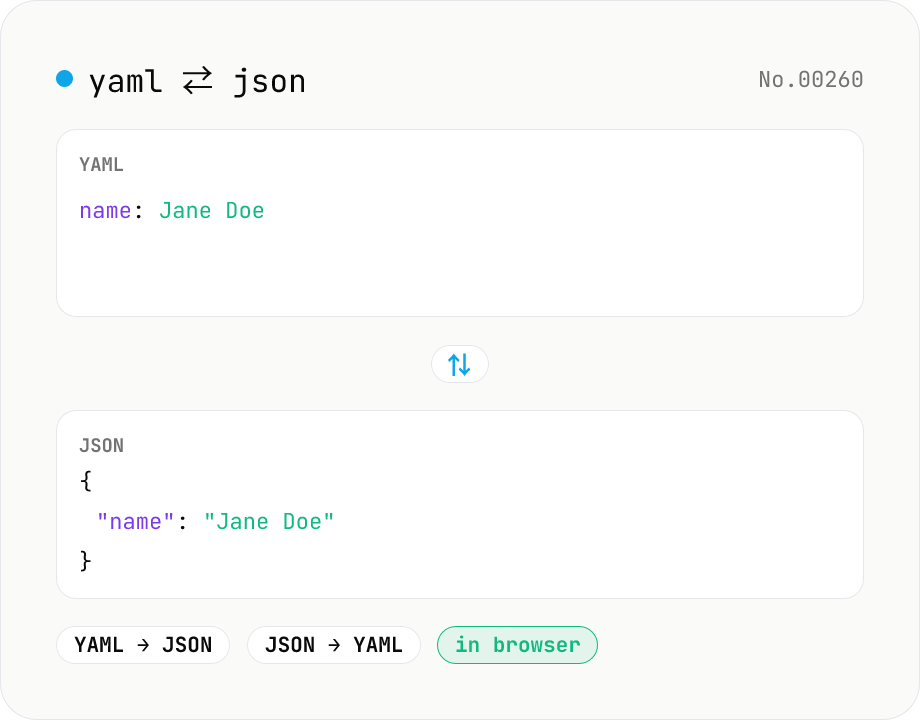
YAML ⇄ JSON converter — indent preserved
Convert YAML to JSON or JSON to YAML. Choose indent (2 / 4 / tab) and try the sample button. Powered by eemeli/yaml — runs entirely in your browser.
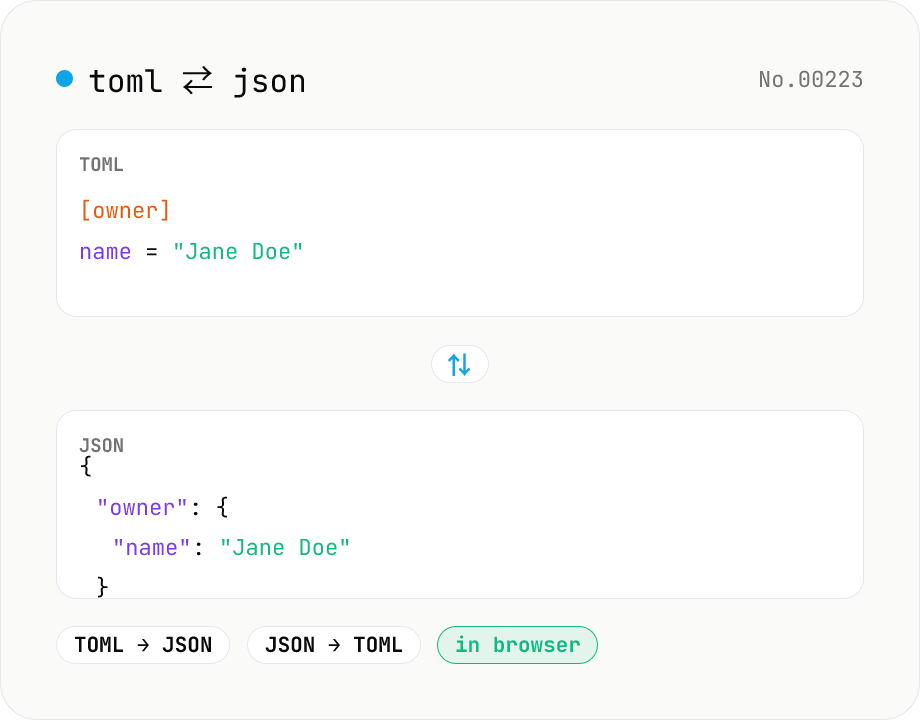
TOML ⇄ JSON converter — Cargo.toml / pyproject.toml
Convert TOML to JSON or JSON to TOML. Switch direction, choose JSON indent (2 / 4 / tab), and try the sample button. Powered by smol-toml — runs entirely in your browser.
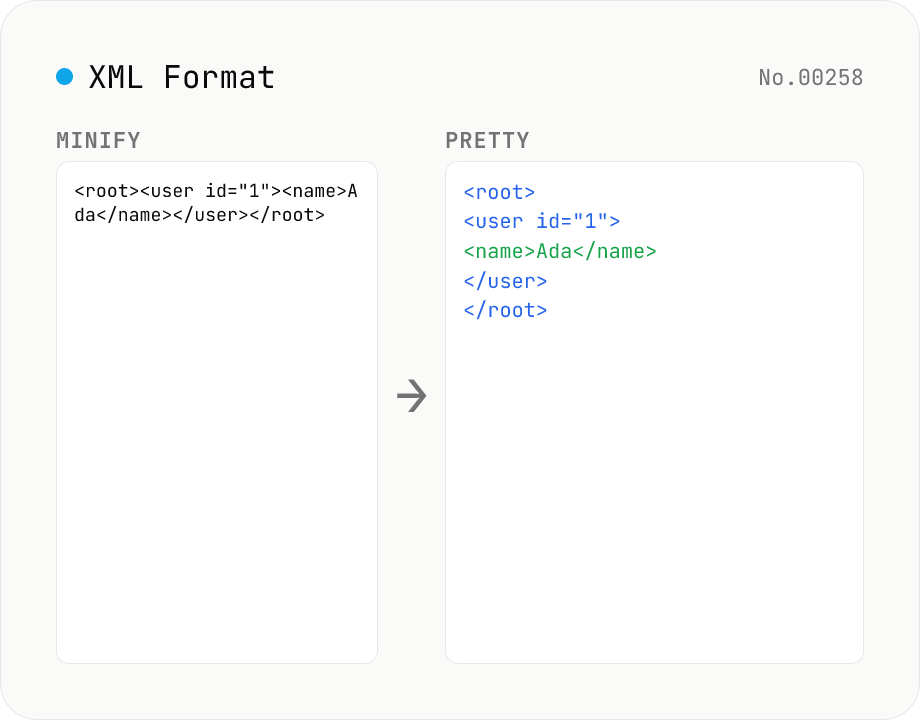
XML Formatter — pretty / minify XML in one click
Format XML with two modes: pretty (indent 2/4/tabs, line breaks, aligned attributes) and minify (strip whitespace into a single line). Built on fast-xml-parser with a hand-rolled indenter. Preserves CDATA, comments, processing instructions (`<?xml ... ?>`), DOCTYPE, self-closing tags, attribute order, and XML namespaces (xmlns:foo). For XML ↔ JSON, use xml-json-convert. For HTML, use a dedicated HTML formatter — XML parsers reject unclosed tags like HTML's `<br>`. Runs entirely in your browser.