
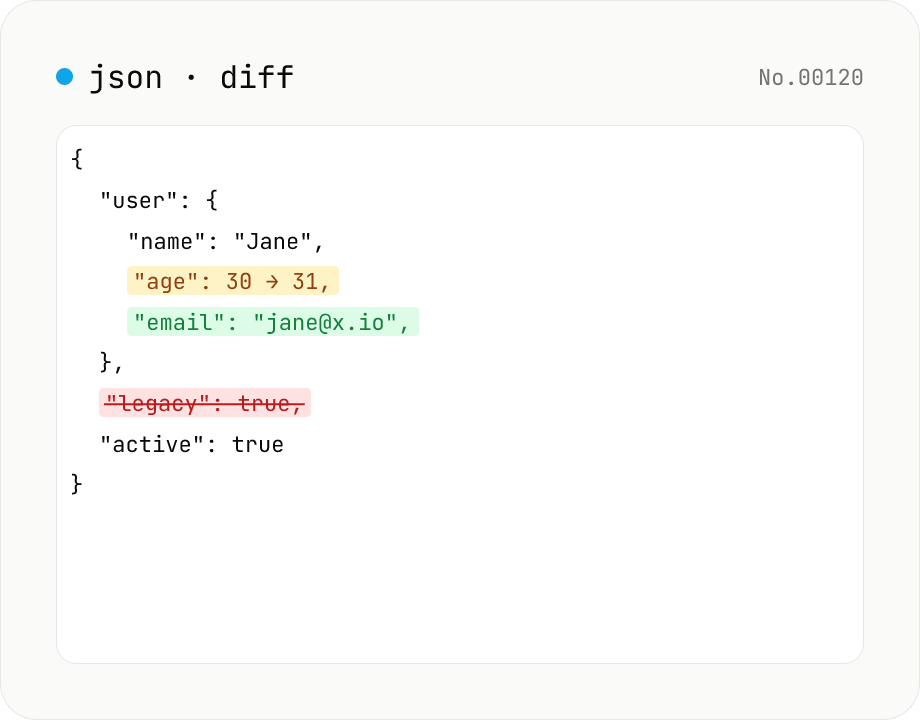
JSON diff — structural compare of two documents
Compare two JSON documents structurally. Walks nested objects and arrays recursively and highlights added / removed / modified / moved entries. Runs entirely in your browser.
How to use
Paste two JSON documents into the left/right textareas (must be valid JSON — errors show the line and column). Toggle between Inline and Side-by-Side views, optionally hide unchanged nodes, and review additions / deletions / modifications / moves. Reordered array entries are detected as moved. Use the Sample button to try it out.
FAQ
- Is the JSON uploaded?
- No. Comparison runs entirely in your browser; nothing leaves your device.
- How is this different from the text diff?
- JSON diff is structural — key reorderings and whitespace differences are treated as equal, while text diff would mark them as different.
- How does moved work?
- Entries whose value is identical but whose path (key or array index) changed are labelled moved — useful for reordered arrays.
- Does it handle large JSON?
- A few MB is fine. Extremely deep nesting or huge arrays may slow the browser.
Related tools
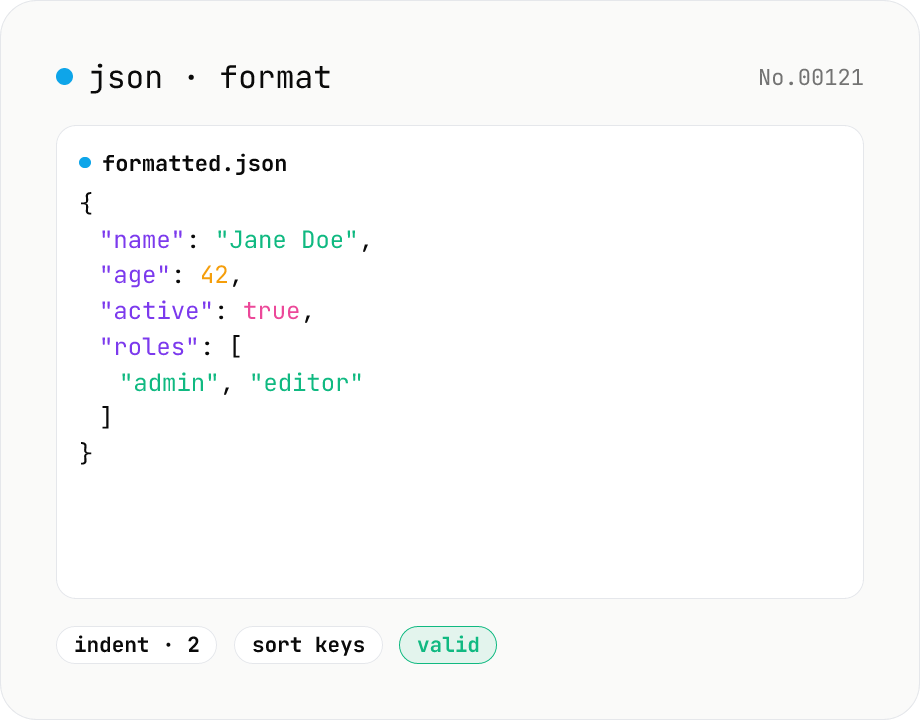
JSON format & validate — indent, minify, error pointer
Format, minify, and validate JSON entirely in your browser. Errors show the line and column. Your data never leaves your device.
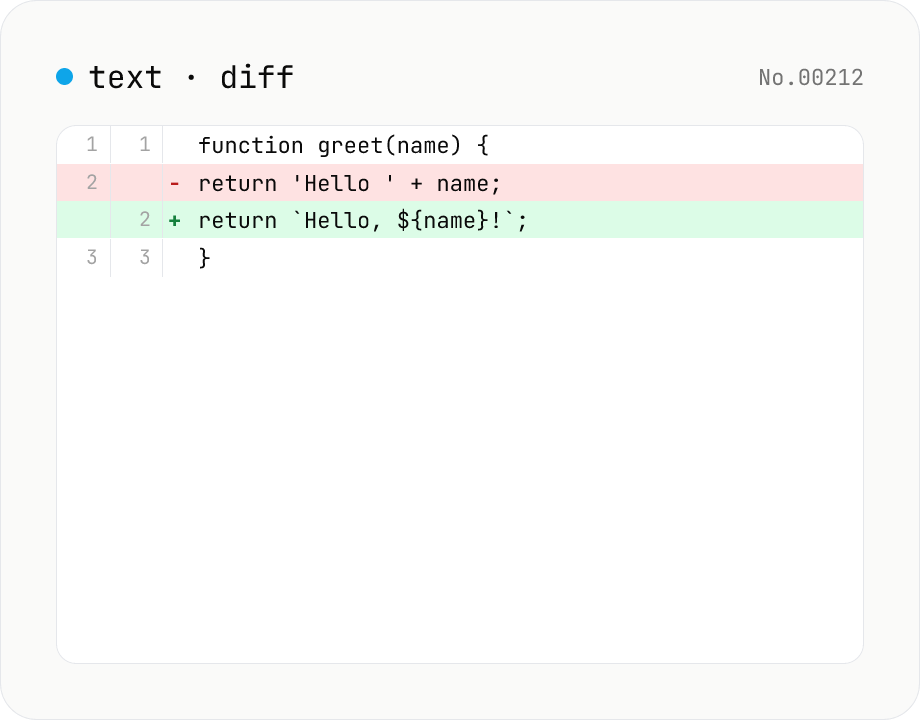
Text diff — line and word-level compare
Compare two texts line by line. Supports inline and side-by-side views, word-level highlighting, and ignoring surrounding whitespace. Runs entirely in your browser.
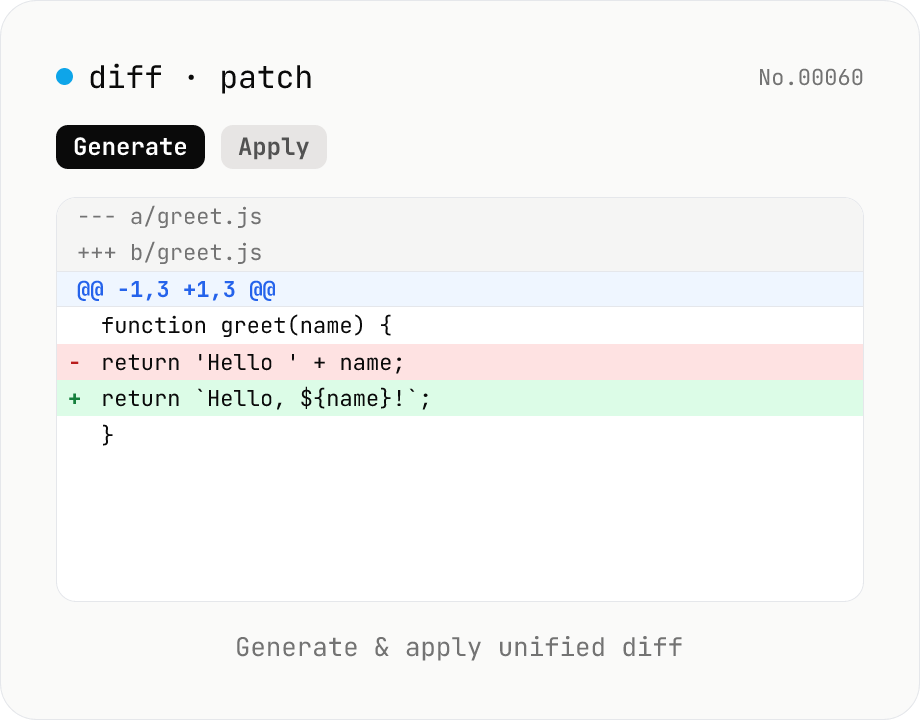
diff / patch — generate and apply unified diff
Produce a unified diff (.patch / .diff) from two texts and apply a unified diff back to the original text. Same format as Git and GNU patch (--- / +++ / @@ hunks), with adjustable context lines and file name. All processing runs in your browser.
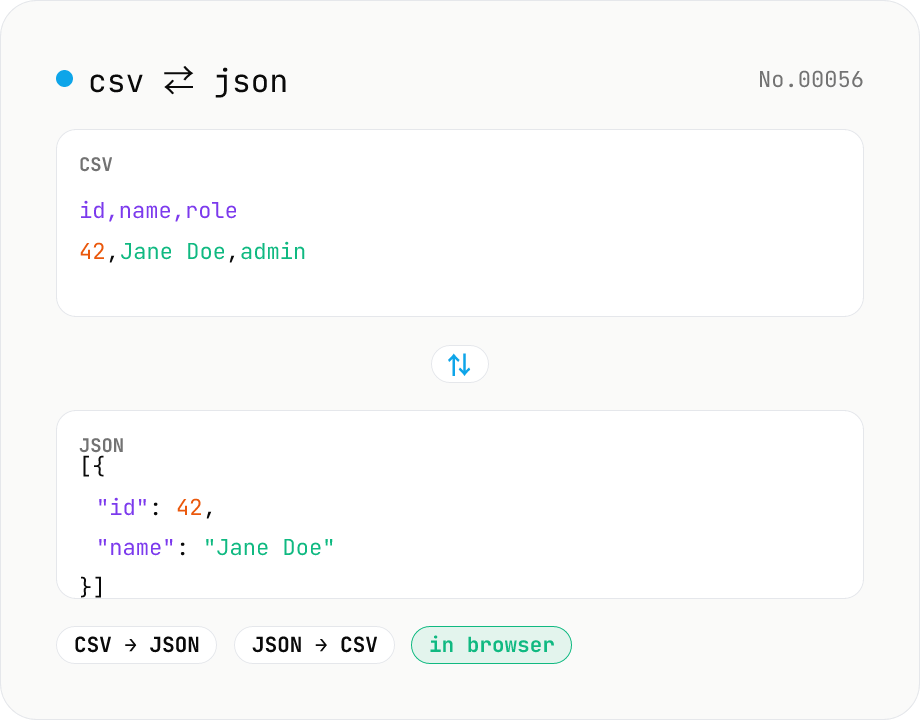
CSV ⇄ JSON converter — delimiter & header auto
Convert CSV to JSON or JSON to CSV in your browser. Pick the delimiter (comma / tab / semicolon), toggle the header row, and choose the JSON indent. Handles quoted fields with embedded commas, quotes, and newlines.