
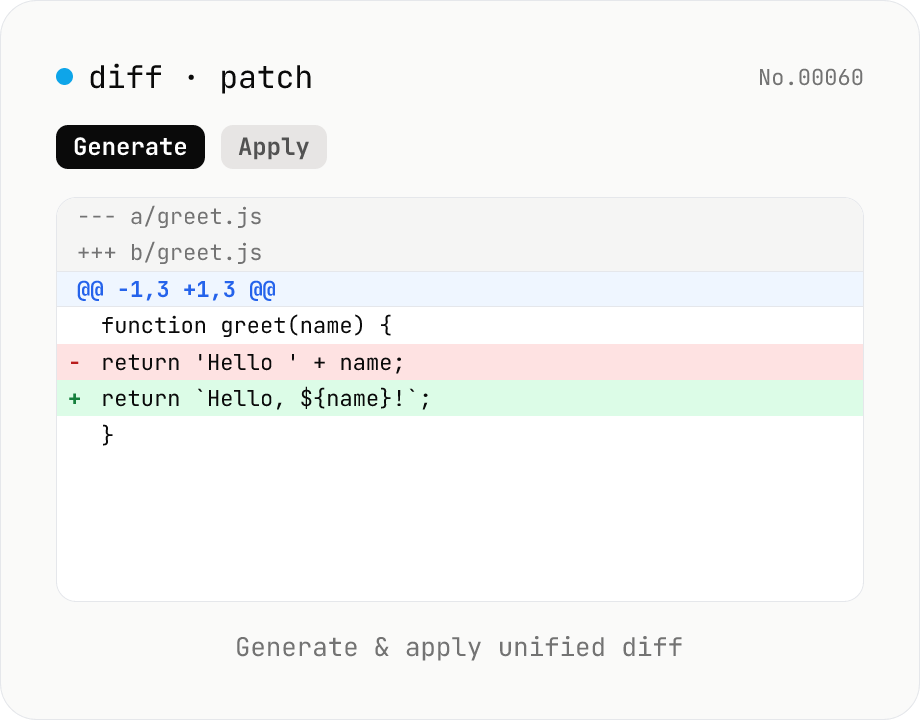
diff / patch — generate and apply unified diff
Produce a unified diff (.patch / .diff) from two texts and apply a unified diff back to the original text. Same format as Git and GNU patch (--- / +++ / @@ hunks), with adjustable context lines and file name. All processing runs in your browser.
How to use
Pick a mode: Generate patch or Apply patch. In Generate, paste the original and modified texts; the tool outputs a unified diff (--- / +++ / @@ hunks) compatible with Git and GNU patch. You can tweak the file name and the number of context lines kept around each change. In Apply, paste the original text and a unified diff; the tool reconstructs the modified text. If the original text doesn't match the diff's expected base, an error appears with a CTA that links to text-diff. Use the Sample button to load mode-specific examples.
FAQ
- Is my input uploaded?
- No. Both patch generation (jsdiff createPatch) and patch application (applyPatch) run entirely in your browser. Texts and patches are never sent to a server.
- Is the output compatible with Git and GNU patch?
- Yes. It's the standard unified diff format (--- a/file / +++ b/file / @@ -L,C +L,C @@), so `git apply patch.diff` and `patch -p1 < patch.diff` will accept it. The leading `Index:` line and `===` separator emitted by jsdiff are ignored by Git and GNU patch.
- What are context lines?
- The number of unchanged lines kept around each change. The default is 3 — the same as Git's default. Use 0 for the smallest possible patch; increase it to make the patch easier to read and to improve fuzzy-apply success rates.
- Why does Apply fail?
- If the original text doesn't match the diff's base, jsdiff returns false (it doesn't throw). The tool detects this and shows an error with a CTA to text-diff. Minor offsets are tolerated by jsdiff's fuzzy matching, but large mismatches will fail.
- Does it handle multi-file patches?
- A single diff can contain multiple hunks (@@), but this tool only handles a single-file unified diff (no `Index:`-separated file-by-file patches). Apply multi-file patches one file at a time, or use CLI `git apply` / `patch` for batch processing.
- Can I diff binaries?
- No. Unified diff assumes text input; non-text files will produce undefined behavior.
- How is this different from text-diff?
- text-diff focuses on showing differences visually (word-level highlight, inline / side-by-side views). diff-patch focuses on producing or applying patch text suitable for Git and GNU patch. Use text-diff for review-style comparison, and diff-patch when you want to share or apply patches over CI / email / code review.
Related tools
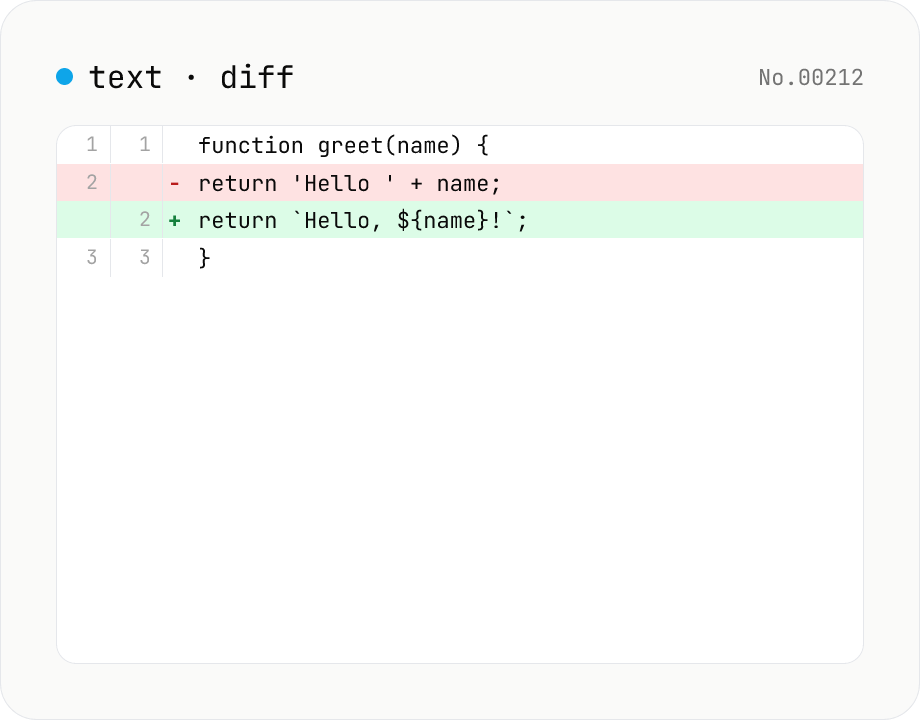
Text diff — line and word-level compare
Compare two texts line by line. Supports inline and side-by-side views, word-level highlighting, and ignoring surrounding whitespace. Runs entirely in your browser.
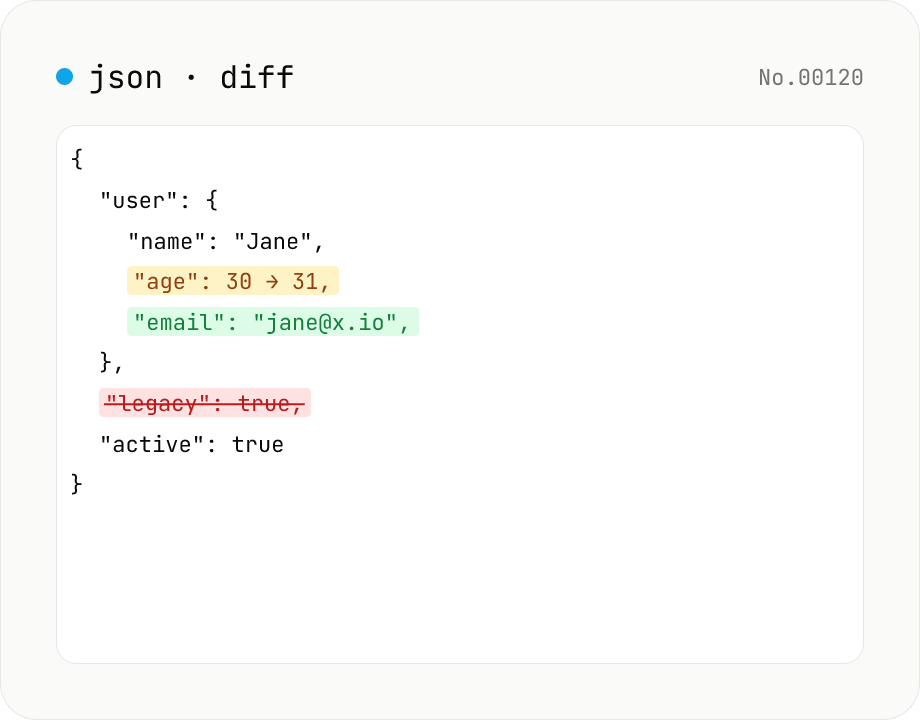
JSON diff — structural compare of two documents
Compare two JSON documents structurally. Walks nested objects and arrays recursively and highlights added / removed / modified / moved entries. Runs entirely in your browser.
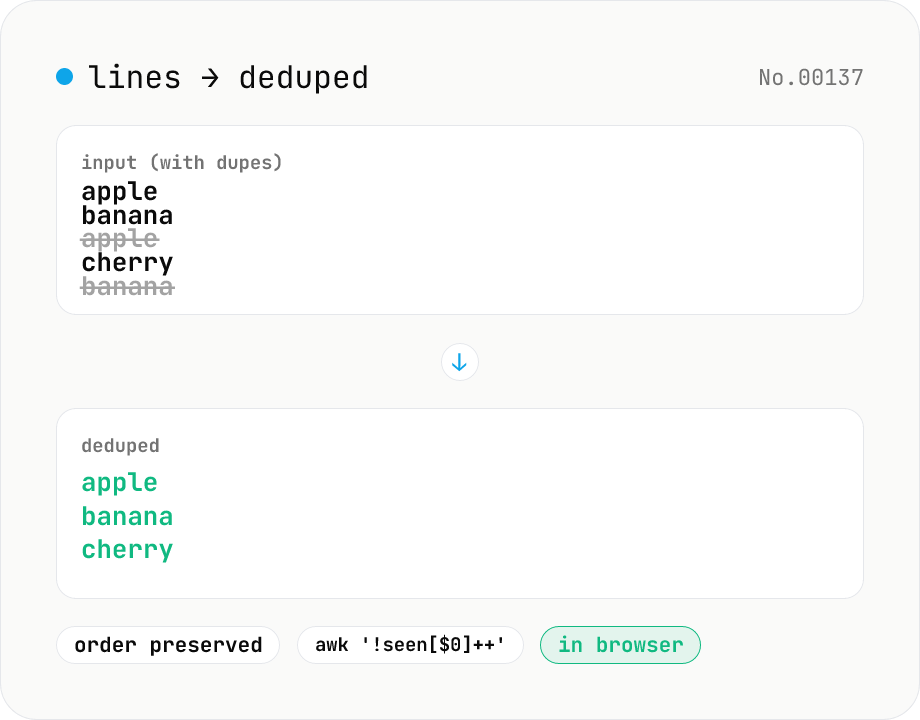
Line dedupe — keep unique or extract duplicates
Split the input by newline and remove duplicate lines, keeping only the first occurrence of each line in original order. Catches non-adjacent duplicates as well (equivalent to `awk '!seen[$0]++'`). Runs entirely in your browser.
Character counter — chars / bytes / lines / words
Count characters, words, lines, paragraphs, and UTF-8 byte size in real time. Toggle whether whitespace and newlines are included. Progress bars show your text against common limits (tweets, 400-character genkō, etc.) — everything stays in your browser.