
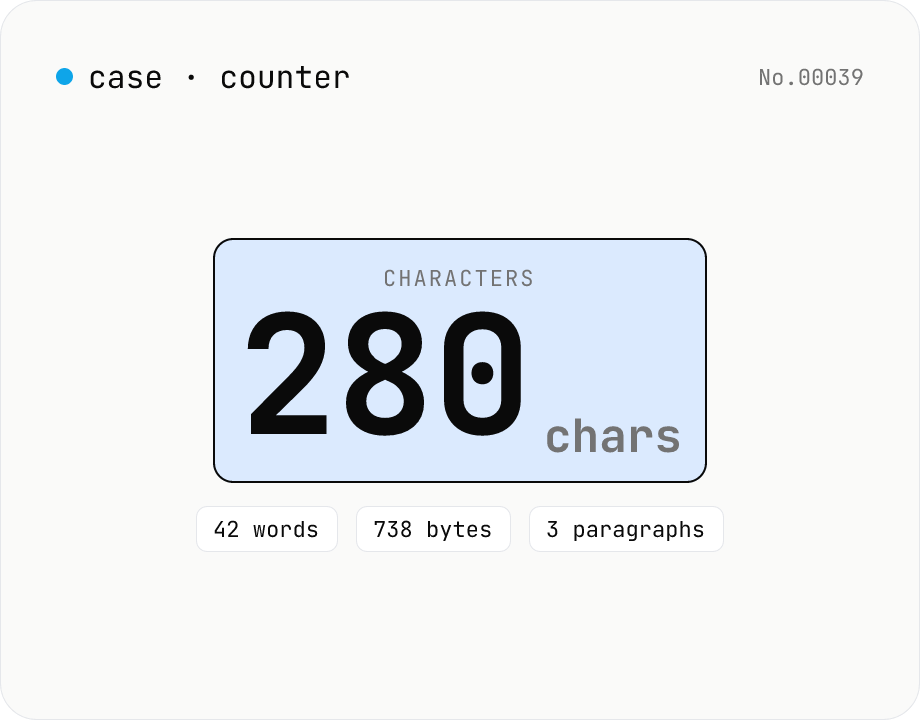
Character counter — chars / bytes / lines / words
Count characters, words, lines, paragraphs, and UTF-8 byte size in real time. Toggle whether whitespace and newlines are included. Progress bars show your text against common limits (tweets, 400-character genkō, etc.) — everything stays in your browser.
How to use
Paste any text into the editor and the tool counts characters, words, lines, paragraphs, sentences, and UTF-8 bytes in real time. Toggle Exclude whitespace to ignore spaces, tabs, and newlines. Progress bars below compare your text to common limits (Twitter/X, Japanese 400-character genkō paper, LINE, SMS), useful for social posts and writing projects. The Copy button puts a templated summary on the clipboard.
FAQ
- How are characters counted?
- We segment with the browser's `Intl.Segmenter` (grapheme mode), so emoji and combined sequences such as 👨👩👧 are counted as a single character — matching Twitter-like character counting.
- How are words counted?
- We split on whitespace (spaces, tabs, newlines) and count each non-empty chunk as a word. For languages without explicit word separators (e.g., Japanese), the word number has no real meaning — it is primarily useful for English text.
- Why is the UTF-8 byte size shown?
- Database column limits, file size budgets, and APIs such as LINE Notify often express limits in UTF-8 bytes. Latin characters use 1 byte each, common Japanese characters use 3 bytes, and most emoji use 4.
- Is my text uploaded?
- No. All counting happens in JavaScript inside your browser. Nothing leaves the page, so drafts and unpublished work are safe.
Related tools
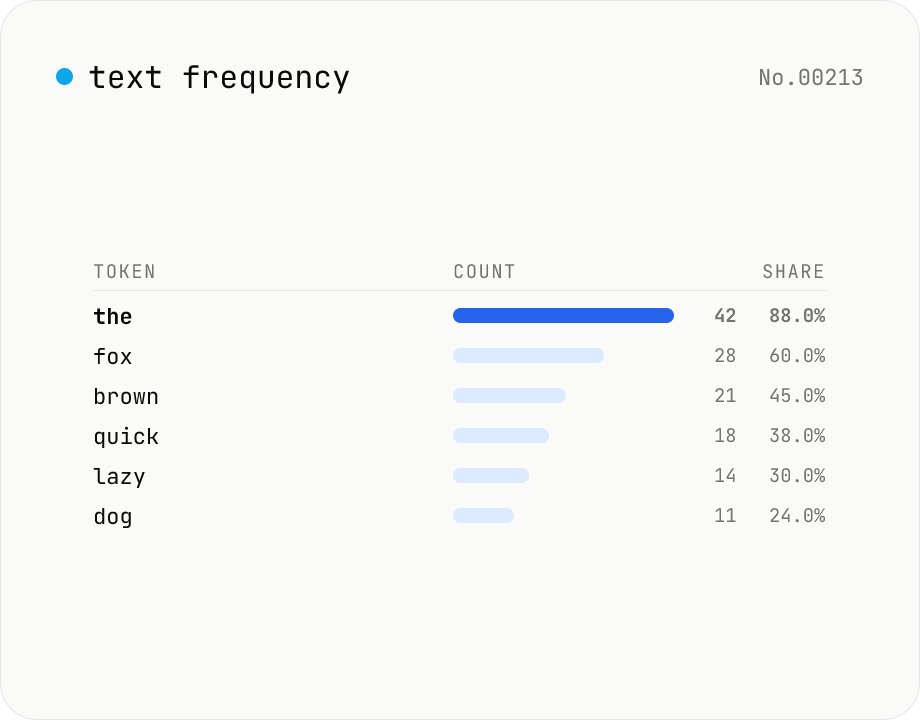
Text frequency — char / word / line tallies
Tally the occurrence of every character, word, or line in your text and rank them by frequency. Toggle case-insensitivity or whitespace stripping, then export the table as CSV. Runs entirely in your browser — drafts, logs, and chat transcripts stay local.
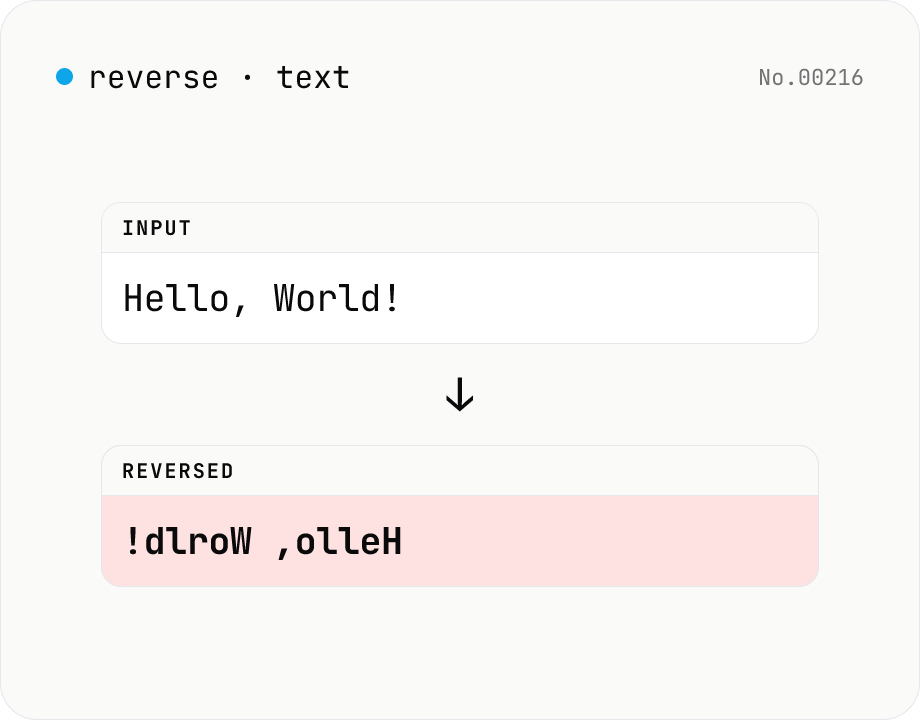
Text reverse — by char, word, or line
Reverse text by character, word, or line. Uses Intl.Segmenter so emoji and combined sequences stay intact. Handy for flipping CSV rows, building mirror strings for tests, or reading content end-to-end. Runs entirely in your browser.
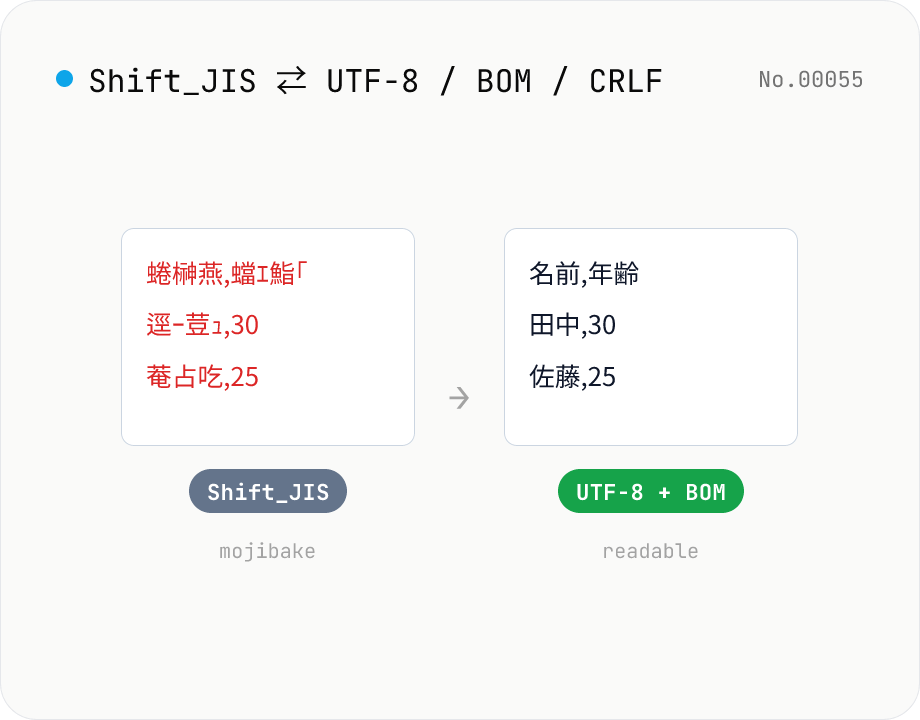
CSV / text encoding converter — Shift_JIS ↔ UTF-8 / BOM / newlines
Re-encode CSV and text files between Shift_JIS (CP932), UTF-8, UTF-16LE and EUC-JP — fix Excel's mojibake on UTF-8, hand UTF-8 text to legacy systems that need Shift_JIS, or add BOM so Excel reads UTF-8 correctly. Add / remove BOM, swap newlines (CRLF / LF / CR), and auto-detect the input encoding. Batch convert and grab the result as a ZIP. Files never leave your device — everything runs in the browser.
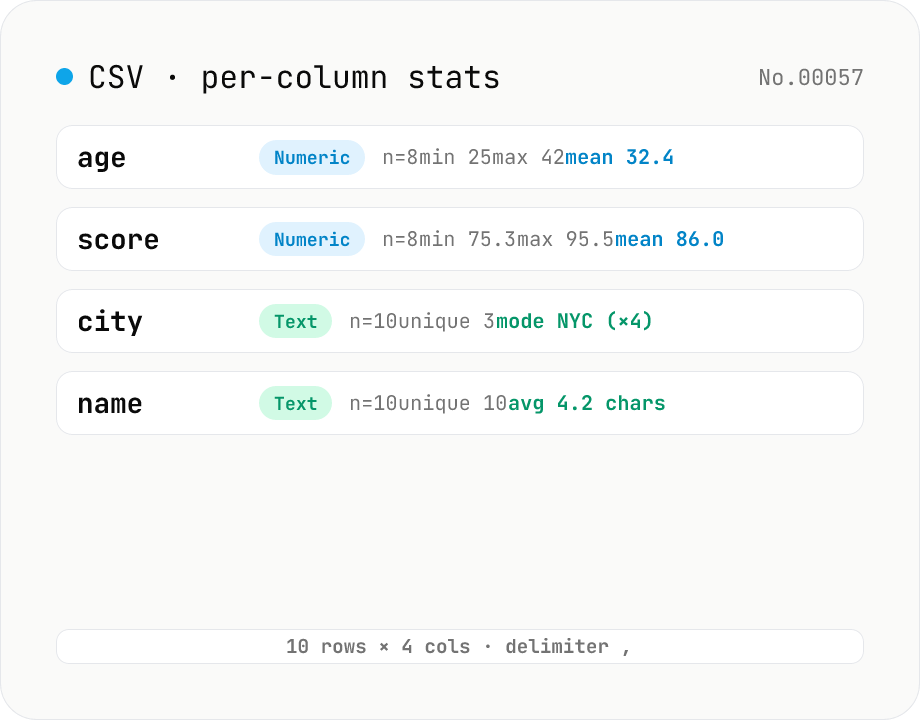
CSV stats — per-column count / unique / mean / median / stddev
Paste or drop a CSV and instantly see per-column row count, unique values, missing values, and inferred type. Numeric columns show min / max / mean / median / stddev / sum, text columns reveal the top mode and average length. RFC 4180-compliant parser (double-quote escapes), and the delimiter (comma / semicolon / tab / pipe) is auto-detected. Header row toggle plus empty / NULL / NA recognition as missing. Your raw data never leaves the browser.