
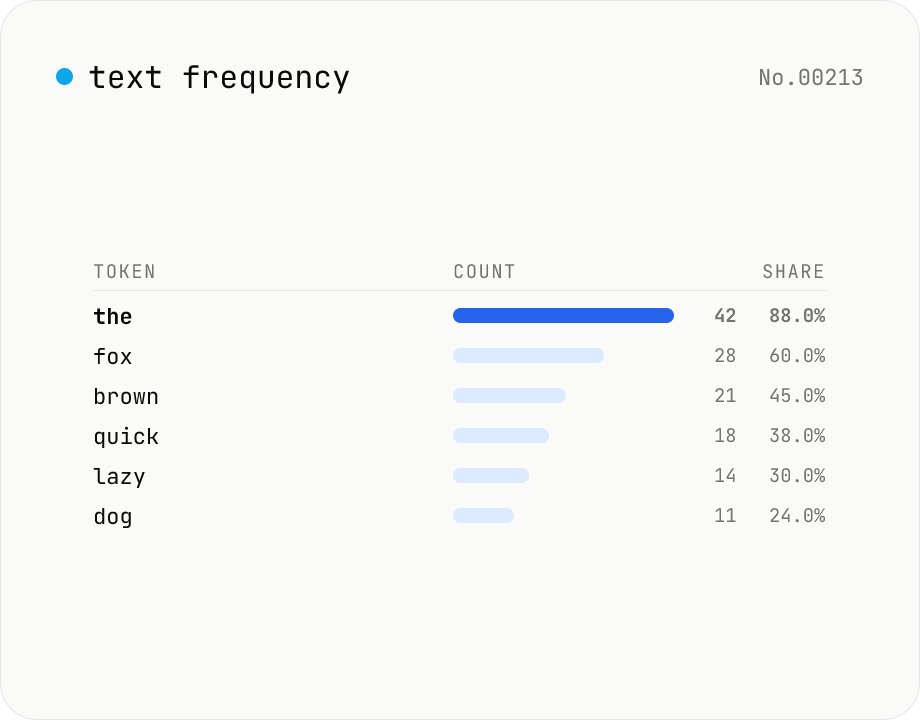
Text frequency — char / word / line tallies
Tally the occurrence of every character, word, or line in your text and rank them by frequency. Toggle case-insensitivity or whitespace stripping, then export the table as CSV. Runs entirely in your browser — drafts, logs, and chat transcripts stay local.
How to use
Pick the unit (characters / words / lines), paste your text, and press Count frequency. Tokens are ranked by their occurrence count, with ties broken alphabetically. Toggle case-insensitive to merge A and a, or skip whitespace (Characters mode only) to drop spaces and newlines. Copy the table as TSV or download as CSV for Excel / spreadsheets. Everything runs locally — your text never leaves the browser.
FAQ
- Is the input uploaded?
- No. Counting happens entirely in browser JavaScript. Safe for logs, drafts, and chat transcripts.
- What's the difference between characters and words?
- Characters splits per code point (Hello → H, e, l, l, o). Words splits on whitespace runs (Hello world → Hello, world). Languages like Japanese, where words aren't space-separated, are best handled in Characters mode or with a dedicated tokenizer (e.g. the kuromoji-based furigana-html tool).
- Is Lines mode good for log analysis?
- Yes — instantly shows which exact line repeats most. Empty lines are skipped, so you can paste full log files and quickly spot error patterns or canned responses.
- What exactly does case-insensitive do?
- Each token is normalised with `toLowerCase()` before counting and the table displays the normalised lowercase form. Turn it off to keep the original case.
- How do I see only the top N?
- All rows are shown in this version. Download the CSV and filter in Excel / Sheets, or scroll. For huge unique-token counts (tens of thousands) the browser can get sluggish — try a smaller sample first.
- How is the share (%) calculated?
- Occurrence count ÷ total tokens × 100, rounded to two decimals. In Characters mode with whitespace skipping, the denominator is the count after whitespace is removed.
Related tools
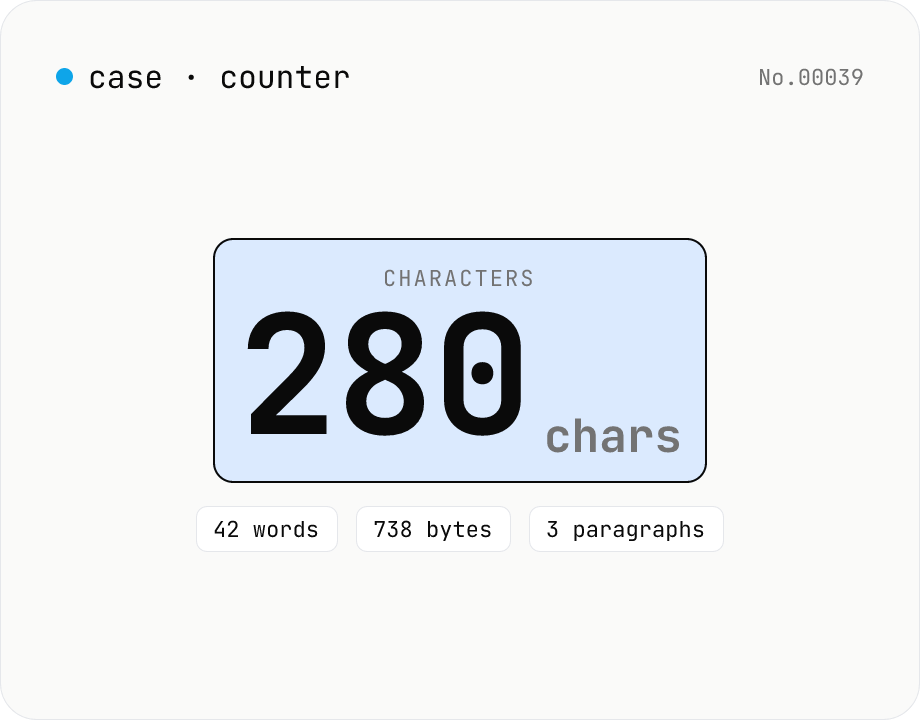
Character counter — chars / bytes / lines / words
Count characters, words, lines, paragraphs, and UTF-8 byte size in real time. Toggle whether whitespace and newlines are included. Progress bars show your text against common limits (tweets, 400-character genkō, etc.) — everything stays in your browser.
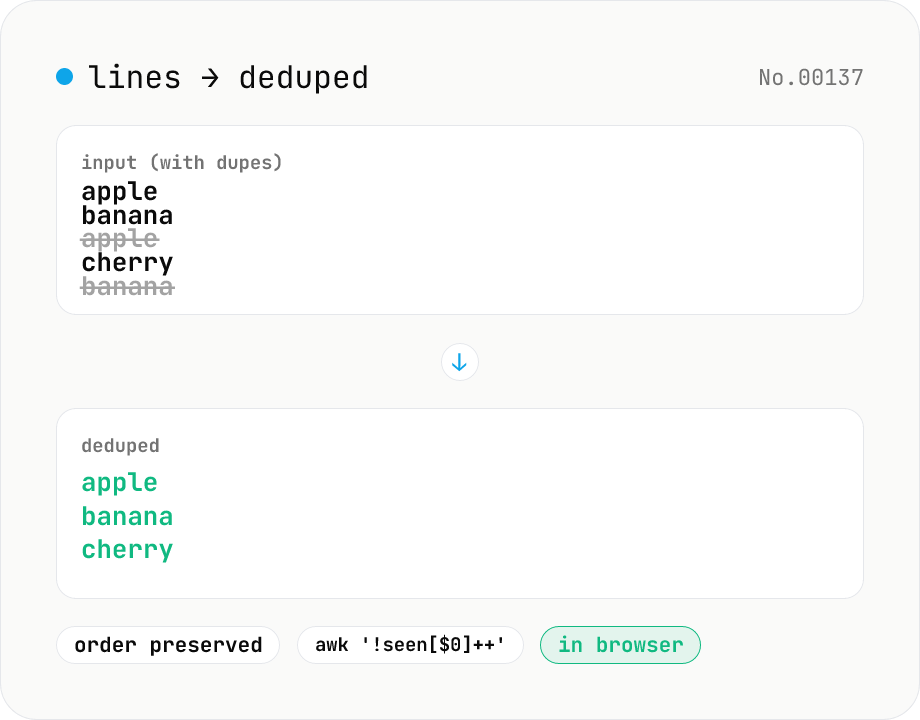
Line dedupe — keep unique or extract duplicates
Split the input by newline and remove duplicate lines, keeping only the first occurrence of each line in original order. Catches non-adjacent duplicates as well (equivalent to `awk '!seen[$0]++'`). Runs entirely in your browser.
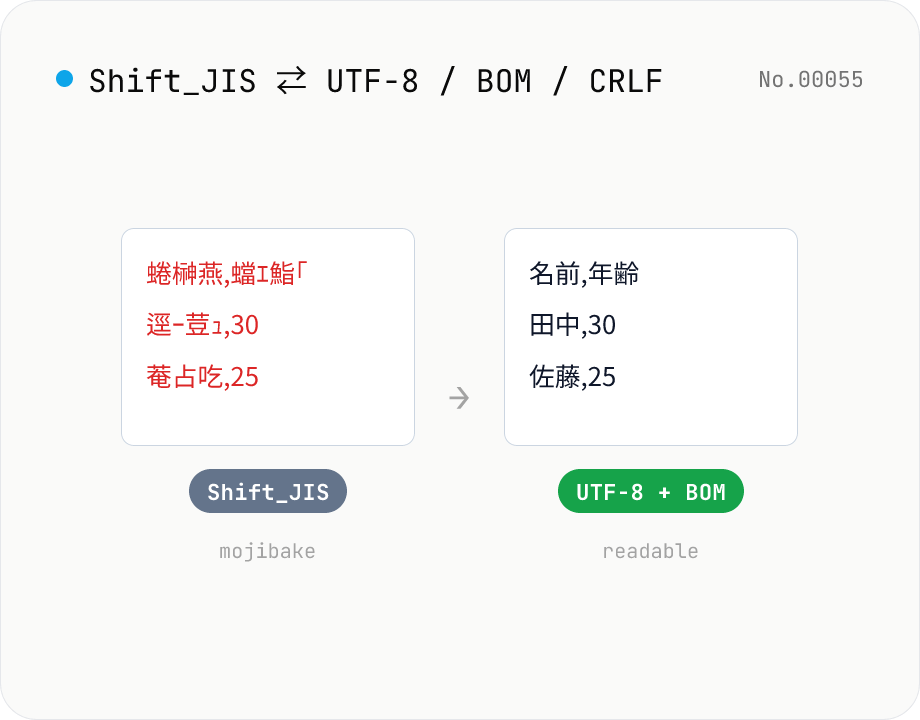
CSV / text encoding converter — Shift_JIS ↔ UTF-8 / BOM / newlines
Re-encode CSV and text files between Shift_JIS (CP932), UTF-8, UTF-16LE and EUC-JP — fix Excel's mojibake on UTF-8, hand UTF-8 text to legacy systems that need Shift_JIS, or add BOM so Excel reads UTF-8 correctly. Add / remove BOM, swap newlines (CRLF / LF / CR), and auto-detect the input encoding. Batch convert and grab the result as a ZIP. Files never leave your device — everything runs in the browser.
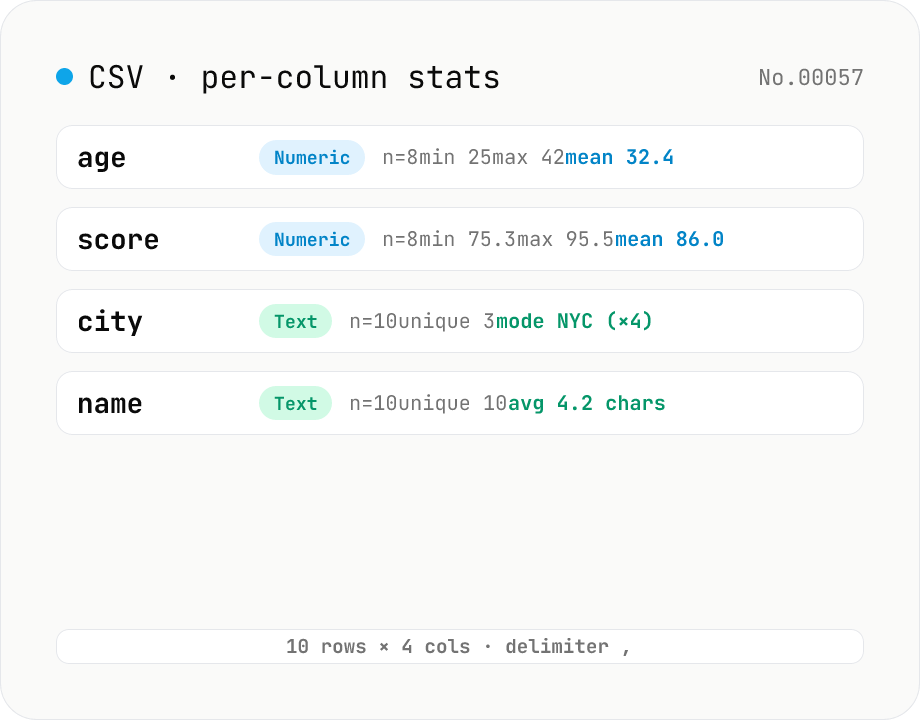
CSV stats — per-column count / unique / mean / median / stddev
Paste or drop a CSV and instantly see per-column row count, unique values, missing values, and inferred type. Numeric columns show min / max / mean / median / stddev / sum, text columns reveal the top mode and average length. RFC 4180-compliant parser (double-quote escapes), and the delimiter (comma / semicolon / tab / pipe) is auto-detected. Header row toggle plus empty / NULL / NA recognition as missing. Your raw data never leaves the browser.