
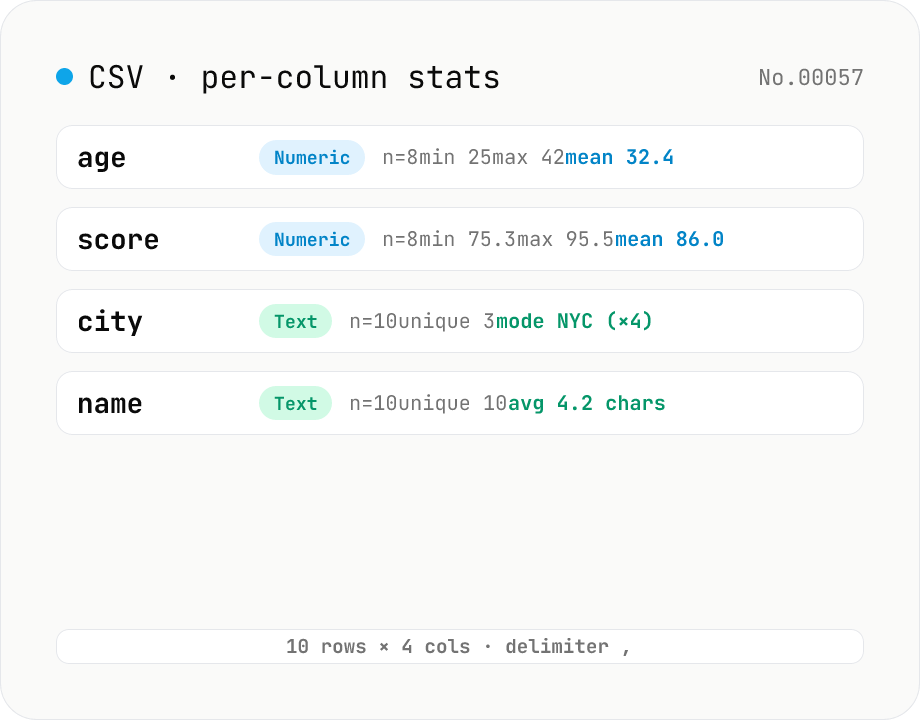
CSV stats — per-column count / unique / mean / median / stddev
Paste or drop a CSV and instantly see per-column row count, unique values, missing values, and inferred type. Numeric columns show min / max / mean / median / stddev / sum, text columns reveal the top mode and average length. RFC 4180-compliant parser (double-quote escapes), and the delimiter (comma / semicolon / tab / pipe) is auto-detected. Header row toggle plus empty / NULL / NA recognition as missing. Your raw data never leaves the browser.
How to use
Paste CSV or TSV into the input box and the tool instantly detects the header row, then computes count, unique value count, missing count, and type (numeric / text / mixed / empty) for every column. Numeric columns also show min / max / mean / median / stddev / sum, and text columns reveal the mode (most frequent value) and average length. Delimiter (comma / semicolon / tab / pipe) is auto-detected (manual override available). Export the summary as TSV via Copy or Download.
FAQ
- Which CSV dialect is supported?
- RFC 4180-compliant: double-quoted fields can contain newlines, commas, and escaped quotes (`""`). Delimiter is auto-detected (comma / semicolon for European CSV / tab for TSV / pipe), and there is a toggle to force the first row as a header.
- How are missing values detected?
- Blank cells, `null` / `NULL`, `NA` / `n/a`, and `NaN` are treated as missing and excluded from all statistics. Unique counts and numeric stats only consider non-missing values.
- How is column type inferred?
- If every non-missing value parses as a number, the column is `numeric`; if none do, `text`; mixed gives `mixed`; all-missing yields `empty`. Mixed columns still show mode and average length, but numeric statistics are not reported.
- Are thousands separators recognized?
- Yes — commas are stripped before numeric parsing, so `1,234.56` parses as a number. In comma-delimited CSV you'll need to quote such values (e.g. `"1,234.56"`) so the parser doesn't split them.
- Does it scale to huge CSVs?
- Tens of thousands of rows / a few MB run fine in the browser. Multi-million-row files aren't realistic for a browser tool, but everything stays local — no uploads.
- What is the numeric precision?
- IEEE 754 double precision (JavaScript's number). Display is formatted to 4 fractional digits, but the downloaded TSV emits the raw internal values.
- Is my data sent to a server?
- No. CSV parsing and statistics run entirely in your browser; neither your input nor the downloaded TSV ever leaves the page.
Related tools
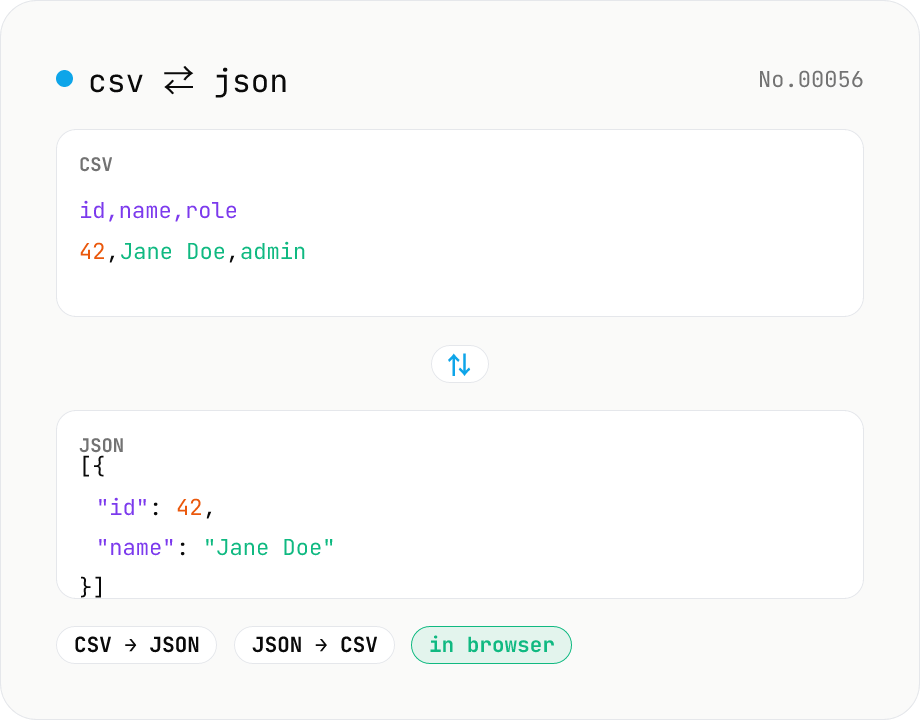
CSV ⇄ JSON converter — delimiter & header auto
Convert CSV to JSON or JSON to CSV in your browser. Pick the delimiter (comma / tab / semicolon), toggle the header row, and choose the JSON indent. Handles quoted fields with embedded commas, quotes, and newlines.
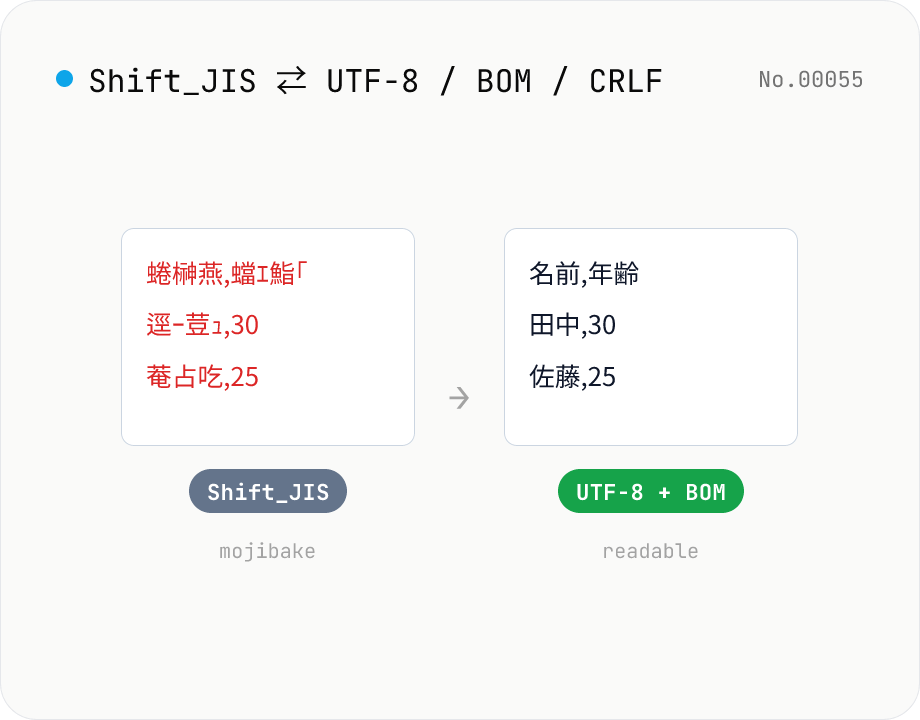
CSV / text encoding converter — Shift_JIS ↔ UTF-8 / BOM / newlines
Re-encode CSV and text files between Shift_JIS (CP932), UTF-8, UTF-16LE and EUC-JP — fix Excel's mojibake on UTF-8, hand UTF-8 text to legacy systems that need Shift_JIS, or add BOM so Excel reads UTF-8 correctly. Add / remove BOM, swap newlines (CRLF / LF / CR), and auto-detect the input encoding. Batch convert and grab the result as a ZIP. Files never leave your device — everything runs in the browser.
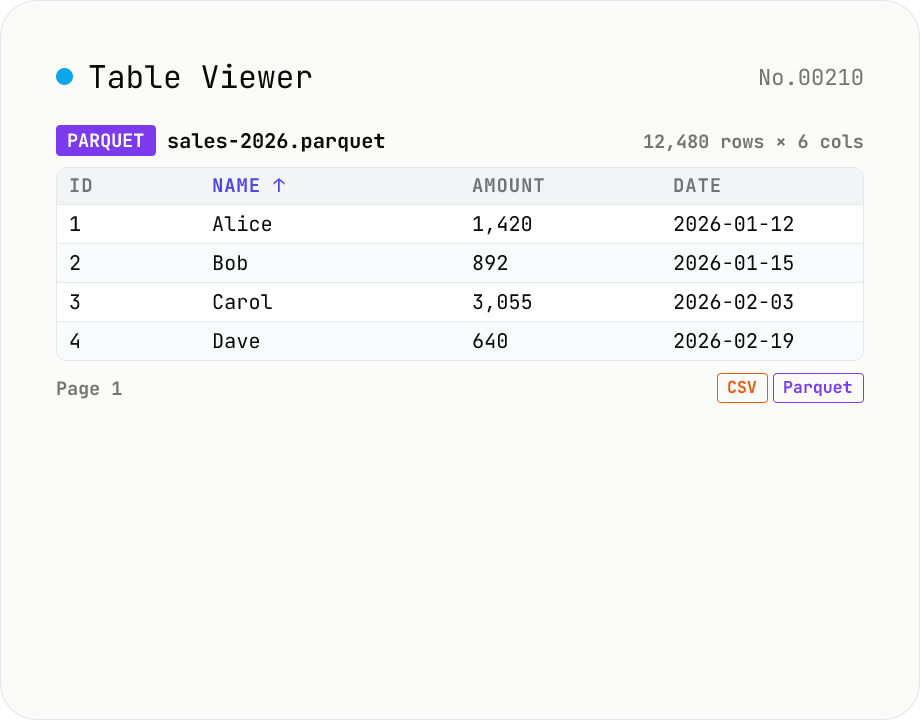
Table Viewer — open Parquet / CSV / TSV / JSON Lines in the browser
Drop a Parquet / CSV / TSV / PSV / JSON Lines file and explore it in a tabular grid. Format is auto-detected by extension. Parquet uses hyparquet (MIT, pure-JS, ~220KB, no WASM); CSV / TSV use a built-in RFC 4180 parser; JSON Lines is parsed one JSON-per-line. Click a header to sort ascending / descending, type in the search box to filter across every column, and page through 100 / 500 / 1000 rows or load all. Download the parsed data as CSV or Parquet — so this doubles as a CSV ↔ Parquet converter. Files stay inside your browser; nothing is uploaded.
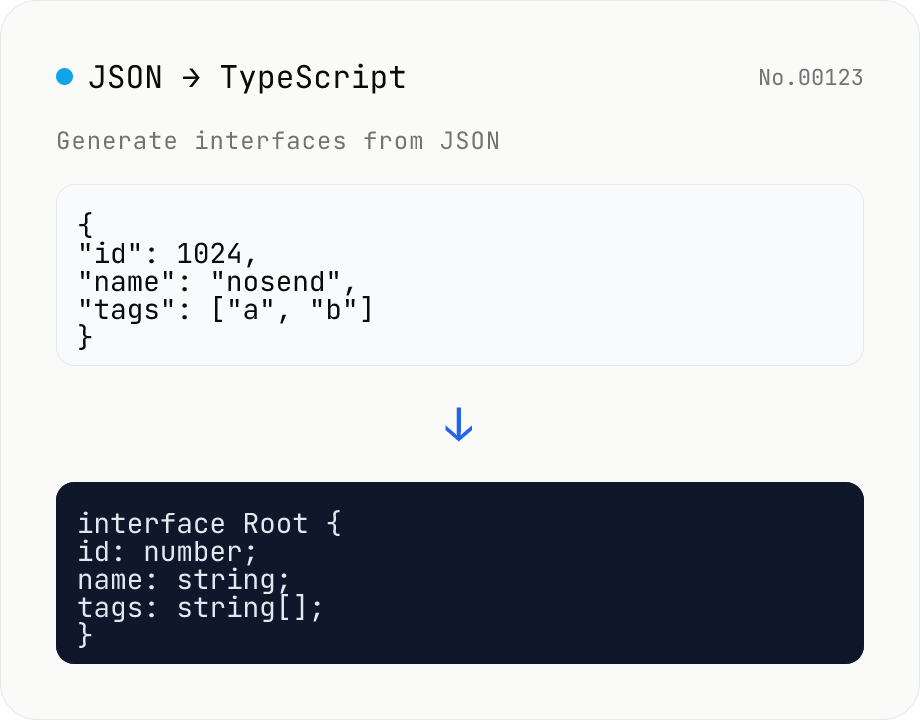
JSON to TypeScript Type Generator
Paste JSON to generate matching TypeScript interface / type definitions. Nested objects become separate interfaces, arrays merge their keys (keys present in only some elements become optional with ?), and mixed values turn into union types. Choose the root type name, interface vs type, and whether to add export. Identical shapes are deduplicated into one type. JSON is processed entirely in your browser and never uploaded.