
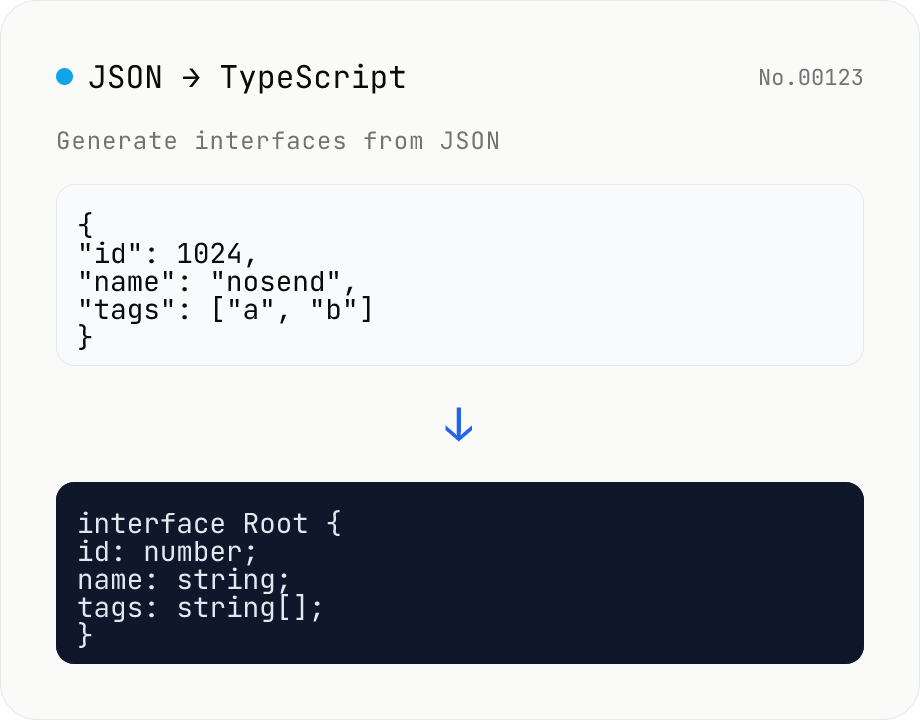
JSON to TypeScript Type Generator
Paste JSON to generate matching TypeScript interface / type definitions. Nested objects become separate interfaces, arrays merge their keys (keys present in only some elements become optional with ?), and mixed values turn into union types. Choose the root type name, interface vs type, and whether to add export. Identical shapes are deduplicated into one type. JSON is processed entirely in your browser and never uploaded.
How to use
Paste JSON such as an API response or a config file into the input and press "Generate types" to get matching TypeScript definitions. Nested objects are extracted into separate interfaces, and arrays are inferred by merging the keys of all their elements. Keys present in only some elements become optional (?), and mixed value types become unions (e.g. string | number). Use "Root type name" to set the top-level name, "Declaration" to pick interface or type, and "Add export" to prefix each declaration with export. Everything runs in your browser and the JSON is never uploaded.
FAQ
- Is the JSON I enter uploaded to a server?
- No. Parsing the JSON and generating types run entirely in your browser with JavaScript, and nothing is uploaded.
- How are array types inferred?
- Every element of an array is inspected; for objects, their keys are merged into a single type. Keys present in all elements are required, while keys in only some become optional (?). When element values have multiple types, they are expressed as a union (e.g. (string | number)[]). An empty array becomes unknown[].
- How are null keys handled?
- A key whose value is null is emitted as the type null (e.g. deletedAt: null). If it could actually hold a value such as a date, adjust it by hand to something like string | null afterward — a possible non-null type cannot be inferred from JSON alone.
- Why are identical shapes merged?
- To keep the output readable, types with exactly the same set of fields are merged into a single interface / type referenced from multiple places. So the number of types besides your root name depends on the structure of the JSON.
- Should I choose interface or type?
- For describing the shape of an object they are equivalent. Pick interface if you want declaration merging or your team prefers it, or type if you want to combine with unions and utility types. When the root is an array or primitive it cannot be an interface, so it is always emitted as a type alias.
Related tools
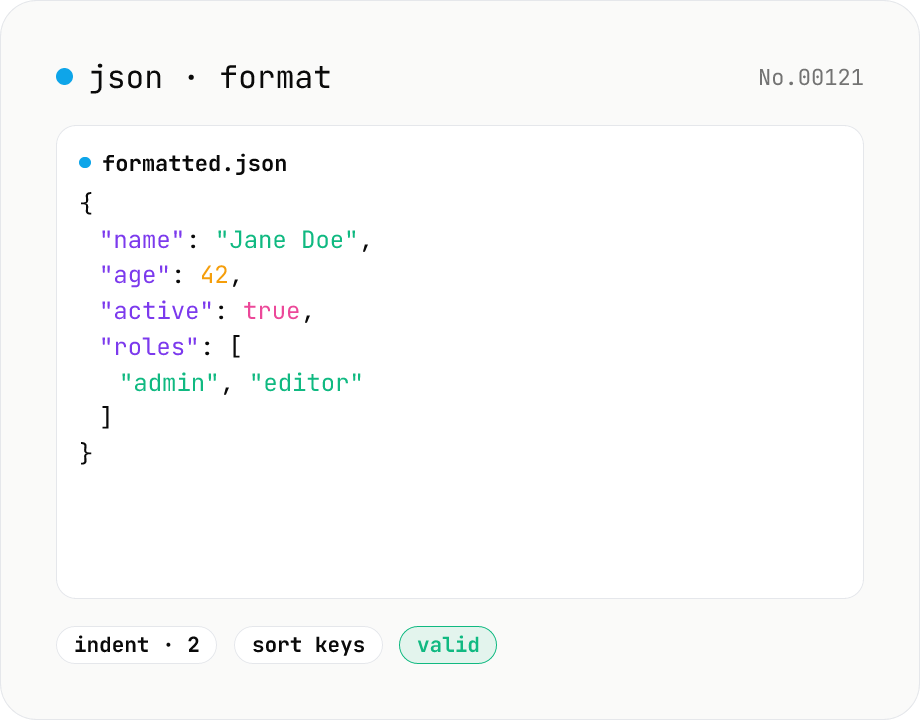
JSON format & validate — indent, minify, error pointer
Format, minify, and validate JSON entirely in your browser. Errors show the line and column. Your data never leaves your device.
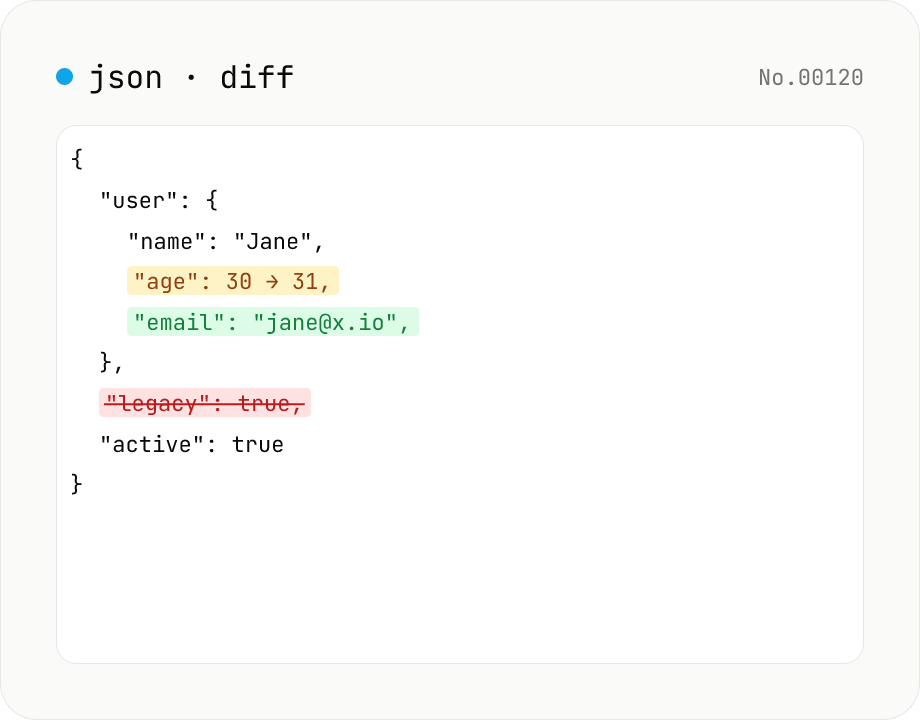
JSON diff — structural compare of two documents
Compare two JSON documents structurally. Walks nested objects and arrays recursively and highlights added / removed / modified / moved entries. Runs entirely in your browser.
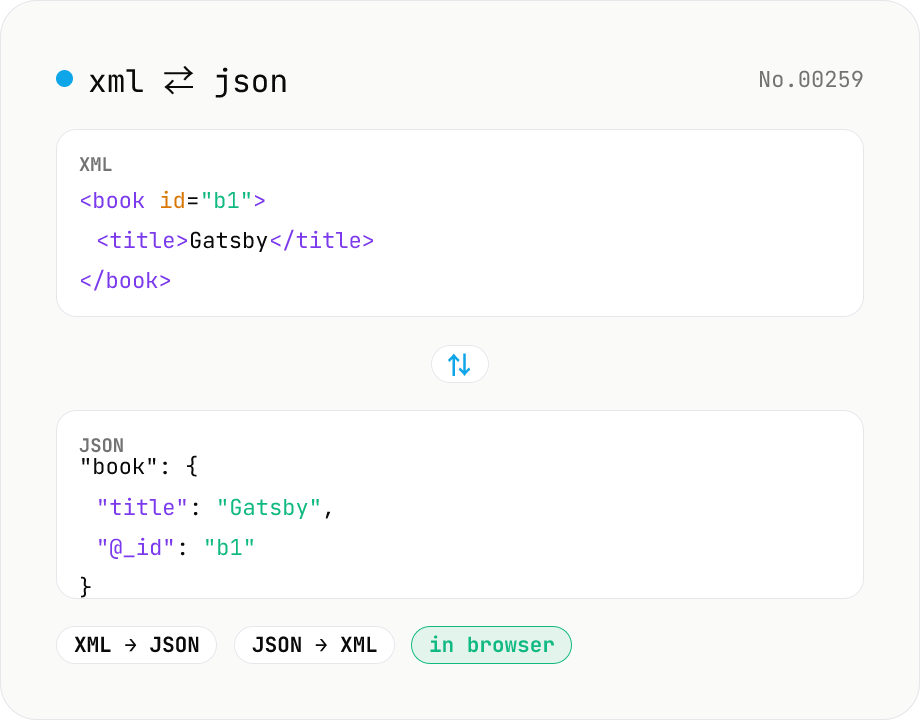
XML ↔ JSON Converter
Convert between XML and JSON. Attributes are preserved with `@_` prefix, indent (2 / 4 / tab) selectable. Runs entirely in your browser via fast-xml-parser (MIT) — no uploads.
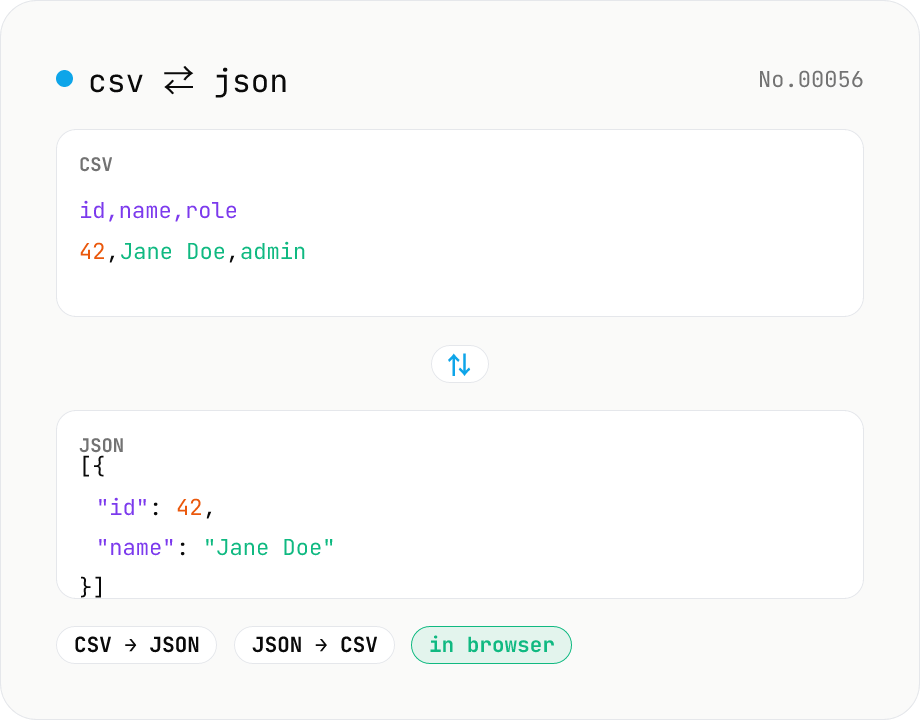
CSV ⇄ JSON converter — delimiter & header auto
Convert CSV to JSON or JSON to CSV in your browser. Pick the delimiter (comma / tab / semicolon), toggle the header row, and choose the JSON indent. Handles quoted fields with embedded commas, quotes, and newlines.