
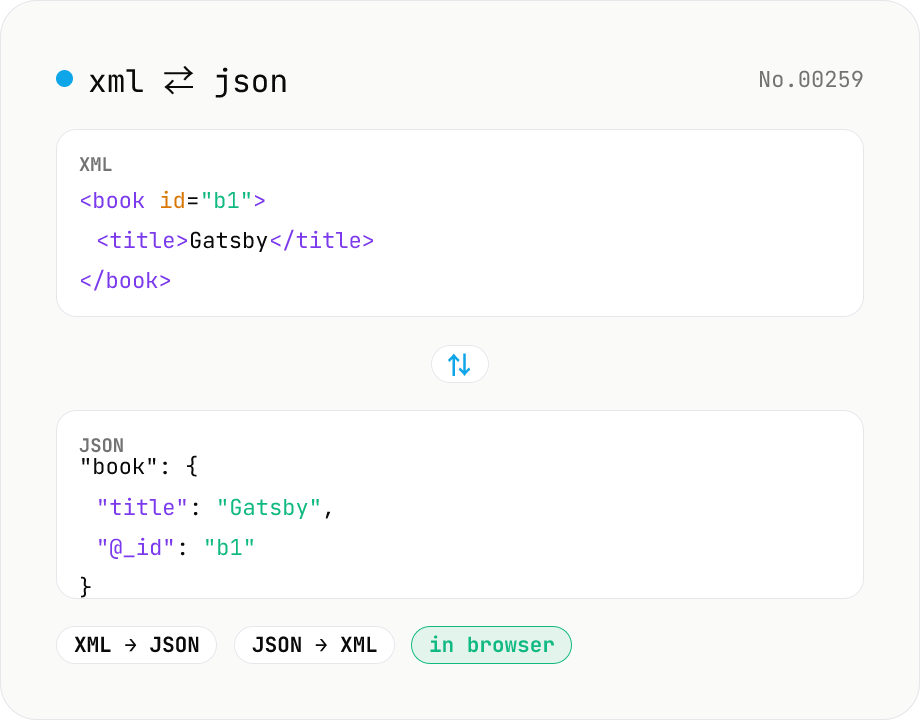
XML ↔ JSON Converter
Convert between XML and JSON. Attributes are preserved with `@_` prefix, indent (2 / 4 / tab) selectable. Runs entirely in your browser via fast-xml-parser (MIT) — no uploads.
How to use
Paste XML, pick "XML → JSON", and the loaded fast-xml-parser (MIT) emits a JSON string. The reverse direction (JSON → XML) emits pretty-printed XML the same way. Attributes are kept with an `@_` prefix and text nodes go into a `#text` key. Indent (2 / 4 / tab) is selectable. Everything runs in your browser — your data is never uploaded.
FAQ
- Is my input uploaded?
- No. fast-xml-parser (MIT) runs as JavaScript entirely in your browser. Sensitive payloads (internal API responses, config files) stay on your device.
- How are attributes preserved?
- On the JSON side, attributes appear as keys prefixed with `@_`. For example `<title lang="en">Hello</title>` becomes `{ "title": { "#text": "Hello", "@_lang": "en" } }`. Elements with both text and attributes use `#text` for the body.
- How do I emit attributes in JSON → XML?
- Start the key with `@_` to make it an attribute, and use `#text` for the body text. For instance `{ "book": { "#text": "body", "@_id": "b1" } }` becomes `<book id="b1">body</book>`.
- Are number and boolean types preserved?
- On XML → JSON, contents that look like numbers / booleans (`<year>1925</year>`) are automatically inferred to number / boolean. To keep them as strings, quote the digits explicitly or post-process the JSON.
- Are the XML declaration and DOCTYPE handled?
- The XML declaration (`<?xml version="1.0" encoding="UTF-8"?>`) is preserved as a `?xml` key on the JSON side. DOCTYPE is dropped. On JSON → XML, including a `?xml` key prepends the declaration to the output.
Related tools
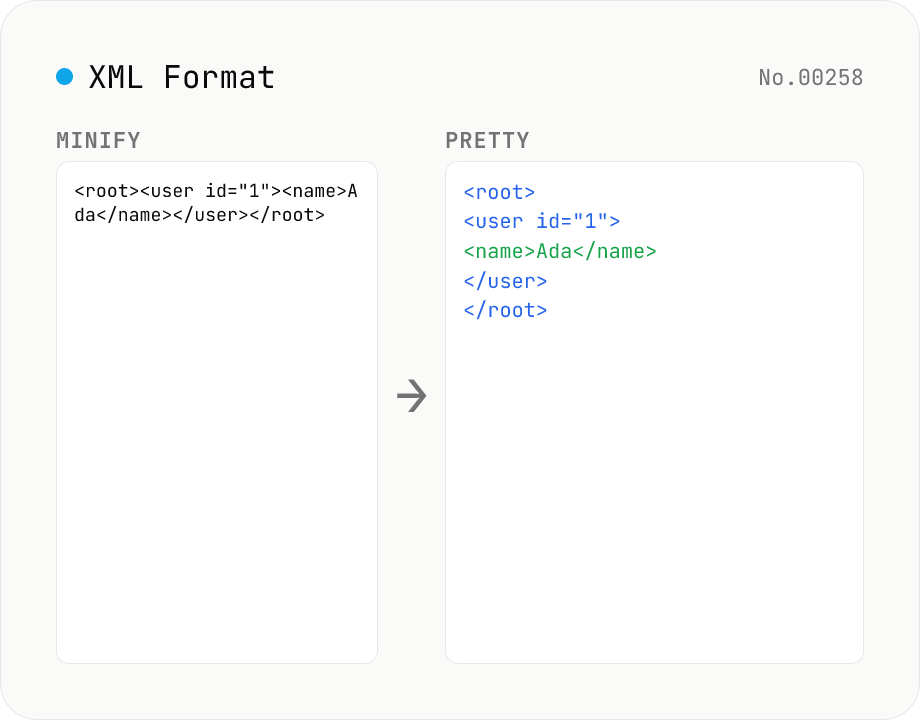
XML Formatter — pretty / minify XML in one click
Format XML with two modes: pretty (indent 2/4/tabs, line breaks, aligned attributes) and minify (strip whitespace into a single line). Built on fast-xml-parser with a hand-rolled indenter. Preserves CDATA, comments, processing instructions (`<?xml ... ?>`), DOCTYPE, self-closing tags, attribute order, and XML namespaces (xmlns:foo). For XML ↔ JSON, use xml-json-convert. For HTML, use a dedicated HTML formatter — XML parsers reject unclosed tags like HTML's `<br>`. Runs entirely in your browser.
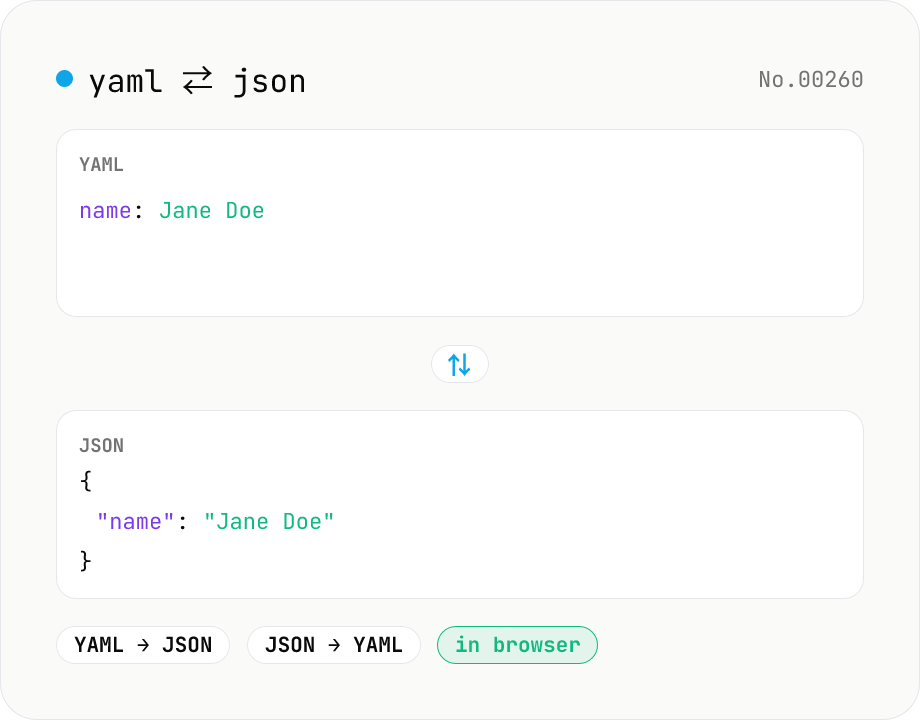
YAML ⇄ JSON converter — indent preserved
Convert YAML to JSON or JSON to YAML. Choose indent (2 / 4 / tab) and try the sample button. Powered by eemeli/yaml — runs entirely in your browser.
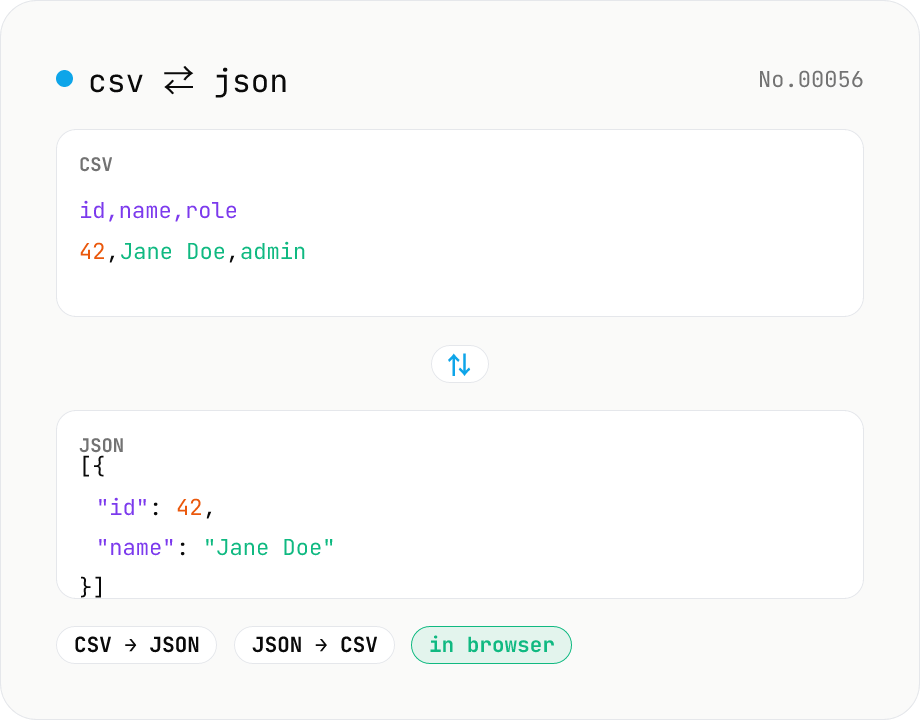
CSV ⇄ JSON converter — delimiter & header auto
Convert CSV to JSON or JSON to CSV in your browser. Pick the delimiter (comma / tab / semicolon), toggle the header row, and choose the JSON indent. Handles quoted fields with embedded commas, quotes, and newlines.
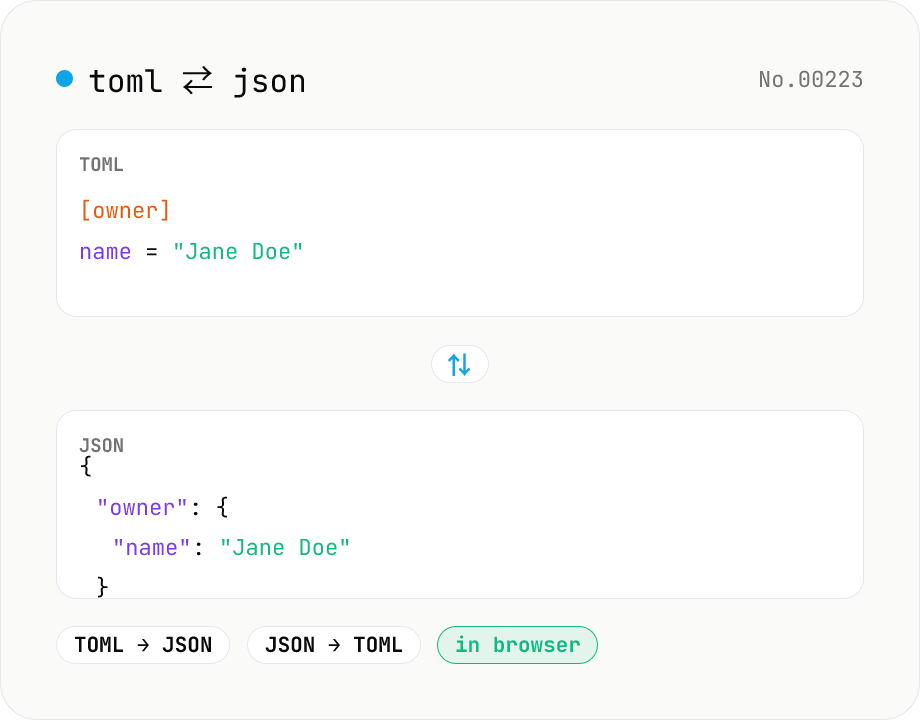
TOML ⇄ JSON converter — Cargo.toml / pyproject.toml
Convert TOML to JSON or JSON to TOML. Switch direction, choose JSON indent (2 / 4 / tab), and try the sample button. Powered by smol-toml — runs entirely in your browser.