
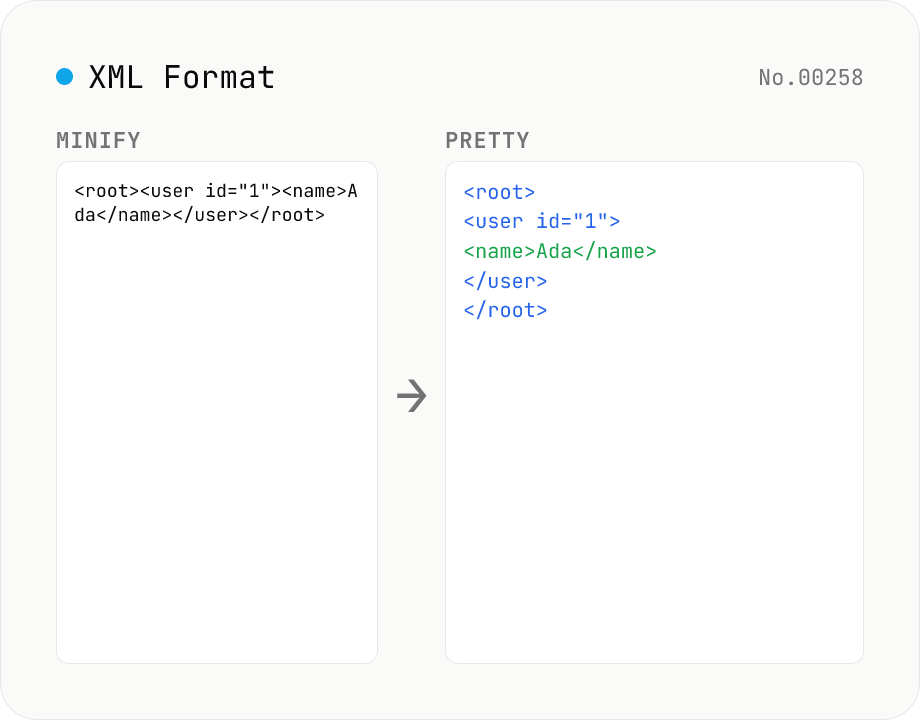
XML Formatter — pretty / minify XML in one click
Format XML with two modes: pretty (indent 2/4/tabs, line breaks, aligned attributes) and minify (strip whitespace into a single line). Built on fast-xml-parser with a hand-rolled indenter. Preserves CDATA, comments, processing instructions (`<?xml ... ?>`), DOCTYPE, self-closing tags, attribute order, and XML namespaces (xmlns:foo). For XML ↔ JSON, use xml-json-convert. For HTML, use a dedicated HTML formatter — XML parsers reject unclosed tags like HTML's `<br>`. Runs entirely in your browser.
How to use
1) Pick a mode: Pretty (indent 2 / 4 / tab) or Minify. 2) Paste XML into the input field, or use the Sample button. 3) Press Run — fast-xml-parser parses your XML and rebuilds it in the chosen mode. Comments, CDATA, XML declarations, and DOCTYPE are preserved. 4) Copy the result. Output size is also shown.
FAQ
- Can I format HTML with this?
- Not in general. XML requires strict closing tags (`<br/>`); HTML allows void elements like `<br>` and `<img>`. This XML parser rejects unclosed tags as invalid. Use a dedicated HTML formatter (Prettier, js-beautify) for HTML. XHTML (XML-compliant HTML) works fine here.
- Are comments / CDATA / XML declarations preserved?
- Yes. fast-xml-parser's `commentPropName` / `cdataPropName` options keep comments (`<!-- ... -->`) and CDATA (`<![CDATA[ ... ]]>`) as distinct nodes that are written back during build. XML declarations (`<?xml version="1.0" ... ?>`) and DOCTYPE are extracted from the input header and re-attached to the output.
- Is attribute order preserved?
- Yes — fast-xml-parser stores attributes as a plain JS object, which preserves insertion order. The only edge case is when attribute names are purely numeric (`<el 1="a" 0="b"/>`), where JS reorders integer keys. Negligible in practice.
- Are XML namespaces preserved?
- Yes. `xmlns:foo` declarations are kept as regular attributes, and namespaced tags like `<foo:bar>` keep the prefix in the tag name. SOAP / XHTML / SVG namespaces all round-trip correctly.
- Self-closing tags?
- Empty elements are emitted as `<empty/>` (self-closing), not `<empty></empty>`. Controlled via `suppressEmptyNode: false`.
- How large can the input be?
- fast-xml-parser holds the parsed tree in memory, so any XML up to your browser's heap limit (~100 MB practical) works. Tens of MB takes 1-2 seconds. GB-scale logs need a server-side tool like xmlstarlet.
- Does minify preserve CDATA whitespace?
- Yes. CDATA sections are explicitly excluded from whitespace stripping — internal newlines / spaces / text are kept verbatim.
- Is anything uploaded?
- No. fast-xml-parser (MIT) runs as JavaScript inside your browser; XML you paste is never sent over the network.
Related tools
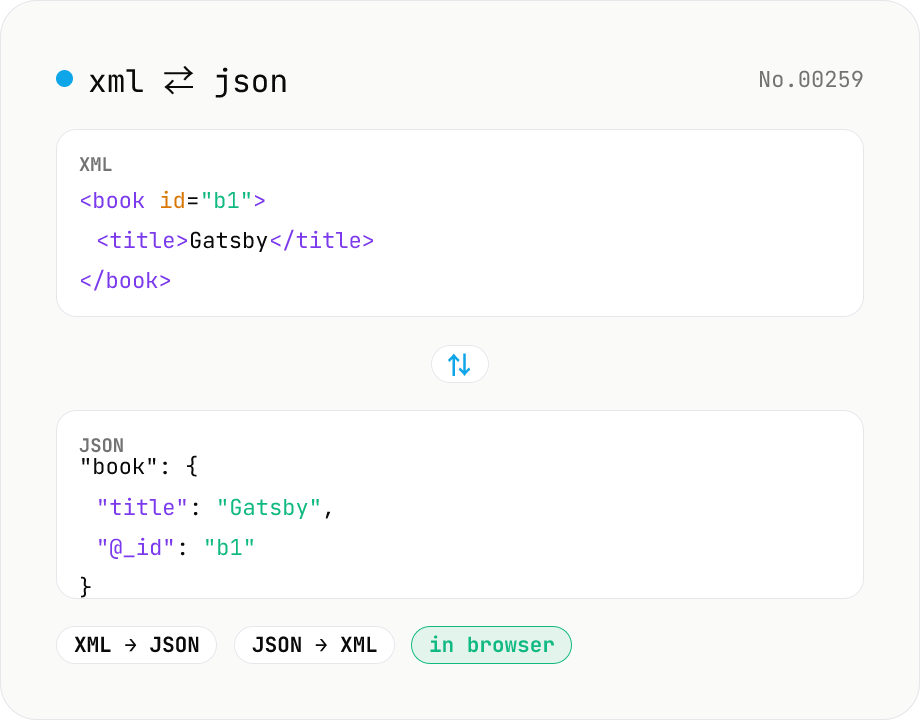
XML ↔ JSON Converter
Convert between XML and JSON. Attributes are preserved with `@_` prefix, indent (2 / 4 / tab) selectable. Runs entirely in your browser via fast-xml-parser (MIT) — no uploads.
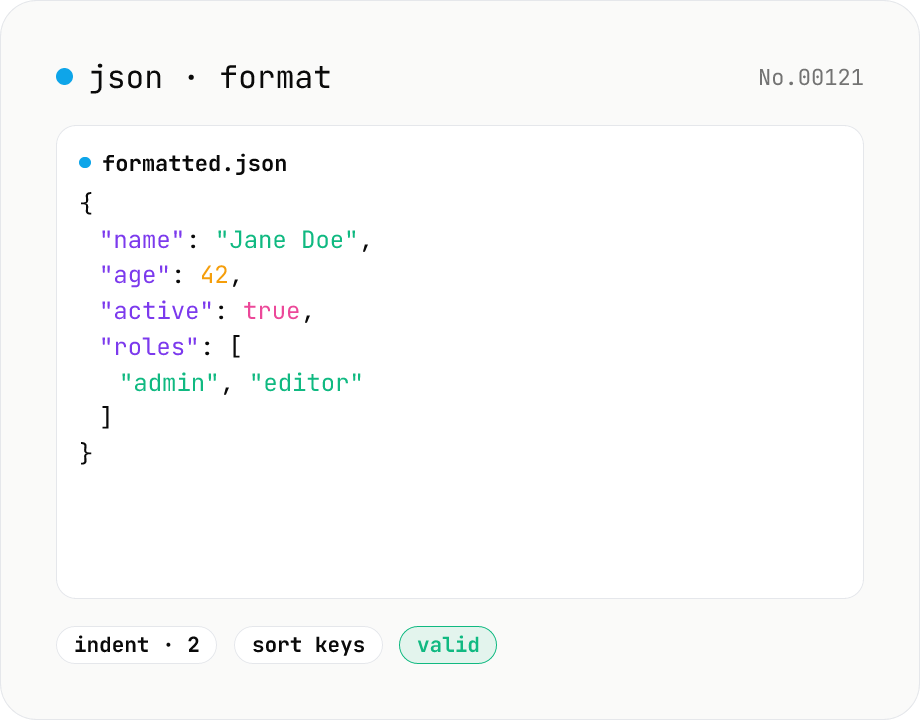
JSON format & validate — indent, minify, error pointer
Format, minify, and validate JSON entirely in your browser. Errors show the line and column. Your data never leaves your device.
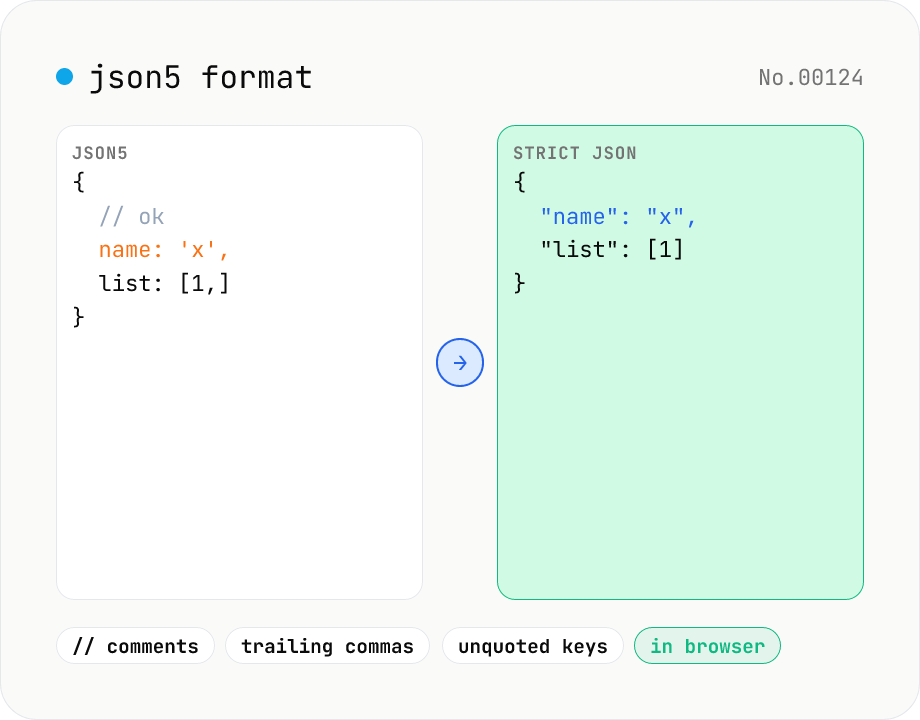
JSON5 formatter — parse JSON5 (comments, trailing commas) and emit JSON5 or strict JSON
Parse JSON5 — the JSON superset that allows comments, trailing commas, single quotes, and unquoted keys — and emit either pretty-printed JSON5 or strict standard JSON. Great for tsconfig.json, Cargo-like commented config files, or any human-edited JSON variant. Choose 2-space / 4-space / Tab indent and get line:column parse-error markers. Runs entirely in your browser.
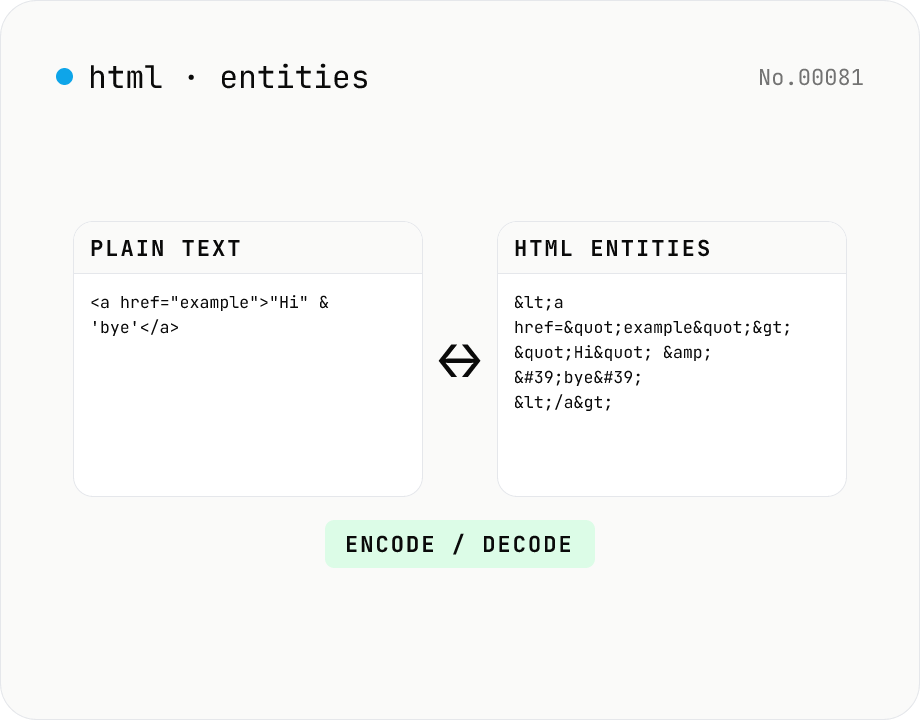
HTML entity encode / decode — &, <, > safely
Encode HTML special characters (< > & " ') into entities like &lt; and decode &amp; back into &. Toggle the direction in one click and optionally encode all non-ASCII characters as numeric references. Useful when pasting code samples into blogs, double-checking XSS escaping, or preparing HTML email bodies.