
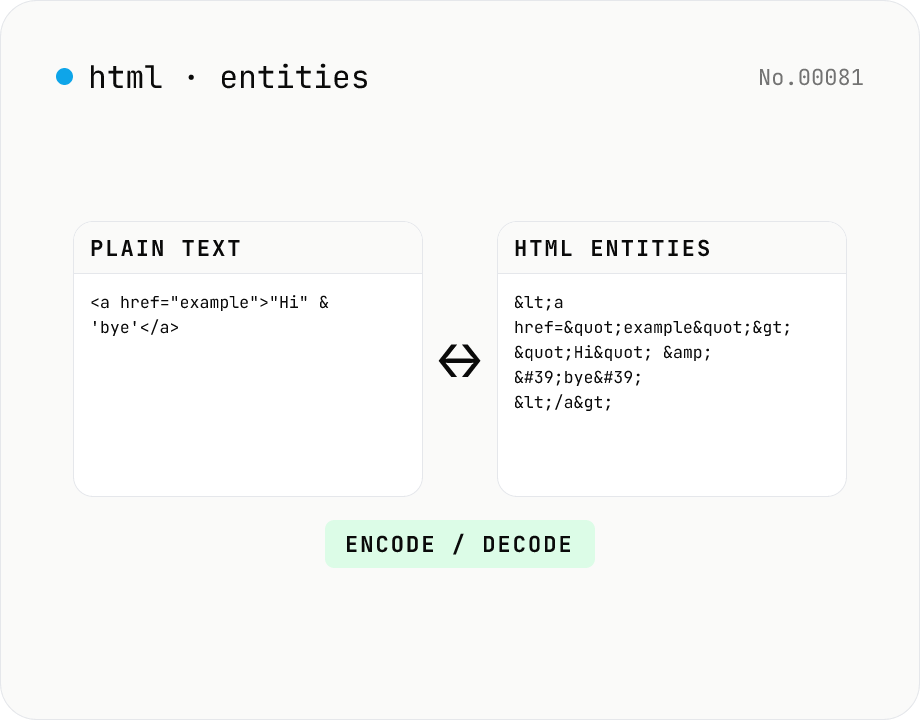
HTML entity encode / decode — &, <, > safely
Encode HTML special characters (< > & " ') into entities like &lt; and decode &amp; back into &. Toggle the direction in one click and optionally encode all non-ASCII characters as numeric references. Useful when pasting code samples into blogs, double-checking XSS escaping, or preparing HTML email bodies.
How to use
Pick a direction (Encode or Decode), paste your text, and press Convert. Encoding escapes the five HTML special characters <, >, &, ", and ' by default; enabling the non-ASCII option additionally converts every code-point above 127 into numeric references like &#xxxx;. Decoding handles both named entities (<, &, , etc.) and decimal/hex numeric references. Useful when pasting code samples into blogs, double-checking XSS escaping, formatting HTML email bodies, or unescaping CSV and log output.
FAQ
- Is the text uploaded to a server?
- No. Encoding and decoding happen entirely in your browser's JavaScript engine. Even strings with sensitive content stay local.
- Which characters are encoded?
- By default we escape the five HTML-syntax specials < (<), > (>), & (&), " ("), and ' ('). Toggling Also encode non-ASCII additionally converts every character above U+007F to a decimal numeric reference, which helps when an email or document pipeline mangles UTF-8.
- Which named entities does decode support?
- We bundle the HTML5 named-entity list (over 250 entries including <, >, &, ", ', , ©, etc.). Numeric references — decimal (A) or hex (A) — can decode any Unicode code point.
- How is this different from URL encoding?
- URL encoding (percent-encoding) escapes reserved characters in URLs using %XX. HTML entity encoding handles HTML-syntax specials. They serve different purposes — use the URL encode/decode tool for URL handling.
Related tools
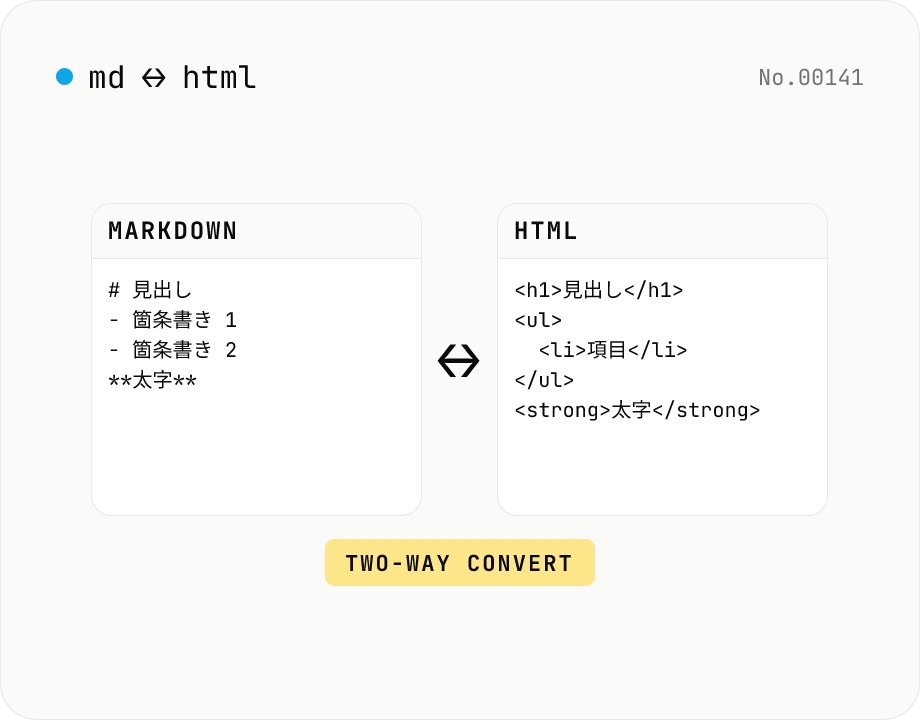
Markdown ⇄ HTML converter — round-trip
Convert Markdown to HTML and HTML to Markdown in both directions. Ideal for migrating between platforms (a blog into WordPress, an HTML page into a README, etc.). Runs entirely in your browser using marked and turndown — your drafts never leave the page.
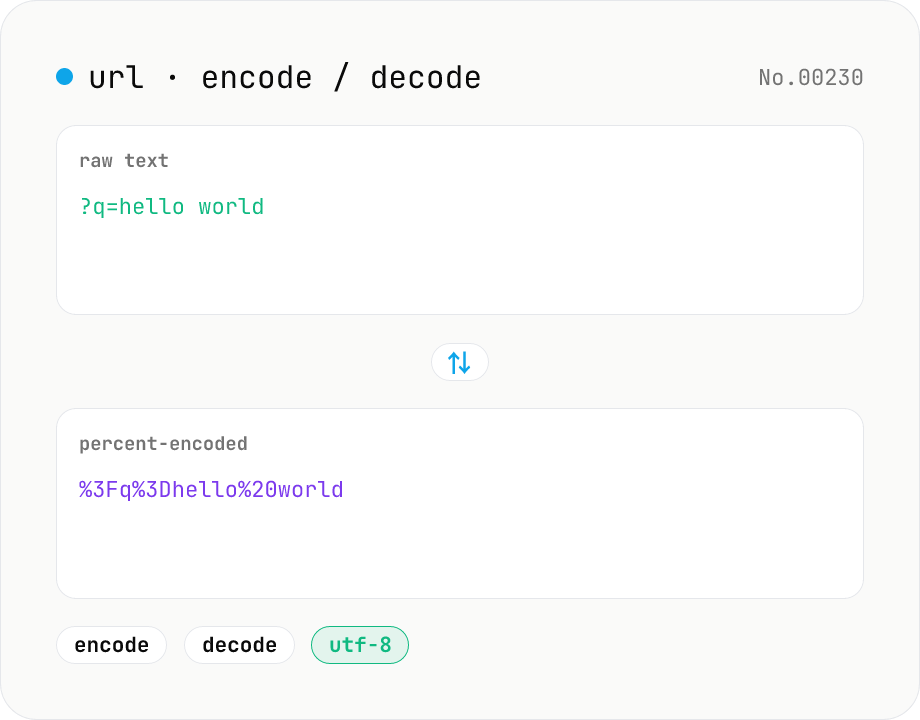
URL encode / decode — safe query strings
Convert between plain text and %XX percent-encoded URL strings. Toggle between encodeURIComponent / encodeURI (and their decode counterparts). UTF-8 based, runs entirely in your browser.
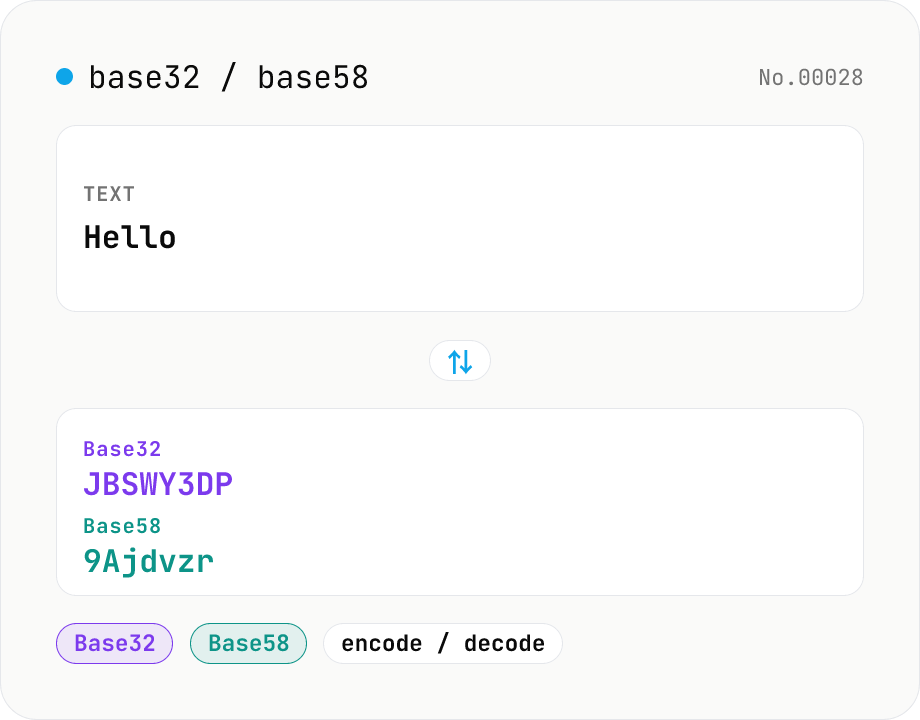
Base32 / Base58 encode & decode
Convert text to and from Base32 (RFC 4648 / TOTP 2FA secrets) and Base58 (Bitcoin addresses). Switch the variant (Base32 / Base58) and direction (encode / decode). UTF-8 byte based, so Japanese and emoji round-trip. Runs entirely in your browser.
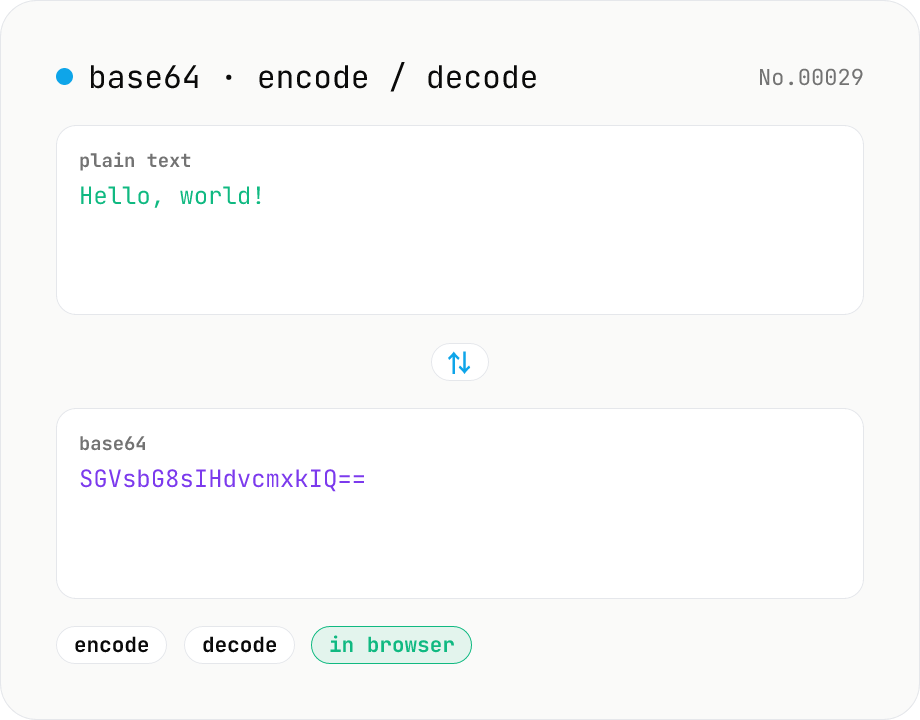
Base64 encode / decode — URL-safe variant supported
Convert between plain text and Base64. Encode with an optional URL-safe variant; decoding accepts URL-safe (- _, no padding) automatically. UTF-8 safe and runs entirely in your browser.