
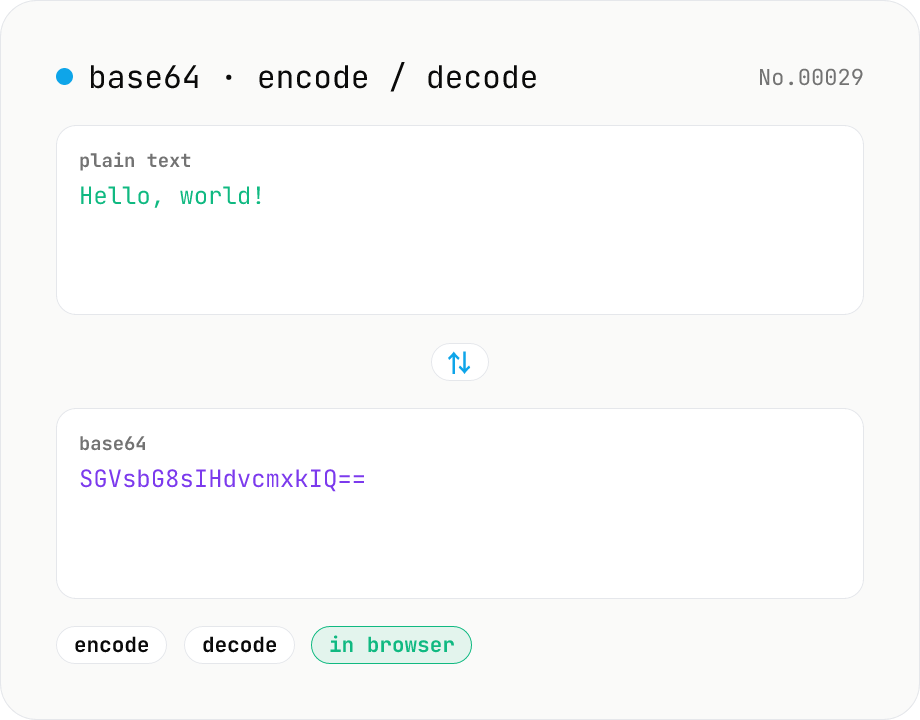
Base64 encode / decode — URL-safe variant supported
Convert between plain text and Base64. Encode with an optional URL-safe variant; decoding accepts URL-safe (- _, no padding) automatically. UTF-8 safe and runs entirely in your browser.
How to use
Pick a mode (Encode / Decode), paste text or Base64, then press Run. In Encode mode, toggle URL-safe to replace + / with - _ and strip trailing = padding (required for JWT / URL query strings). In Decode mode the tool automatically accepts both standard and URL-safe inputs (- _ alphabet, padding optional). UTF-8 based, so Japanese and emoji round-trip safely. Copy the result or download it as .txt.
FAQ
- Is my input sent to any server?
- No. Encoding / decoding runs entirely in your browser (btoa / atob + TextEncoder/TextDecoder). Nothing leaves your device.
- What is URL-safe Base64?
- Standard Base64 (RFC 4648 §4) uses + and / and trailing =, which conflict with URL query syntax. URL-safe Base64 (§5) replaces + → -, / → _ and drops padding. Used by JWT, OAuth state and similar URL-embedded encodings.
- Do I need to specify URL-safe when decoding?
- No. The decoder automatically accepts both standard and URL-safe inputs — it normalizes - _ to + / and adds any required padding before decoding.
- I get garbled characters when decoding
- Encoding treats input as UTF-8. If decoded output looks wrong, the source likely was not UTF-8 encoded. Binary use cases are on the roadmap.
- Why merge encode and decode into one tool?
- Encoding and decoding Base64 are two directions of the same conversion. A mode toggle keeps them in a single UI. The URL-safe checkbox only appears in Encode mode; decode handles both variants automatically.
- Can I encode binary files (images, etc.)?
- This tool focuses on text input. A binary-to-Base64 tool is on the roadmap.
Related tools
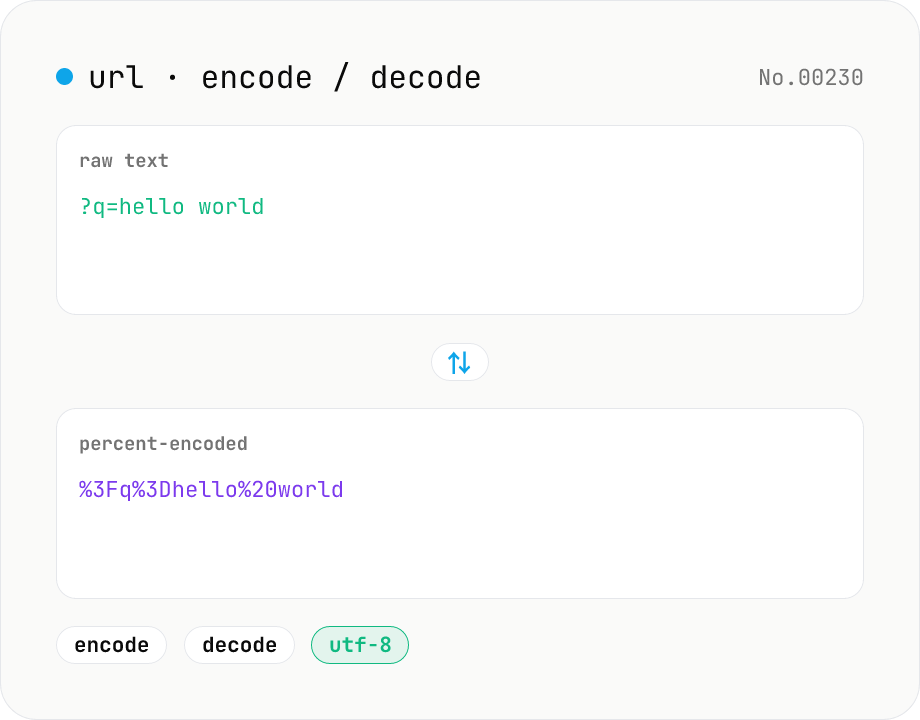
URL encode / decode — safe query strings
Convert between plain text and %XX percent-encoded URL strings. Toggle between encodeURIComponent / encodeURI (and their decode counterparts). UTF-8 based, runs entirely in your browser.
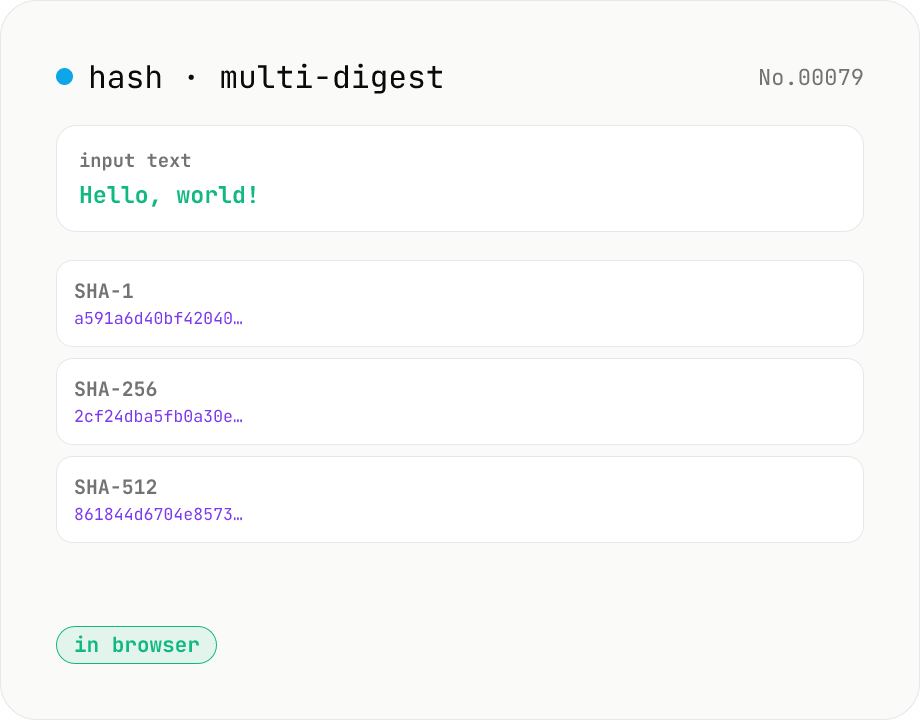
Hash generator — SHA-1 / 256 / 384 / 512
Generate SHA-1, SHA-256, SHA-384, and SHA-512 digests from text in parallel. Powered by the Web Crypto API and runs entirely in your browser.
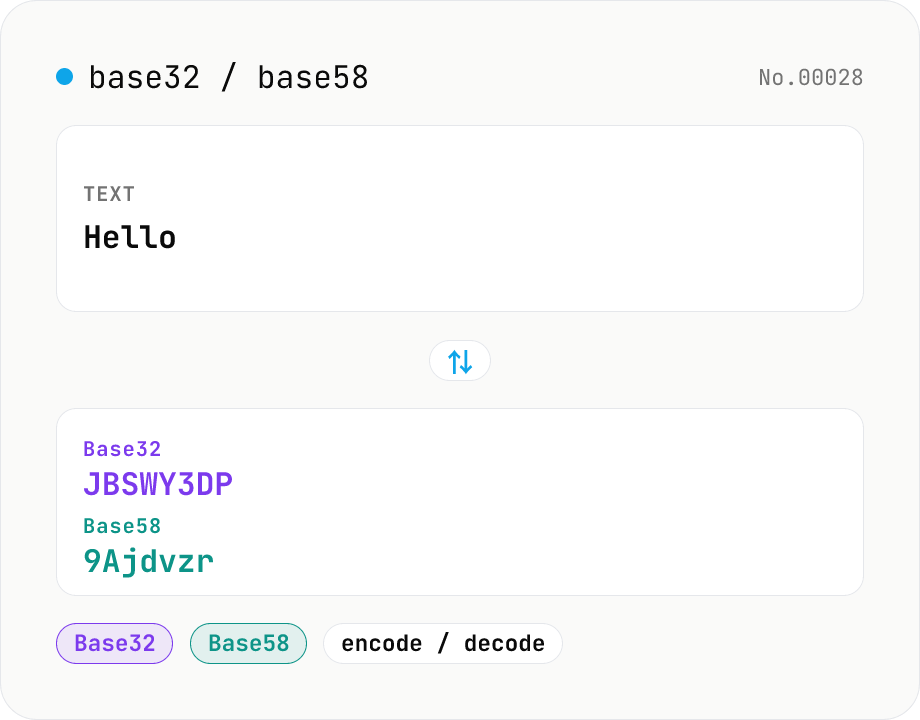
Base32 / Base58 encode & decode
Convert text to and from Base32 (RFC 4648 / TOTP 2FA secrets) and Base58 (Bitcoin addresses). Switch the variant (Base32 / Base58) and direction (encode / decode). UTF-8 byte based, so Japanese and emoji round-trip. Runs entirely in your browser.
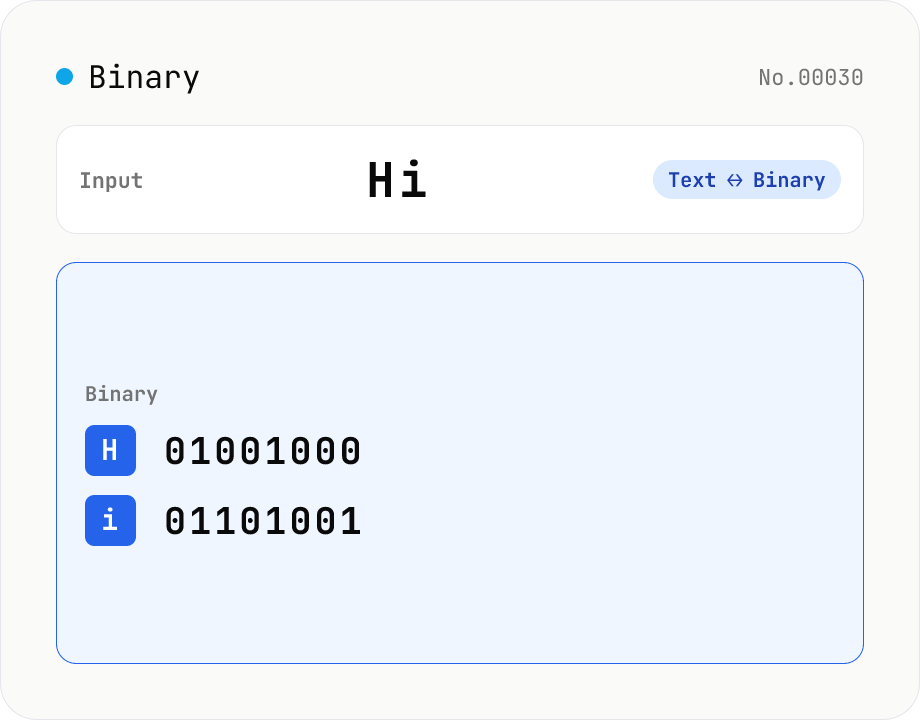
Text ⇄ Binary Converter
Convert between text and binary. Pick a mode (text → binary or binary → text). Text is encoded to UTF-8 bytes and each byte is shown as a zero-padded 8-bit binary number (emoji and non-Latin text convert correctly as multiple bytes). Toggle space separators via an option; on decode, spaces and newlines are ignored and the input is regrouped into 8-bit bytes. Everything runs in your browser — your input is never uploaded.