
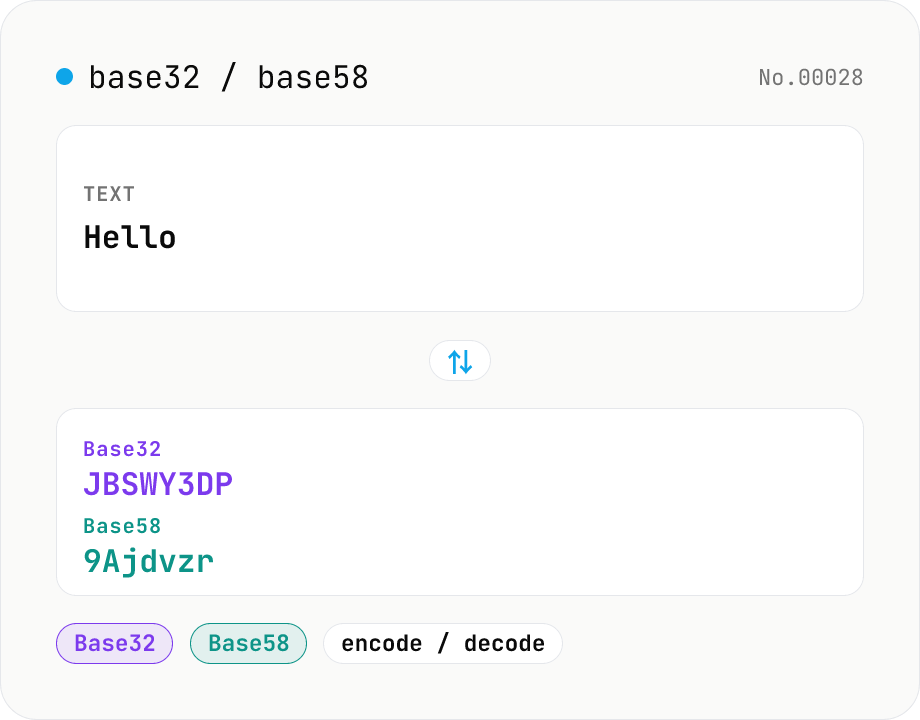
Base32 / Base58 encode & decode
Convert text to and from Base32 (RFC 4648 / TOTP 2FA secrets) and Base58 (Bitcoin addresses). Switch the variant (Base32 / Base58) and direction (encode / decode). UTF-8 byte based, so Japanese and emoji round-trip. Runs entirely in your browser.
How to use
Pick a variant (Base32 / Base58) and a direction (encode / decode), paste your text or encoded string, then press Run. Encoding works on the UTF-8 bytes of your input, so Japanese and emoji round-trip cleanly. Decoding shows an error if the input contains characters outside the chosen alphabet. Copy or download the result as .txt. Everything runs in your browser — nothing is uploaded.
FAQ
- Is my input uploaded anywhere?
- No. Encoding and decoding run entirely in your browser via local JavaScript — nothing leaves your device.
- How is Base32 different from Base64?
- Base32 uses only the 32 characters A-Z and 2-7 and is case-insensitive, so it's harder to mis-type or mis-hear. It produces longer strings than Base64 (62 chars + symbols) but is preferred for TOTP / 2FA secret keys and case-insensitive environments.
- Why does Base58 omit 0, O, I, and l?
- The digit 0 vs capital O, and capital I vs lowercase l, are easy to confuse, so Base58 excludes them. It's used for cryptocurrency identifiers such as Bitcoin addresses and WIF private keys (and has no padding character).
- What is the trailing = in Base32?
- RFC 4648 padding. Base32 encodes in 5-bit units, so the output is padded with = to a multiple of 8 characters (40 bits = 5 bytes). Decoding ignores =, so input without padding still works.
- When does decoding fail?
- When the input contains characters not in the chosen alphabet — for example 0 / O / I / l in Base58, or 0 / 1 / 8 / 9 in Base32. Make sure the selected variant matches your input.
- Why merge them into one tool?
- Base32 and Base58 are the same operation (text ⇄ encoded string); a variant toggle and a direction toggle cover all four combinations in one UI. Base64 differs enough in alphabet and use to stay a separate tool.
Related tools
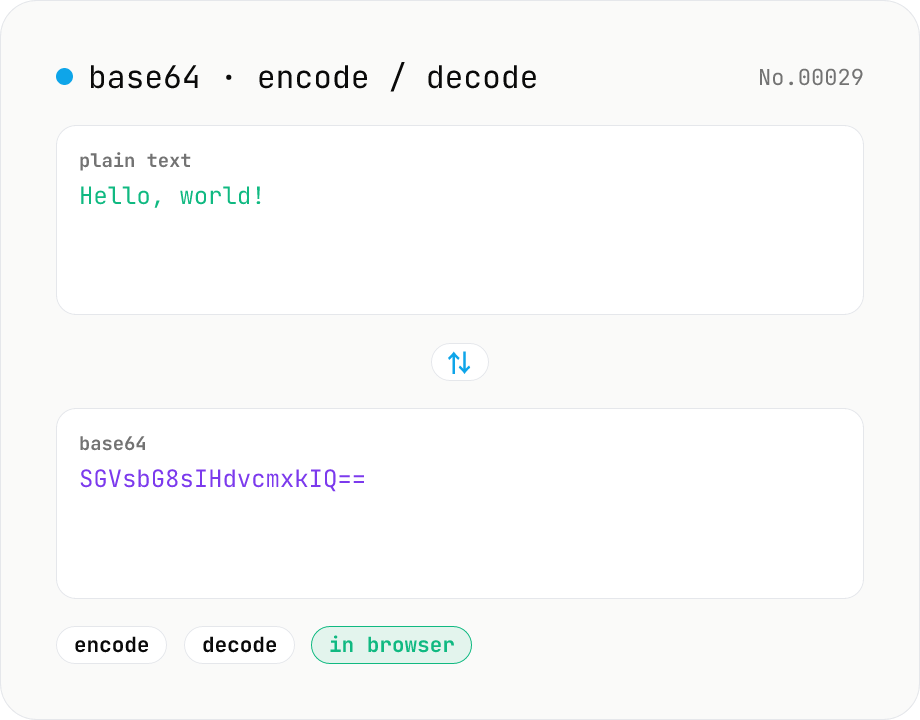
Base64 encode / decode — URL-safe variant supported
Convert between plain text and Base64. Encode with an optional URL-safe variant; decoding accepts URL-safe (- _, no padding) automatically. UTF-8 safe and runs entirely in your browser.
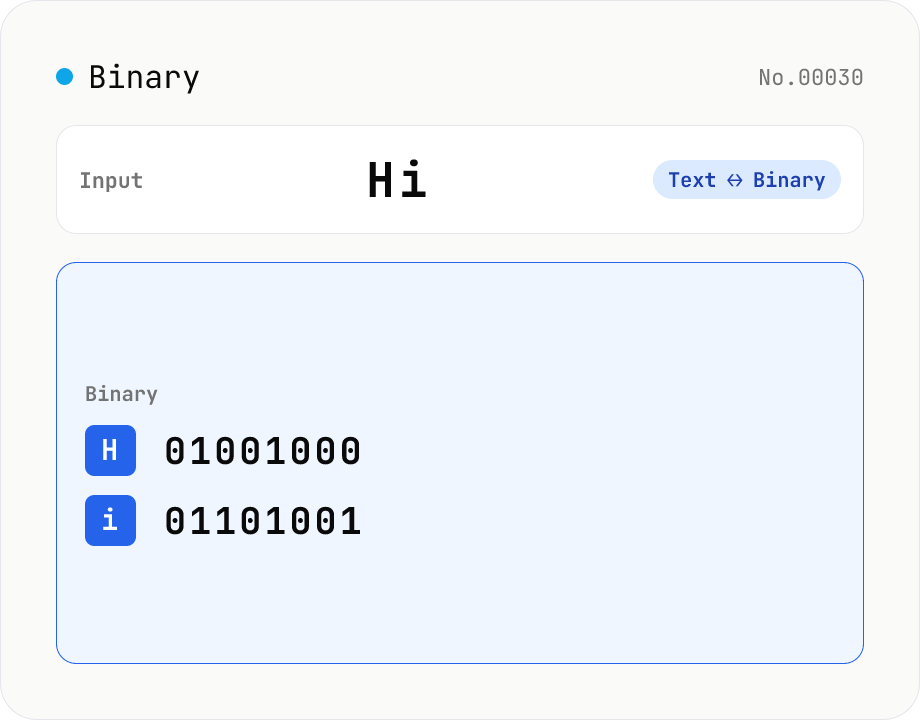
Text ⇄ Binary Converter
Convert between text and binary. Pick a mode (text → binary or binary → text). Text is encoded to UTF-8 bytes and each byte is shown as a zero-padded 8-bit binary number (emoji and non-Latin text convert correctly as multiple bytes). Toggle space separators via an option; on decode, spaces and newlines are ignored and the input is regrouped into 8-bit bytes. Everything runs in your browser — your input is never uploaded.
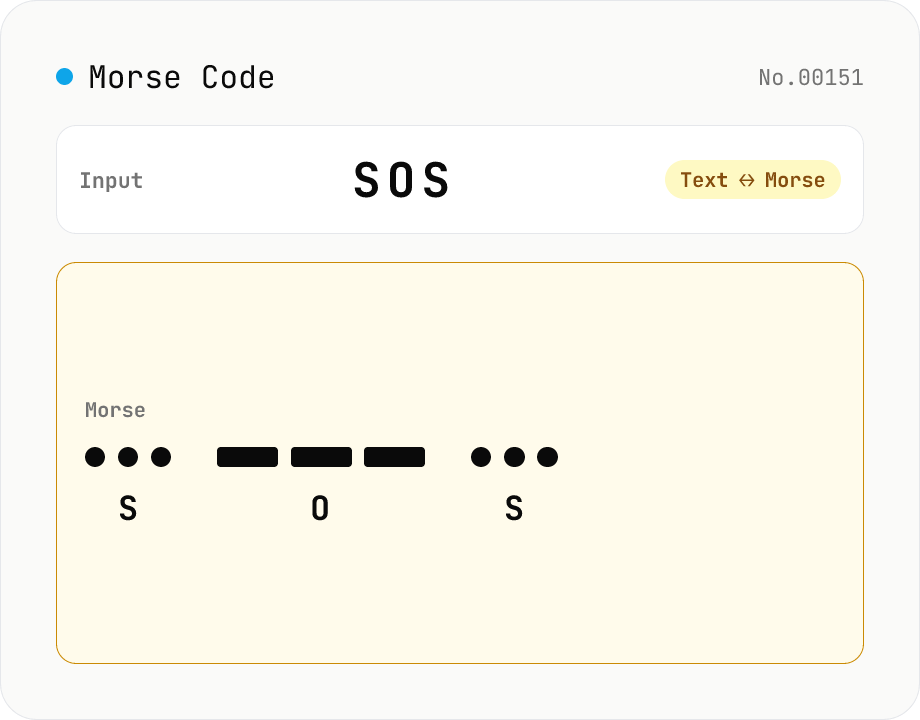
Morse Code Translator
Translate between text and Morse code. Pick a mode (text → Morse or Morse → text) and a character set: international (ITU: A-Z / 0-9 / punctuation) or Japanese wabun code (katakana with dakuten / handakuten / long vowel). Symbols are separated by a space and words by ' / '. Japanese voiced marks are split and recomposed via Unicode normalization (NFD/NFC). Everything runs in your browser — your text is never uploaded.
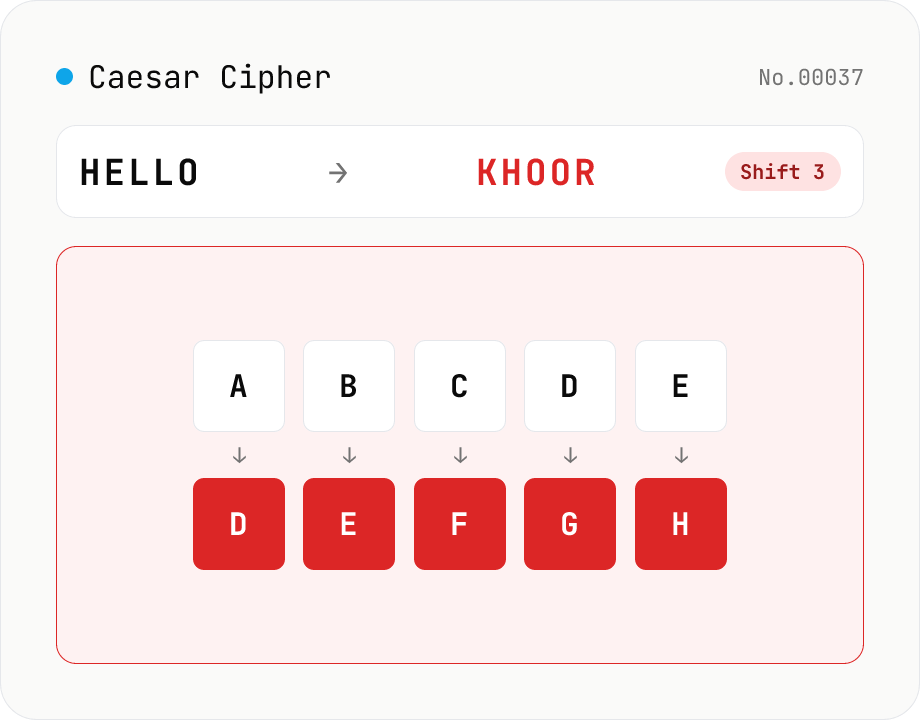
Caesar Cipher / ROT13
Encode and decode the Caesar cipher. Pick a mode (encrypt / decrypt) and set the shift (1–25) with a slider or number field. One tap sets ROT13 (shift 13). Only A-Z / a-z are rotated; digits, punctuation, spaces, and non-Latin text are left intact. In decrypt mode, a full 25-shift brute-force table is shown to crack ciphertext with an unknown shift. Everything runs in your browser — your input is never uploaded.