
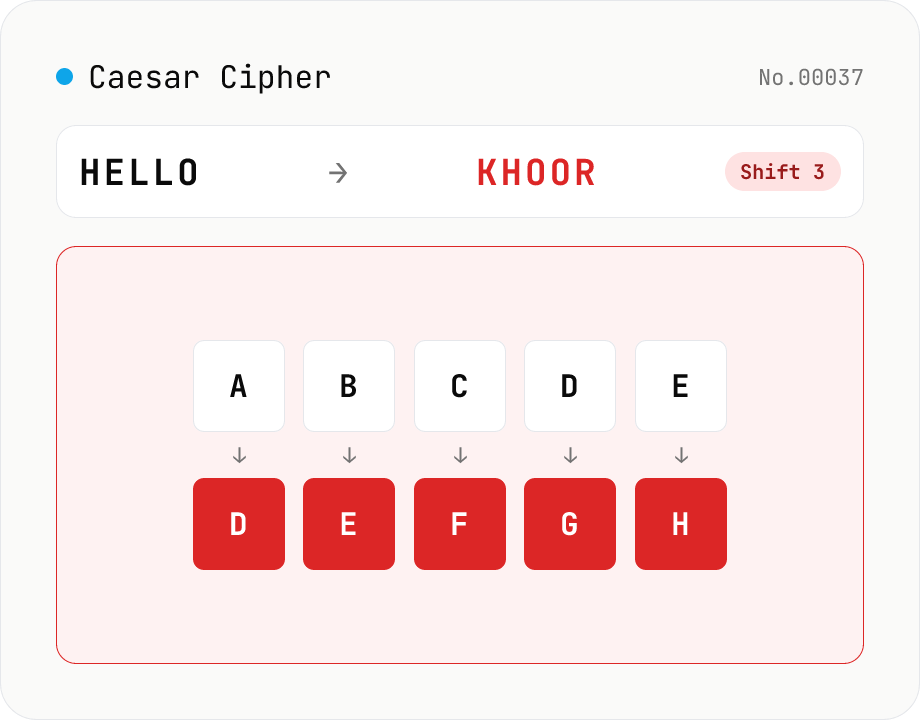
Caesar Cipher / ROT13
Encode and decode the Caesar cipher. Pick a mode (encrypt / decrypt) and set the shift (1–25) with a slider or number field. One tap sets ROT13 (shift 13). Only A-Z / a-z are rotated; digits, punctuation, spaces, and non-Latin text are left intact. In decrypt mode, a full 25-shift brute-force table is shown to crack ciphertext with an unknown shift. Everything runs in your browser — your input is never uploaded.
How to use
First pick a direction (encrypt / decrypt); switching it updates the placeholder and sample. Set the shift (1–25) with the slider or number field (the 'ROT13' button sets 13 instantly). Type your text and press Convert: only A-Z / a-z are shifted, while digits, punctuation, spaces, and non-Latin text are left unchanged. In decrypt mode a full 25-shift brute-force table appears below the result, so you can crack ciphertext with an unknown shift by scanning for readable rows. Everything runs in your browser.
FAQ
- Is my input uploaded?
- No. All conversion happens in browser JavaScript; your text never leaves your device.
- What is the Caesar cipher?
- One of the oldest ciphers, attributed to Julius Caesar: a substitution cipher that shifts each letter a fixed number of positions. With shift 3, A→D, B→E, and so on. The key is just the shift (1–25), so it's trivial to break and is used today for education, puzzles, and light obfuscation rather than real security.
- What is ROT13?
- A Caesar cipher with the shift fixed at 13. Because the alphabet has 26 letters, shifting by 13 twice returns the original (it's self-inverse), so the same operation both encodes and decodes. It's commonly used to hide spoilers or mask text on forums. The 'ROT13' button sets the shift to 13 instantly.
- Can I crack ciphertext with an unknown shift?
- Yes. In decrypt mode a brute-force table of all shifts 1–25 appears below the result. Since the Caesar cipher has only 25 possible keys, you can always read the plaintext by scanning the rows for one that makes sense.
- What happens to digits, punctuation, and non-Latin text?
- Only Latin letters (A-Z / a-z) are shifted. Digits, punctuation, spaces, and non-Latin characters pass through unchanged — the standard behavior of the classic Caesar cipher.
Related tools
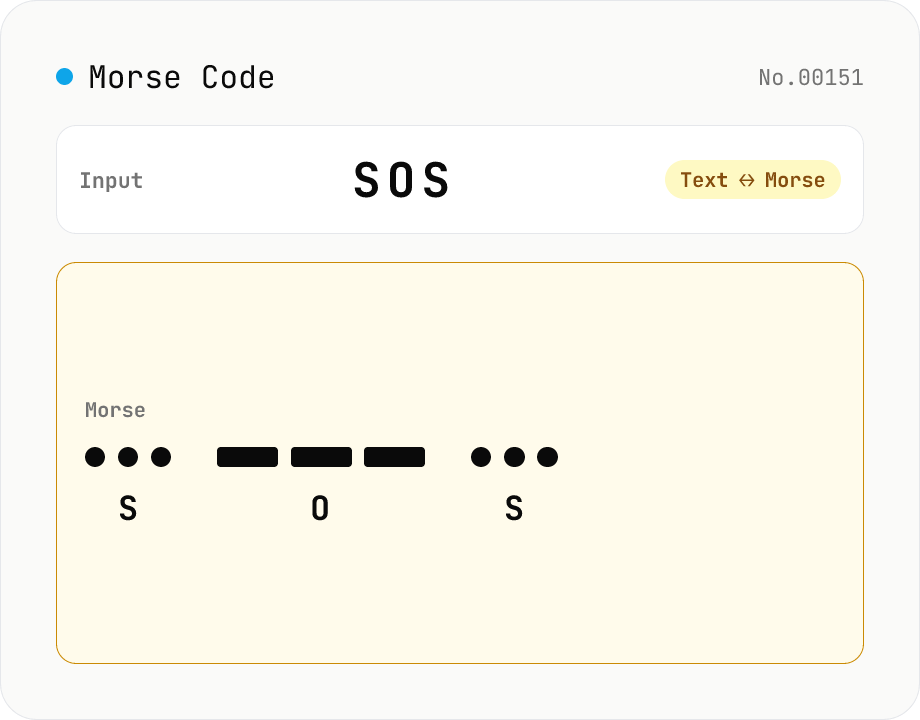
Morse Code Translator
Translate between text and Morse code. Pick a mode (text → Morse or Morse → text) and a character set: international (ITU: A-Z / 0-9 / punctuation) or Japanese wabun code (katakana with dakuten / handakuten / long vowel). Symbols are separated by a space and words by ' / '. Japanese voiced marks are split and recomposed via Unicode normalization (NFD/NFC). Everything runs in your browser — your text is never uploaded.
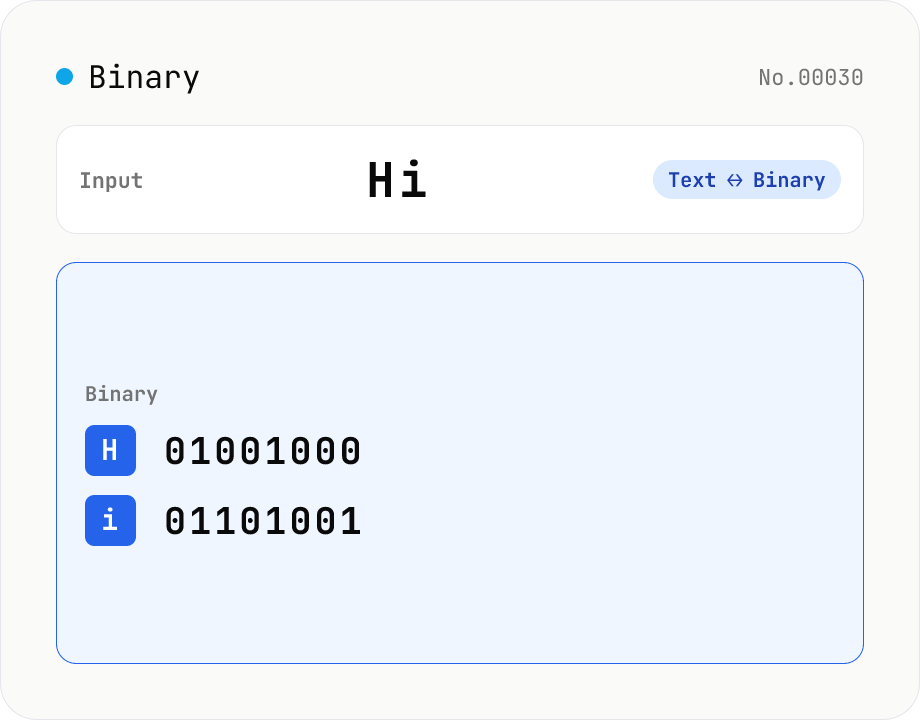
Text ⇄ Binary Converter
Convert between text and binary. Pick a mode (text → binary or binary → text). Text is encoded to UTF-8 bytes and each byte is shown as a zero-padded 8-bit binary number (emoji and non-Latin text convert correctly as multiple bytes). Toggle space separators via an option; on decode, spaces and newlines are ignored and the input is regrouped into 8-bit bytes. Everything runs in your browser — your input is never uploaded.
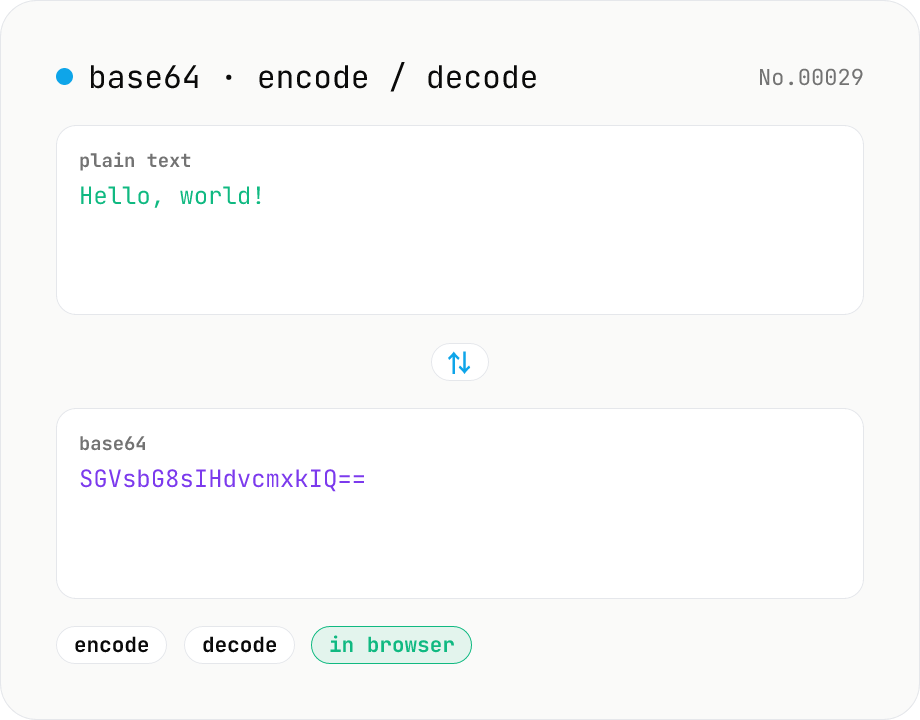
Base64 encode / decode — URL-safe variant supported
Convert between plain text and Base64. Encode with an optional URL-safe variant; decoding accepts URL-safe (- _, no padding) automatically. UTF-8 safe and runs entirely in your browser.
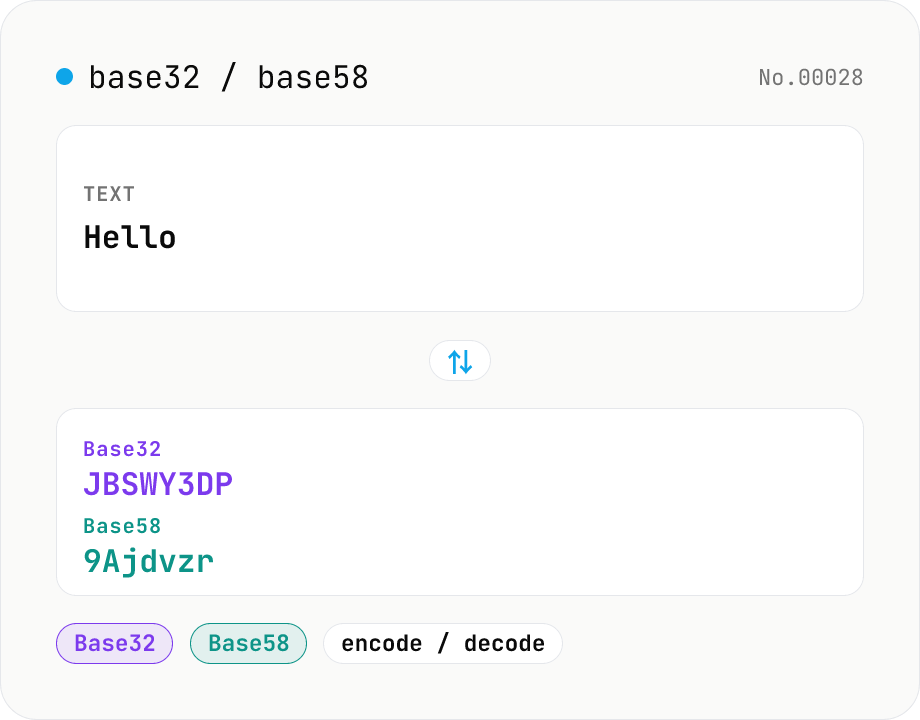
Base32 / Base58 encode & decode
Convert text to and from Base32 (RFC 4648 / TOTP 2FA secrets) and Base58 (Bitcoin addresses). Switch the variant (Base32 / Base58) and direction (encode / decode). UTF-8 byte based, so Japanese and emoji round-trip. Runs entirely in your browser.