
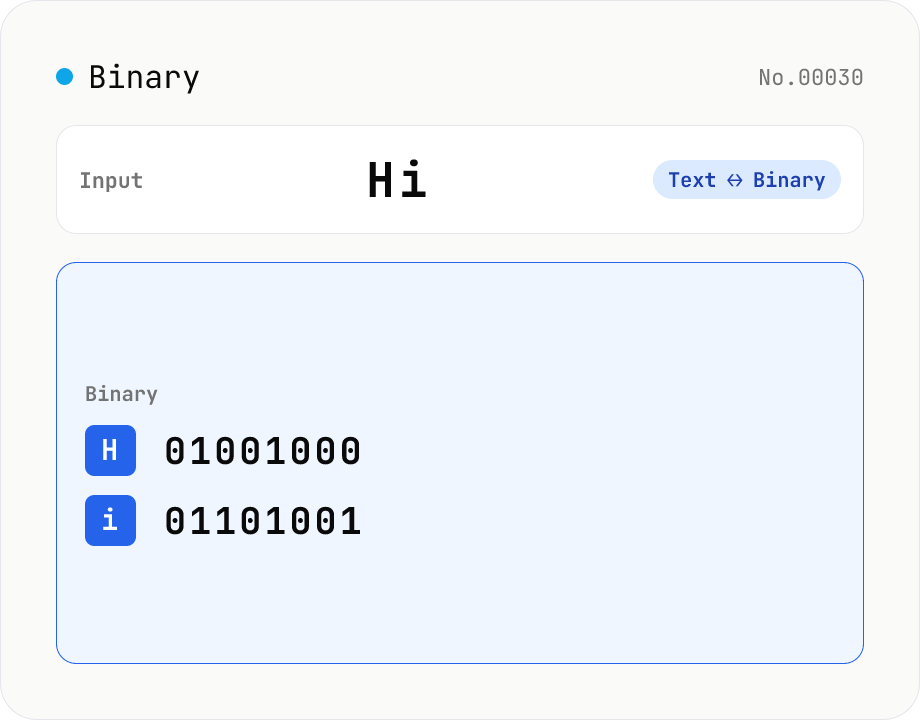
Text ⇄ Binary Converter
Convert between text and binary. Pick a mode (text → binary or binary → text). Text is encoded to UTF-8 bytes and each byte is shown as a zero-padded 8-bit binary number (emoji and non-Latin text convert correctly as multiple bytes). Toggle space separators via an option; on decode, spaces and newlines are ignored and the input is regrouped into 8-bit bytes. Everything runs in your browser — your input is never uploaded.
How to use
First pick a direction (text → binary or binary → text); switching it updates the placeholder and sample. Type text or binary into the input (the Sample button fills an example) and press Convert. Text is encoded to UTF-8 bytes and each byte becomes a zero-padded 8-bit binary number. The 'Separate with spaces' option toggles spaces between bytes. On decode, everything except 0 and 1 (spaces, newlines, commas, etc.) is stripped before regrouping into 8-bit bytes, so spaced or unspaced input both decode correctly. Everything runs in your browser.
FAQ
- Is my input uploaded?
- No. All conversion happens in browser JavaScript (TextEncoder / TextDecoder); your input never leaves your device.
- Can it handle non-Latin text and emoji?
- Yes. Text is UTF-8 encoded, so Japanese is 3 bytes per character (three 8-bit groups), emoji are 4 bytes, etc. Decoding restores the original characters correctly.
- Why 8 bits per byte?
- Computers treat a byte as 8 bits by convention. Showing each byte (0–255) as 8 binary digits keeps columns aligned and makes decoding trivial — just split every 8 digits. This tool always zero-pads to 8 digits.
- Can it decode binary without spaces?
- Yes. On decode, every character except 0 and 1 (spaces, newlines, tabs, commas) is removed before grouping into 8-bit bytes, so '01001000 01101001' and '0100100001101001' give the same result.
- What if the bit count isn't a multiple of 8?
- Leftover bits that don't fill a complete byte are ignored, and only whole 8-bit bytes are decoded. A note ('trailing N bits ignored') appears below the result — handy for catching a truncated paste.
Related tools
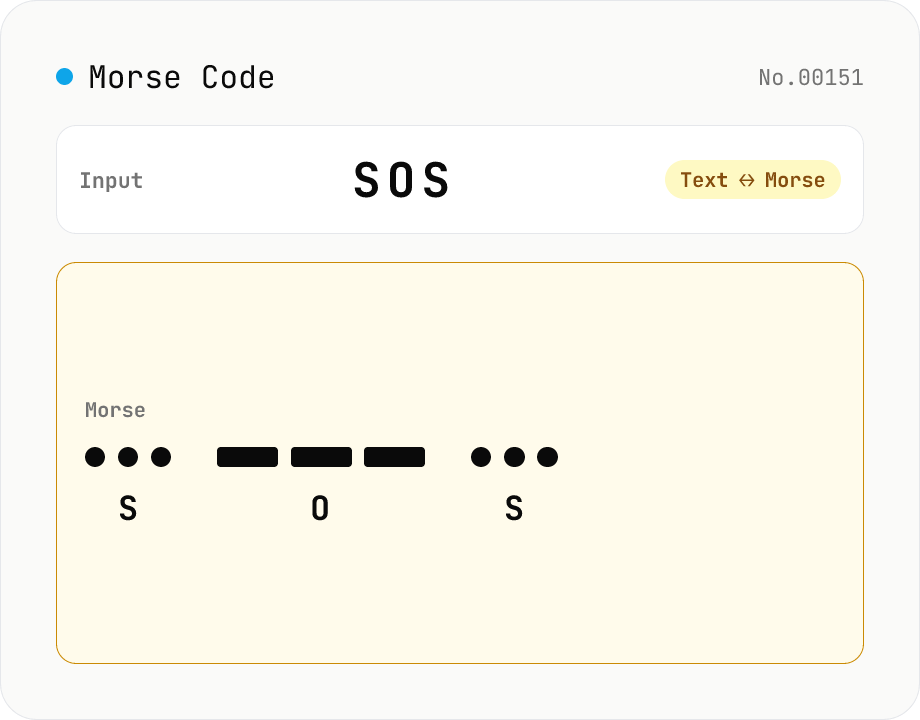
Morse Code Translator
Translate between text and Morse code. Pick a mode (text → Morse or Morse → text) and a character set: international (ITU: A-Z / 0-9 / punctuation) or Japanese wabun code (katakana with dakuten / handakuten / long vowel). Symbols are separated by a space and words by ' / '. Japanese voiced marks are split and recomposed via Unicode normalization (NFD/NFC). Everything runs in your browser — your text is never uploaded.
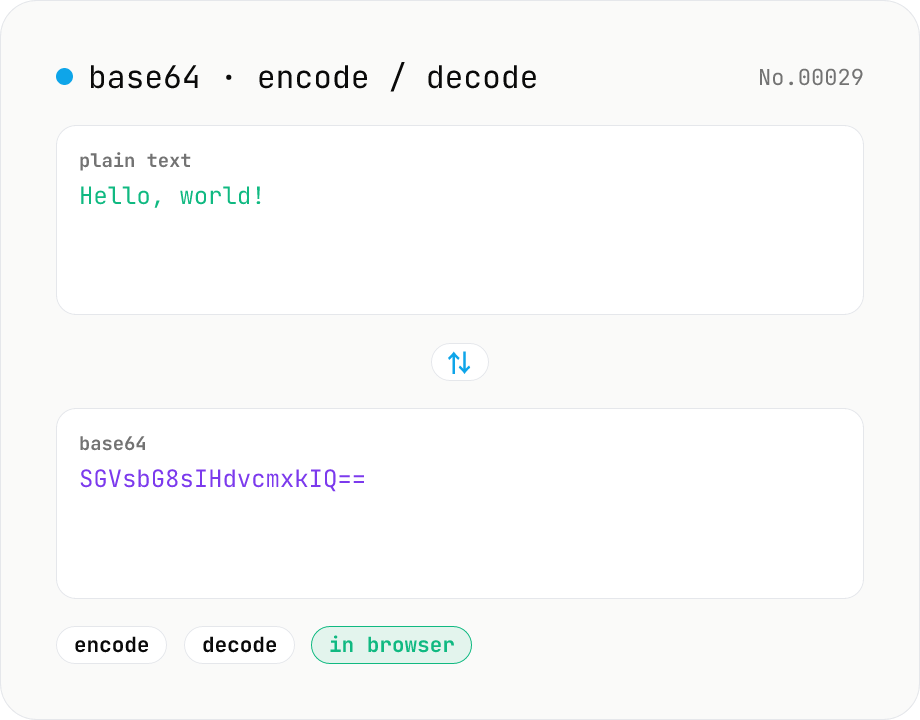
Base64 encode / decode — URL-safe variant supported
Convert between plain text and Base64. Encode with an optional URL-safe variant; decoding accepts URL-safe (- _, no padding) automatically. UTF-8 safe and runs entirely in your browser.
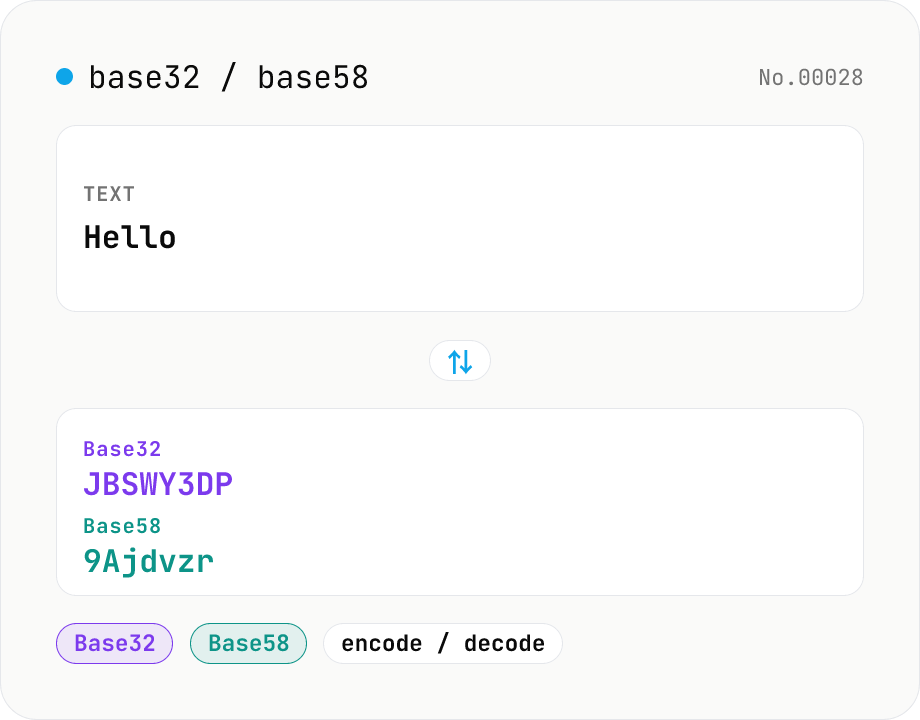
Base32 / Base58 encode & decode
Convert text to and from Base32 (RFC 4648 / TOTP 2FA secrets) and Base58 (Bitcoin addresses). Switch the variant (Base32 / Base58) and direction (encode / decode). UTF-8 byte based, so Japanese and emoji round-trip. Runs entirely in your browser.
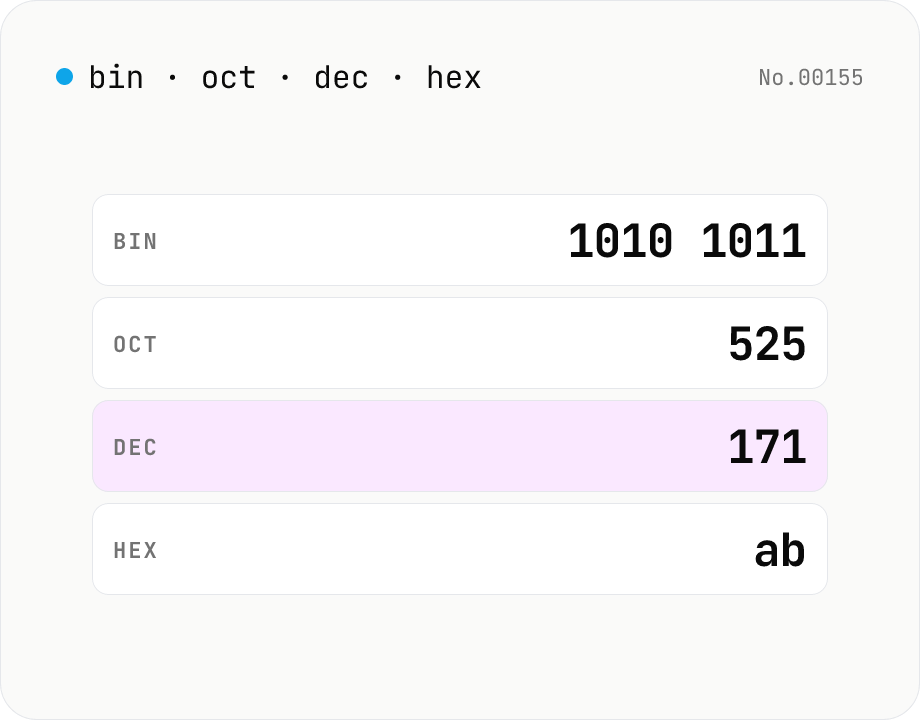
Number base — bin / oct / dec / hex
Convert between binary, octal, decimal, and hexadecimal in one step. Toggle the input base (Mode) and the other three are computed instantly. Optional 0b / 0o / 0x prefixes and 4-digit grouping. Powered by BigInt for full precision, all inside your browser.