
Developer tools
87 tools
Day-to-day developer utilities: JSON, YAML, Base64, JWT, regex, diff, and more.
Tags:
Sort:
Per page:
All tools
87 / 87
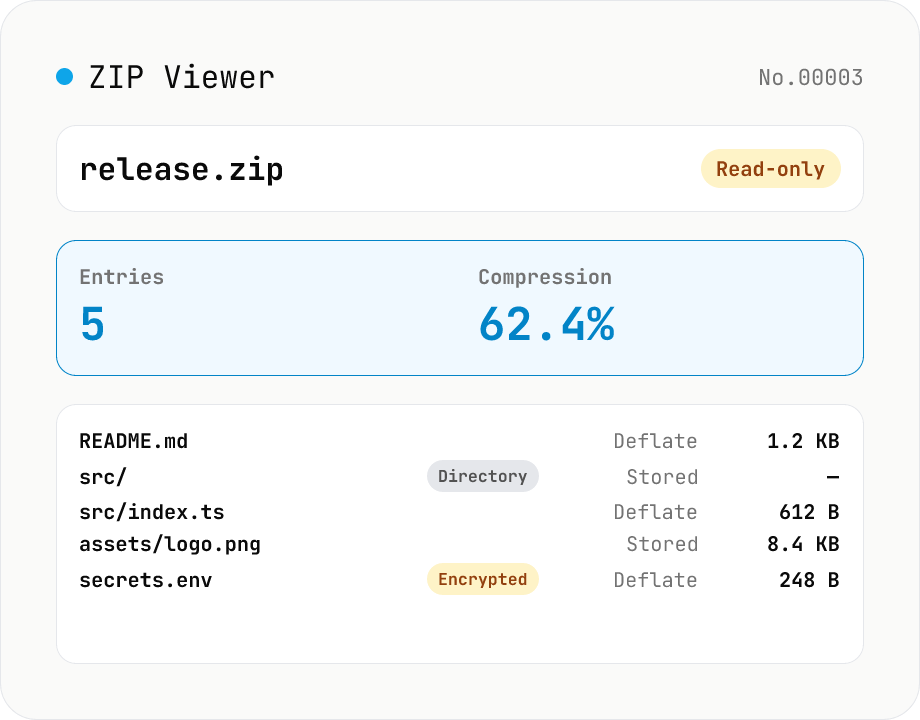
ZIP Archive Viewer
Drop a ZIP file to inspect its contents without extracting. See total entry count, archive size, compression ratio, archive comment, plus per-entry path, original / compressed size, compression method (Stored / Deflate / Deflate64 / BZIP2 / LZMA / Zstandard), last modified time, CRC32, encryption flag, and directory marker. Runs via a hand-rolled Central Directory parser — entry data is never decompressed and nothing is uploaded.
developerextract
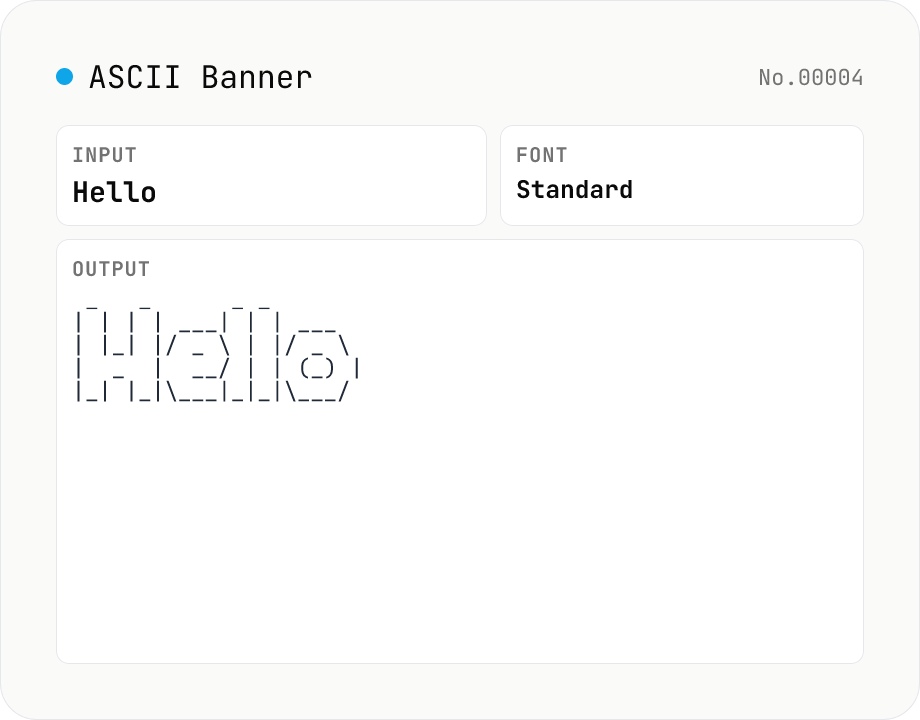
ASCII Art Text — figlet-style banners in multiple fonts
Convert plain text into figlet-style ASCII art banners (e.g. Hello → █▀▀█ ▀▀█ █░░ █░░ █▀▀█). Runs figlet (MIT) entirely in your browser with 10+ popular fonts (Standard / Big / Slant / Block / Ghost / Banner3-D …). Newlines and multi-line input are supported. The result is rendered in a monospaced view; copy it to clipboard or download as a .txt file. Common uses: section headers in source code, separator lines in CI logs, README titles, terminal MOTDs.
developer
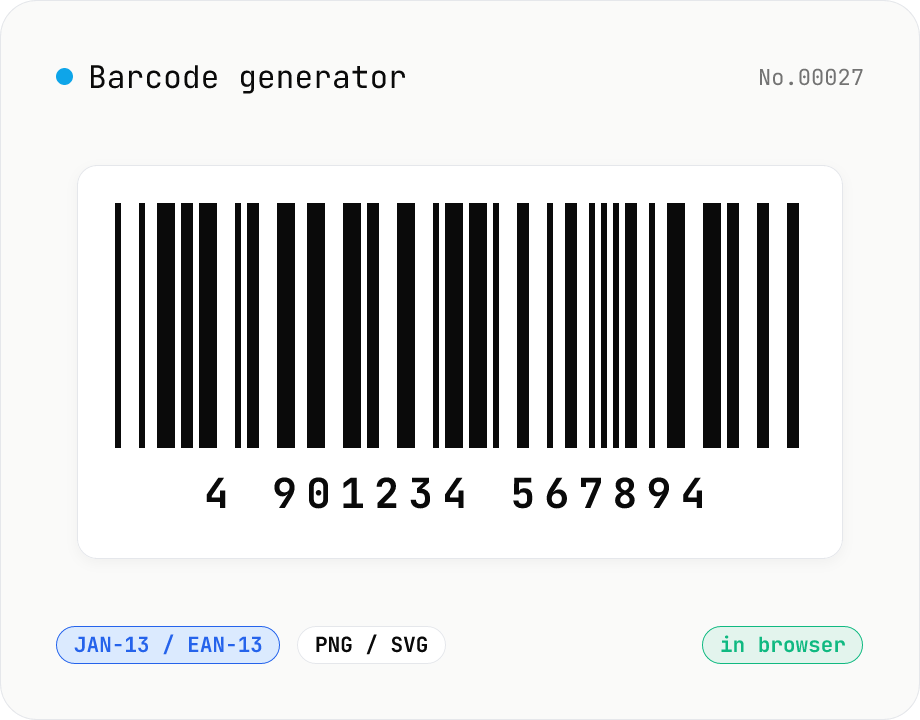
Barcode generator — JAN / EAN / UPC / CODE128 / CODE39
Turn numbers or text into 1D barcodes (JAN-13 / EAN-13, JAN-8 / EAN-8, UPC-A, CODE128, CODE39, ITF, Codabar/NW-7, MSI) and export them as PNG or SVG. Fine-tune bar width, height, colors, margin, and whether the human-readable value is printed below. Check digits are validated automatically. Everything is generated inside your browser — the value you enter never leaves your device.
developergenerateimage
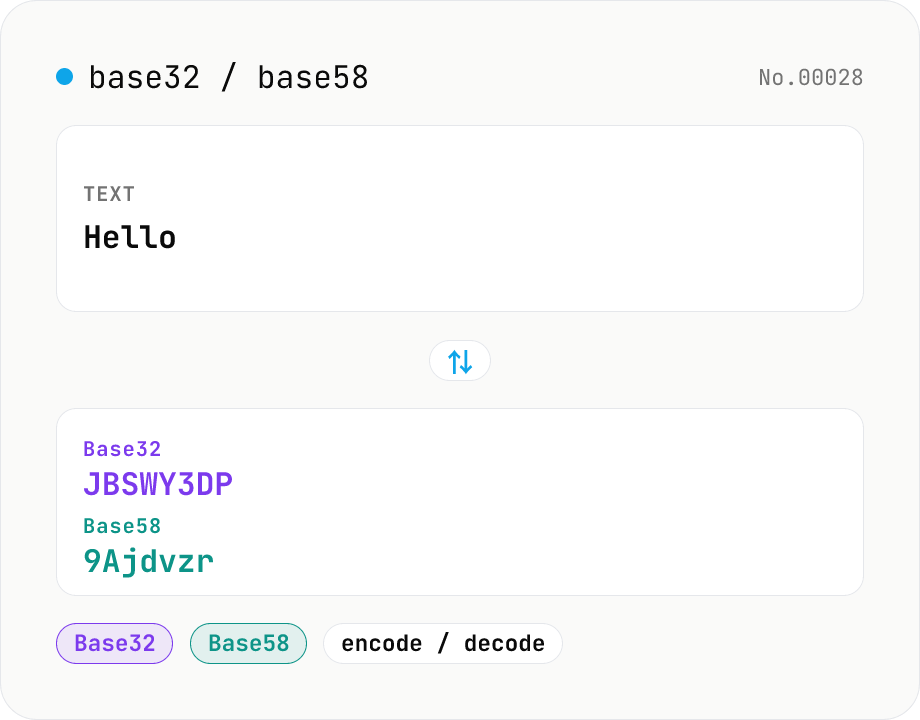
Base32 / Base58 encode & decode
Convert text to and from Base32 (RFC 4648 / TOTP 2FA secrets) and Base58 (Bitcoin addresses). Switch the variant (Base32 / Base58) and direction (encode / decode). UTF-8 byte based, so Japanese and emoji round-trip. Runs entirely in your browser.
developerconversionencodedecode
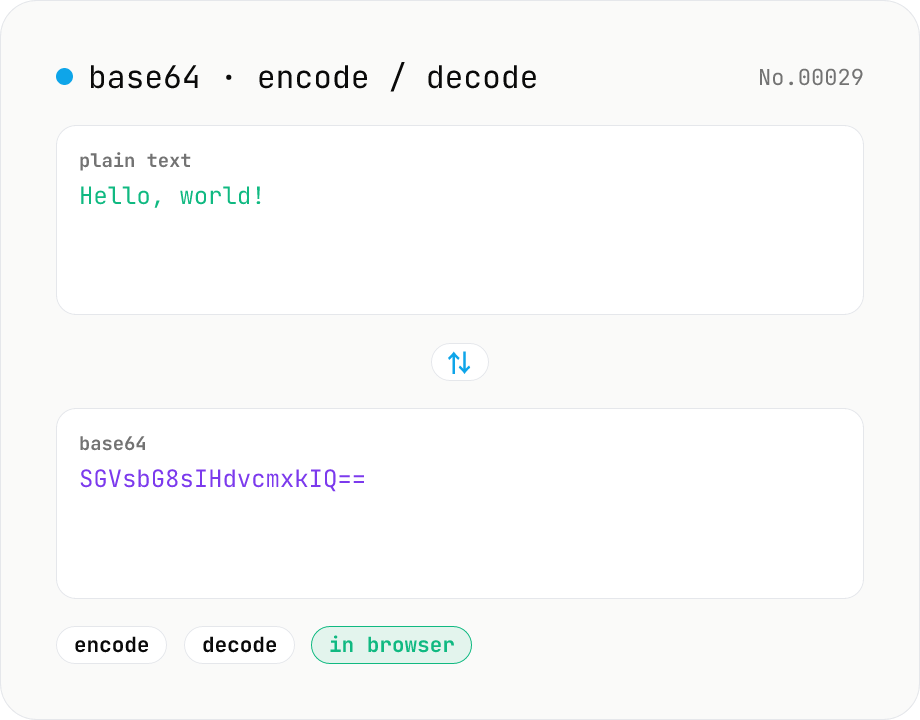
Base64 encode / decode — URL-safe variant supported
Convert between plain text and Base64. Encode with an optional URL-safe variant; decoding accepts URL-safe (- _, no padding) automatically. UTF-8 safe and runs entirely in your browser.
developerencodedecode
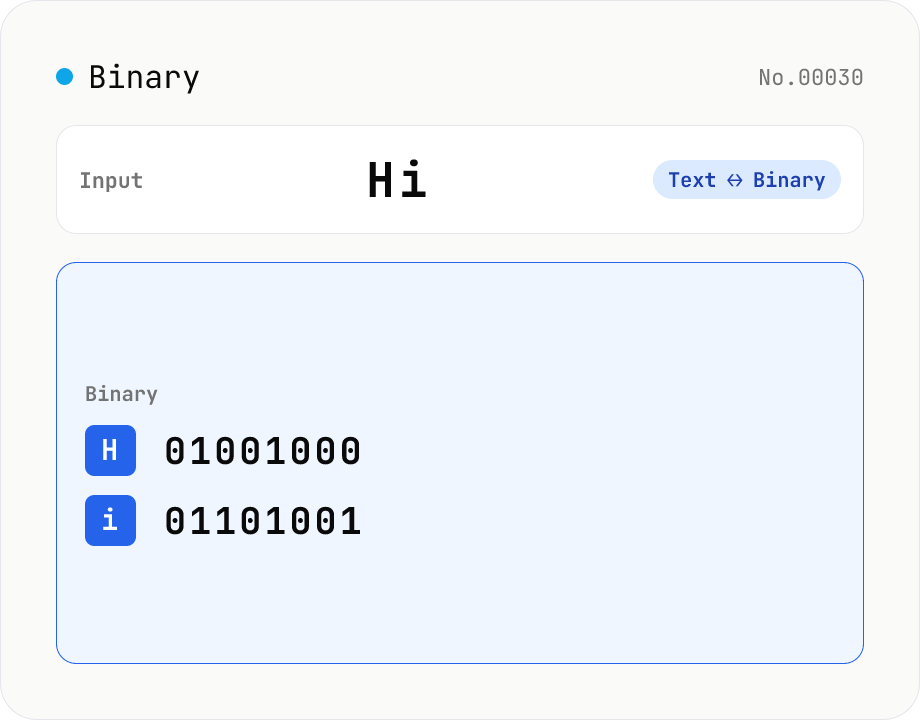
Text ⇄ Binary Converter
Convert between text and binary. Pick a mode (text → binary or binary → text). Text is encoded to UTF-8 bytes and each byte is shown as a zero-padded 8-bit binary number (emoji and non-Latin text convert correctly as multiple bytes). Toggle space separators via an option; on decode, spaces and newlines are ignored and the input is regrouped into 8-bit bytes. Everything runs in your browser — your input is never uploaded.
developerconversionencodedecode
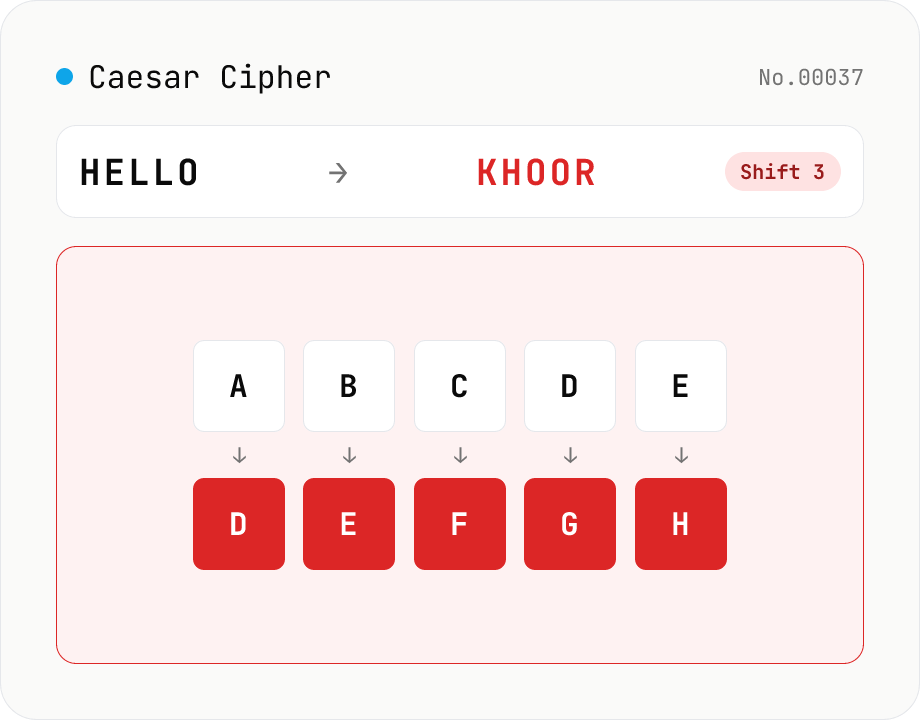
Caesar Cipher / ROT13
Encode and decode the Caesar cipher. Pick a mode (encrypt / decrypt) and set the shift (1–25) with a slider or number field. One tap sets ROT13 (shift 13). Only A-Z / a-z are rotated; digits, punctuation, spaces, and non-Latin text are left intact. In decrypt mode, a full 25-shift brute-force table is shown to crack ciphertext with an unknown shift. Everything runs in your browser — your input is never uploaded.
developerencodedecode
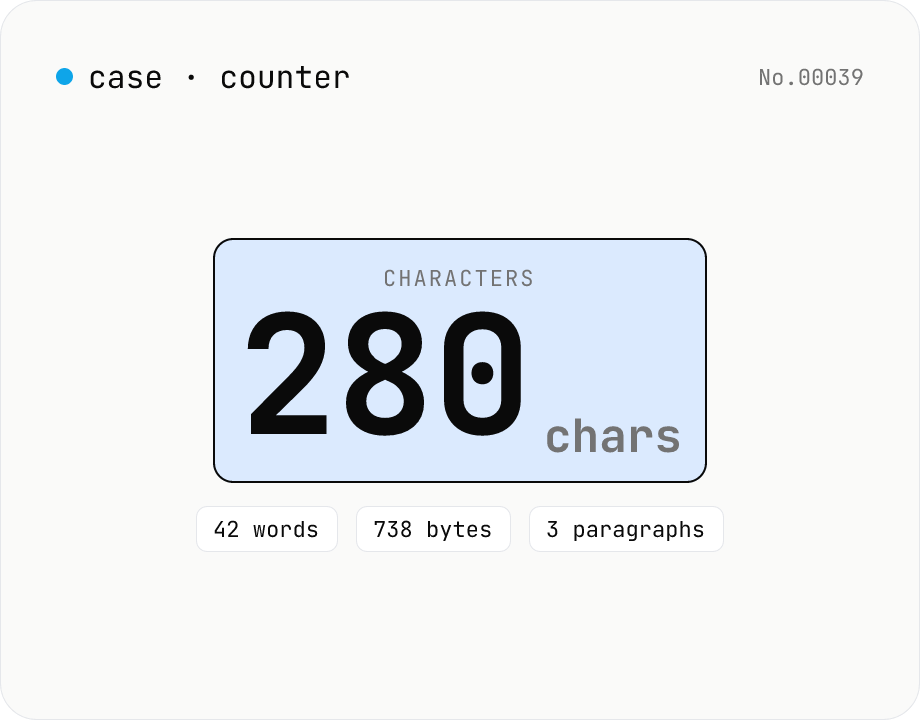
Character counter — chars / bytes / lines / words
Count characters, words, lines, paragraphs, and UTF-8 byte size in real time. Toggle whether whitespace and newlines are included. Progress bars show your text against common limits (tweets, 400-character genkō, etc.) — everything stays in your browser.
developertextcount
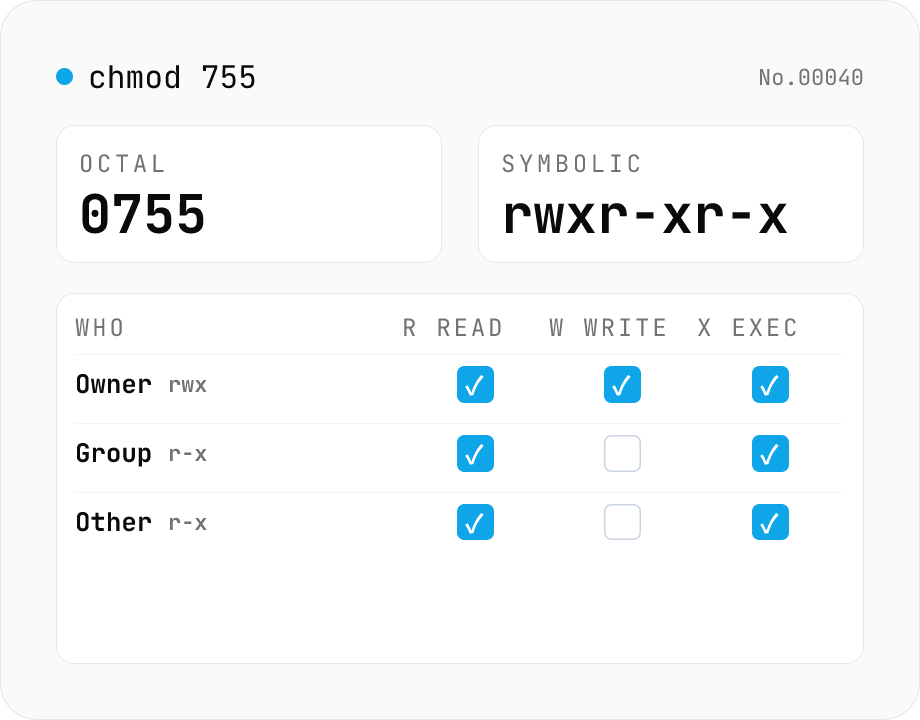
chmod permission calculator — 755 ↔ rwxr-xr-x ↔ checkboxes
Convert Linux / macOS file permissions between octal (755 / 0755 / 4755) and symbolic form (rwxr-xr-x / rwsr-xr-t), or edit them directly with the owner / group / other checkboxes. Supports the setuid / setgid / sticky bits and accepts ls -l output with a leading file-type char (-, d, l, ...). Includes common presets such as 644 (regular file), 755 (directory or executable), 600 (SSH key), and 1777 (shared directory like /tmp). Runs entirely in your browser.
developerconversion
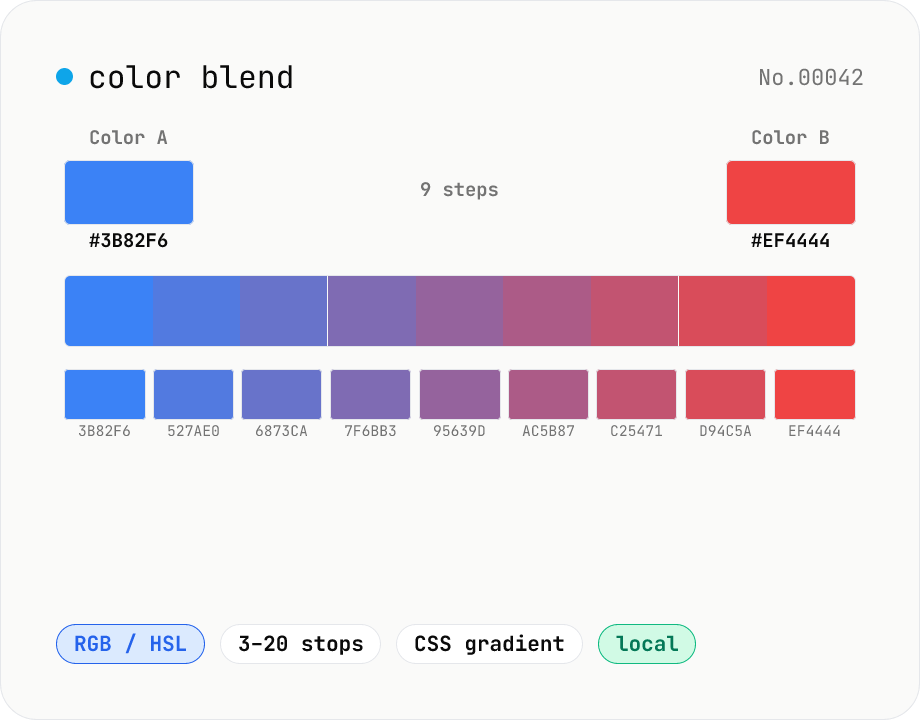
Color blend — interpolate two colors into an N-step palette
Interpolate between two colors (HEX or CSS names) to build an N-step palette. Two modes: RGB (straight RGB lerp) and HSL (hue traversal via shortest path). Great for Tailwind-style 11-shade scales, design-token shade generation, intermediate samples for `linear-gradient`, or stepped color ramps for accessibility. Click any swatch to copy its HEX; the full CSS `linear-gradient` string is also one click away. Everything runs in your browser.
developercolor
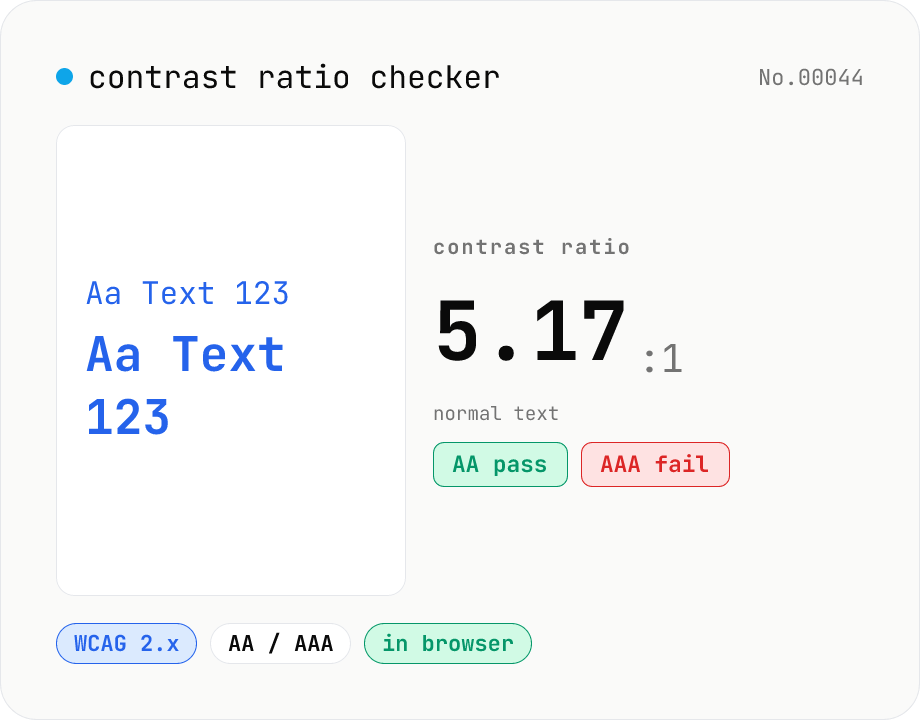
Contrast ratio checker — WCAG AA / AAA
Pick a foreground (text) and background color to compute the WCAG 2.x contrast ratio and instantly see whether it passes AA / AAA for normal text, large text, and UI components. Accepts HEX and rgb(), with a color picker and live preview. Everything runs in your browser — your colors never leave the page.
developercolor
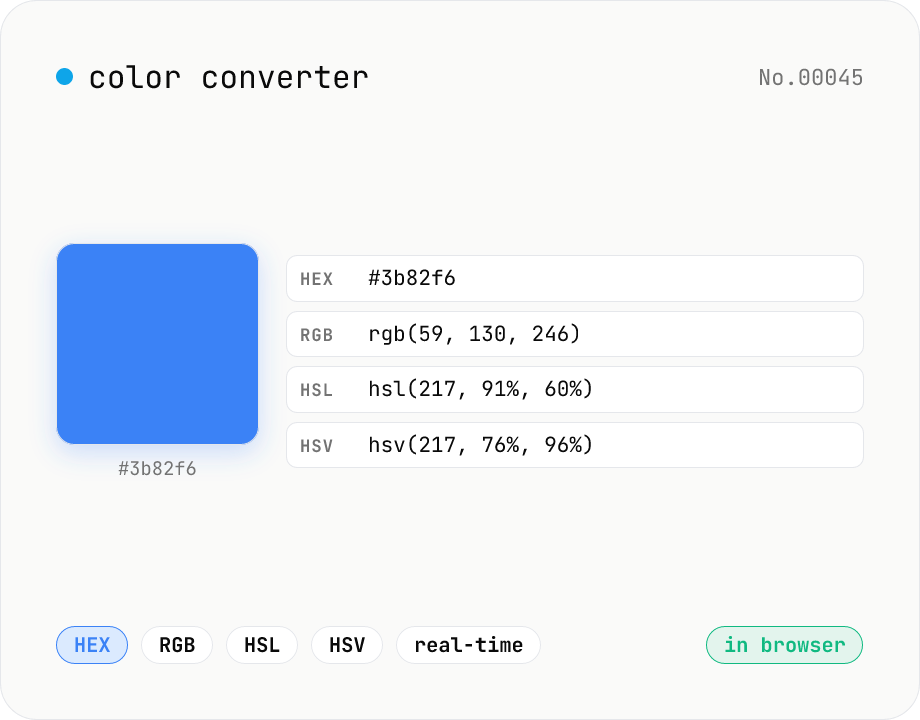
Color converter — HEX / RGB / HSL / HSV
Convert colors between HEX, RGB, HSL, and HSV in real time with a built-in color picker. Edit any field and the other three update instantly. Runs entirely in your browser — your color values never leave the page.
developercolorconversion
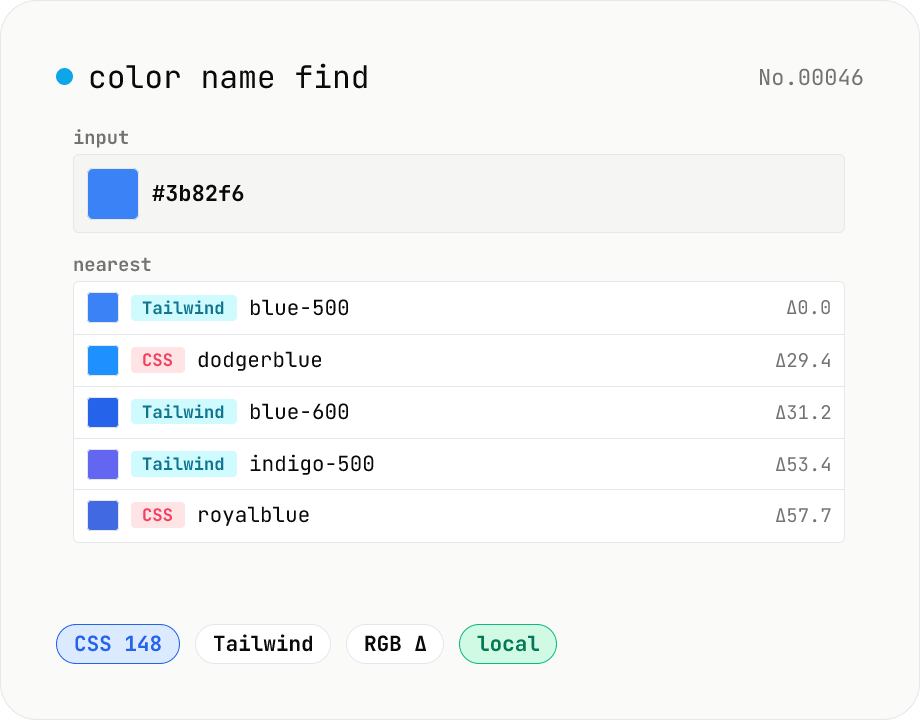
Color name find — match HEX / RGB to a CSS or Tailwind name
Type a HEX value (`#3b82f6`) or a CSS color name (`tomato`) to find the closest matches across CSS named colors (148) and the Tailwind palette (22 hues × 11 shades). Results are sorted by RGB distance with a swatch, name, HEX, and distance score. Perfect for naming design tokens, communicating colors verbally, or finding the nearest Tailwind class. Everything runs in your browser.
developercolor
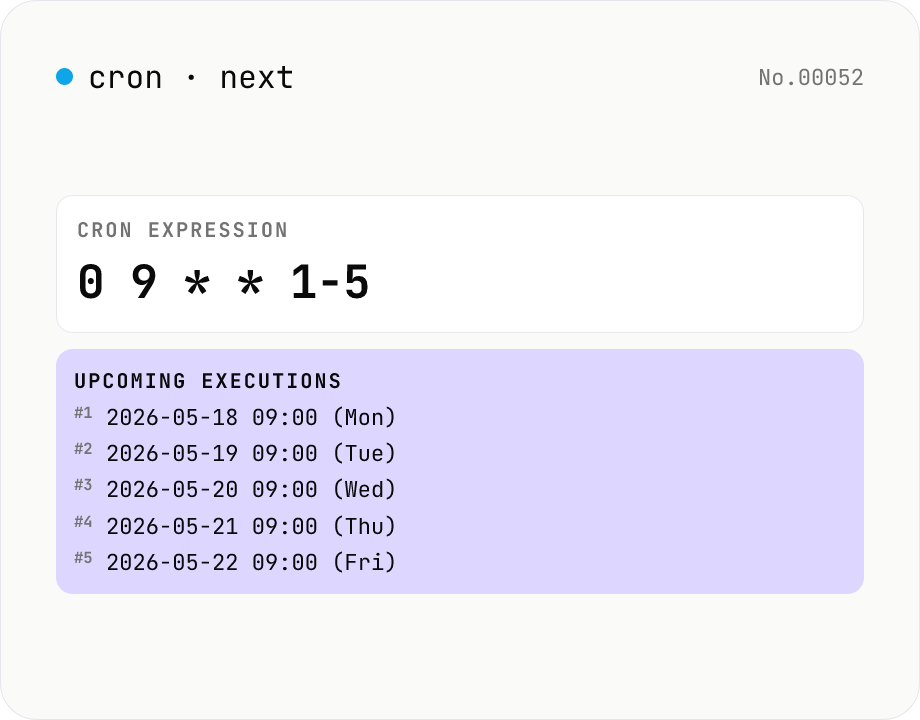
Cron next run time — 5-field crontab
List the next 10–100 firing times for a cron expression like `0 9 * * 1-5`. Validate your crontab / GitHub Actions / Kubernetes CronJob / Vercel Cron Jobs schedules before deploying. Powered by cron-parser running entirely in your browser.
developertime
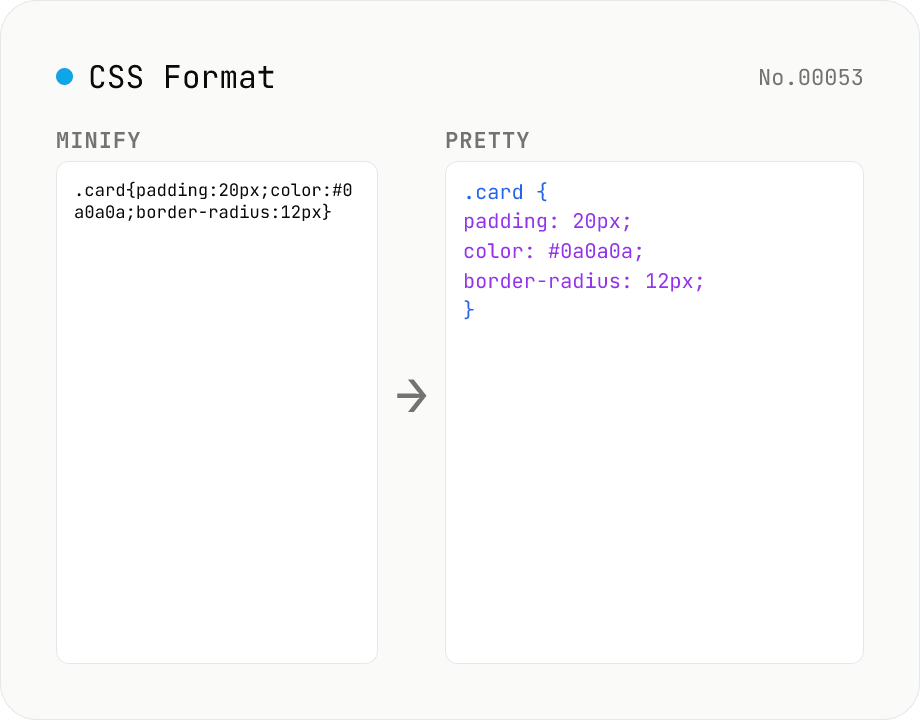
CSS Formatter — pretty / minify CSS in one click
Format CSS with two modes: pretty (indent 2/4/tabs, line breaks, one declaration per line) and minify (strip whitespace and line breaks). Built on css-tree (MIT) which parses any CSS into an AST and re-serializes it. Preserves @media / @supports / @keyframes / @font-face / @import at-rules, calc() / var() / custom properties (--var), vendor prefixes, and shorthands. Comments (`/* ... */`) are dropped by the css-tree parser. CSS-in-JS placeholders (`${expr}`) cannot be parsed — pass plain CSS only.
developerconversion
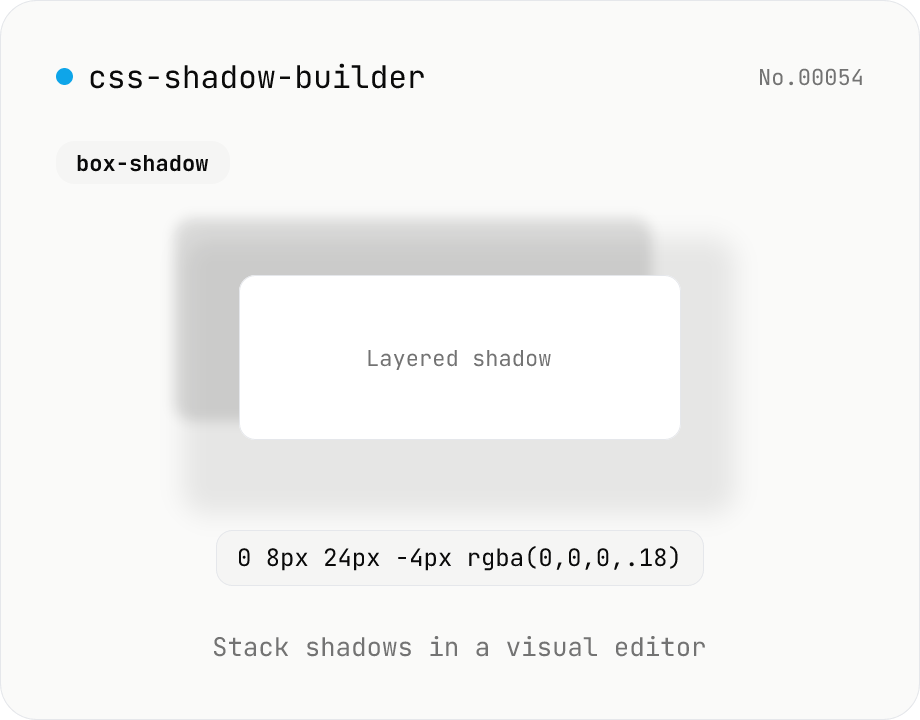
CSS shadow builder — visual GUI for box-shadow / text-shadow
Build CSS box-shadow and text-shadow visually. Toggle box / text mode and tune offset-x, offset-y, blur, spread (box only), color, and inset (box only) with sliders and number inputs. Stack multiple shadows for layered Material-style elevation, Neumorphism, text outlines, neon glows, and retro overlap — 9 presets to start. Live preview on a real div or real heading, plus a one-click copy as raw value or full CSS declaration. Pair with gradient-css for the full CSS-style trio. Runs entirely in your browser.
developergenerate
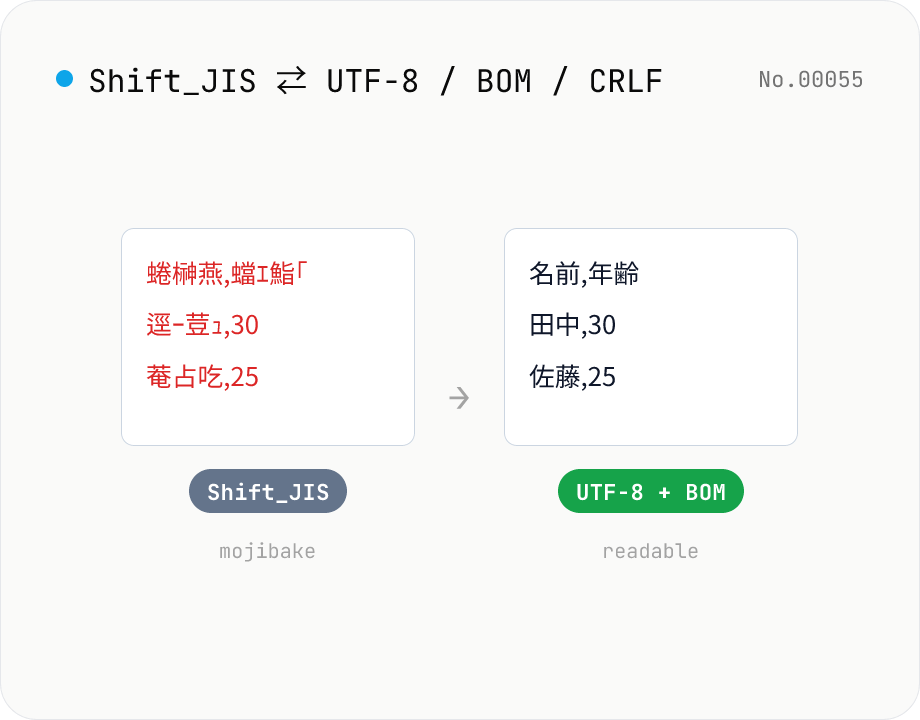
CSV / text encoding converter — Shift_JIS ↔ UTF-8 / BOM / newlines
Re-encode CSV and text files between Shift_JIS (CP932), UTF-8, UTF-16LE and EUC-JP — fix Excel's mojibake on UTF-8, hand UTF-8 text to legacy systems that need Shift_JIS, or add BOM so Excel reads UTF-8 correctly. Add / remove BOM, swap newlines (CRLF / LF / CR), and auto-detect the input encoding. Batch convert and grab the result as a ZIP. Files never leave your device — everything runs in the browser.
developertextconversion
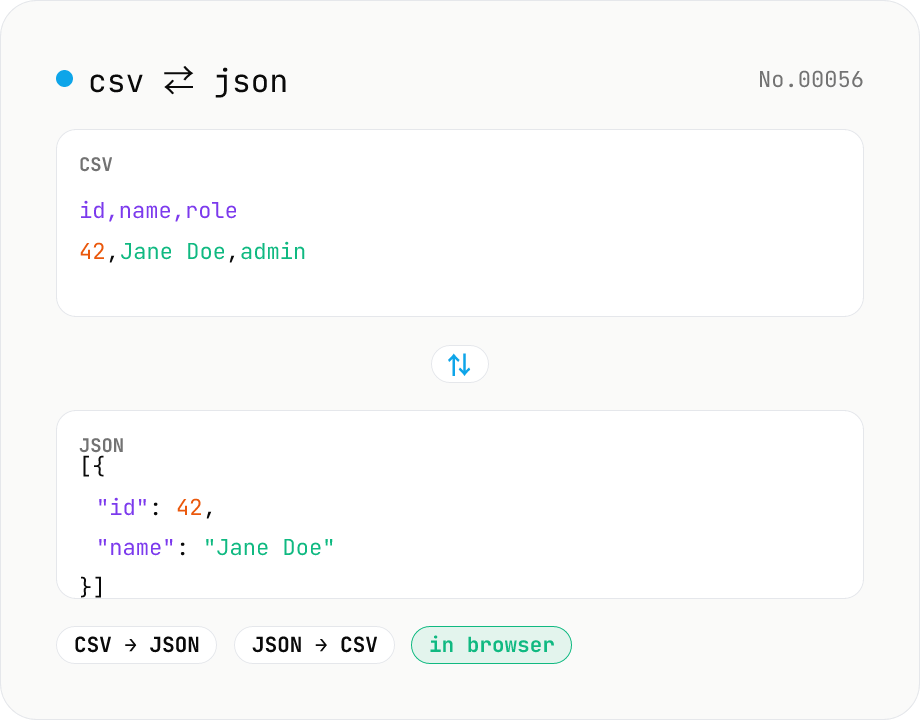
CSV ⇄ JSON converter — delimiter & header auto
Convert CSV to JSON or JSON to CSV in your browser. Pick the delimiter (comma / tab / semicolon), toggle the header row, and choose the JSON indent. Handles quoted fields with embedded commas, quotes, and newlines.
developerJSONconversion
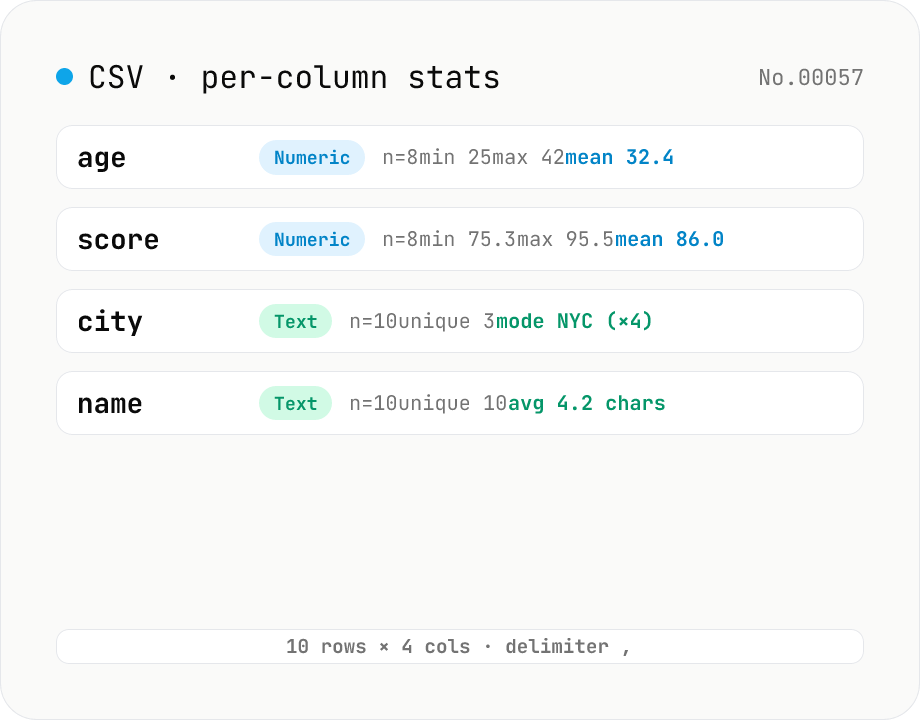
CSV stats — per-column count / unique / mean / median / stddev
Paste or drop a CSV and instantly see per-column row count, unique values, missing values, and inferred type. Numeric columns show min / max / mean / median / stddev / sum, text columns reveal the top mode and average length. RFC 4180-compliant parser (double-quote escapes), and the delimiter (comma / semicolon / tab / pipe) is auto-detected. Header row toggle plus empty / NULL / NA recognition as missing. Your raw data never leaves the browser.
developerextractcount
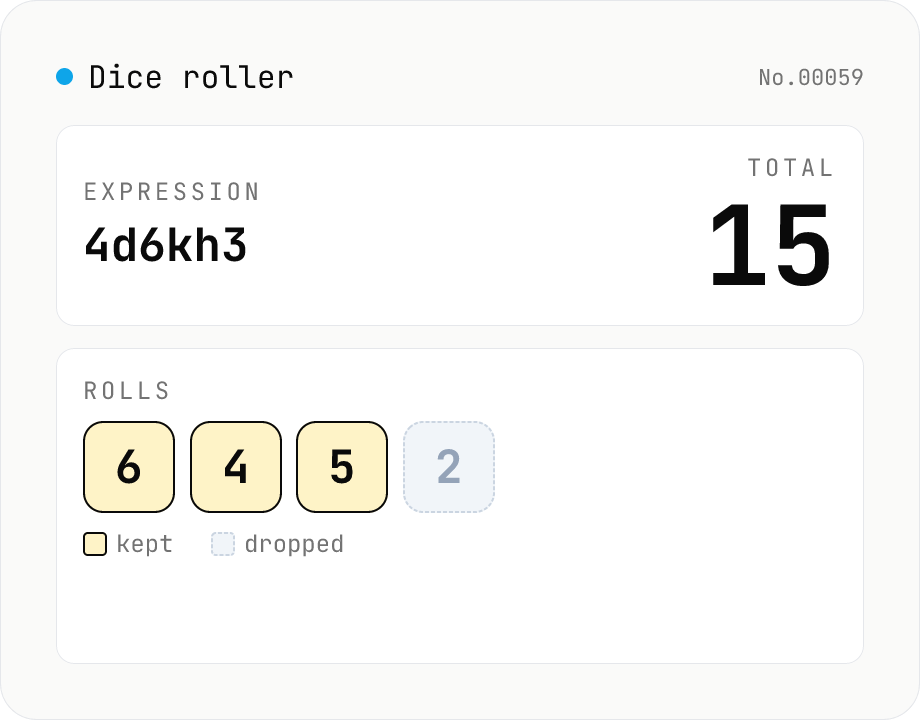
Dice roller — 2d6+3 / 4d6kh3 notation (Web Crypto, no server)
Roll TTRPG / board-game dice using familiar notation: 2d6+3, 1d20-2, 4d6kh3 (keep highest 3), 3d6+1d4-1, and more. Randomness uses the Web Crypto API (crypto.getRandomValues with rejection sampling) for an exactly uniform distribution. Comes with one-click presets (d4 / d6 / d8 / d10 / d12 / d20 / d100 / 3d6 / 4d6kh3, …) and an in-browser history of the last 20 rolls. Nothing is uploaded.
developergenerate
About this category
A catch-all category for developer utilities: convert between JSON / YAML / TOML / XML / CSV, format and diff structured data, encode and decode Base64 / URL / JWT / hashes, generate UUIDs / passwords / QR codes / Lorem Ipsum, test and explain regular expressions, format SQL and Markdown — all inside your browser.
Handy when you'd rather not switch to a CLI just to check an API response, migrate a config to another format, or safely decode a token you wouldn't want to paste into a random website.
What you can do
- Format, diff, and TypeScript-type an API JSON response
- Convert between YAML / JSON / TOML / XML
- Decode JWTs and verify signatures (the key stays local)
- Live-test and explain regular expressions
- Encode and decode Base64, URL, HTML, Punycode, etc.
- Safely generate UUIDs, passwords, QR codes, Lorem Ipsum
- Convert between color formats and check contrast
- Compute Cron next-run times, parse User-Agents, look up MIME types
Category FAQ
- Is JWT signature verification safe in the browser?
- Yes. Both the JWT body and the key stay local and are verified using browser APIs like SubtleCrypto. It is safe to use even with private keys.
- Which regex engine is used?
- The browser's built-in JavaScript regex engine (ECMAScript). Perl-compatible (PCRE) or POSIX extensions from other languages may not behave the same way.
- Does JSON diff work on large files?
- A few MB is comfortable. For larger files, it helps to narrow down the path first with something like jq.
- Does hash generation support older algorithms like SHA-1 or MD5?
- MD5, SHA-1, SHA-256, SHA-384, SHA-512 are supported. Older algorithms are kept for compatibility checks; for new security uses, prefer SHA-256 or stronger.