
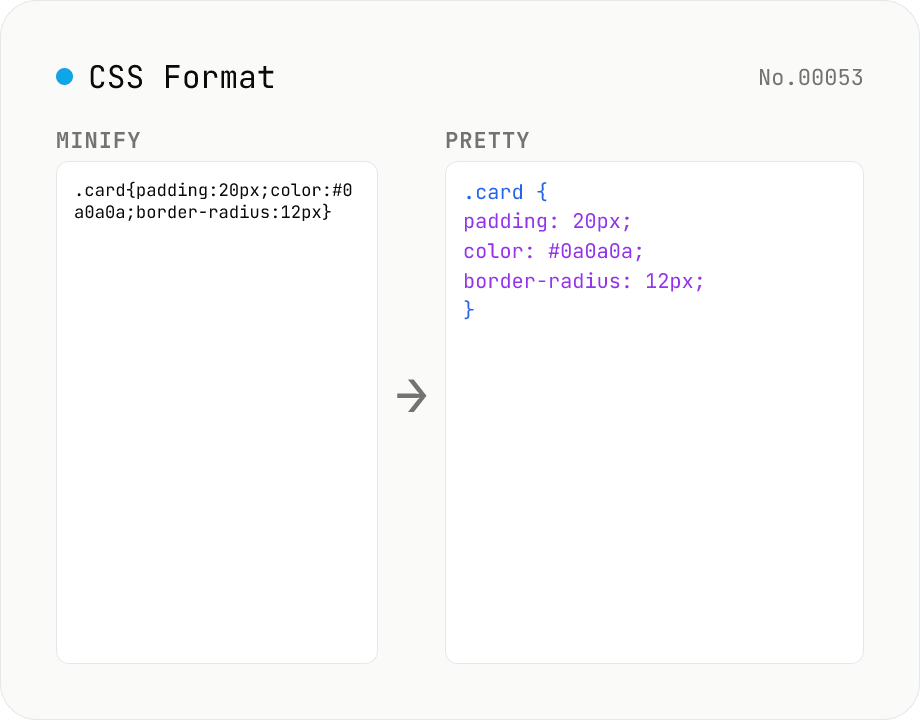
CSS Formatter — pretty / minify CSS in one click
Format CSS with two modes: pretty (indent 2/4/tabs, line breaks, one declaration per line) and minify (strip whitespace and line breaks). Built on css-tree (MIT) which parses any CSS into an AST and re-serializes it. Preserves @media / @supports / @keyframes / @font-face / @import at-rules, calc() / var() / custom properties (--var), vendor prefixes, and shorthands. Comments (`/* ... */`) are dropped by the css-tree parser. CSS-in-JS placeholders (`${expr}`) cannot be parsed — pass plain CSS only.
How to use
Pick a Mode, paste your CSS, then press Run. Pretty adds indentation (2 / 4 spaces / Tab) and one declaration per line. Minify strips whitespace and line breaks. Built on css-tree (MIT), so @media / @supports / @keyframes / @font-face / @import at-rules, calc() / var() / custom properties (--var), vendor prefixes, and shorthands are preserved. Comments (`/* ... */`) are dropped during parsing.
FAQ
- Does it support nested CSS (Sass / Less)?
- css-tree parses standard CSS (including the CSS Nesting Module supported in modern browsers as of 2024). Sass / Less / Stylus extensions (`$var`, mixins, the Sass parent selector `&`) are not understood — pass compiled CSS.
- Can I paste CSS-in-JS templates with ${expr}?
- No. css-tree expects valid CSS, so `${expr}` interpolation is a syntax error. Inline the values first.
- Are vendor prefixes preserved?
- Yes. Property prefixes like -webkit- / -moz- / -ms- and value prefixes like `display: -webkit-box` are preserved by the AST and round-trip cleanly.
- Are comments preserved?
- No. css-tree drops `/* ... */` comments at parse time, so the formatted output never contains them. If you need comment-preserving formatting, try a heavier tool like prettier or stylelint (this tool focuses on lightweight, browser-only formatting).
- Is my input uploaded?
- No. CSS is parsed and formatted entirely inside your browser. Nothing is sent to a server.
Related tools
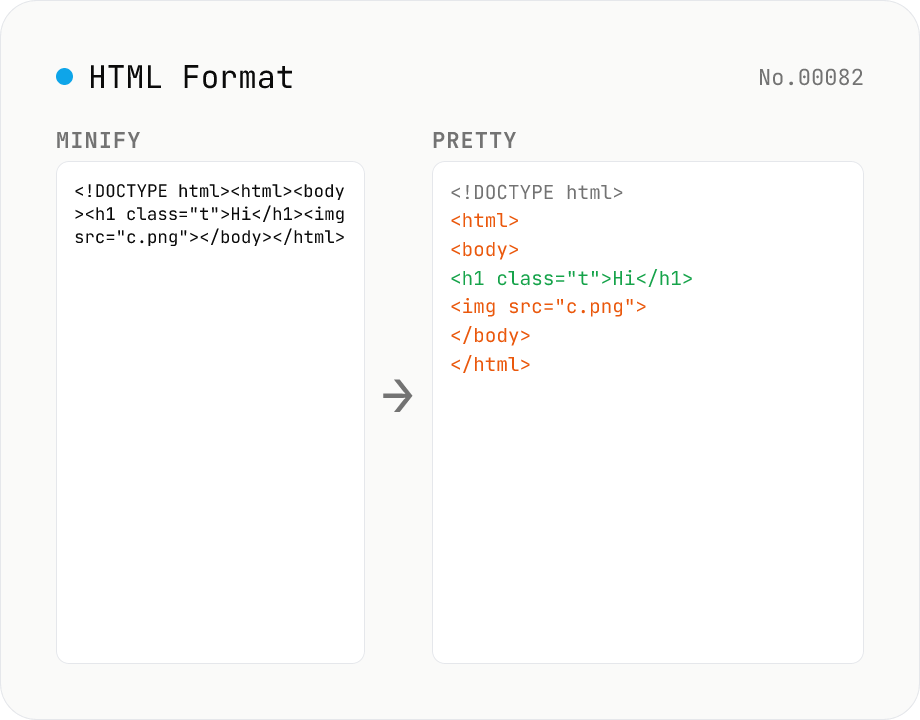
HTML Formatter — pretty / minify HTML in one click
Format HTML with two modes: pretty (indent 2/4/tabs, line breaks) and minify (collapse whitespace between tags into a single line). Built on htmlparser2 with a hand-rolled indenter that respects HTML5 void elements (`<br>` `<hr>` `<img>` `<input>` `<meta>` `<link>`...) and preserves content inside `<script>` / `<style>` / `<pre>` / `<textarea>`. Keeps DOCTYPE, comments, attribute order, and XML namespaces (`xmlns:*`). For XML use xml-format. For HTML → text use html-sanitize / markdown-html-convert. Runs entirely in your browser.
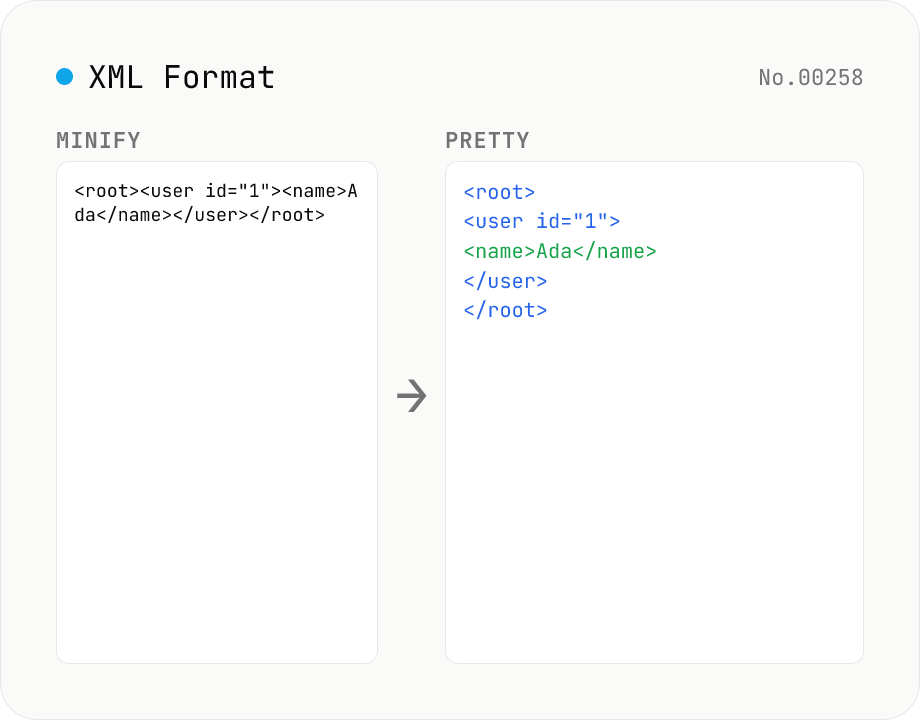
XML Formatter — pretty / minify XML in one click
Format XML with two modes: pretty (indent 2/4/tabs, line breaks, aligned attributes) and minify (strip whitespace into a single line). Built on fast-xml-parser with a hand-rolled indenter. Preserves CDATA, comments, processing instructions (`<?xml ... ?>`), DOCTYPE, self-closing tags, attribute order, and XML namespaces (xmlns:foo). For XML ↔ JSON, use xml-json-convert. For HTML, use a dedicated HTML formatter — XML parsers reject unclosed tags like HTML's `<br>`. Runs entirely in your browser.
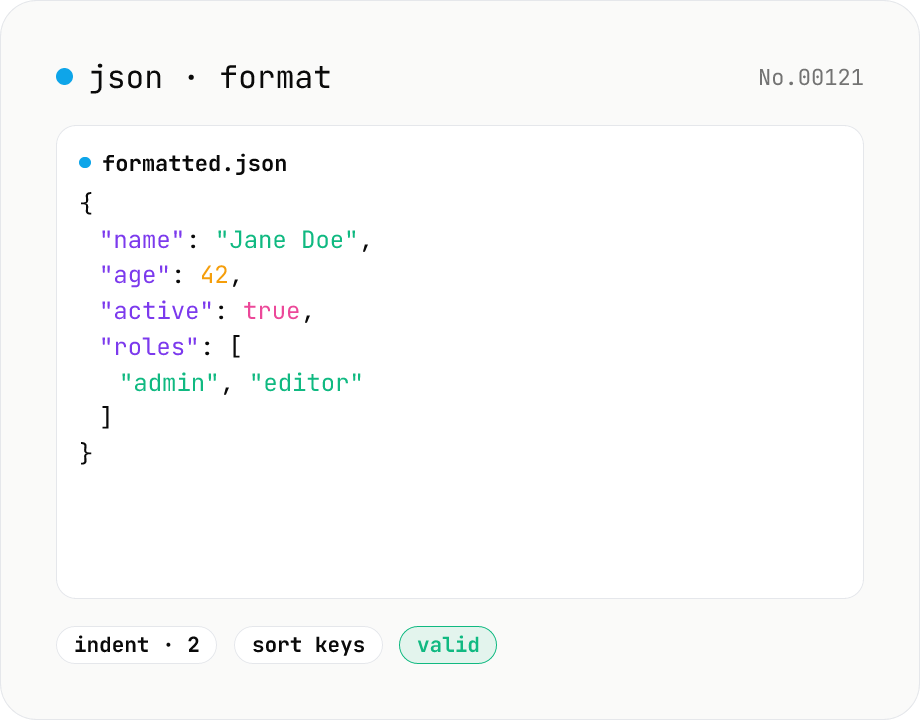
JSON format & validate — indent, minify, error pointer
Format, minify, and validate JSON entirely in your browser. Errors show the line and column. Your data never leaves your device.
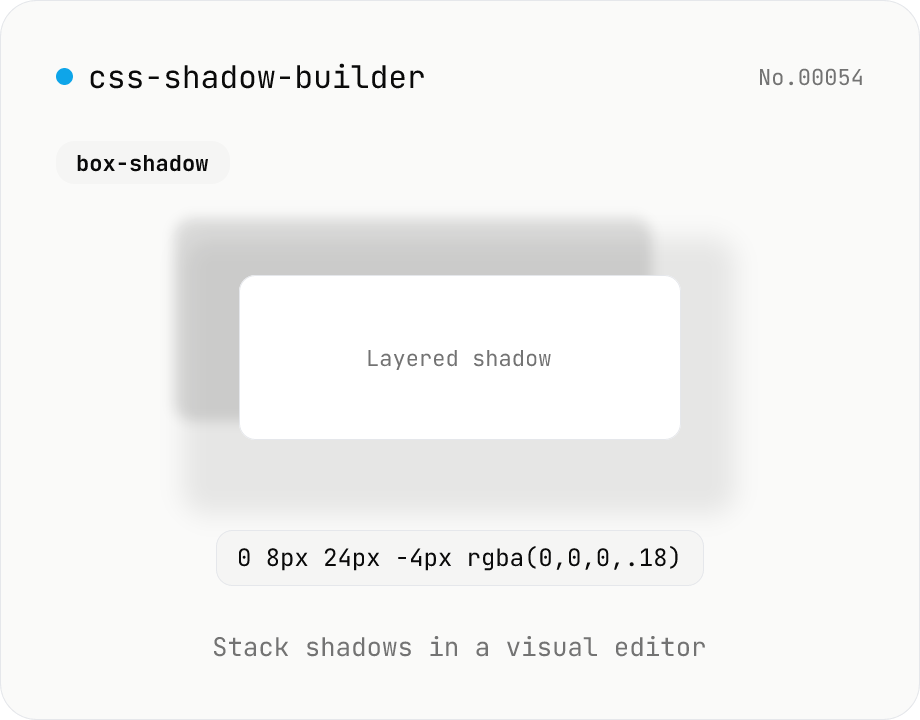
CSS shadow builder — visual GUI for box-shadow / text-shadow
Build CSS box-shadow and text-shadow visually. Toggle box / text mode and tune offset-x, offset-y, blur, spread (box only), color, and inset (box only) with sliders and number inputs. Stack multiple shadows for layered Material-style elevation, Neumorphism, text outlines, neon glows, and retro overlap — 9 presets to start. Live preview on a real div or real heading, plus a one-click copy as raw value or full CSS declaration. Pair with gradient-css for the full CSS-style trio. Runs entirely in your browser.