
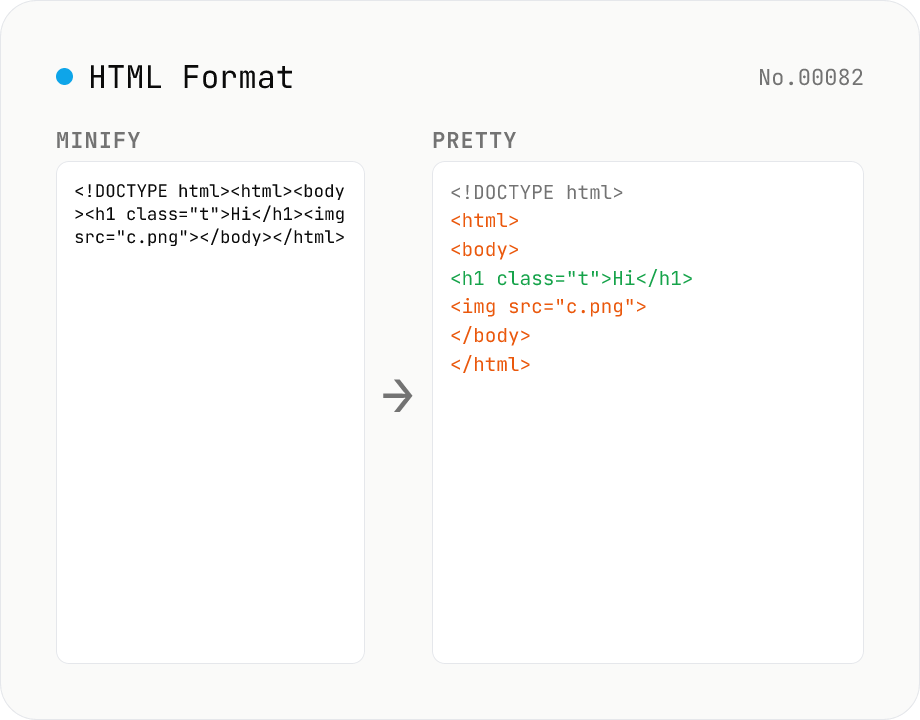
HTML Formatter — pretty / minify HTML in one click
Format HTML with two modes: pretty (indent 2/4/tabs, line breaks) and minify (collapse whitespace between tags into a single line). Built on htmlparser2 with a hand-rolled indenter that respects HTML5 void elements (`<br>` `<hr>` `<img>` `<input>` `<meta>` `<link>`...) and preserves content inside `<script>` / `<style>` / `<pre>` / `<textarea>`. Keeps DOCTYPE, comments, attribute order, and XML namespaces (`xmlns:*`). For XML use xml-format. For HTML → text use html-sanitize / markdown-html-convert. Runs entirely in your browser.
How to use
Pick a Mode, paste your HTML, then press Run. Pretty adds indentation (2 / 4 spaces / Tab) and line breaks for readability. Minify collapses whitespace between tags into a single line. Void elements (`<br>` `<hr>` `<img>` `<input>` `<meta>` `<link>`...) are emitted without closing tags, and content of `<script>` / `<style>` / `<pre>` / `<textarea>` is preserved verbatim. DOCTYPE declarations, comments, attribute order, and XML namespaces (`xmlns:*`) are kept as-is.
FAQ
- How is this different from XML formatting?
- HTML5 has void elements (`<br>` with no closing tag) and treats `<script>` / `<style>` content as raw text. This tool uses htmlparser2 and respects those rules. If you need strict XML, use xml-format instead.
- Are attribute quotes preserved?
- Output always uses double quotes (`"`) around attribute values. Differences between single quotes / unquoted / backtick input are lost in the output. Attribute order is kept.
- What happens with malformed HTML?
- htmlparser2 is lenient and will try to recover from unclosed tags and misnesting. The output reflects the corrected structure, not the literal input. For strict round-tripping, try xml-format.
- Is my input uploaded?
- No. HTML is parsed and formatted entirely inside your browser. Nothing is sent to a server.
Related tools
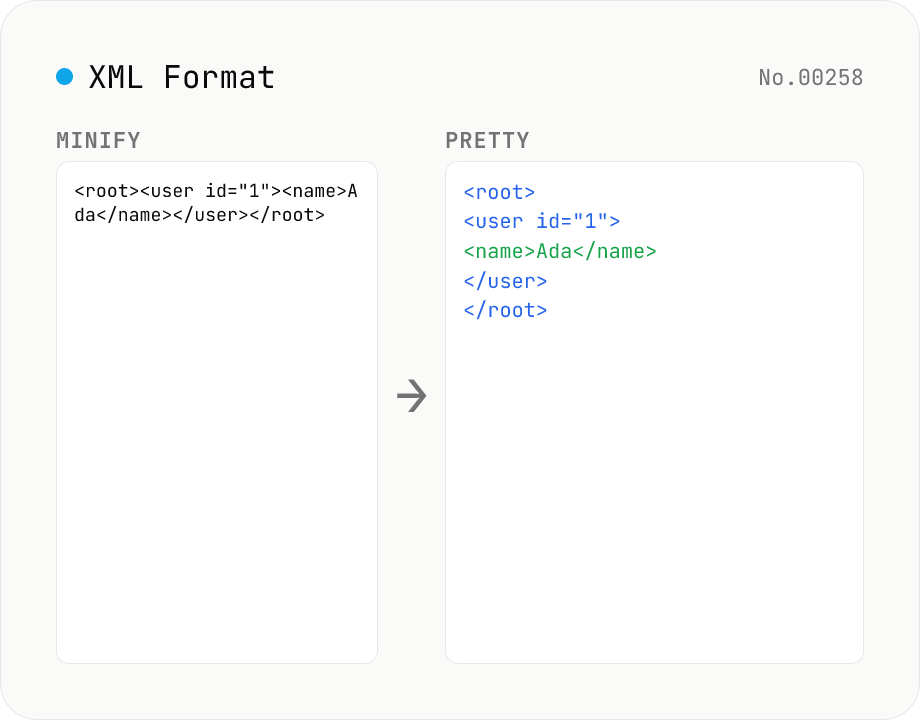
XML Formatter — pretty / minify XML in one click
Format XML with two modes: pretty (indent 2/4/tabs, line breaks, aligned attributes) and minify (strip whitespace into a single line). Built on fast-xml-parser with a hand-rolled indenter. Preserves CDATA, comments, processing instructions (`<?xml ... ?>`), DOCTYPE, self-closing tags, attribute order, and XML namespaces (xmlns:foo). For XML ↔ JSON, use xml-json-convert. For HTML, use a dedicated HTML formatter — XML parsers reject unclosed tags like HTML's `<br>`. Runs entirely in your browser.
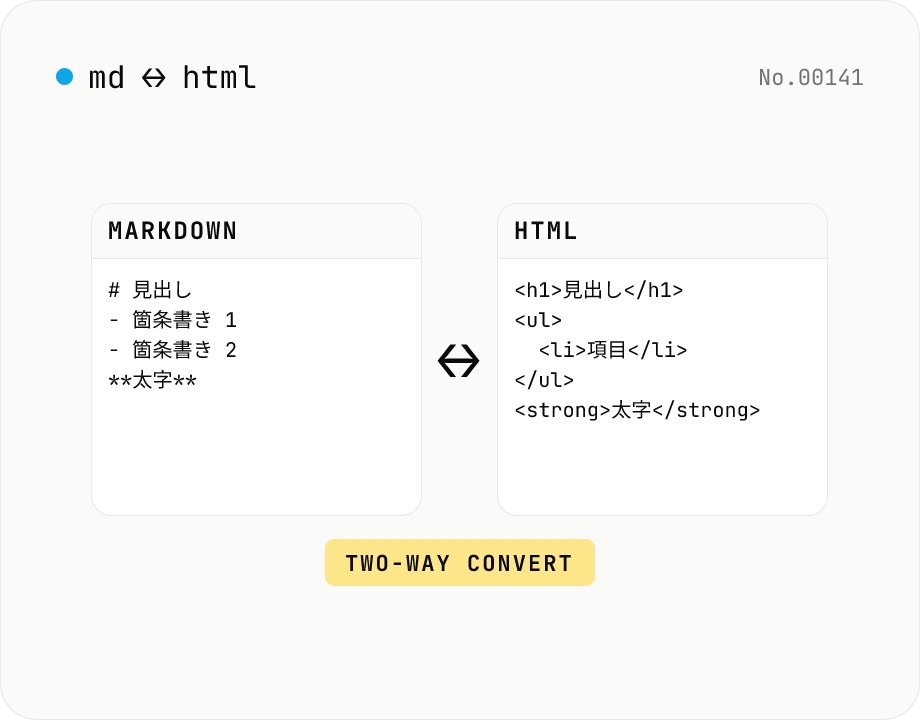
Markdown ⇄ HTML converter — round-trip
Convert Markdown to HTML and HTML to Markdown in both directions. Ideal for migrating between platforms (a blog into WordPress, an HTML page into a README, etc.). Runs entirely in your browser using marked and turndown — your drafts never leave the page.
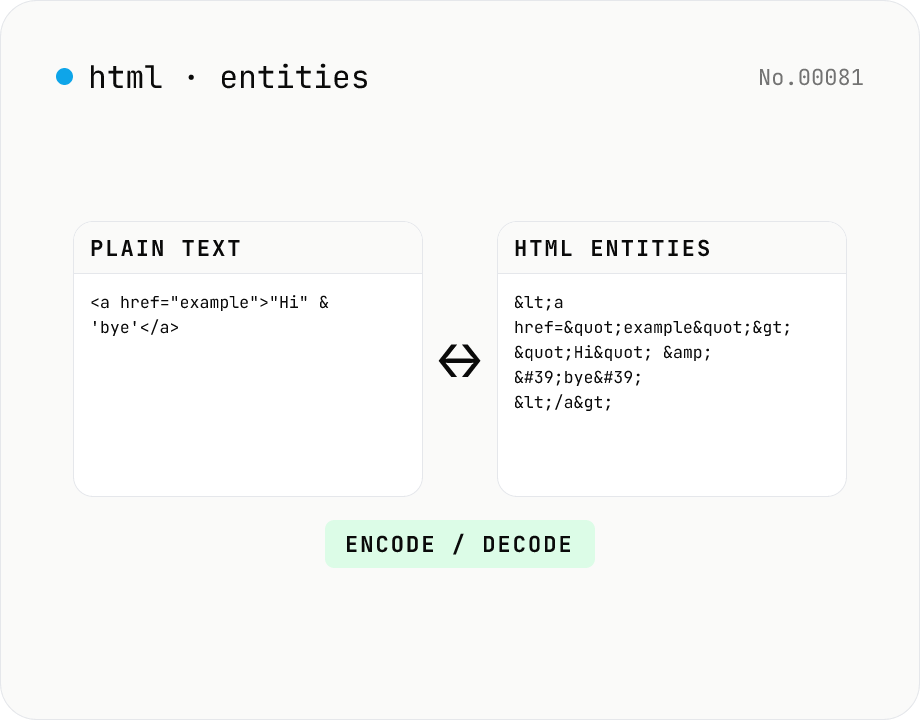
HTML entity encode / decode — &, <, > safely
Encode HTML special characters (< > & " ') into entities like &lt; and decode &amp; back into &. Toggle the direction in one click and optionally encode all non-ASCII characters as numeric references. Useful when pasting code samples into blogs, double-checking XSS escaping, or preparing HTML email bodies.
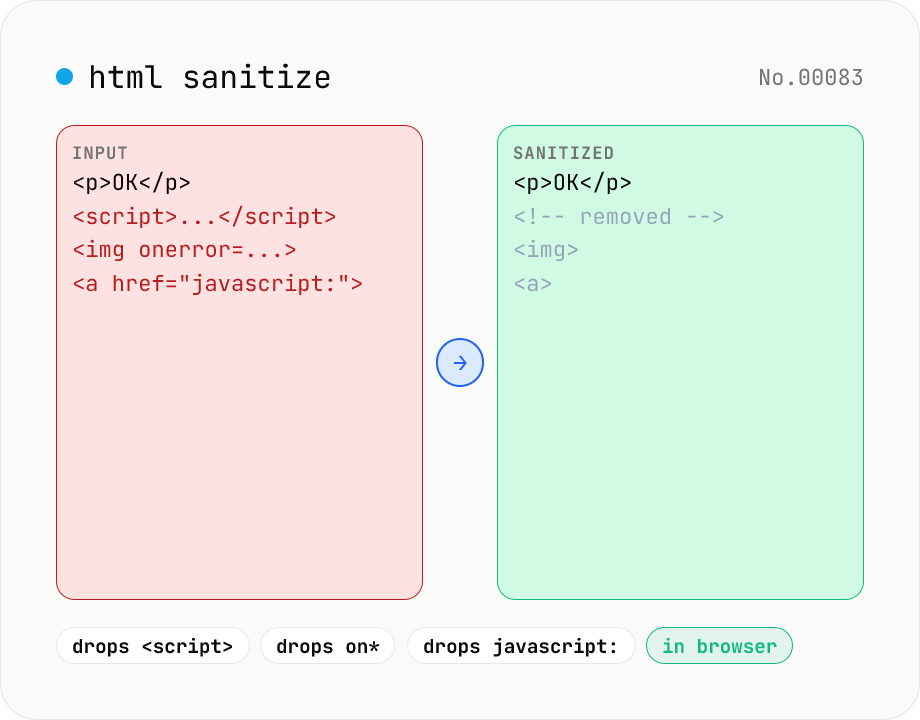
HTML sanitizer — strip XSS vectors with DOMPurify
Strip XSS vectors (script tags, on* handlers, javascript:/data: URLs, iframes, etc.) from untrusted HTML using DOMPurify. Three profiles — Strict / Standard / Permissive — control which tags and attributes survive. Useful before passing user-generated HTML to a CMS / forum, locking down Markdown→HTML output, or cleaning legacy HTML during a blog migration. Runs entirely in your browser — HTML never leaves your device.