
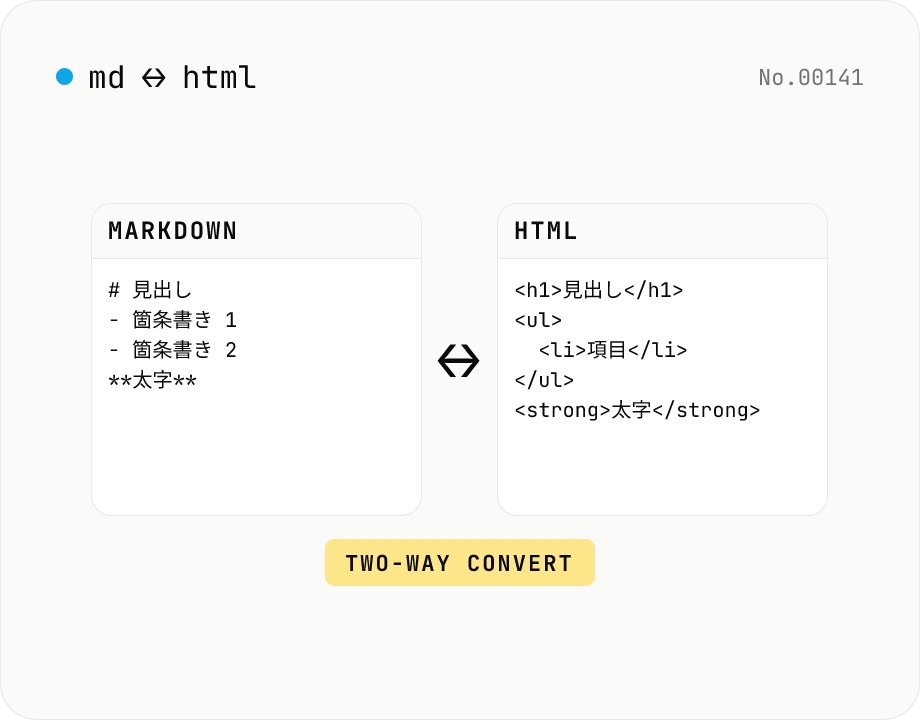
Markdown ⇄ HTML converter — round-trip
Convert Markdown to HTML and HTML to Markdown in both directions. Ideal for migrating between platforms (a blog into WordPress, an HTML page into a README, etc.). Runs entirely in your browser using marked and turndown — your drafts never leave the page.
How to use
Pick a direction (Markdown → HTML or HTML → Markdown), paste your text into the input box, and press Convert. Copy puts the result on the clipboard; Download saves it as a .html or .md file. Useful for migrating between blog platforms and CMSes, turning HTML pages into READMEs, and cleaning up Markdown that was pasted out of Notion. Switching mode is one click, so round-trip editing is easy.
FAQ
- Is my text uploaded?
- No. Markdown → HTML uses the marked library and HTML → Markdown uses turndown, both running inside your browser. Nothing is sent to a server.
- Is the Markdown GitHub Flavored?
- Yes. marked's default configuration enables GFM (tables, strikethrough, paragraph break handling, etc.).
- Can it convert every HTML document into Markdown?
- Most common HTML elements (headings, paragraphs, lists, tables, code blocks, blockquotes, links, images, etc.) translate cleanly. Elements that Markdown can't express (style attributes, custom tags, <script>, etc.) are stripped or ignored.
- Why is this separate from markdown-preview?
- markdown-preview shows what your Markdown will render as. This tool helps you migrate content between formats. The two have different layouts and intents — preview wants a split rendered view, conversion wants source-to-source and a direction toggle — so they're kept as separate tools.
Related tools
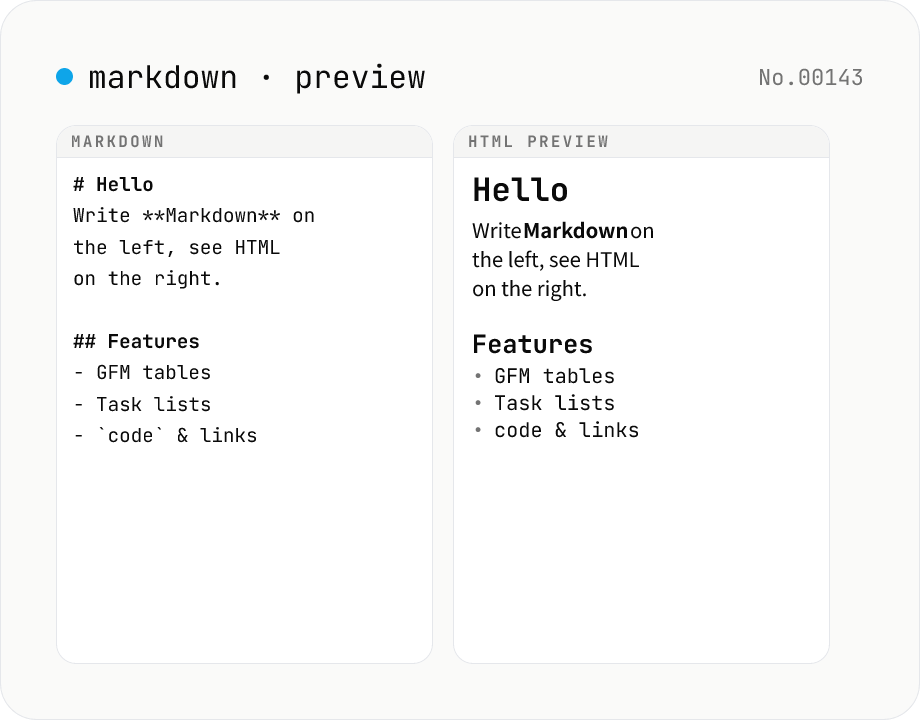
Markdown preview — live rendering of GFM
Type Markdown on the left and see the rendered HTML on the right in real time. Supports GFM (tables, task lists, autolinks) and single-newline → <br>. Copy or download the rendered HTML. Everything runs locally in your browser.
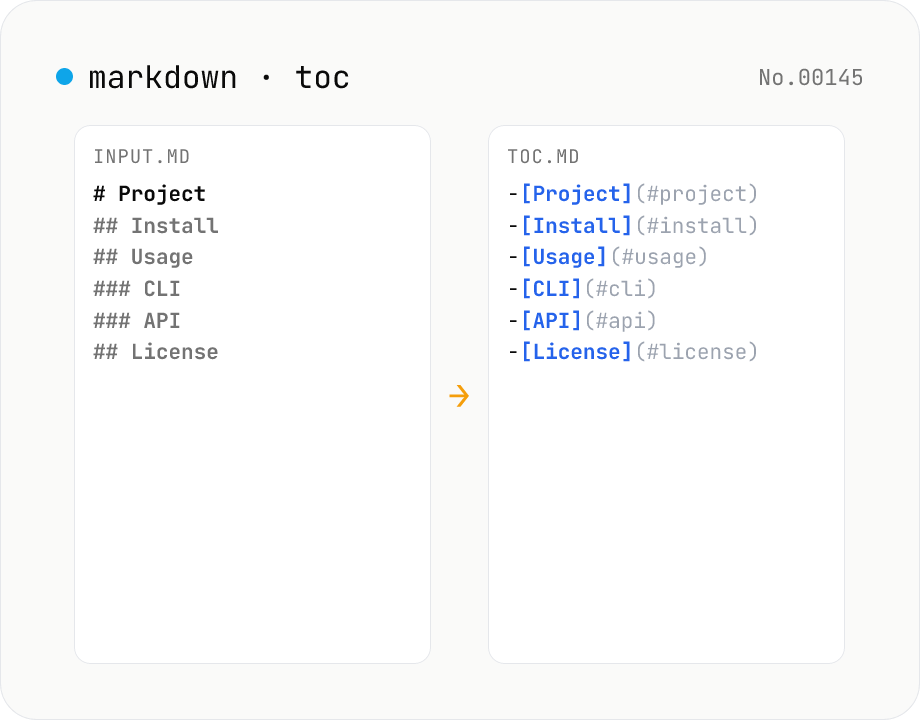
Markdown TOC — extract anchors from headings
Scan Markdown headings (#, ##, …) and emit a table of contents with GitHub-style anchor links. Toggle between nested and flat list, change the maximum heading level, and choose whether to include H1. Headings inside fenced code blocks are skipped automatically. Copy the Markdown or save as .md and paste it anywhere. Runs entirely in your browser.
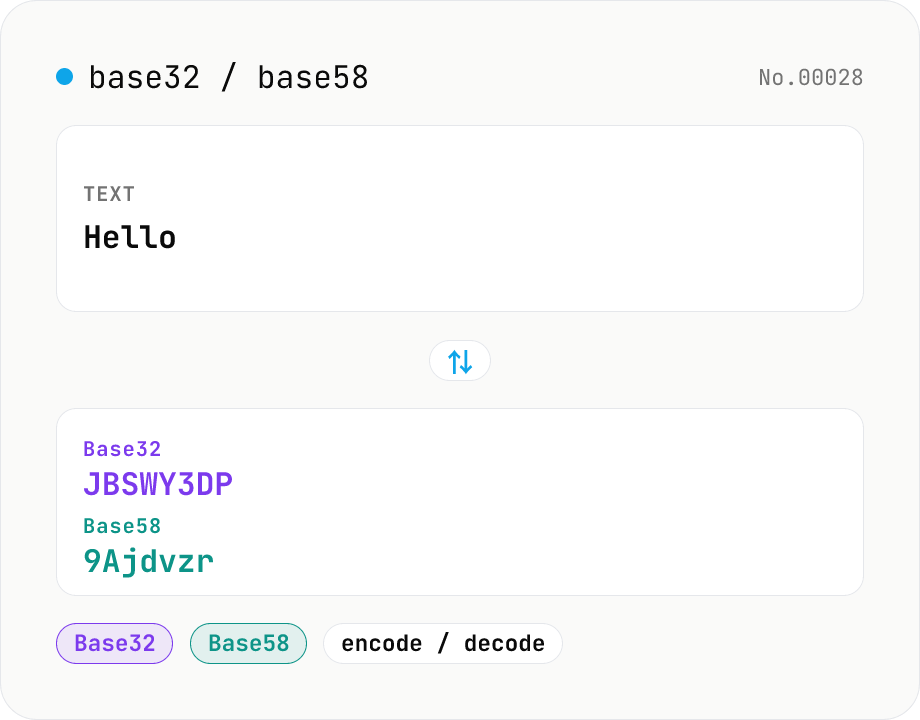
Base32 / Base58 encode & decode
Convert text to and from Base32 (RFC 4648 / TOTP 2FA secrets) and Base58 (Bitcoin addresses). Switch the variant (Base32 / Base58) and direction (encode / decode). UTF-8 byte based, so Japanese and emoji round-trip. Runs entirely in your browser.
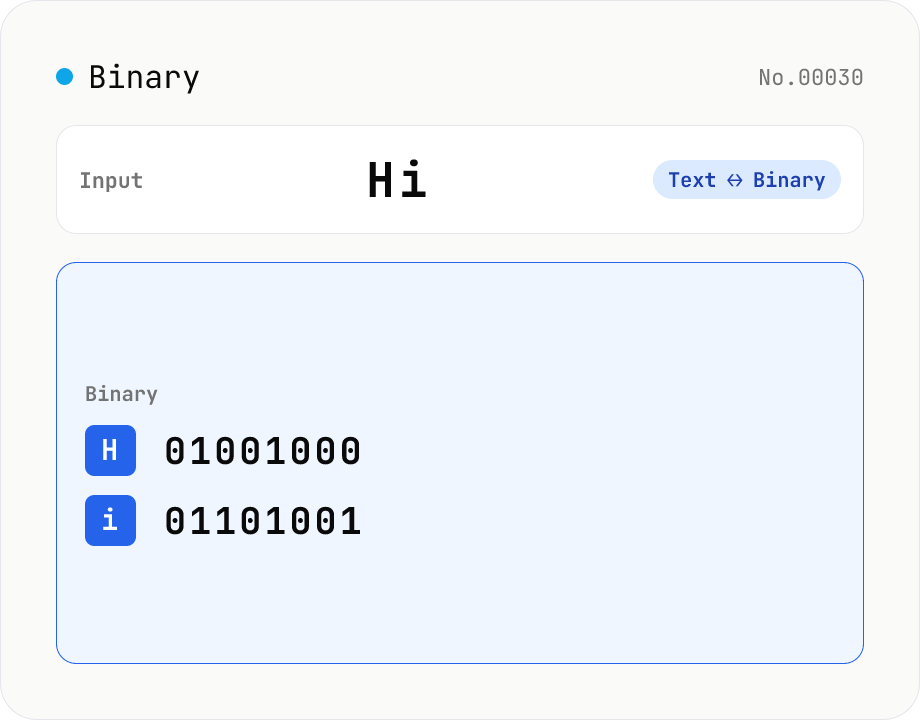
Text ⇄ Binary Converter
Convert between text and binary. Pick a mode (text → binary or binary → text). Text is encoded to UTF-8 bytes and each byte is shown as a zero-padded 8-bit binary number (emoji and non-Latin text convert correctly as multiple bytes). Toggle space separators via an option; on decode, spaces and newlines are ignored and the input is regrouped into 8-bit bytes. Everything runs in your browser — your input is never uploaded.