
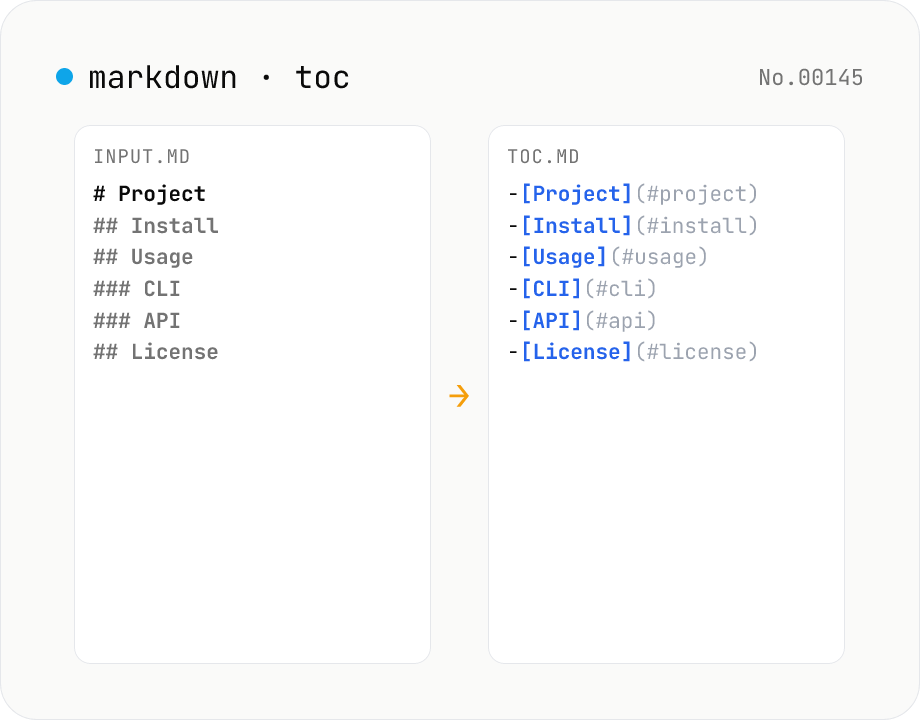
Markdown TOC — extract anchors from headings
Scan Markdown headings (#, ##, …) and emit a table of contents with GitHub-style anchor links. Toggle between nested and flat list, change the maximum heading level, and choose whether to include H1. Headings inside fenced code blocks are skipped automatically. Copy the Markdown or save as .md and paste it anywhere. Runs entirely in your browser.
How to use
Pick a list style (nested / flat), paste your Markdown, and press Generate TOC. The tool walks the document, picks up ATX-style headings (`# foo`, `## bar`, …), and emits Markdown links with GitHub-style anchors. Use the options to set the max heading level and decide whether to include H1. Lines starting with `#` inside fenced code blocks (```…```) are ignored automatically. Copy the result as Markdown or save as a .md file and paste it into your README / docs.
FAQ
- Is my Markdown uploaded?
- No. All parsing happens in browser JavaScript. Safe for internal docs and drafts.
- How are anchor links generated?
- Close to GitHub's slug rules: lowercased, spaces → hyphens, anything outside alphanumerics / hyphen / underscore / non-ASCII letters dropped. Example: 'API リファレンス' → '#api-リファレンス'. When the same heading appears multiple times, suffixes -1, -2, … are appended to disambiguate.
- Are Setext-style headings (Heading\n=====) supported?
- Not in this version — ATX only (`# Heading`). Convert Setext headings to ATX before pasting.
- How are `#` lines inside code fences treated?
- Anything inside ``` or ~~~ fences is skipped, so shell-style comments and Markdown headings written for documentation purposes don't leak into the TOC. Indented code blocks (4 spaces) aren't detected, so a `#` at the start of an indented line is still parsed as a heading.
- Include H1 or not?
- If the page title is rendered separately (GitHub README, Notion, blog), leaving H1 out keeps the TOC clean. For long static sites that use H1 as a body section, include it. Default is off.
- The anchor doesn't work on the real page
- GitHub, Notion, Qiita, etc. each have slightly different slug generators. Inspect the rendered `<h2 id="...">` on the target site and adjust manually if needed.
Related tools
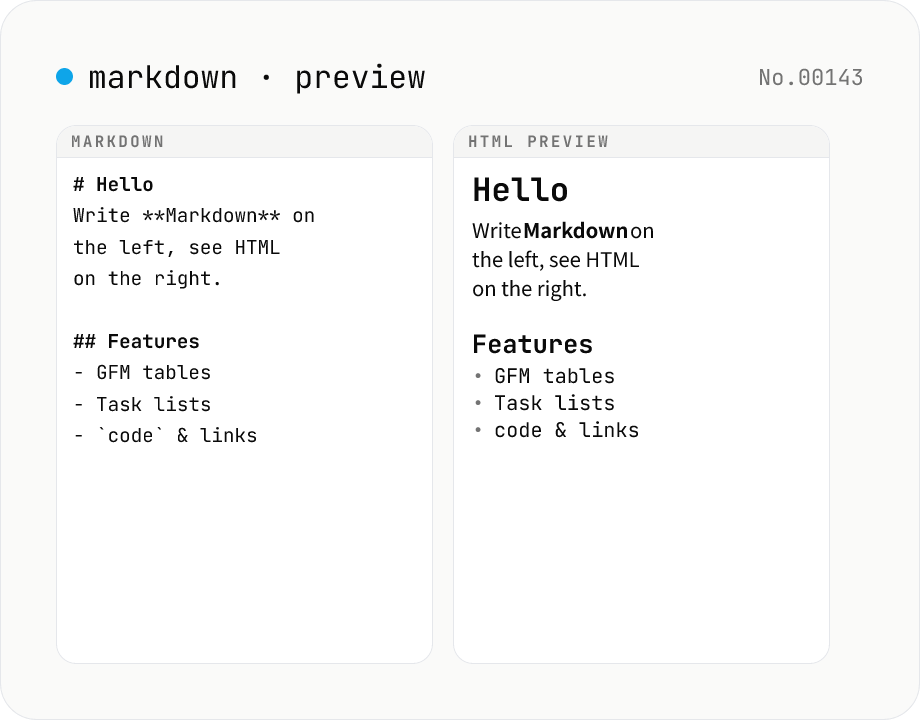
Markdown preview — live rendering of GFM
Type Markdown on the left and see the rendered HTML on the right in real time. Supports GFM (tables, task lists, autolinks) and single-newline → <br>. Copy or download the rendered HTML. Everything runs locally in your browser.
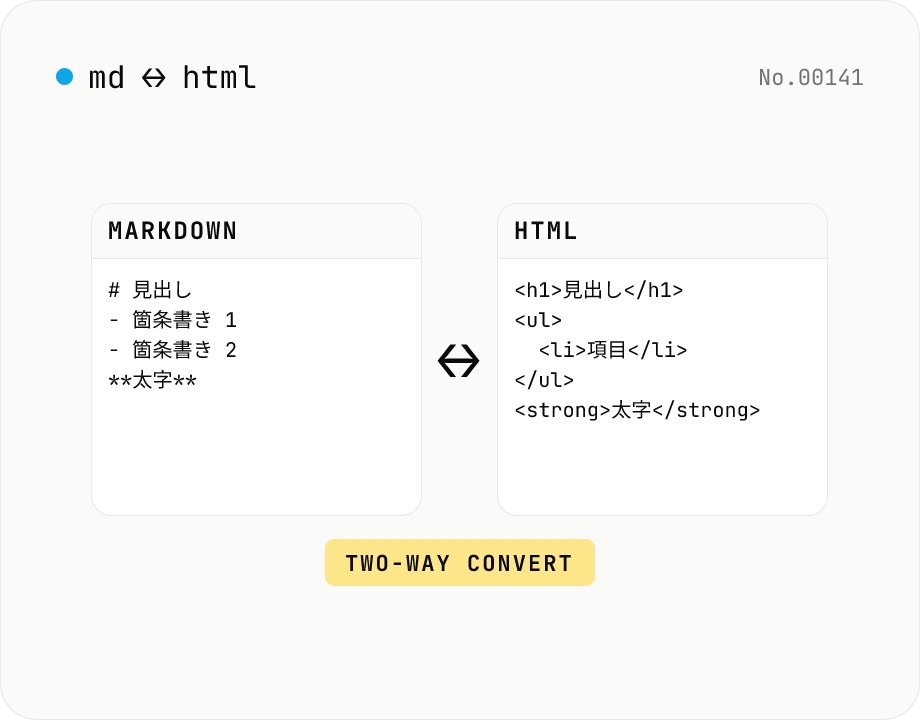
Markdown ⇄ HTML converter — round-trip
Convert Markdown to HTML and HTML to Markdown in both directions. Ideal for migrating between platforms (a blog into WordPress, an HTML page into a README, etc.). Runs entirely in your browser using marked and turndown — your drafts never leave the page.
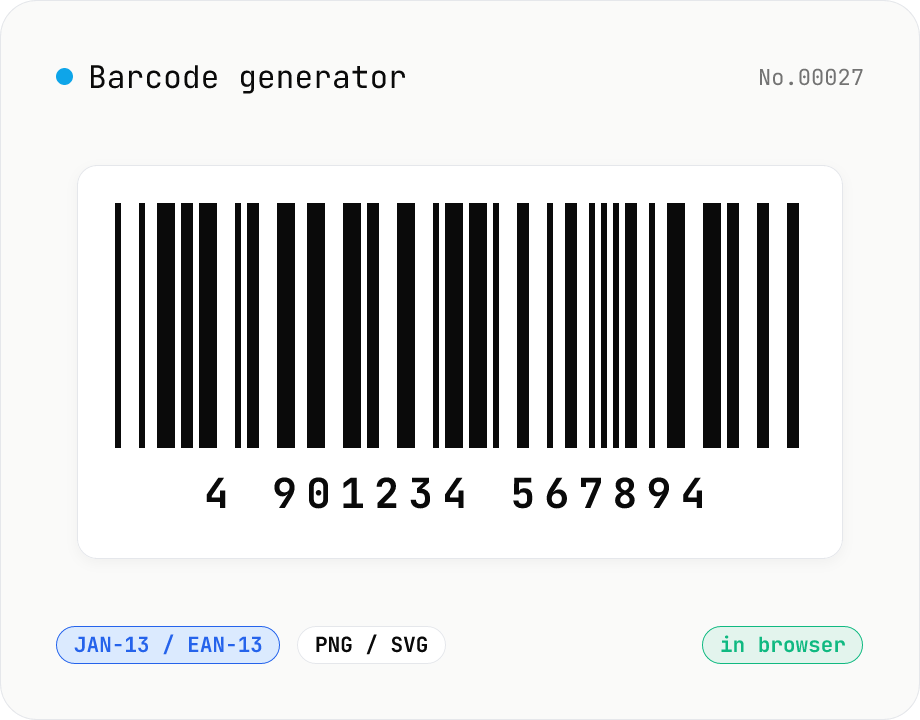
Barcode generator — JAN / EAN / UPC / CODE128 / CODE39
Turn numbers or text into 1D barcodes (JAN-13 / EAN-13, JAN-8 / EAN-8, UPC-A, CODE128, CODE39, ITF, Codabar/NW-7, MSI) and export them as PNG or SVG. Fine-tune bar width, height, colors, margin, and whether the human-readable value is printed below. Check digits are validated automatically. Everything is generated inside your browser — the value you enter never leaves your device.
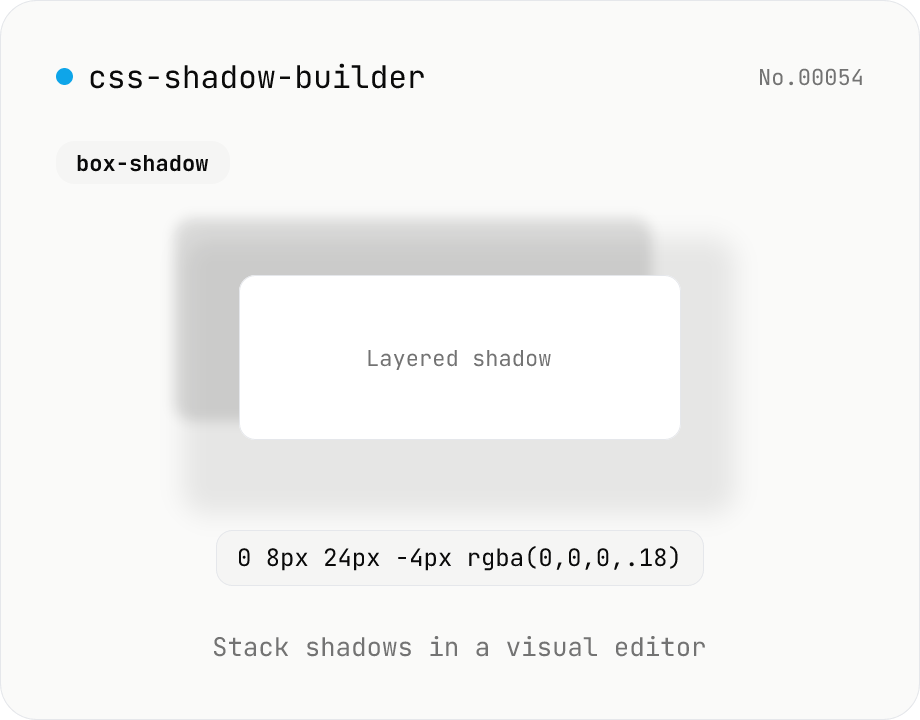
CSS shadow builder — visual GUI for box-shadow / text-shadow
Build CSS box-shadow and text-shadow visually. Toggle box / text mode and tune offset-x, offset-y, blur, spread (box only), color, and inset (box only) with sliders and number inputs. Stack multiple shadows for layered Material-style elevation, Neumorphism, text outlines, neon glows, and retro overlap — 9 presets to start. Live preview on a real div or real heading, plus a one-click copy as raw value or full CSS declaration. Pair with gradient-css for the full CSS-style trio. Runs entirely in your browser.