
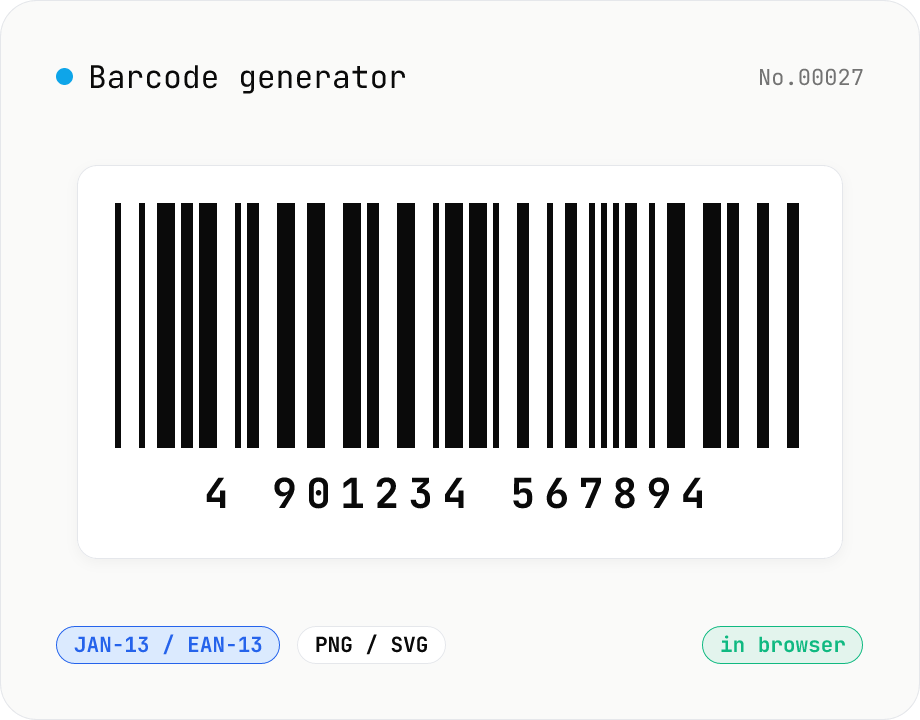
Barcode generator — JAN / EAN / UPC / CODE128 / CODE39
Turn numbers or text into 1D barcodes (JAN-13 / EAN-13, JAN-8 / EAN-8, UPC-A, CODE128, CODE39, ITF, Codabar/NW-7, MSI) and export them as PNG or SVG. Fine-tune bar width, height, colors, margin, and whether the human-readable value is printed below. Check digits are validated automatically. Everything is generated inside your browser — the value you enter never leaves your device.
How to use
Pick a barcode type at the top (JAN-13 / EAN-13, JAN-8 / EAN-8, UPC-A, CODE128, CODE39, ITF, Codabar/NW-7, MSI). The sample, placeholder and digit-count hint in the input field change to match your choice. As you type, the barcode refreshes automatically. Tune the output format (PNG / SVG), bar width, height, colors, background, margin, and whether the value is printed below. For check-digit formats (JAN / EAN / UPC), enter the value without the check digit (12 / 7 / 11 digits) and it is computed and appended for you. Export the result as PNG / SVG or copy it straight to the clipboard.
FAQ
- Is the value I enter uploaded to a server?
- No. Encoding and rendering are done entirely in your browser by the jsbarcode (npm) library. No network traffic is generated.
- What's the difference between JAN and EAN?
- JAN (Japanese Article Number) is the domestic name for what is internationally the EAN (International Article Number) standard — they are identical. There is a 13-digit standard type (JAN-13 / EAN-13) and an 8-digit short type for small items (JAN-8 / EAN-8). The leading 45 / 49 prefix is the country code assigned to Japan.
- Do I have to compute the check digit myself?
- No. Enter 12 digits for JAN-13 / EAN-13, 7 digits for JAN-8 / EAN-8, or 11 digits for UPC-A and the final check digit is computed and appended automatically. If you enter the full length already including a check digit, it is validated instead.
- Which type should I choose?
- For retail products use JAN-13 / EAN-13 (or UPC-A for North America); for internal labels and free-form strings use CODE128; for legacy industrial / FA settings use CODE39; for shipping cartons use ITF; for courier slips use Codabar (NW-7). Each type shows a usage hint below the selector.
- PNG vs SVG — which should I use?
- PNG is convenient for label printing and pasting as an image. SVG is vector, so it stays crisp at any size and is ideal when the label size varies or when you re-edit in Illustrator / Inkscape. For printing, keep a generous bar width (2px or more) and margin so the bars don't smear.
- Can I use the generated barcode commercially?
- Generating the image itself is free to use. However, to actually distribute a product under a JAN / EAN / UPC code you must obtain a company prefix from GS1 (GS1 Japan / DSRI in Japan). A made-up JAN can collide with other companies' products at retail POS, so keep arbitrary numbers to internal use only.
Related tools
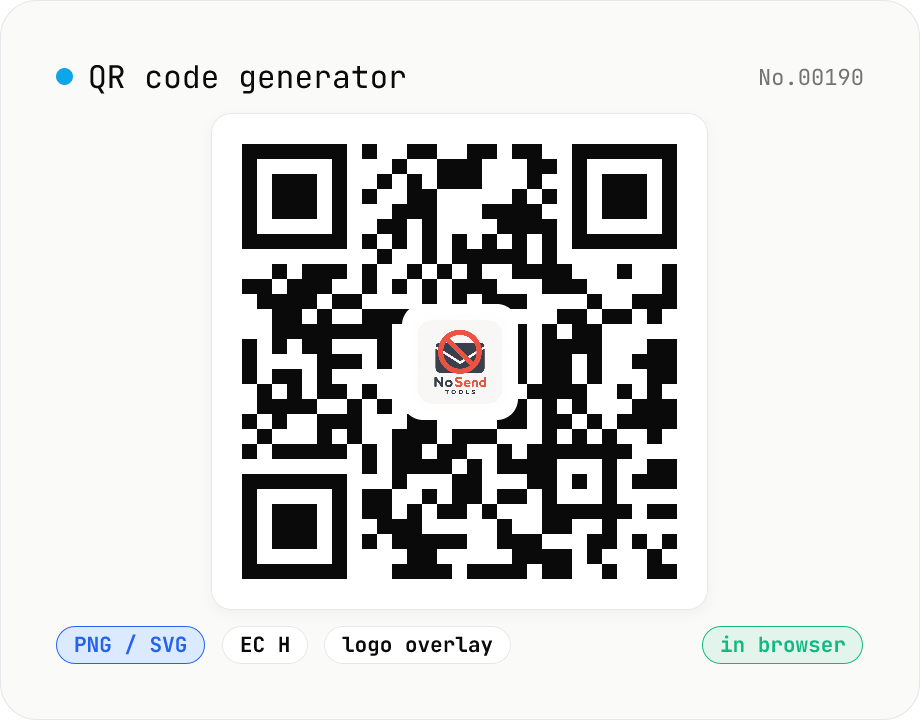
QR code generator — text / URL / with logo
Convert text or URLs into QR codes (PNG / SVG). Fine-tune size, error correction level, foreground / background colors, and optionally overlay a logo (PNG / JPG / SVG) in the center. Use error correction H when adding a logo. Generation and image compositing run entirely inside your browser — neither the input text nor your uploaded logo ever leaves your device.
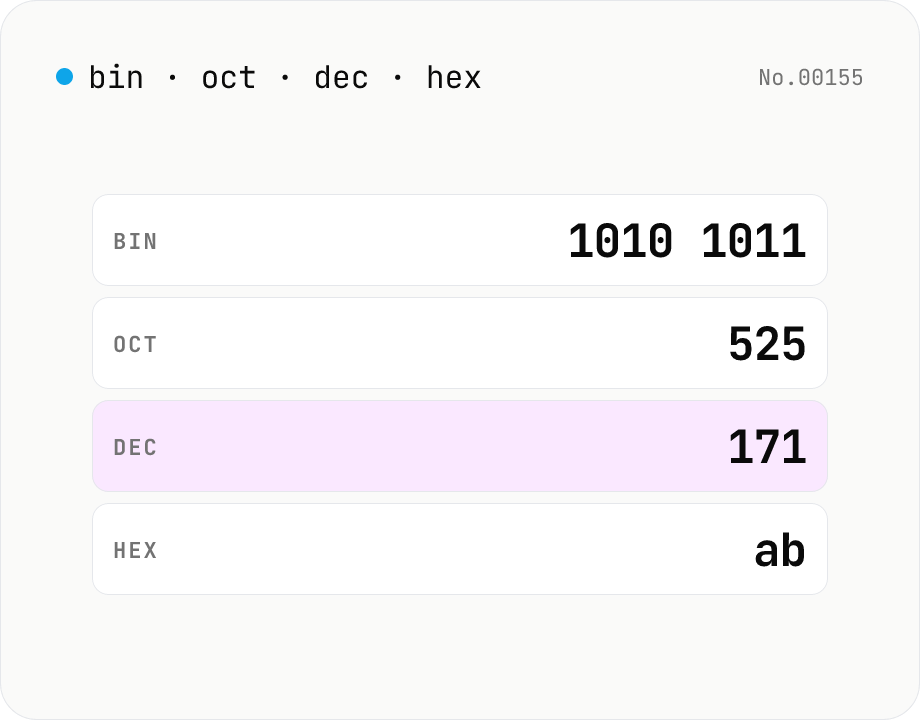
Number base — bin / oct / dec / hex
Convert between binary, octal, decimal, and hexadecimal in one step. Toggle the input base (Mode) and the other three are computed instantly. Optional 0b / 0o / 0x prefixes and 4-digit grouping. Powered by BigInt for full precision, all inside your browser.
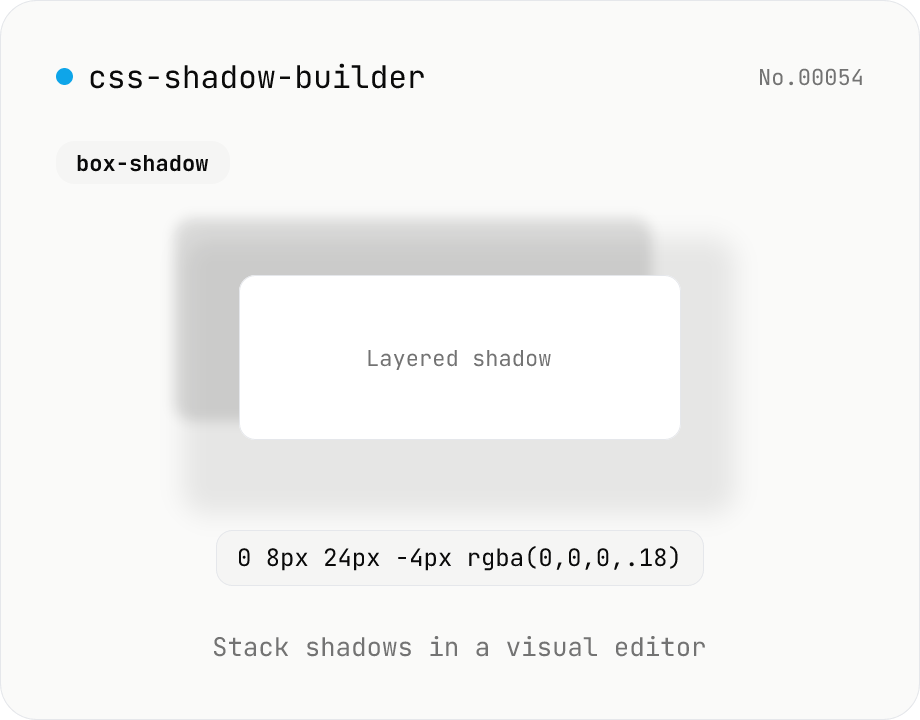
CSS shadow builder — visual GUI for box-shadow / text-shadow
Build CSS box-shadow and text-shadow visually. Toggle box / text mode and tune offset-x, offset-y, blur, spread (box only), color, and inset (box only) with sliders and number inputs. Stack multiple shadows for layered Material-style elevation, Neumorphism, text outlines, neon glows, and retro overlap — 9 presets to start. Live preview on a real div or real heading, plus a one-click copy as raw value or full CSS declaration. Pair with gradient-css for the full CSS-style trio. Runs entirely in your browser.
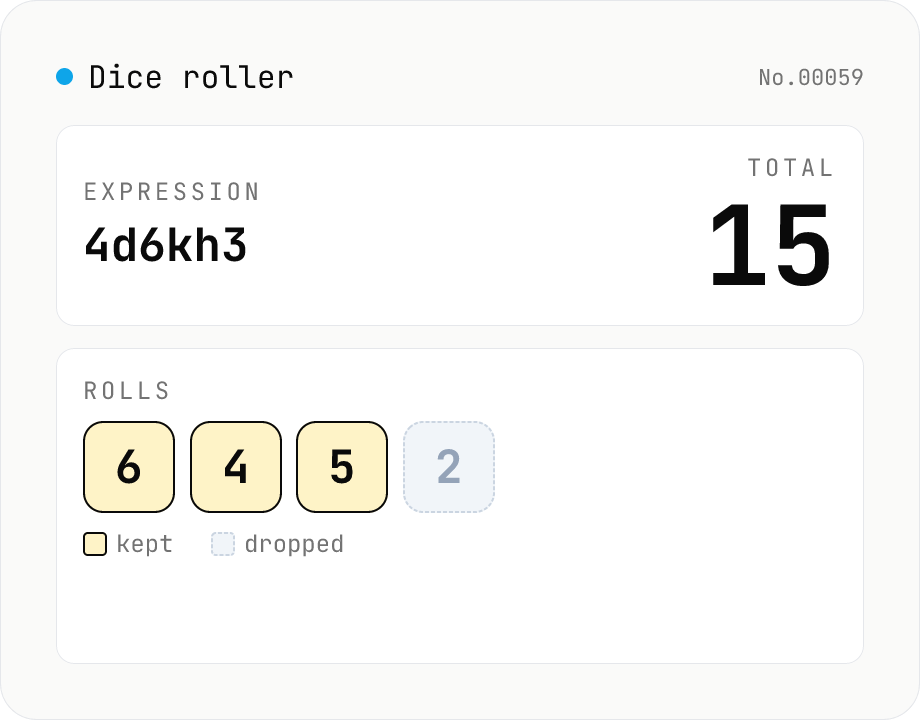
Dice roller — 2d6+3 / 4d6kh3 notation (Web Crypto, no server)
Roll TTRPG / board-game dice using familiar notation: 2d6+3, 1d20-2, 4d6kh3 (keep highest 3), 3d6+1d4-1, and more. Randomness uses the Web Crypto API (crypto.getRandomValues with rejection sampling) for an exactly uniform distribution. Comes with one-click presets (d4 / d6 / d8 / d10 / d12 / d20 / d100 / 3d6 / 4d6kh3, …) and an in-browser history of the last 20 rolls. Nothing is uploaded.