
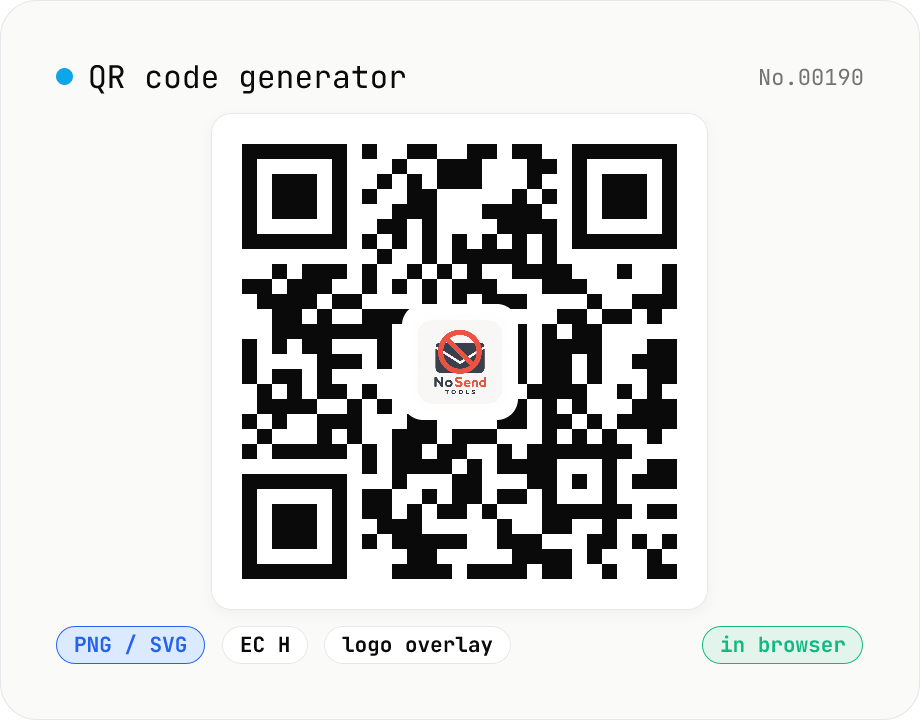
QR code generator — text / URL / with logo
Convert text or URLs into QR codes (PNG / SVG). Fine-tune size, error correction level, foreground / background colors, and optionally overlay a logo (PNG / JPG / SVG) in the center. Use error correction H when adding a logo. Generation and image compositing run entirely inside your browser — neither the input text nor your uploaded logo ever leaves your device.
How to use
Start typing a text or URL — the QR refreshes automatically while you type. Tune the output format (PNG / SVG), error-correction level (L / M / Q / H), size, margin, foreground / background colors. To overlay a logo, click Choose logo and pick a PNG / JPG / SVG (read locally via FileReader). Pair the logo with EC level H and keep the logo scale at 25% or below for reliable scanning. Export the result as PNG / SVG or copy it straight to the clipboard.
FAQ
- Is my text or logo uploaded to a server?
- No. The text is encoded locally by the qrcode npm package and the logo is read with FileReader and composited onto a Canvas. No network traffic is generated.
- Which error-correction level should I pick?
- M (~15%) is fine without a logo. With a logo overlay, choose H (~30%) so the QR can still be decoded where the logo covers it. Raising the level packs more modules in (higher version) and reduces the maximum payload.
- How large can the logo be?
- Keep the logo within 25% of the QR width. The slider here lets you pick 5% to 30%. Going larger can defeat even EC level H and produce an unreadable code.
- Can I embed the logo into the SVG too?
- Yes. The logo is inlined into the QR SVG as an <image> element with a DataURL (no external reference), so the resulting file is self-contained and opens cleanly in Illustrator / Inkscape.
- PNG vs SVG — which should I use?
- PNG is the safest bet for printing, web sharing, and quick copy/paste. SVG is vector, so it scales without quality loss — ideal when the QR may be printed at different sizes (business cards, posters, signage). SVG files are often smaller too.
- What is the character limit?
- Roughly 4,296 alphanumeric chars / 2,953 UTF-8 bytes at EC level L, down to about 1,852 chars / 1,273 bytes at level H. Shorten long URLs or lower the EC level if you hit the limit.
Related tools
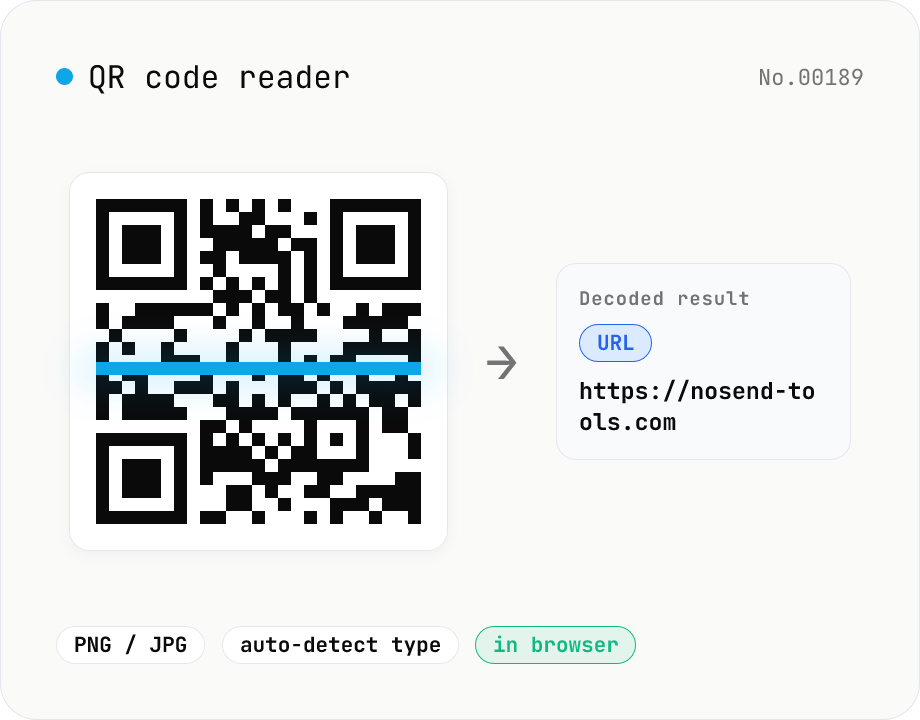
QR code reader — extract URLs / text from images
Drop an image containing a QR code (PNG / JPG / WebP / GIF) and its contents are read inside your browser to extract text or a URL. The content type is detected automatically — URL, email (mailto), phone (tel), SMS, Wi-Fi credentials, geo coordinates, vCard / vEvent — and the result can be copied with one click. Decode multiple images at once. Everything runs on your device; neither the image nor the decoded result is ever uploaded.
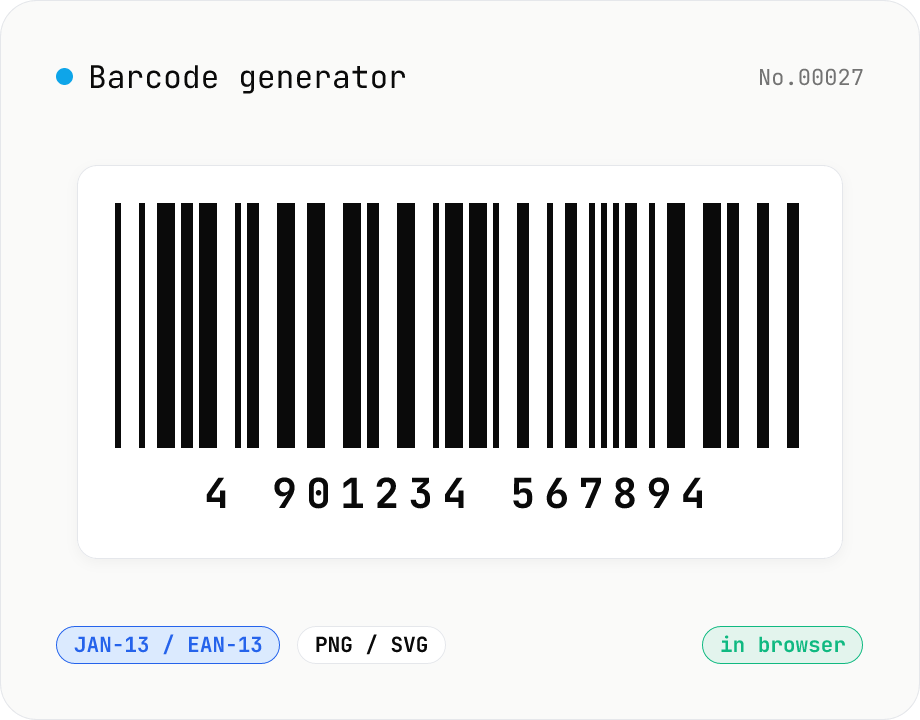
Barcode generator — JAN / EAN / UPC / CODE128 / CODE39
Turn numbers or text into 1D barcodes (JAN-13 / EAN-13, JAN-8 / EAN-8, UPC-A, CODE128, CODE39, ITF, Codabar/NW-7, MSI) and export them as PNG or SVG. Fine-tune bar width, height, colors, margin, and whether the human-readable value is printed below. Check digits are validated automatically. Everything is generated inside your browser — the value you enter never leaves your device.
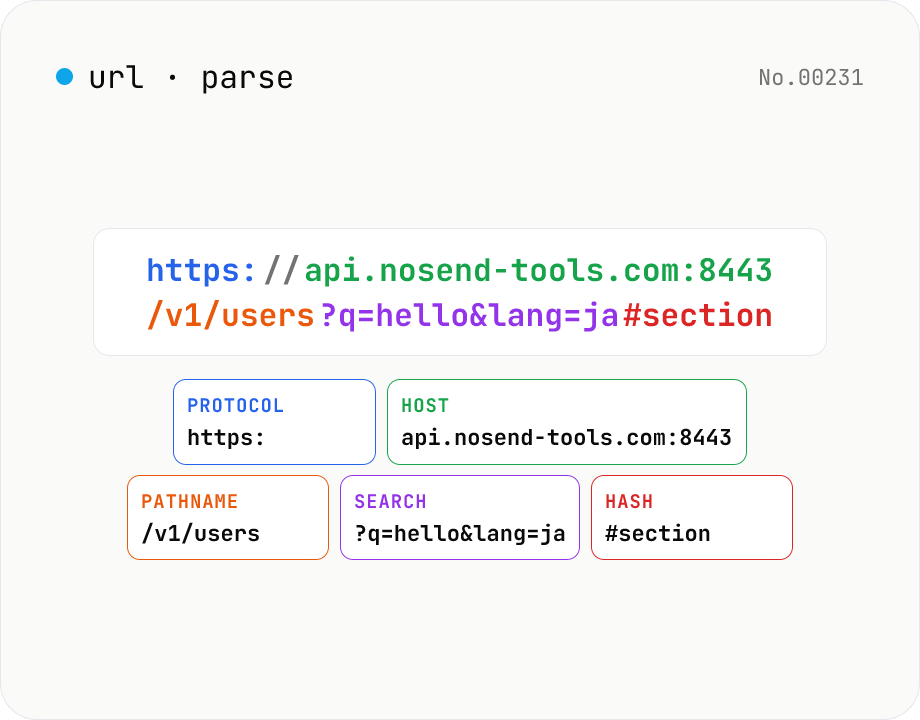
URL parse — host, path, query, fragment
Break a URL into protocol, host, port, path, query, hash, etc. with the browser's URL API. Query parameters are auto-expanded into a table (percent-decoded). Copy individual parts or download the whole breakdown as JSON. Runs entirely in your browser — your URL stays local.
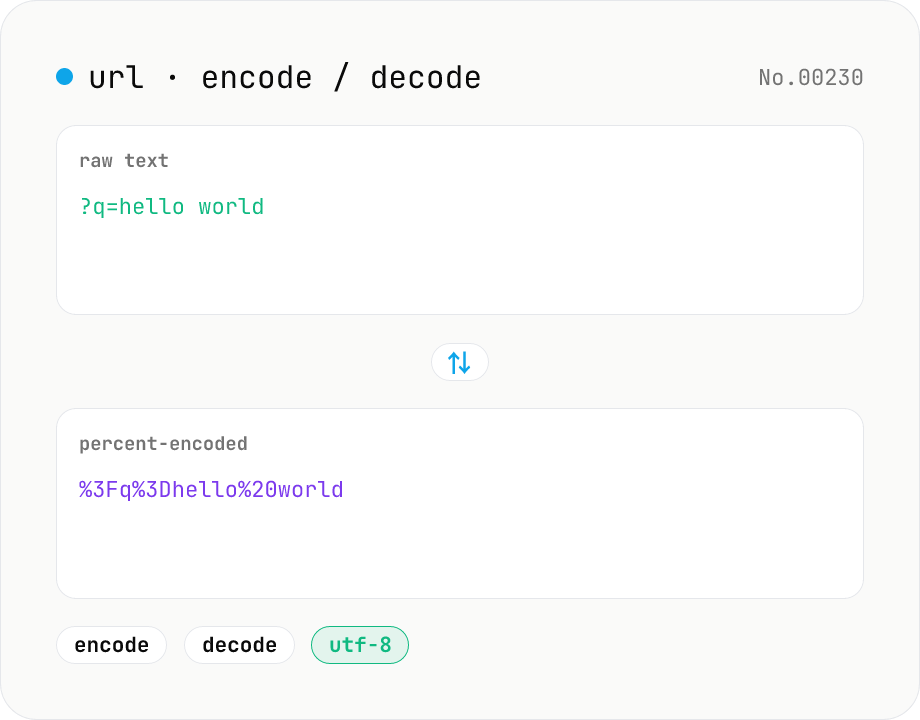
URL encode / decode — safe query strings
Convert between plain text and %XX percent-encoded URL strings. Toggle between encodeURIComponent / encodeURI (and their decode counterparts). UTF-8 based, runs entirely in your browser.