
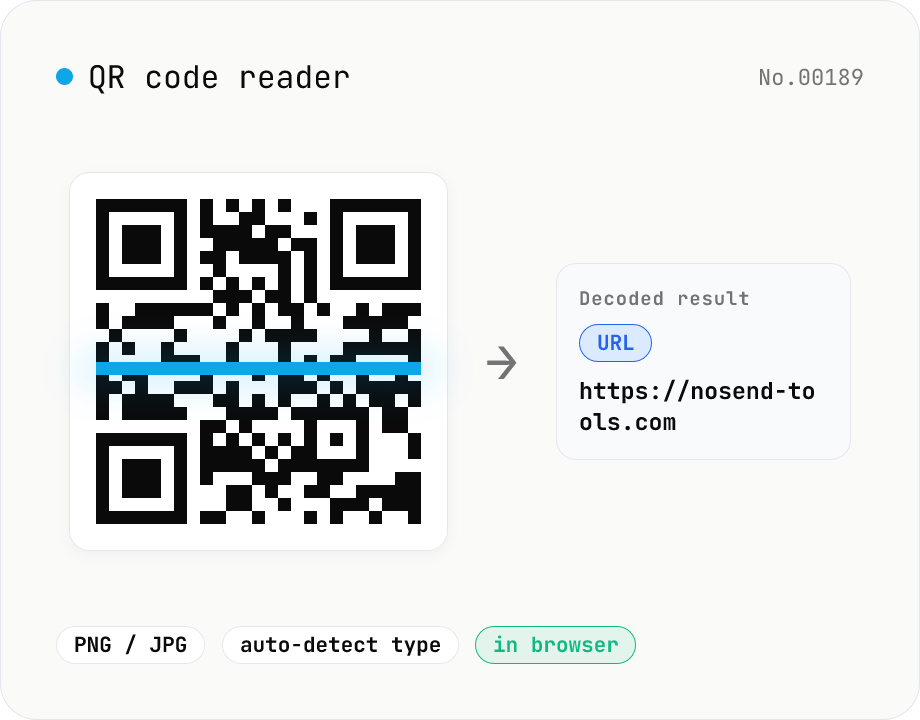
QR code reader — extract URLs / text from images
Drop an image containing a QR code (PNG / JPG / WebP / GIF) and its contents are read inside your browser to extract text or a URL. The content type is detected automatically — URL, email (mailto), phone (tel), SMS, Wi-Fi credentials, geo coordinates, vCard / vEvent — and the result can be copied with one click. Decode multiple images at once. Everything runs on your device; neither the image nor the decoded result is ever uploaded.
How to use
Drop an image containing a QR code (PNG / JPG / WebP / GIF) or pick a file, and reading starts in your browser. Internally createImageBitmap decodes the image, the Canvas pixel data (getImageData) is passed to jsQR (Apache-2.0) to detect and decode the QR code, and the result is reconstructed from its UTF-8 bytes so text with non-ASCII characters displays correctly. The leading format is then used to auto-detect the type — URL, email (mailto:), phone (tel:), SMS (smsto:), Wi-Fi credentials (WIFI:), geo coordinates (geo:), contact (vCard), event (vEvent) — and the result is shown with a type badge. URLs get an "Open link" button, and every result has a "Copy" button. Drop several images at once and each one's result appears in its own card. Neither the images nor the decoded results ever leave your device.
FAQ
- Are my images uploaded?
- No. Reading is done entirely in your browser with createImageBitmap and jsQR. Safe even for confidential URLs or Wi-Fi QR codes containing passwords.
- Which image formats are supported?
- Any format your browser's createImageBitmap can decode (PNG / JPG / WebP / GIF, etc.). It reads QR codes inside screenshots and phone photos too. If one image holds multiple QR codes, the most detectable one is read.
- Why does it say no QR code was found?
- Detection can fail when the QR code is too small, blurry, partially cropped, or low-contrast. Crop the image so the QR appears large, centered, and sharp, then try again. Images that simply contain no QR code produce the same message.
- How do I create a QR code?
- For the reverse — generating a QR code from text or a URL — use the qr-generate tool, which also supports colored and logo QR codes. For barcodes (JAN / EAN / CODE128, etc.), see barcode-generate.
- How are Wi-Fi and contact QR codes shown?
- Wi-Fi credentials (WIFI:T:WPA;S:SSID;P:password;;) and vCard / vEvent are detected by type and shown as raw text. You can read the SSID, password, or contact details by eye, or copy them into another app.
Related tools
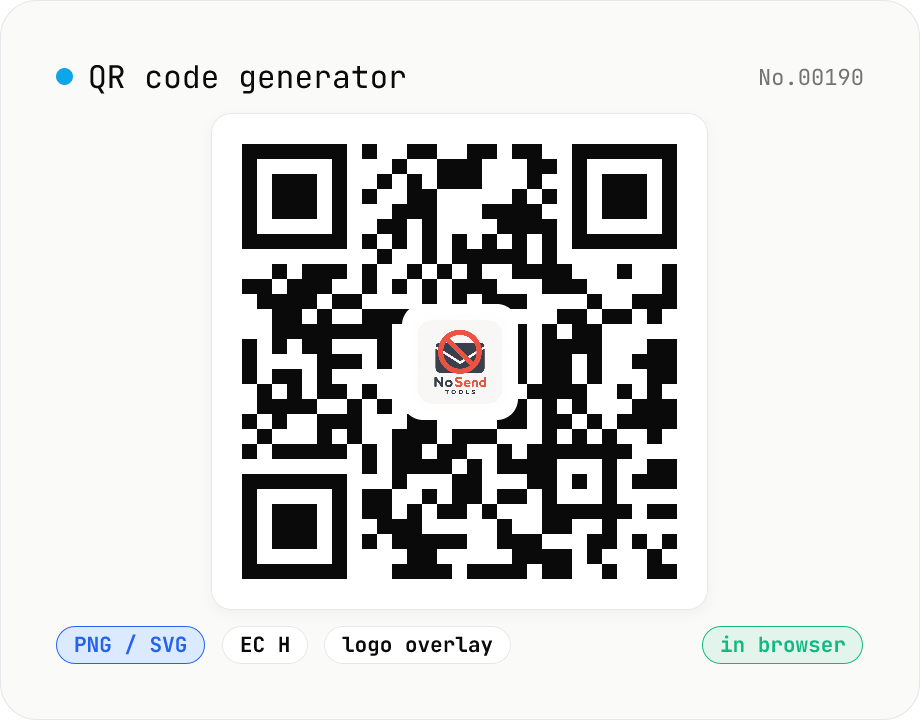
QR code generator — text / URL / with logo
Convert text or URLs into QR codes (PNG / SVG). Fine-tune size, error correction level, foreground / background colors, and optionally overlay a logo (PNG / JPG / SVG) in the center. Use error correction H when adding a logo. Generation and image compositing run entirely inside your browser — neither the input text nor your uploaded logo ever leaves your device.
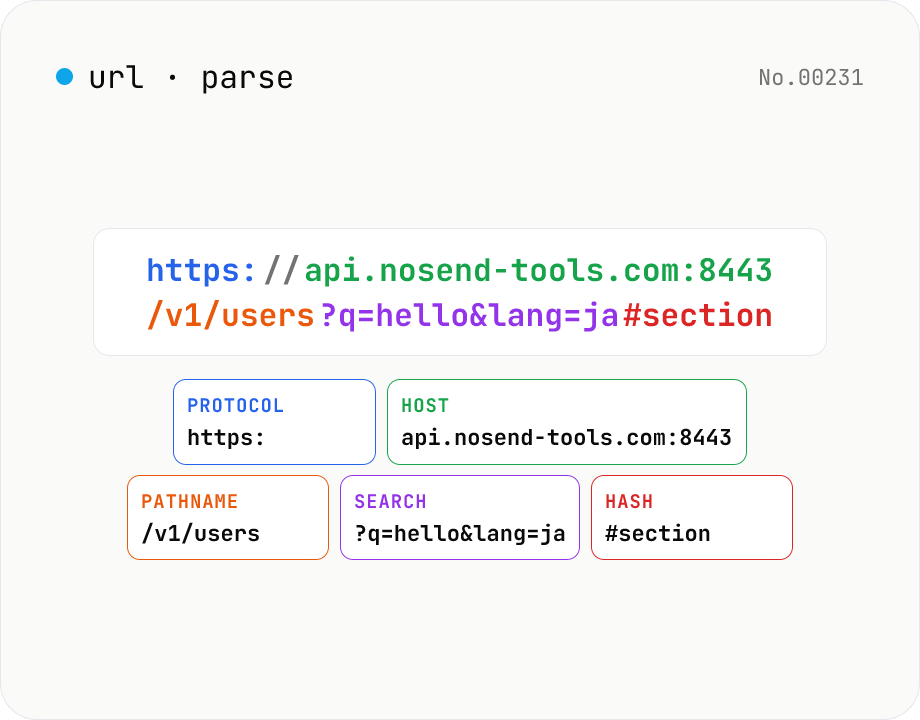
URL parse — host, path, query, fragment
Break a URL into protocol, host, port, path, query, hash, etc. with the browser's URL API. Query parameters are auto-expanded into a table (percent-decoded). Copy individual parts or download the whole breakdown as JSON. Runs entirely in your browser — your URL stays local.
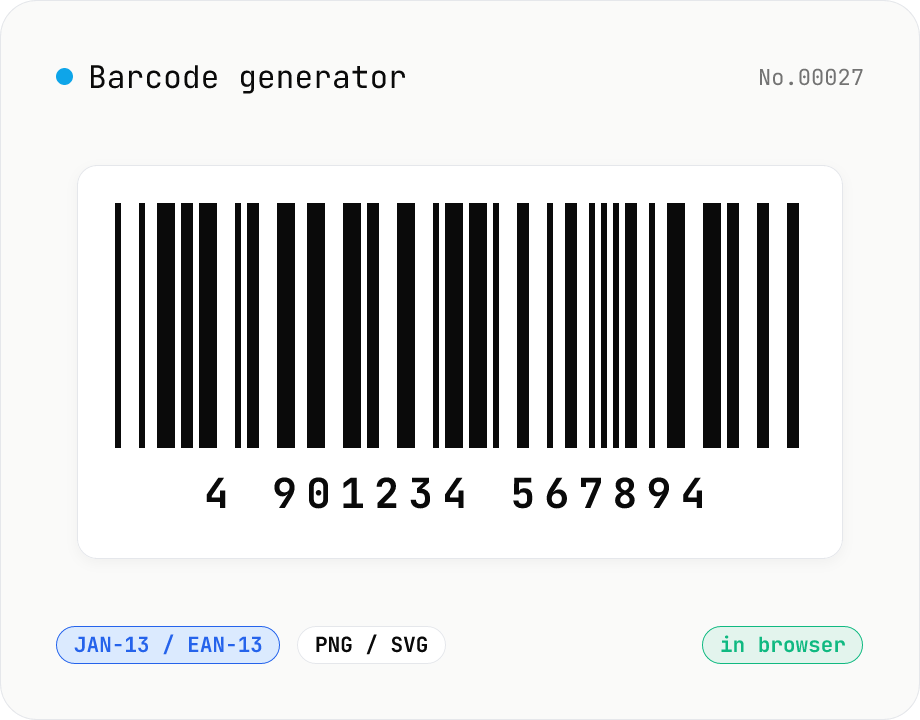
Barcode generator — JAN / EAN / UPC / CODE128 / CODE39
Turn numbers or text into 1D barcodes (JAN-13 / EAN-13, JAN-8 / EAN-8, UPC-A, CODE128, CODE39, ITF, Codabar/NW-7, MSI) and export them as PNG or SVG. Fine-tune bar width, height, colors, margin, and whether the human-readable value is printed below. Check digits are validated automatically. Everything is generated inside your browser — the value you enter never leaves your device.
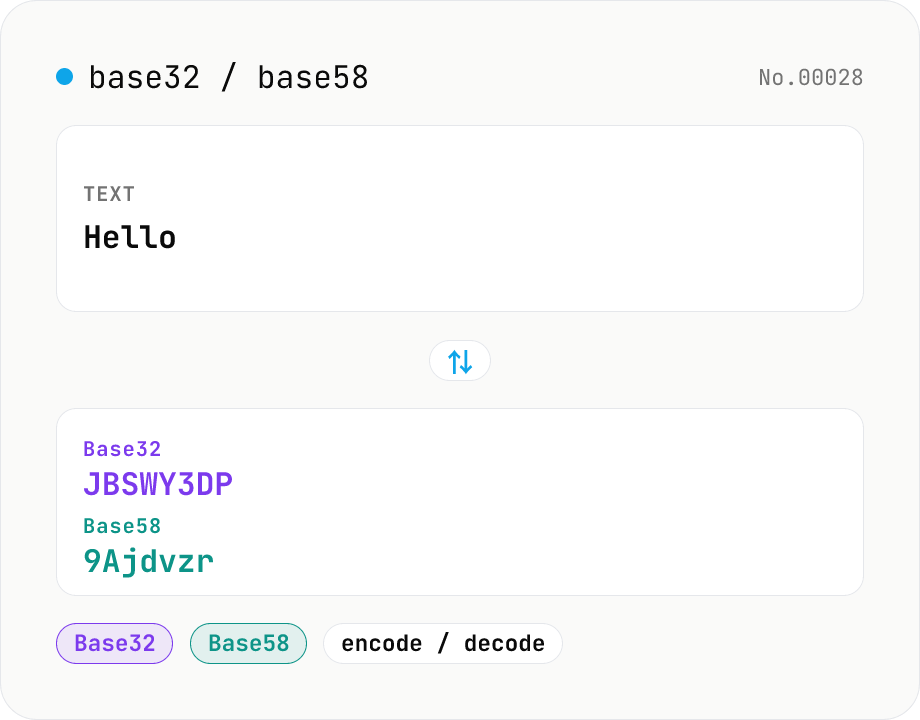
Base32 / Base58 encode & decode
Convert text to and from Base32 (RFC 4648 / TOTP 2FA secrets) and Base58 (Bitcoin addresses). Switch the variant (Base32 / Base58) and direction (encode / decode). UTF-8 byte based, so Japanese and emoji round-trip. Runs entirely in your browser.