
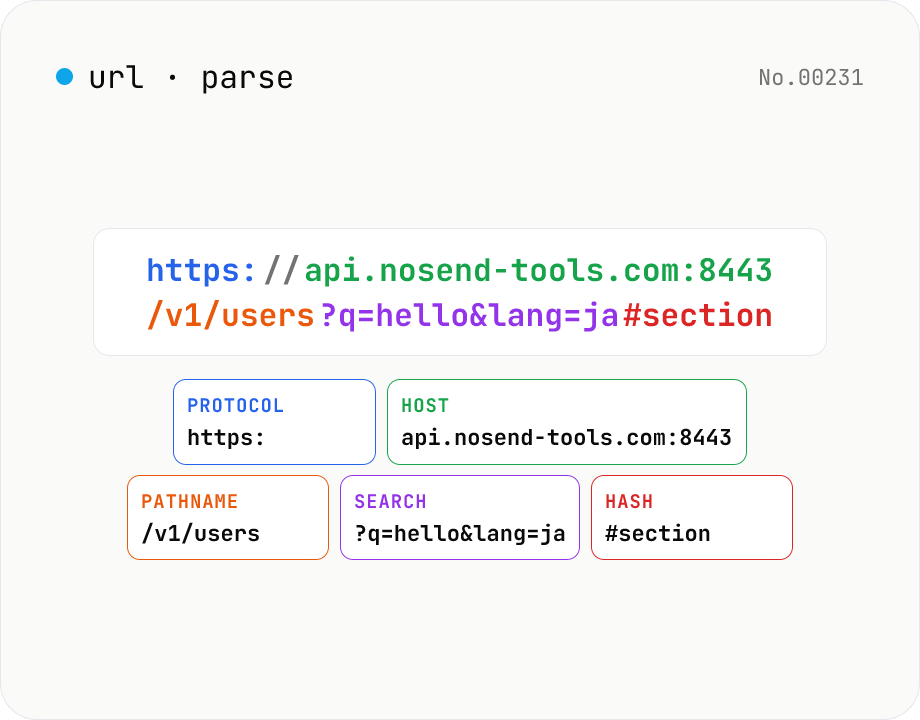
URL parse — host, path, query, fragment
Break a URL into protocol, host, port, path, query, hash, etc. with the browser's URL API. Query parameters are auto-expanded into a table (percent-decoded). Copy individual parts or download the whole breakdown as JSON. Runs entirely in your browser — your URL stays local.
How to use
Paste a URL and the tool automatically splits it into protocol, hostname, port, pathname, search, hash and more using the browser's URL constructor. Query parameters are decoded via URLSearchParams and shown in a table. Copy individual parts or download the whole breakdown as JSON for use with Postman / curl / shell scripts. Everything happens in your browser so URLs with credentials are safe to paste.
FAQ
- Is the URL uploaded?
- No. Parsing uses the built-in URL / URLSearchParams classes — no network requests are made. URLs containing Basic auth credentials (`https://user:pass@…`) never leave your device.
- What's the difference between Value (decoded) and Raw?
- Raw is the literal string from the URL (e.g. `hello%20world`). Value (decoded) is what URLSearchParams gives you (`hello world`) — that's the value your server/app actually receives.
- What do Username and Password show?
- The Basic-auth components inside a URL like `https://user:pass@host`. They're hidden when empty. Embedding credentials in URLs is discouraged for production but useful for legacy-API debugging.
- How are duplicate query keys shown?
- Each occurrence becomes its own row. `?tag=a&tag=b&tag=c` produces three rows. In code, use URLSearchParams.getAll() to read them as an array.
- Can I parse relative URLs?
- Only absolute URLs (`https://…`) are supported in this version. Relative URLs need a base — prepend one before pasting (`new URL('/foo?bar=1', 'https://nosend-tools.com')`).
- What's in the JSON download?
- A single object with protocol, username, password, host, hostname, port, pathname, search, hash, origin, and a `query` field (key → array-of-values). Easy to pipe through `jq` in the shell.
Related tools
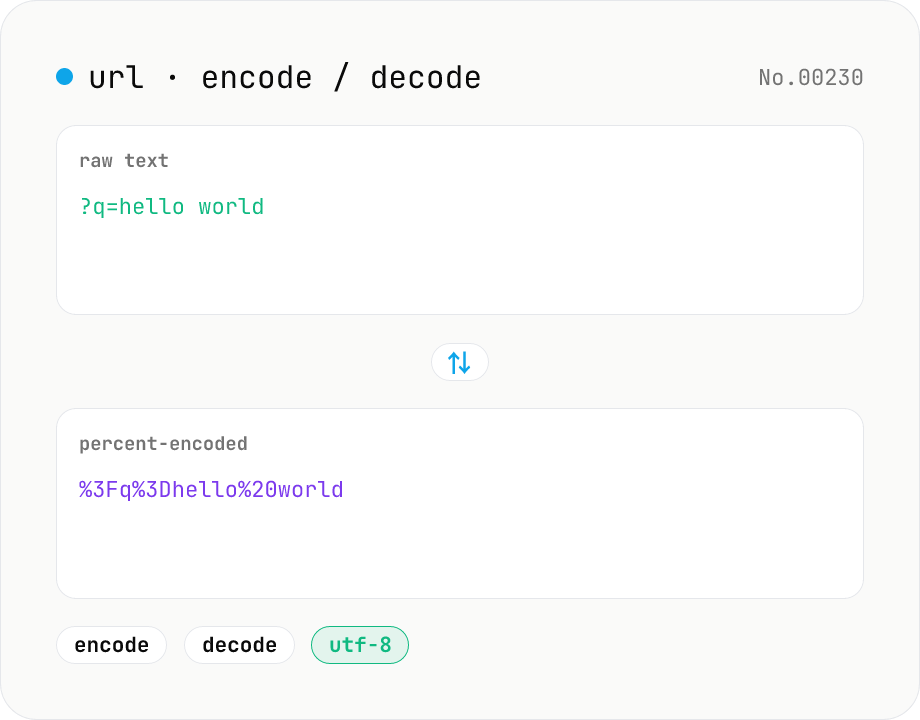
URL encode / decode — safe query strings
Convert between plain text and %XX percent-encoded URL strings. Toggle between encodeURIComponent / encodeURI (and their decode counterparts). UTF-8 based, runs entirely in your browser.
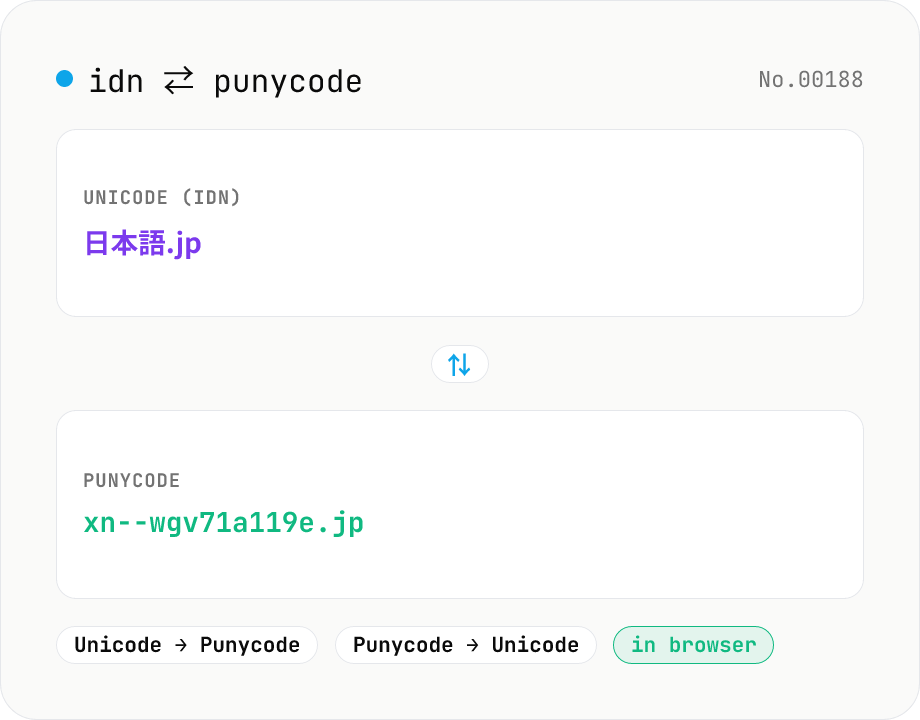
Punycode converter — IDN ⇄ xn--
Convert internationalized domain names (IDN) such as Japanese or emoji domains to and from Punycode (xn-- form). Convert many domains at once, one per line. Powered by punycode.js — runs entirely in your browser.
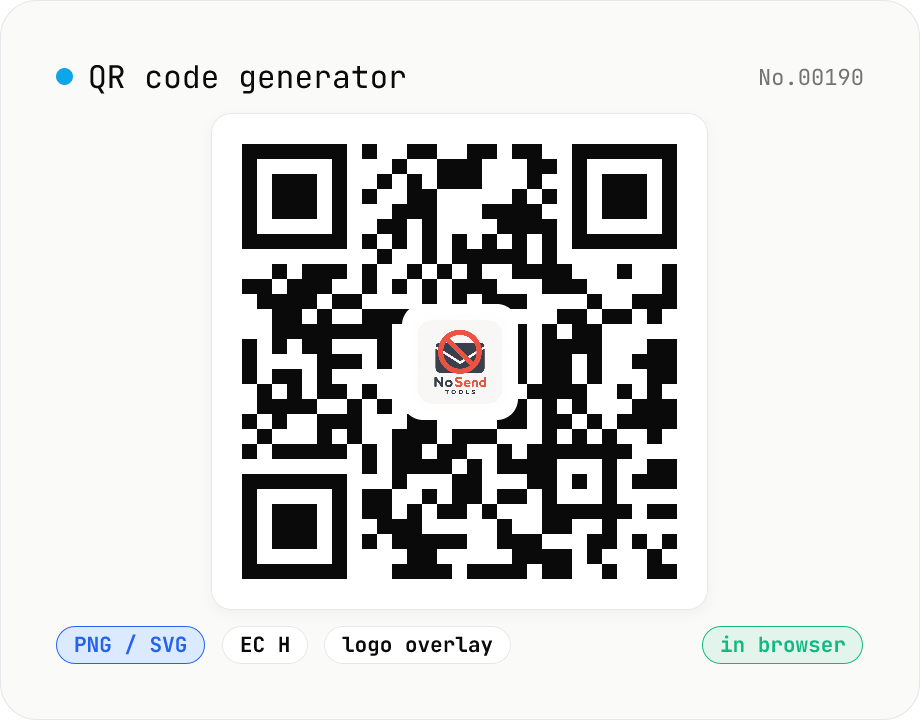
QR code generator — text / URL / with logo
Convert text or URLs into QR codes (PNG / SVG). Fine-tune size, error correction level, foreground / background colors, and optionally overlay a logo (PNG / JPG / SVG) in the center. Use error correction H when adding a logo. Generation and image compositing run entirely inside your browser — neither the input text nor your uploaded logo ever leaves your device.
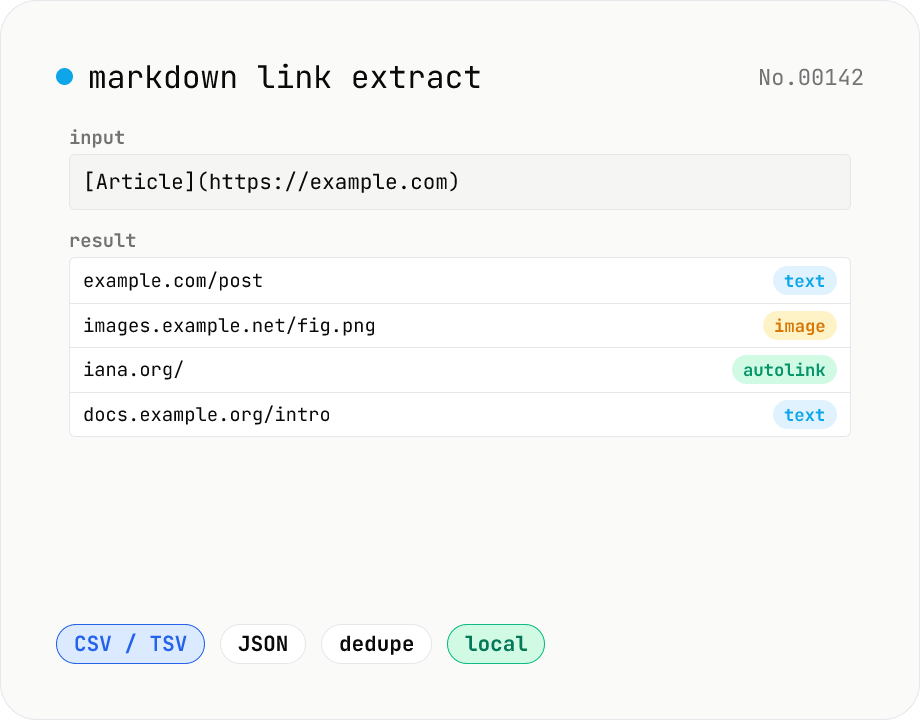
Markdown link extractor — pull URLs from Markdown / HTML / text
Extract every URL or Markdown / HTML link from a chunk of Markdown, HTML, or plain text. Detects `[label](url)`, ``, `<a href>`, `<img src>`, and bare URLs, then classifies each result (text / image / autolink). Includes deduping, type filters, host grouping, and CSV / TSV / JSON export. Great for auditing links in an article, listing image sources, mapping internal-link structure for SEO, or harvesting references for a social post. Everything runs in your browser.