
Punycode converter — IDN ⇄ xn--
Convert internationalized domain names (IDN) such as Japanese or emoji domains to and from Punycode (xn-- form). Convert many domains at once, one per line. Powered by punycode.js — runs entirely in your browser.
How to use
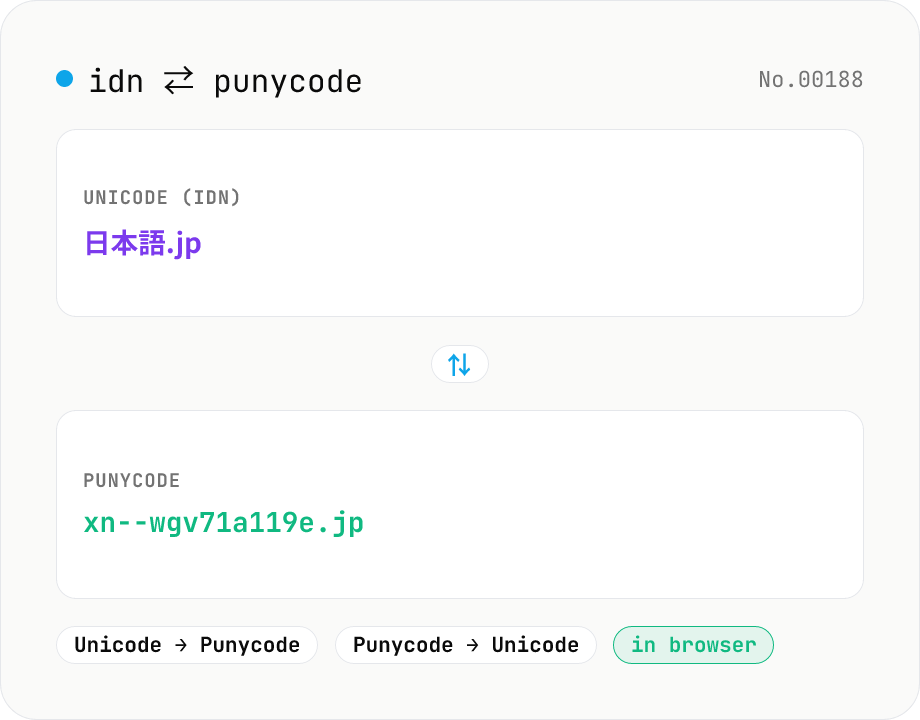
Pick a direction (Unicode → Punycode or Punycode → Unicode), paste one domain per line, then press Convert. Internationalized domain names (IDN) like “日本語.jp” become the xn-- form, and Punycode like “xn--wgv71a119e.jp” is restored to Unicode. Conversion is per dot-separated label, so ASCII-only labels (.jp, example, …) are left unchanged. Convert many lines at once; blank lines are preserved. Copy the result or download it as .txt. Everything runs in your browser (punycode.js).
FAQ
- Is my input uploaded anywhere?
- No. Conversion runs entirely in your browser via local JavaScript (punycode.js) — your domain names never leave your device.
- What is Punycode (xn--)?
- Punycode is an encoding (RFC 3492) that represents Unicode domain names (internationalized domain names / IDN) using only the ASCII characters DNS can handle (a-z, 0-9, -). Each label gets an xn-- prefix followed by the encoded Unicode. Example: 日本語.jp → xn--wgv71a119e.jp.
- Can I convert Japanese or emoji domains?
- Yes. Any label expressible in Unicode — kanji, kana, accented Latin (münchen), emoji (☃ or 😀) — can be encoded to Punycode and decoded back.
- What is a label? Can I paste a whole domain?
- A domain is a sequence of dot-separated labels (e.g. 日本語.example.jp has three labels). You can paste a whole domain — each label is converted independently, and labels that are already ASCII or not Punycode are left unchanged.
- Is case folding or normalization (NFC, etc.) applied?
- This tool uses punycode.js's raw toASCII / toUnicode, so it does not perform the full IDNA processing (case folding, NFC normalization, UTS-46 mapping). If you need strict IDNA compliance, normalize the input beforehand.
- Why do I see a “?”?
- In Punycode → Unicode mode, an invalid Punycode label (where the text after xn-- cannot be decoded) cannot be converted; that line becomes “?” and is counted as an error. Check the xn-- spelling and stray hyphens.
Related tools
URL encode / decode — safe query strings
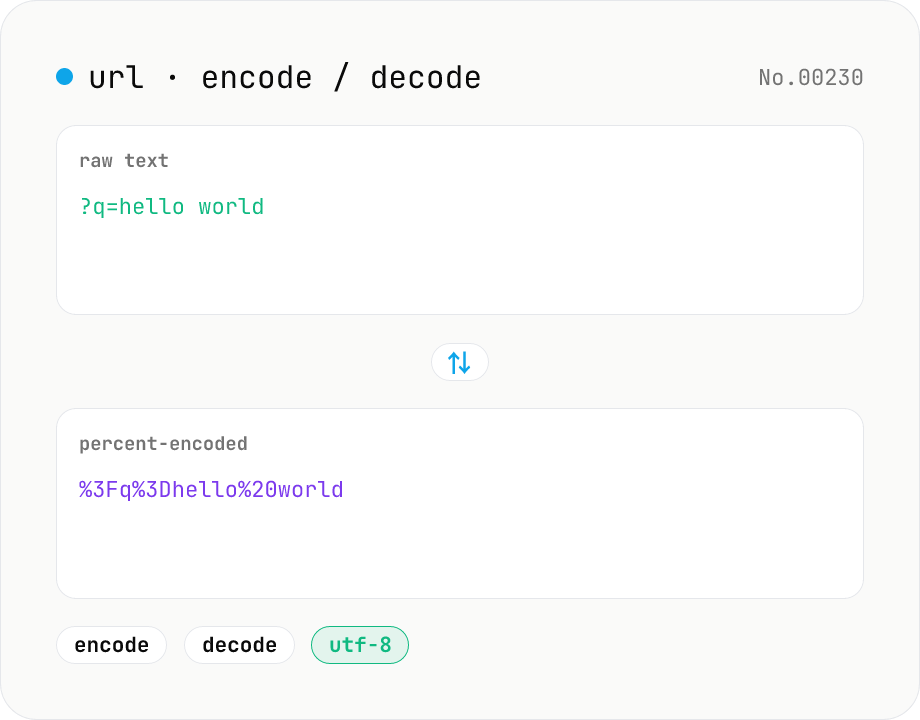
Convert between plain text and %XX percent-encoded URL strings. Toggle between encodeURIComponent / encodeURI (and their decode counterparts). UTF-8 based, runs entirely in your browser.
URL parse — host, path, query, fragment
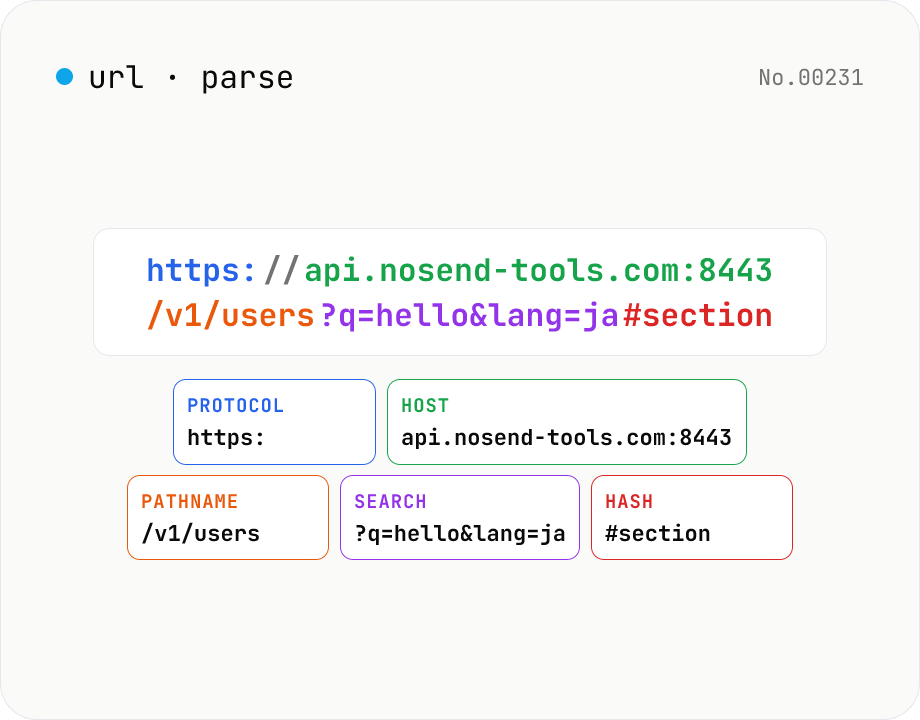
Break a URL into protocol, host, port, path, query, hash, etc. with the browser's URL API. Query parameters are auto-expanded into a table (percent-decoded). Copy individual parts or download the whole breakdown as JSON. Runs entirely in your browser — your URL stays local.
Base32 / Base58 encode & decode
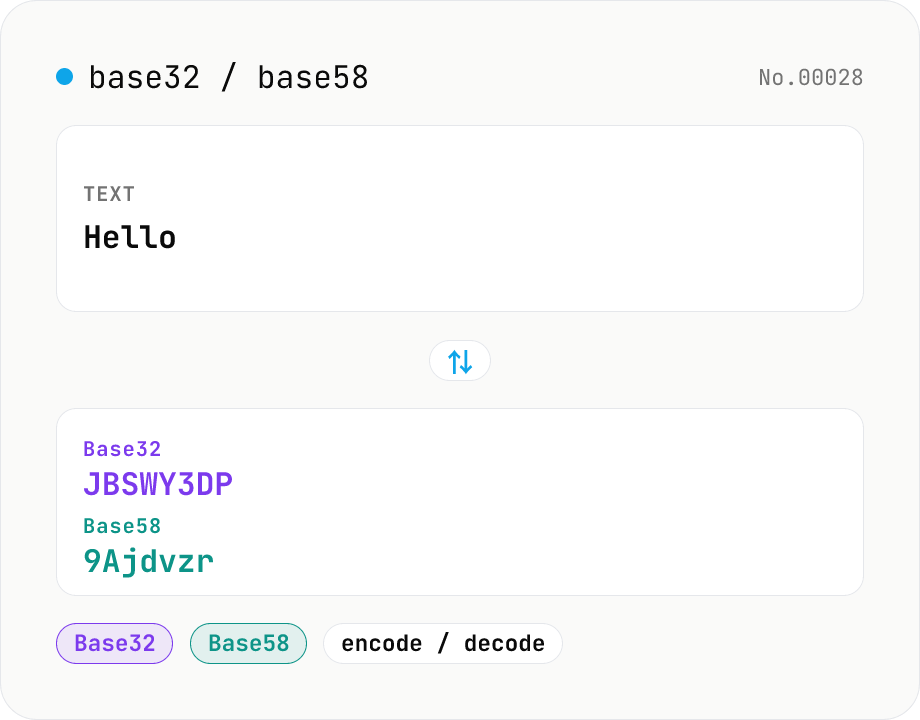
Convert text to and from Base32 (RFC 4648 / TOTP 2FA secrets) and Base58 (Bitcoin addresses). Switch the variant (Base32 / Base58) and direction (encode / decode). UTF-8 byte based, so Japanese and emoji round-trip. Runs entirely in your browser.
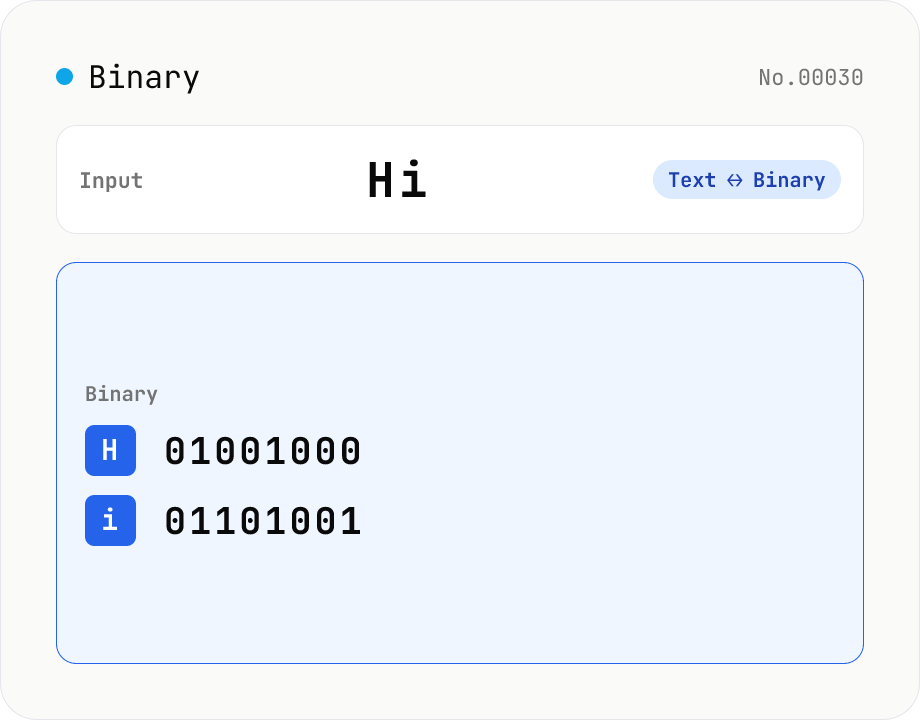
Text ⇄ Binary Converter
Convert between text and binary. Pick a mode (text → binary or binary → text). Text is encoded to UTF-8 bytes and each byte is shown as a zero-padded 8-bit binary number (emoji and non-Latin text convert correctly as multiple bytes). Toggle space separators via an option; on decode, spaces and newlines are ignored and the input is regrouped into 8-bit bytes. Everything runs in your browser — your input is never uploaded.