
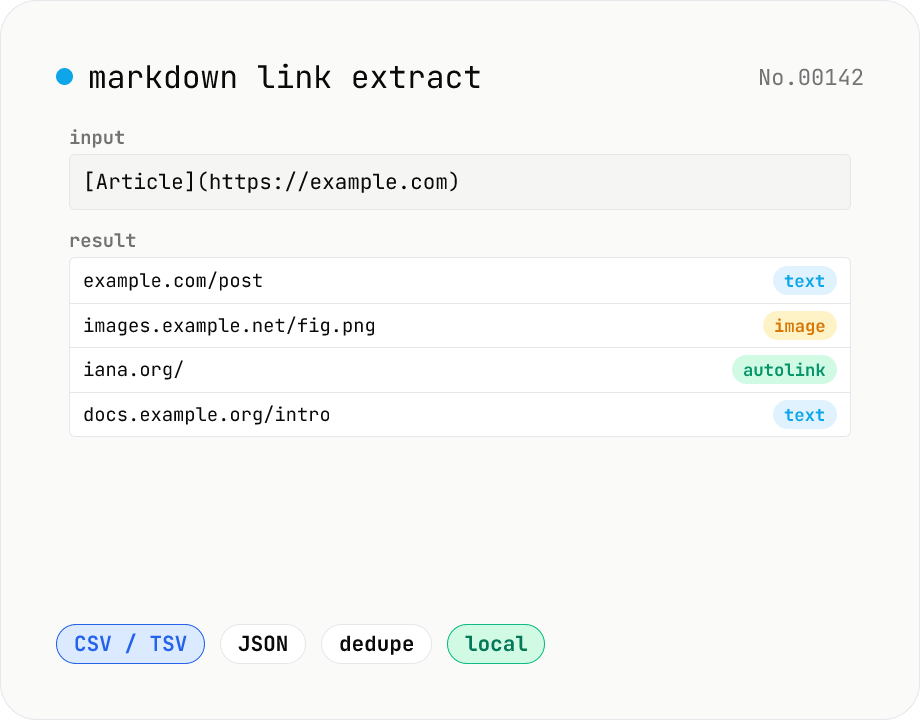
Markdown link extractor — pull URLs from Markdown / HTML / text
Extract every URL or Markdown / HTML link from a chunk of Markdown, HTML, or plain text. Detects `[label](url)`, ``, `<a href>`, `<img src>`, and bare URLs, then classifies each result (text / image / autolink). Includes deduping, type filters, host grouping, and CSV / TSV / JSON export. Great for auditing links in an article, listing image sources, mapping internal-link structure for SEO, or harvesting references for a social post. Everything runs in your browser.
How to use
Paste Markdown, HTML, or plain text into the input area. Links are extracted as you type and listed in a table, color-coded by type (text / image / autolink). Toggle 'Deduplicate URLs' to collapse repeats to a single row. Use the type filter to narrow what's shown. Export the result as CSV / TSV / JSON, or copy to clipboard.
FAQ
- Which link formats are recognised?
- Markdown `[label](url)`, ``, and `<url>` autolinks; HTML `<a href>` and `<img src>`; and bare URLs (`http://` or `https://` prefixes) anywhere in the text.
- Are relative URLs supported?
- Yes for the Markdown `[label](url)` and HTML `<a href>` forms (e.g. `./about/`, `#section`). Bare URL extraction requires the `http://` or `https://` prefix.
- Are links inside code blocks included?
- Yes. The tool runs regex matches over the whole text rather than parsing Markdown structure, so links inside code blocks are also picked up. Strip code blocks first if you want to exclude them.
- How are duplicates determined?
- By exact URL string match (case-sensitive). Pages that differ only by `?utm_source=…` are treated as distinct URLs — run them through the UTM builder first if you want to normalise them.
- Is anything uploaded?
- No. Extraction happens entirely in your browser; the text is never sent to a server.
Related tools
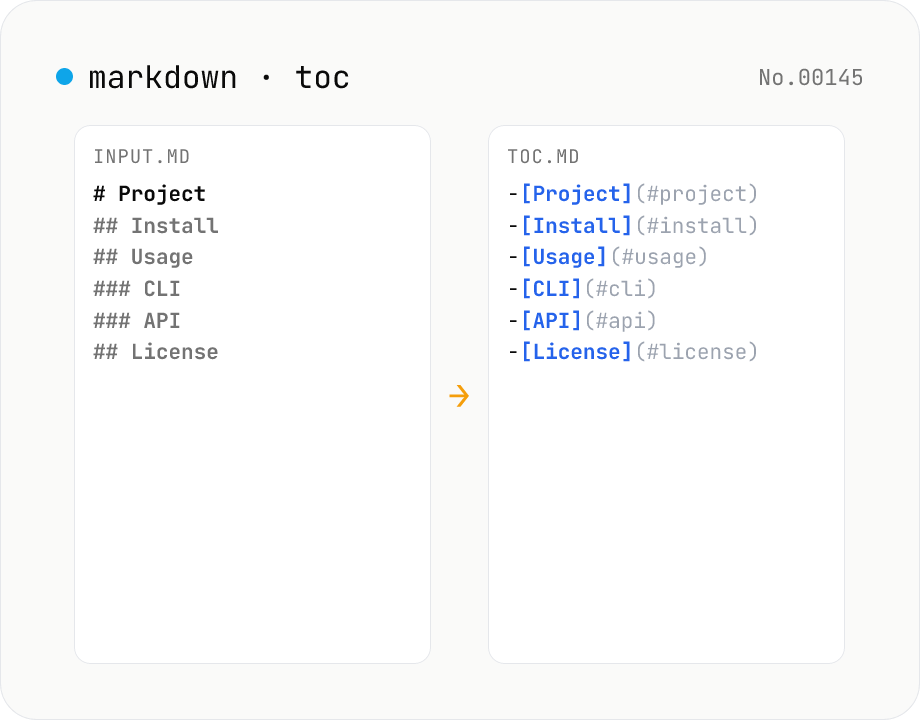
Markdown TOC — extract anchors from headings
Scan Markdown headings (#, ##, …) and emit a table of contents with GitHub-style anchor links. Toggle between nested and flat list, change the maximum heading level, and choose whether to include H1. Headings inside fenced code blocks are skipped automatically. Copy the Markdown or save as .md and paste it anywhere. Runs entirely in your browser.
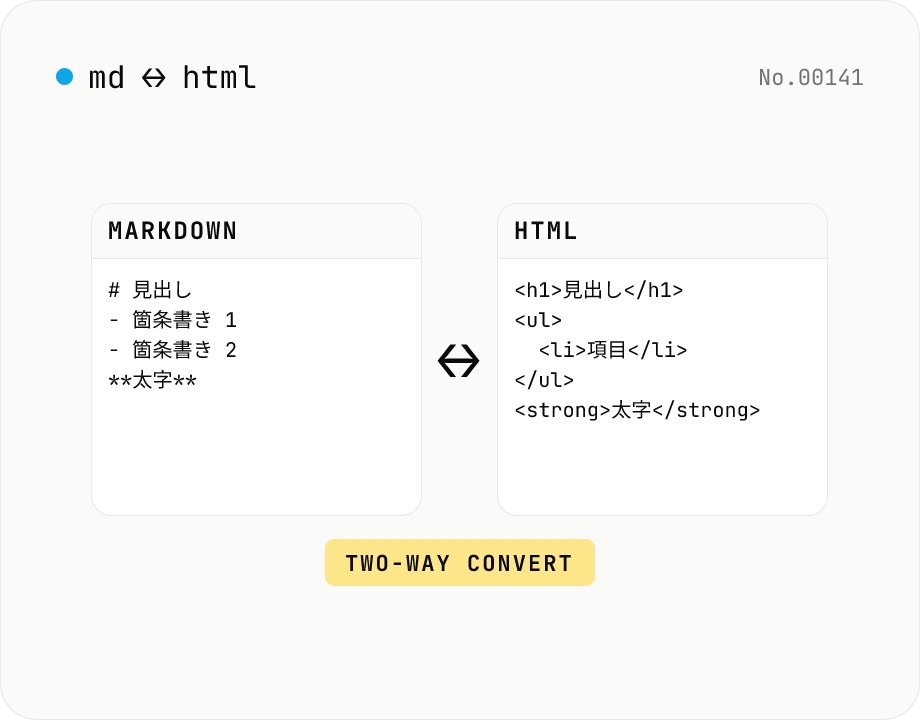
Markdown ⇄ HTML converter — round-trip
Convert Markdown to HTML and HTML to Markdown in both directions. Ideal for migrating between platforms (a blog into WordPress, an HTML page into a README, etc.). Runs entirely in your browser using marked and turndown — your drafts never leave the page.
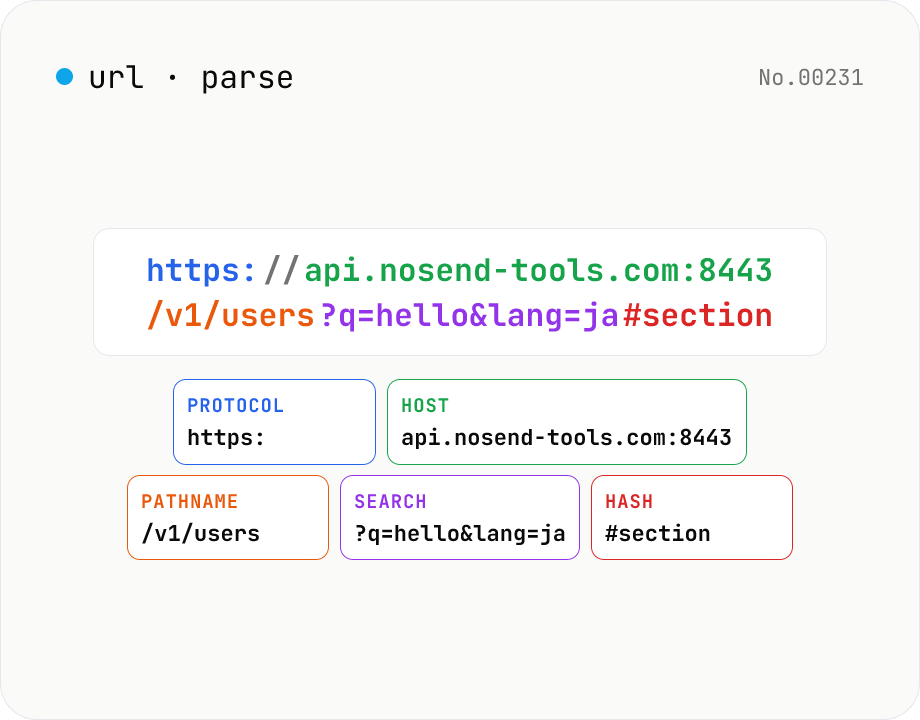
URL parse — host, path, query, fragment
Break a URL into protocol, host, port, path, query, hash, etc. with the browser's URL API. Query parameters are auto-expanded into a table (percent-decoded). Copy individual parts or download the whole breakdown as JSON. Runs entirely in your browser — your URL stays local.
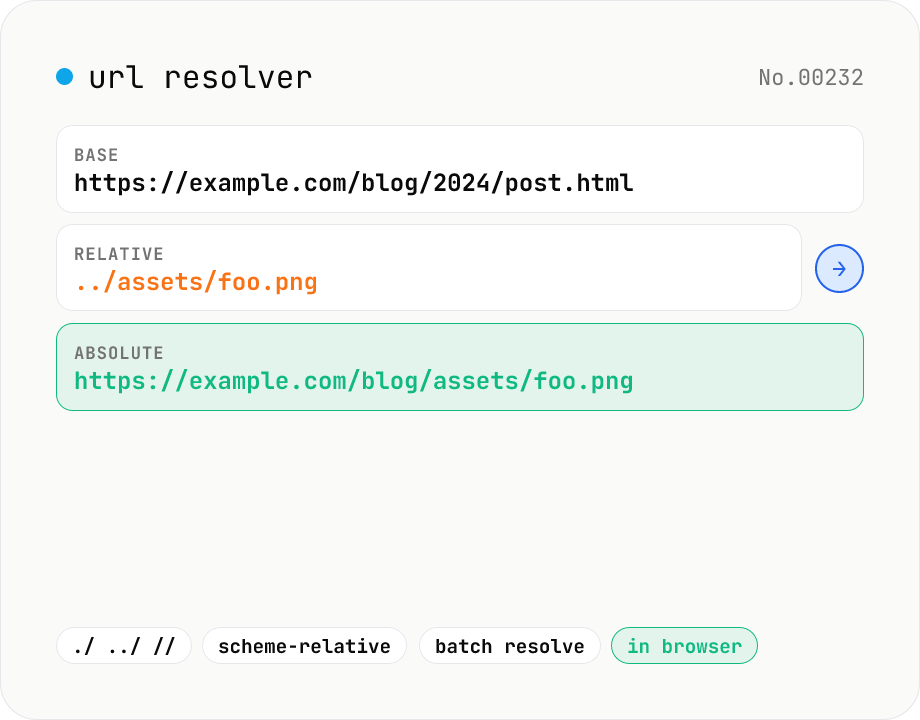
URL resolver — base + relative → absolute
Resolve a relative URL (e.g. ../foo.png) against a base URL (e.g. https://example.com/path/page.html) using the browser's URL constructor. Supports the full RFC-3986 set: ./, ../, //, ?, #, /, scheme-relative, and so on. Paste a list of relative URLs to resolve all of them at once, and inspect the resulting protocol / host / pathname / search / hash breakdown. Runs entirely in your browser — your URLs never leave the device.