
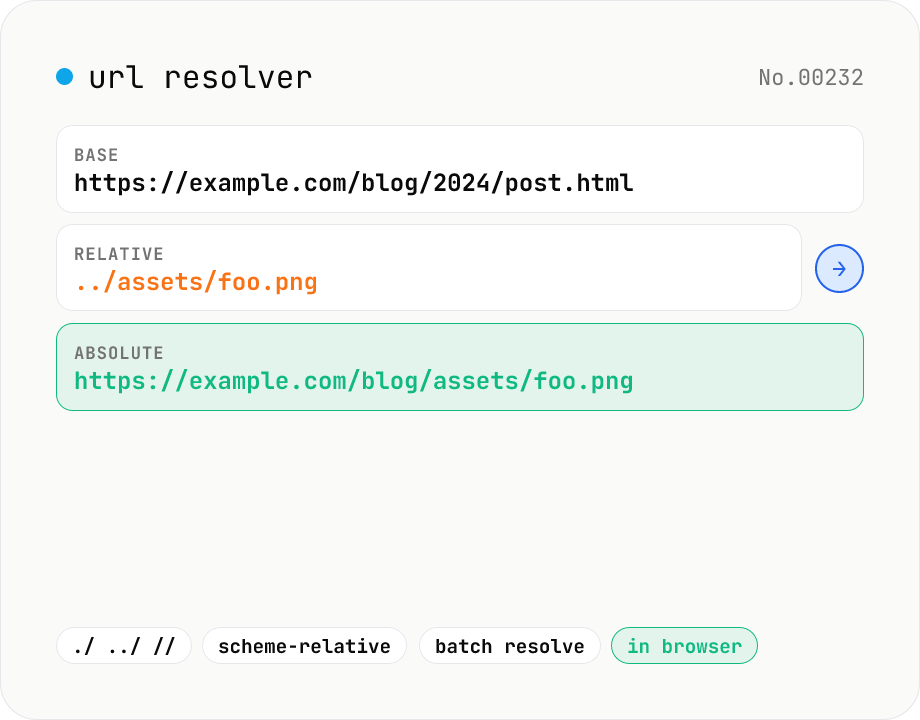
URL resolver — base + relative → absolute
Resolve a relative URL (e.g. ../foo.png) against a base URL (e.g. https://example.com/path/page.html) using the browser's URL constructor. Supports the full RFC-3986 set: ./, ../, //, ?, #, /, scheme-relative, and so on. Paste a list of relative URLs to resolve all of them at once, and inspect the resulting protocol / host / pathname / search / hash breakdown. Runs entirely in your browser — your URLs never leave the device.
How to use
Paste a fully-qualified base URL (e.g. https://example.com/dir/page.html) and any number of relative URLs (one per line). Click Resolve and the tool runs `new URL(rel, base)` for each line, returning the absolute URL plus its protocol / host / pathname / search / hash breakdown. Handy for scraping workflows where you collected a list of `<a href>` or `<img src>` relative paths and need them as absolute URLs.
FAQ
- Does a trailing slash on the base URL matter?
- Yes — same as RFC 3986. `https://example.com/dir/` (directory) + `foo.png` resolves to `https://example.com/dir/foo.png`; `https://example.com/dir` (file) + `foo.png` resolves to `https://example.com/foo.png`.
- How are scheme-relative URLs (`//host/path`) handled?
- They inherit the base's scheme. With an https base, `//cdn.example.com/lib.js` becomes `https://cdn.example.com/lib.js`.
- What about query-only relatives like `?q=1`?
- They replace just the query: base `https://example.com/page` + `?q=1` → `https://example.com/page?q=1`. The path stays.
- How is this different from url-parse?
- url-parse splits one URL into its components. url-resolver combines a base + relative into an absolute URL. A typical scraping flow uses url-resolver first, then url-parse for detailed inspection.
- WHATWG URL vs RFC 3986?
- Browser `URL` constructors follow the WHATWG URL spec, which diverges from RFC 3986 in some edge cases (path normalisation, Unicode handling). This tool exposes the WHATWG behaviour.
- Is my input uploaded?
- No. The tool runs entirely in your browser, so your URLs never leave the device.
Related tools
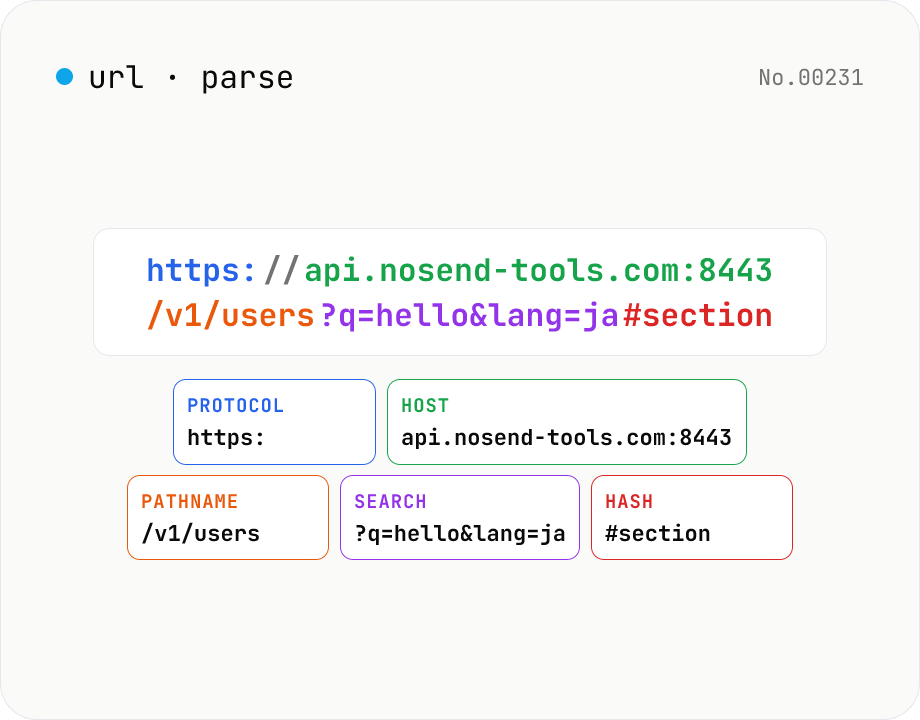
URL parse — host, path, query, fragment
Break a URL into protocol, host, port, path, query, hash, etc. with the browser's URL API. Query parameters are auto-expanded into a table (percent-decoded). Copy individual parts or download the whole breakdown as JSON. Runs entirely in your browser — your URL stays local.
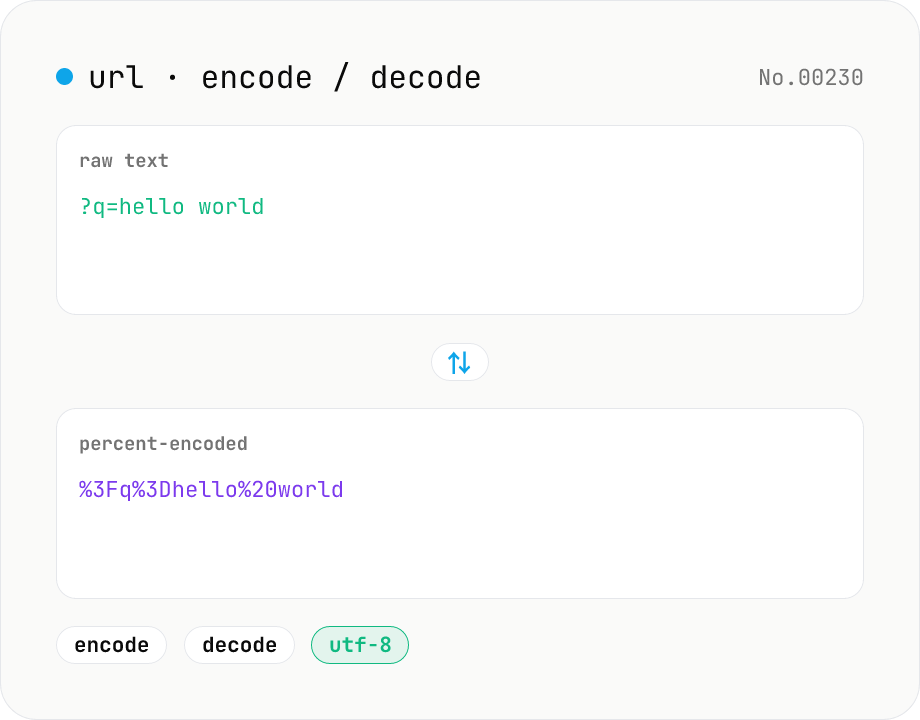
URL encode / decode — safe query strings
Convert between plain text and %XX percent-encoded URL strings. Toggle between encodeURIComponent / encodeURI (and their decode counterparts). UTF-8 based, runs entirely in your browser.
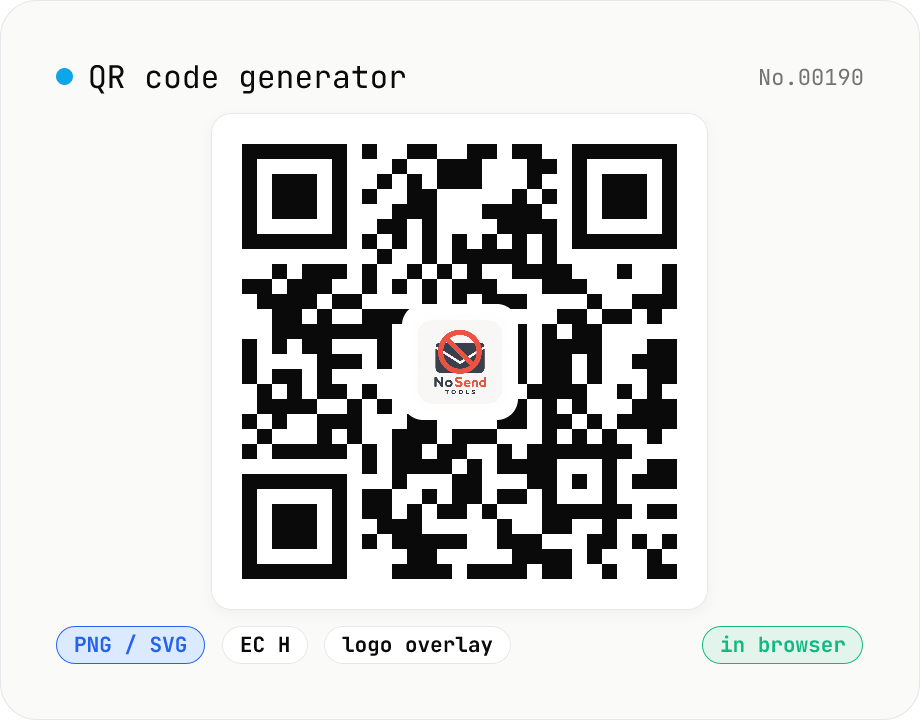
QR code generator — text / URL / with logo
Convert text or URLs into QR codes (PNG / SVG). Fine-tune size, error correction level, foreground / background colors, and optionally overlay a logo (PNG / JPG / SVG) in the center. Use error correction H when adding a logo. Generation and image compositing run entirely inside your browser — neither the input text nor your uploaded logo ever leaves your device.
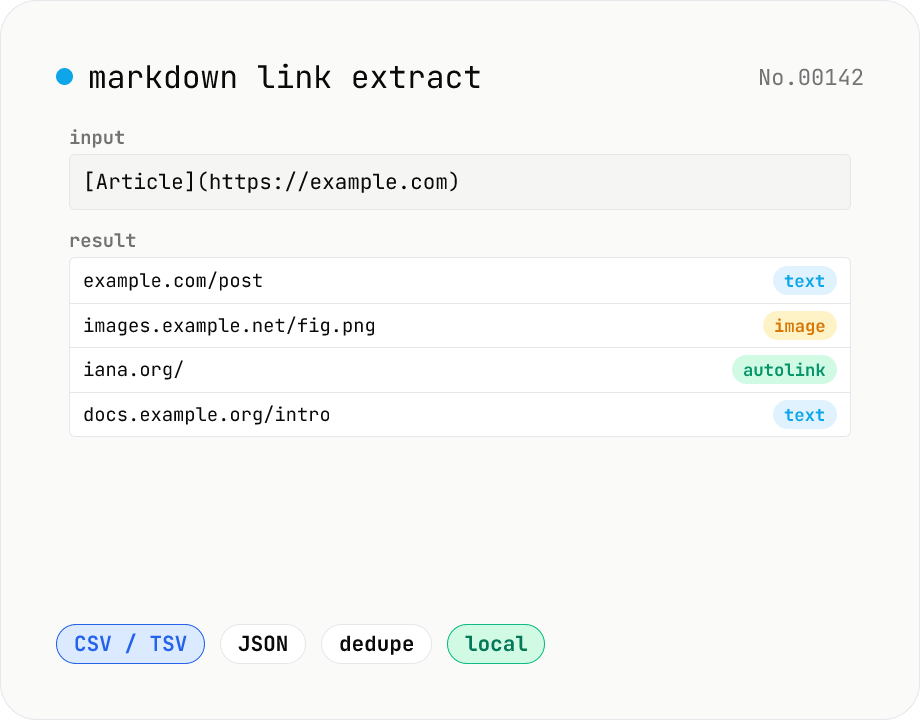
Markdown link extractor — pull URLs from Markdown / HTML / text
Extract every URL or Markdown / HTML link from a chunk of Markdown, HTML, or plain text. Detects `[label](url)`, ``, `<a href>`, `<img src>`, and bare URLs, then classifies each result (text / image / autolink). Includes deduping, type filters, host grouping, and CSV / TSV / JSON export. Great for auditing links in an article, listing image sources, mapping internal-link structure for SEO, or harvesting references for a social post. Everything runs in your browser.