
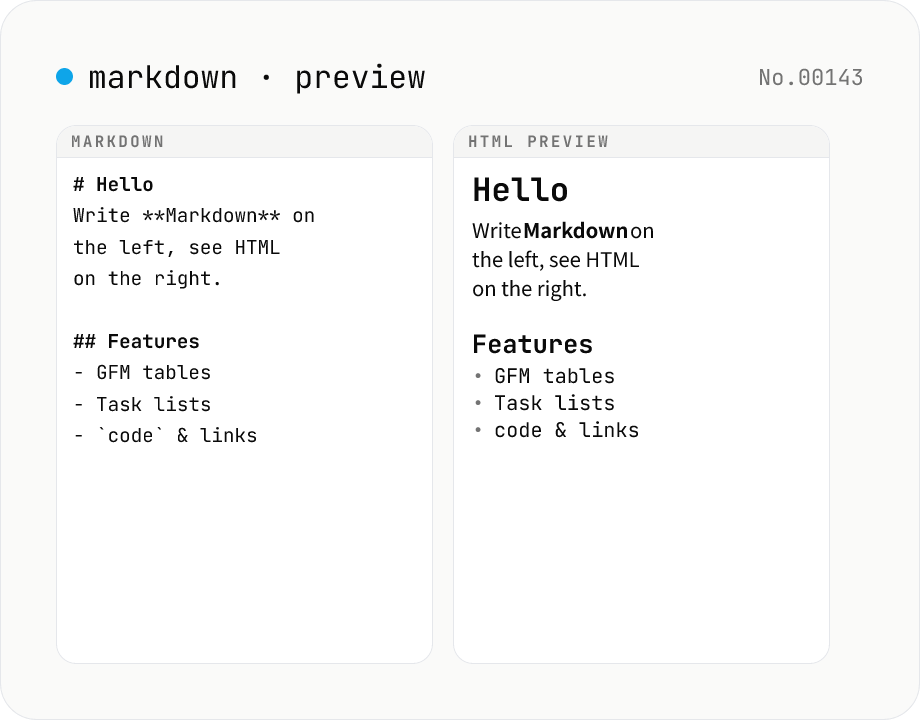
Markdown preview — live rendering of GFM
Type Markdown on the left and see the rendered HTML on the right in real time. Supports GFM (tables, task lists, autolinks) and single-newline → <br>. Copy or download the rendered HTML. Everything runs locally in your browser.
How to use
Type or paste Markdown into the left textarea. The right pane renders the HTML live. GitHub Flavored Markdown (GFM) — tables, task lists, strikethrough, autolinks — is enabled by default. Enable 'Newline → <br>' to render single newlines as <br> tags (standard Markdown collapses single newlines into spaces). Use 'Copy HTML' to copy the rendered output to the clipboard, or 'Download HTML' to save it as a .html file. Press Sample to try the tool quickly.
FAQ
- Is my Markdown uploaded?
- No. Parsing and HTML rendering happen entirely in your browser via the marked library. No input data is transmitted.
- Which GFM features are supported?
- Tables, task lists ([x] / [ ]), strikethrough (~~text~~), autolinks, and fenced code blocks. Turning off GFM falls back closer to standard CommonMark.
- Is there syntax highlighting?
- Code blocks render as plain <pre><code>. To avoid any network access (this site's privacy stance), no in-browser highlighter is bundled.
- Are images or links fetched from the network?
- URLs in your Markdown become standard <img src> / <a href> attributes. This tool itself does not fetch them. When you view the preview, your browser will fetch the image just like on any web page.
- How is raw HTML inside the Markdown handled?
- marked converts Markdown to HTML; it does not execute JavaScript. The preview renders raw HTML as-is so the author can verify the output. Treat downloaded HTML from untrusted sources with the same care you would treat any third-party HTML.
- Can I use the downloaded HTML directly?
- It contains the body fragment only. To publish it, paste the fragment into your own HTML template's <body> and style it as you wish.
Related tools
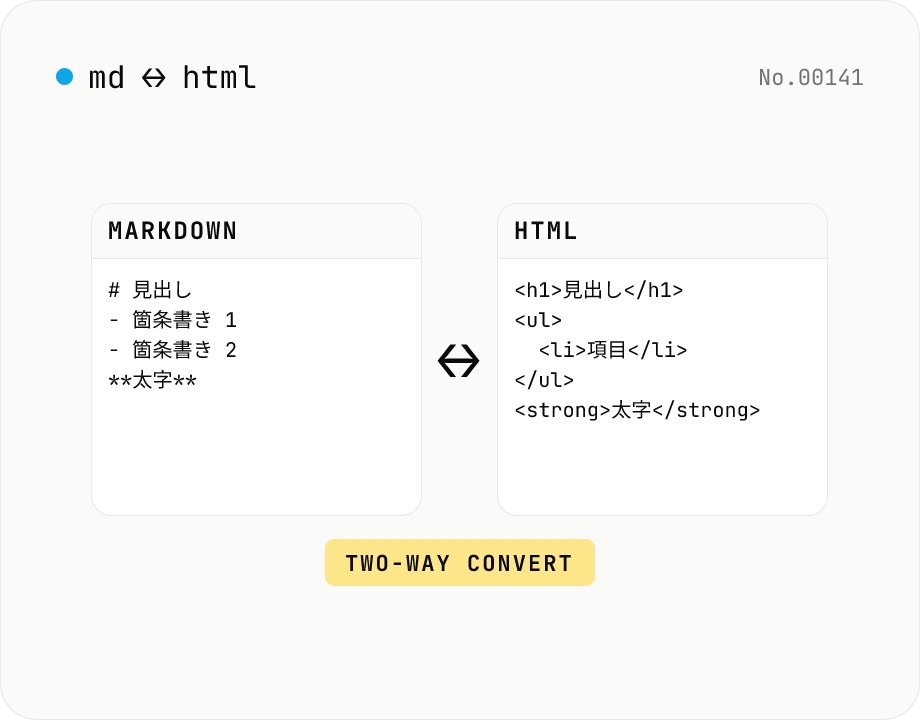
Markdown ⇄ HTML converter — round-trip
Convert Markdown to HTML and HTML to Markdown in both directions. Ideal for migrating between platforms (a blog into WordPress, an HTML page into a README, etc.). Runs entirely in your browser using marked and turndown — your drafts never leave the page.
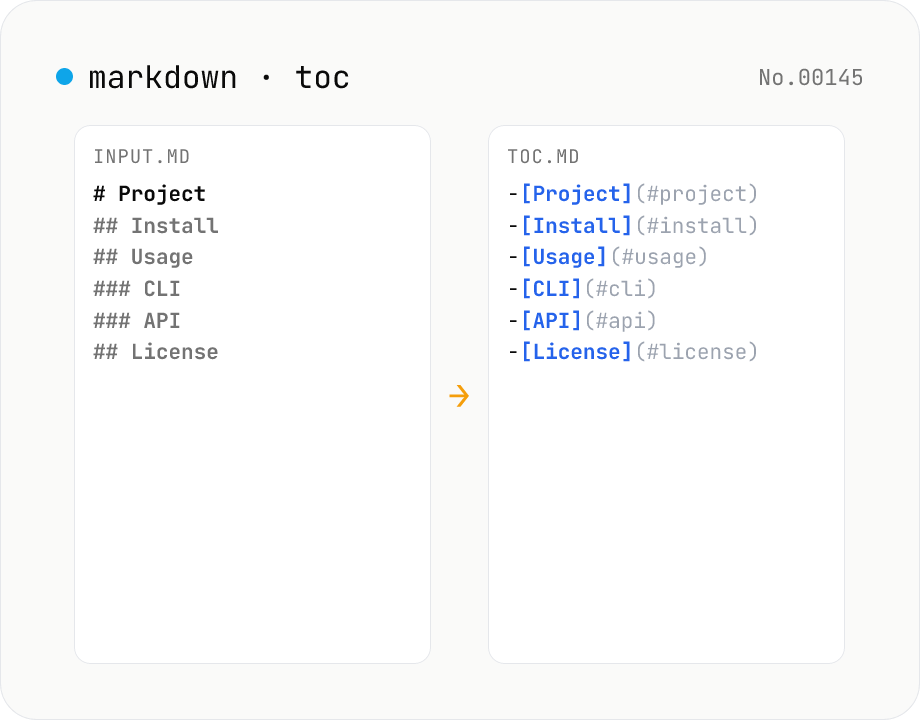
Markdown TOC — extract anchors from headings
Scan Markdown headings (#, ##, …) and emit a table of contents with GitHub-style anchor links. Toggle between nested and flat list, change the maximum heading level, and choose whether to include H1. Headings inside fenced code blocks are skipped automatically. Copy the Markdown or save as .md and paste it anywhere. Runs entirely in your browser.
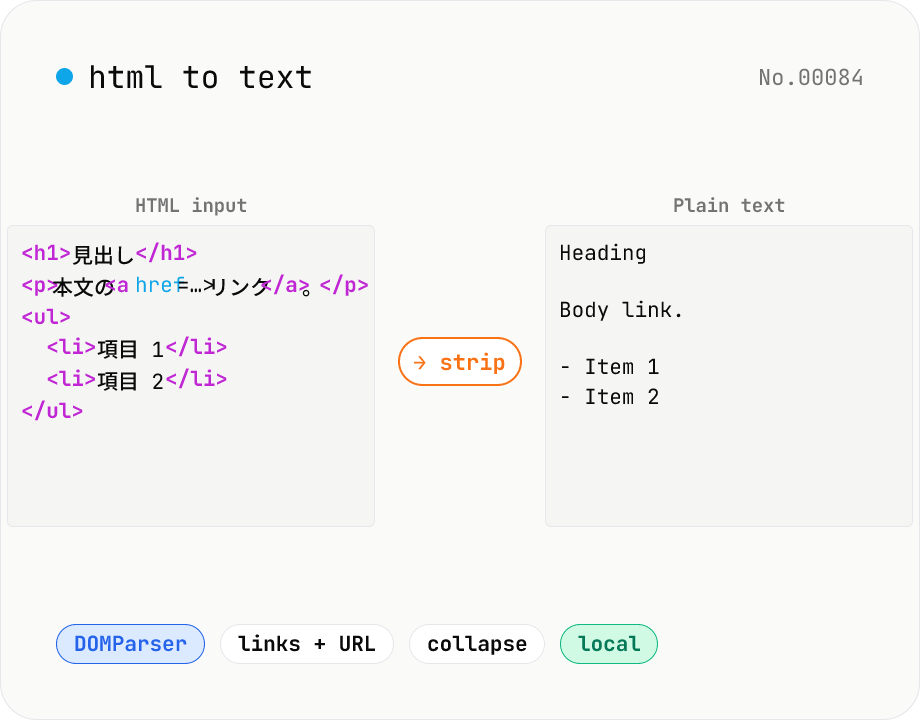
HTML to text — strip tags and keep only the visible text
Strip a chunk of HTML to its plain visible text. Removes script / style / noscript / comments; converts <p>, <h*>, <li>, <br>, etc. to line breaks; optionally pairs link text with its href. Toggles for collapsing whitespace, decoding HTML entities, and keeping list markers. Useful for cleaning scraped pages, NLP preprocessing, plain-text emails, or pasting articles into note apps. Everything runs in your browser.
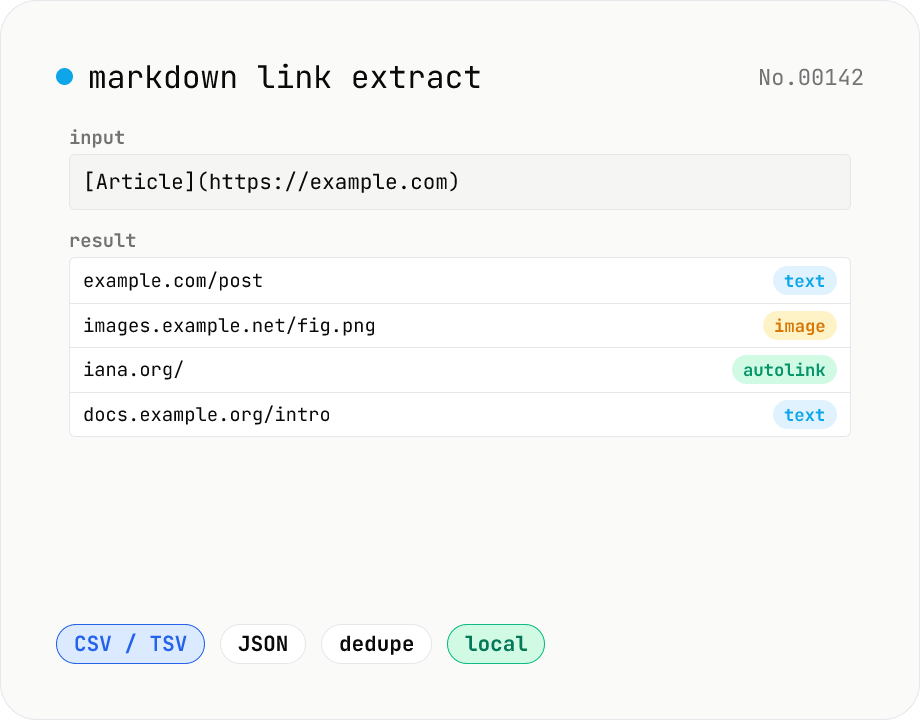
Markdown link extractor — pull URLs from Markdown / HTML / text
Extract every URL or Markdown / HTML link from a chunk of Markdown, HTML, or plain text. Detects `[label](url)`, ``, `<a href>`, `<img src>`, and bare URLs, then classifies each result (text / image / autolink). Includes deduping, type filters, host grouping, and CSV / TSV / JSON export. Great for auditing links in an article, listing image sources, mapping internal-link structure for SEO, or harvesting references for a social post. Everything runs in your browser.